A:AnswerYou could try a few things like disabling fast boot or setting the computer to shut down when you press the power button as opposed to going to sleep. If you need help I recommend reaching out to the Best Buy Geek Squad or HP Support.
A:AnswerWe are sorry to hear about this, and more so that our online team hasn't been able to assist the way you need!! We recommend checking in with a service center, or even with Best Buy's Geek Squad team!!
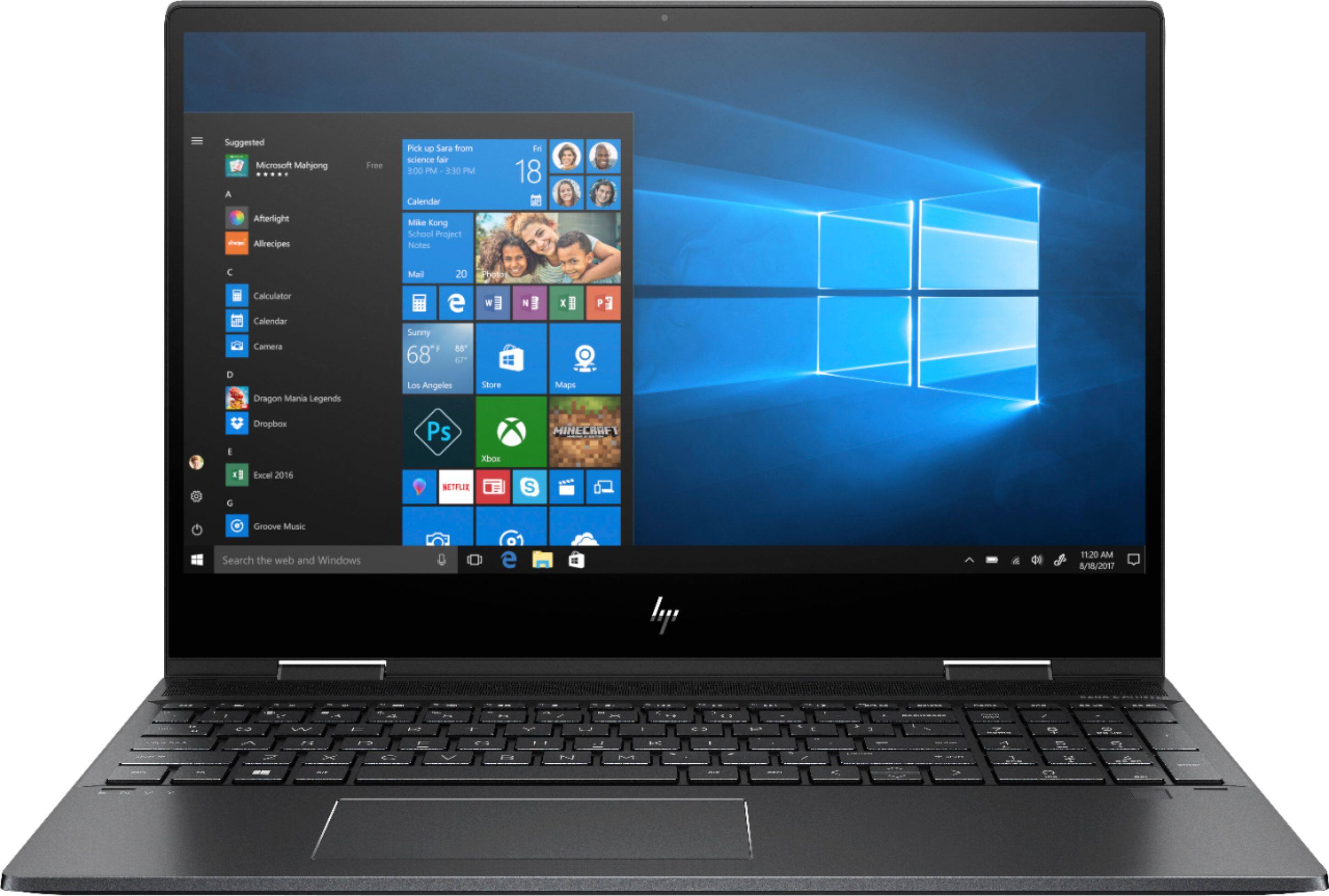
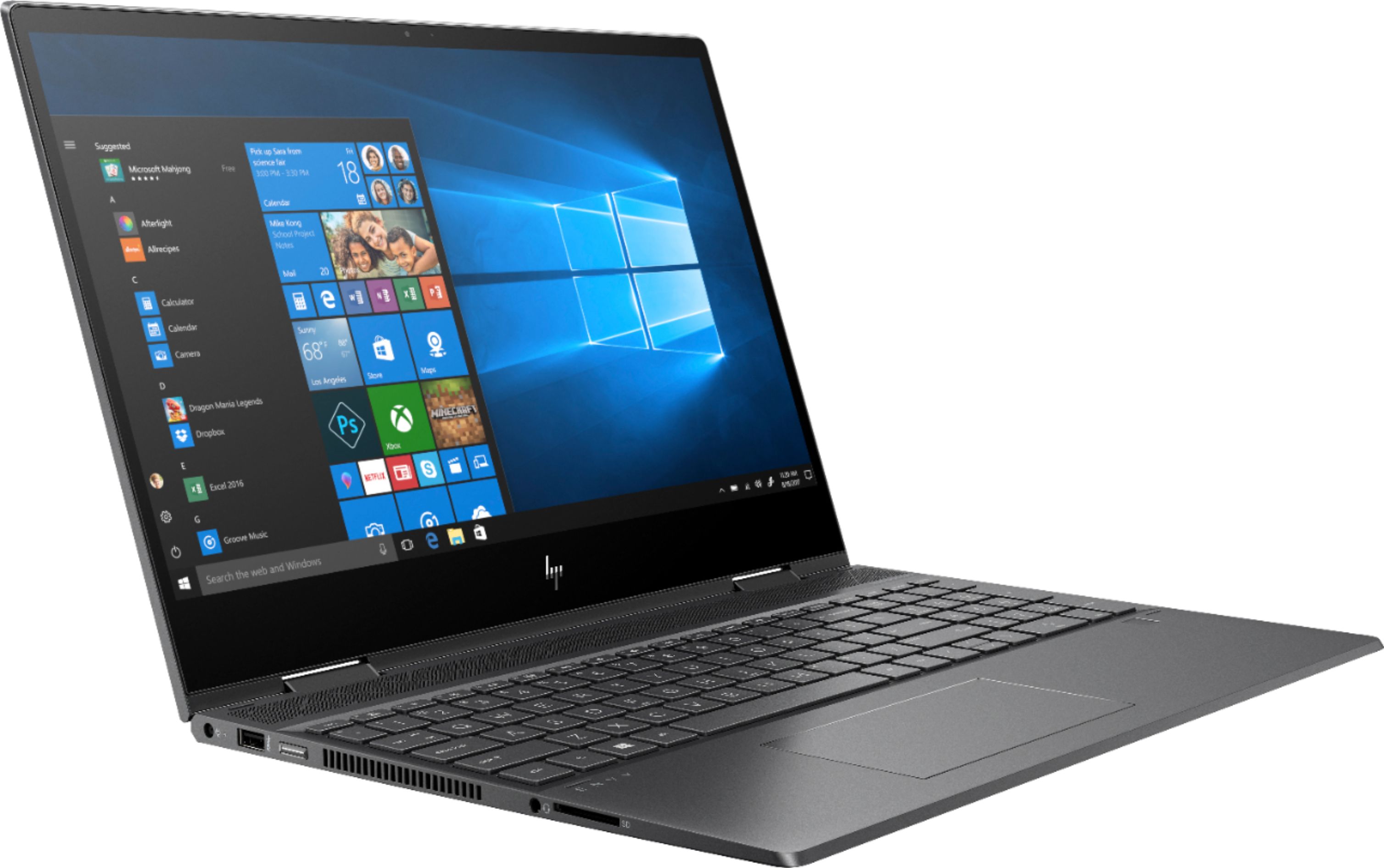
A:Answer1. Display is full HD touch screen.
2. RAM slots are not user accessible, you have to remove the back cover and remove the heat shields.
3. RAM is not soldered on, can be upgraded. I'm running 2 16gb Samsung modules for a total of 32GB (part number M471A2K43CB1-CRC) .
4. 1 storage slot and it's PCI-E NVMe M.2 SSD only and can be upgraded. No SATA storage or dual storage.