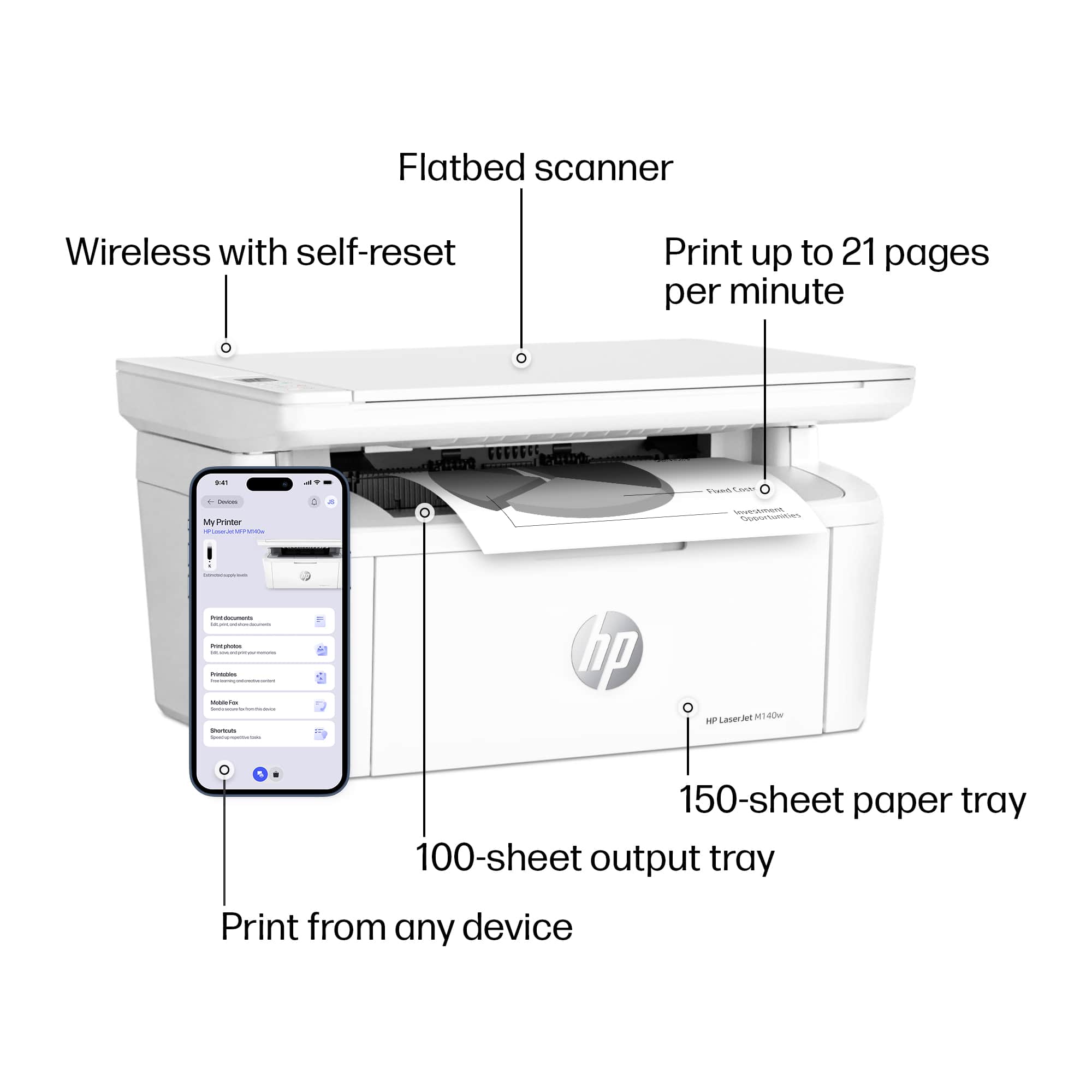
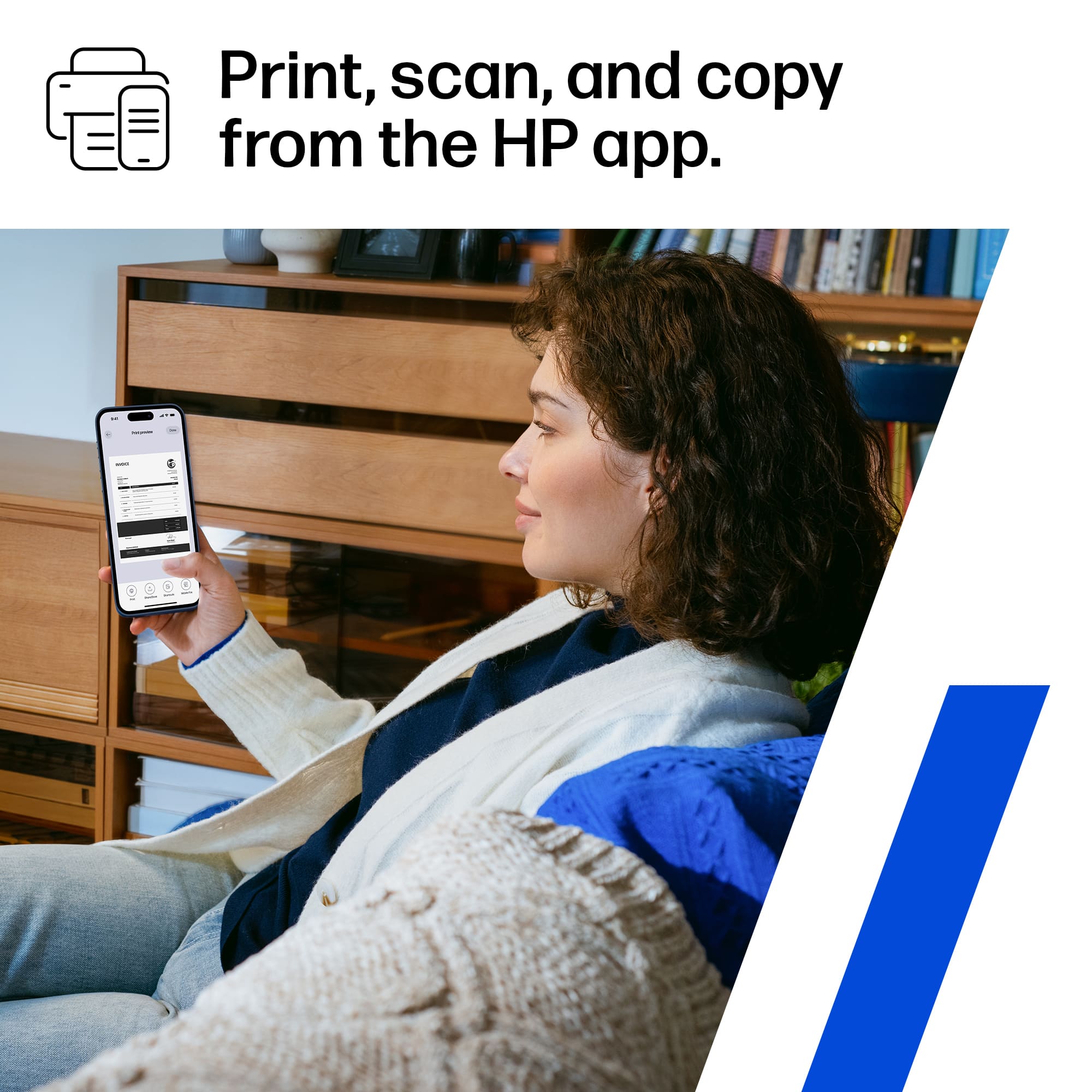
A:AnswerMarv, thank you for your question about the app. There are a lot of printing apps with similar names to HP's app. The name of the app is "HP Smart" and the developer of it is HP Inc. HP Smart is free and it has NO in-app purchases whatsoever. That means no premium features behind a paywall or some type of subscription fee just to use it.
A:AnswerThank you for your concern about scanning with this! The HP LaserJet M140w will scan in color, so you can archive your photos or put an any graphics into documents.
A:AnswerHello and thanks for asking. The HP LaserJet MFP M140w supports a maximum paper size of legal (8-1/2"x14") paper. Also, it does not support Postscript.
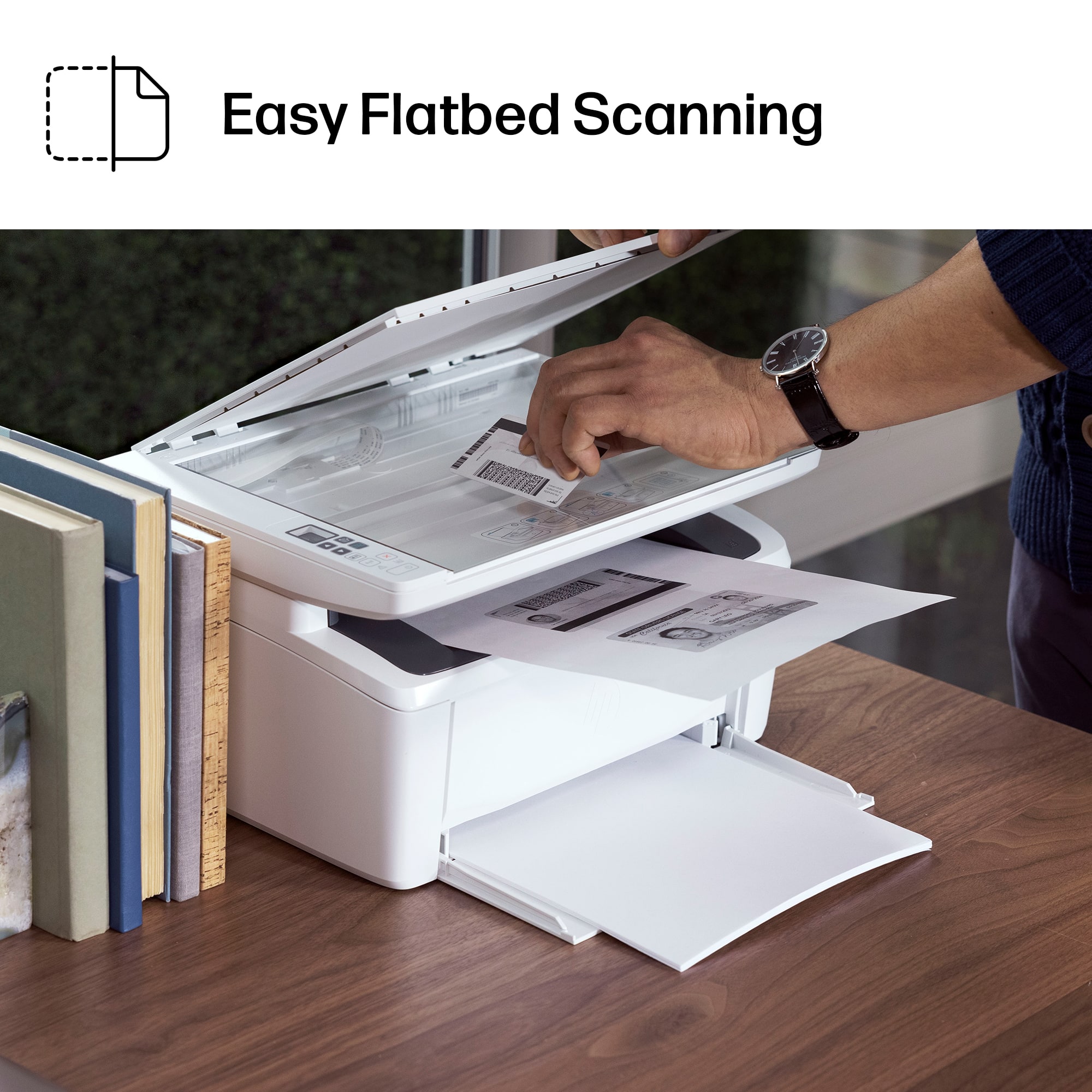
A:AnswerThank you for the question. After placing the original document face down on the scan bed and press the copy button. You can find helpful information when you download the User Manual from HP Support.
A:AnswerNot directly. You could use something like a dock that the printer would be connected to and then use the USB-C connection on the docking station to connect to the lightning port.