A:AnswerHello, Jerry. Thanks for your question. We recommend using an inkjet printer for printing photos. Inkjet printers produce smaller dots than laser printers, which results in higher photo quality. Laser printers, on the other hand, are better suited for text and documents due to their larger toner particles, which can make photos look grainy.
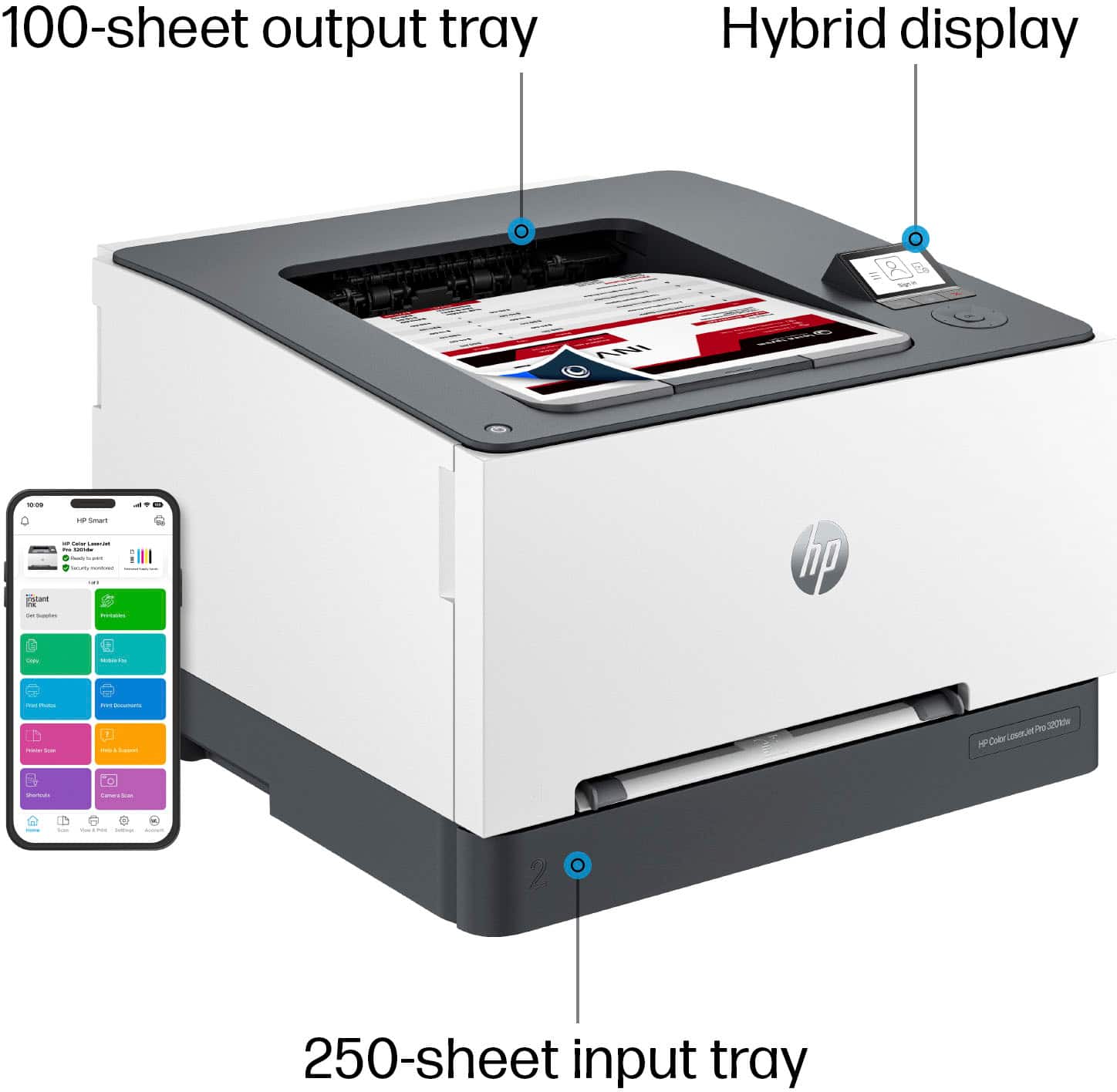
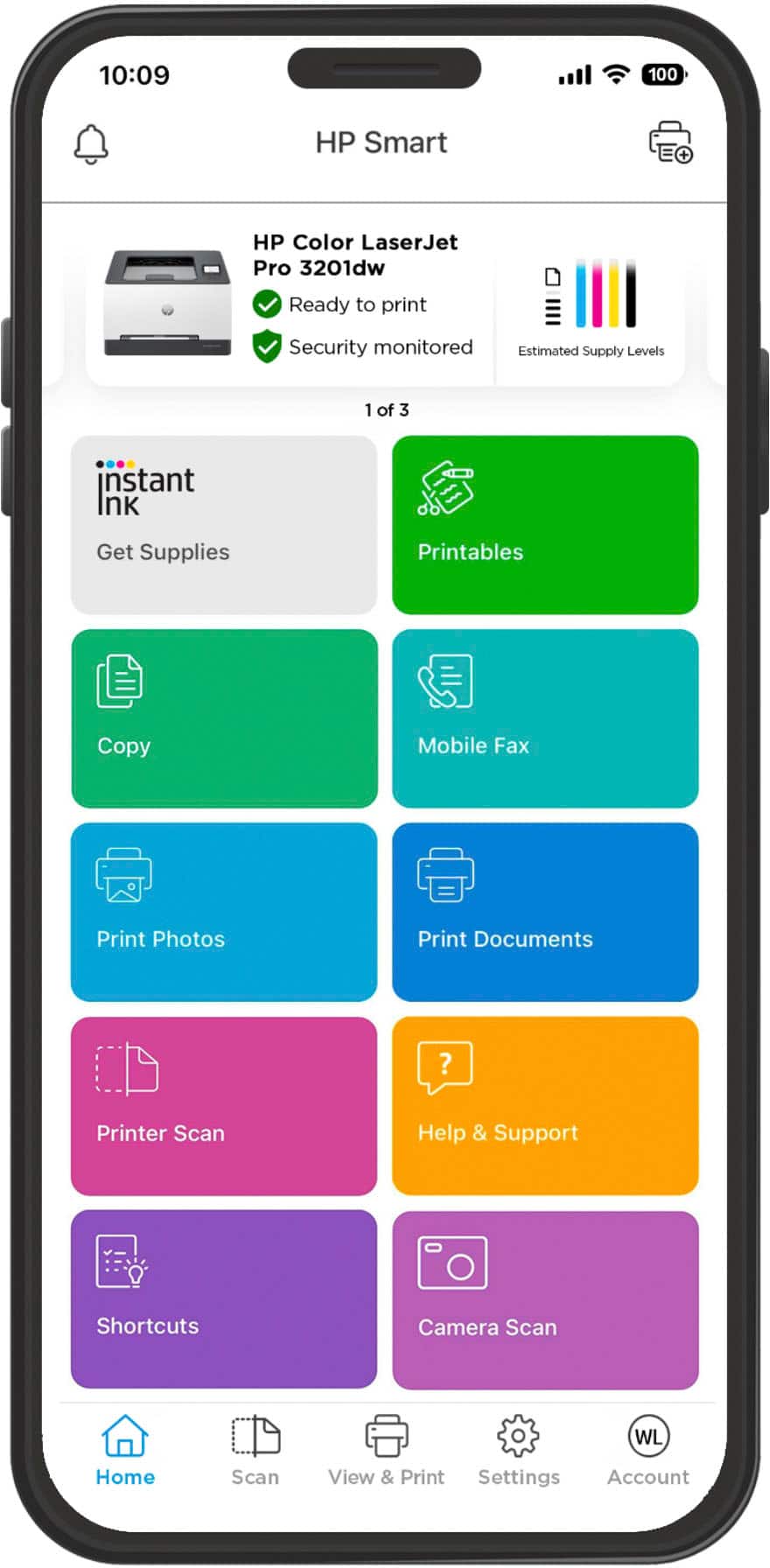
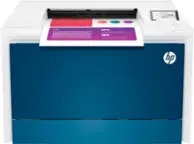
A:AnswerThanks for your question! The HP LaserJet Pro 3201dw Wireless Color Laser Printer is not compatible with the HP Instant Ink subscription service.
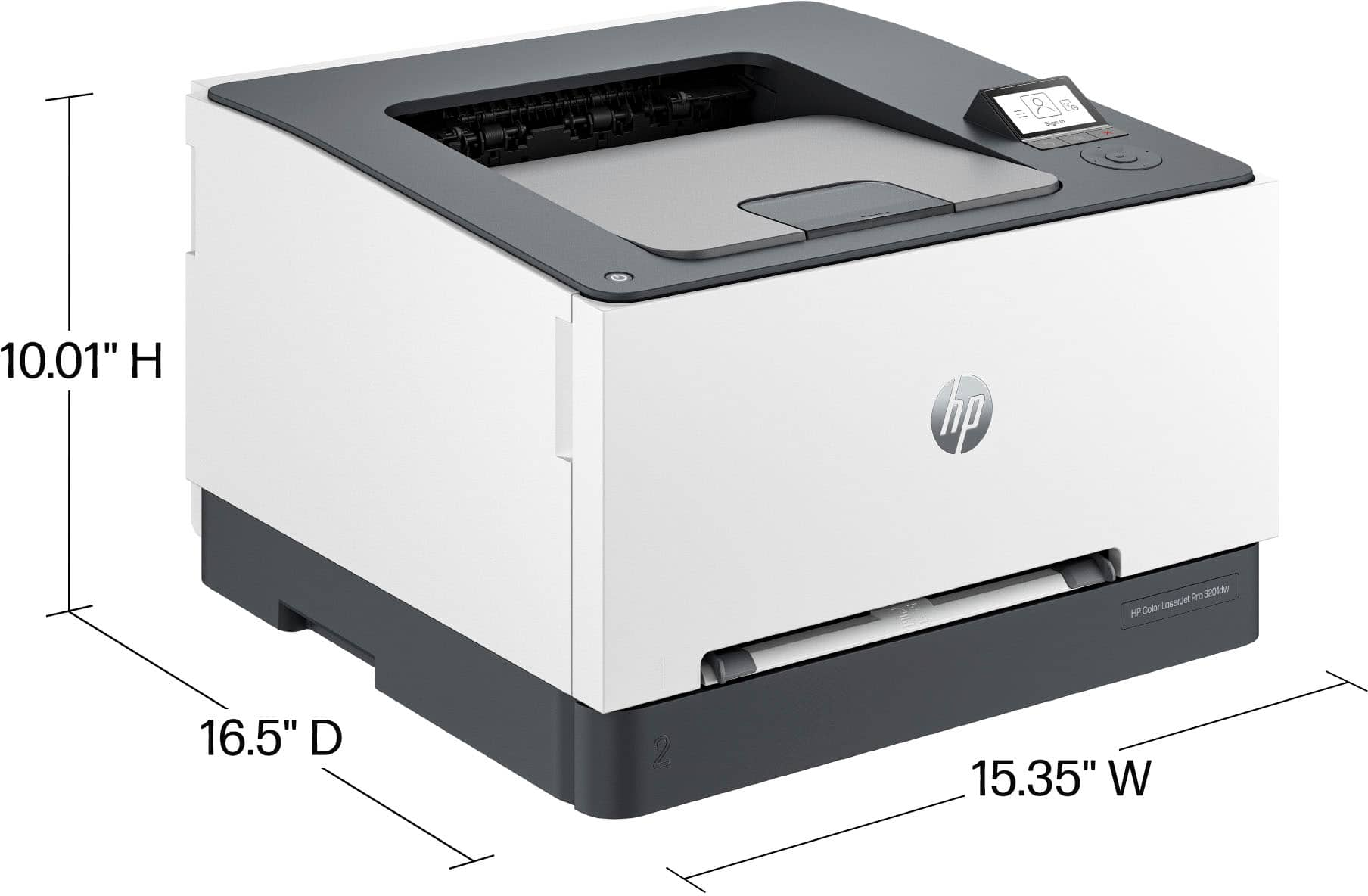
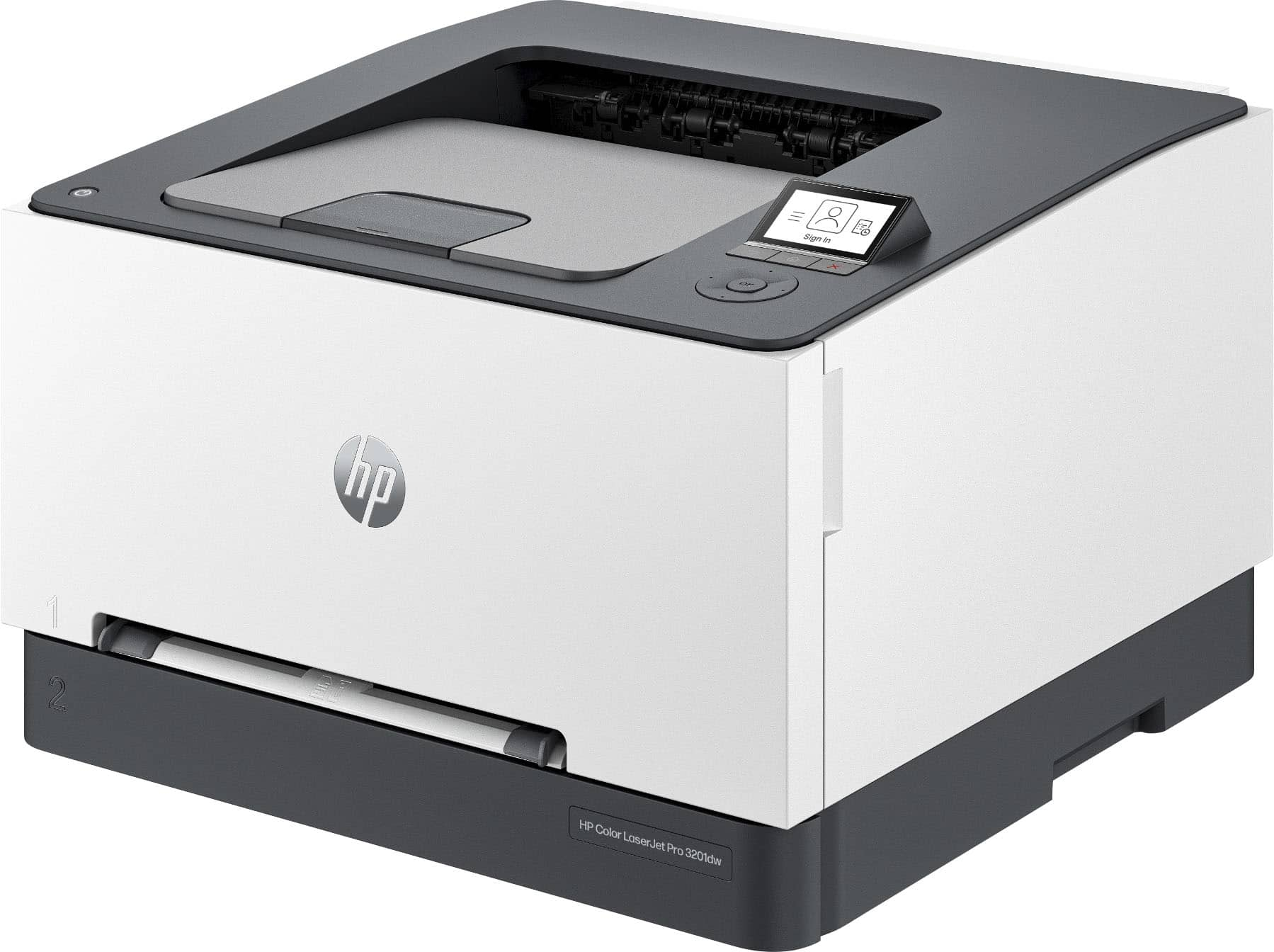
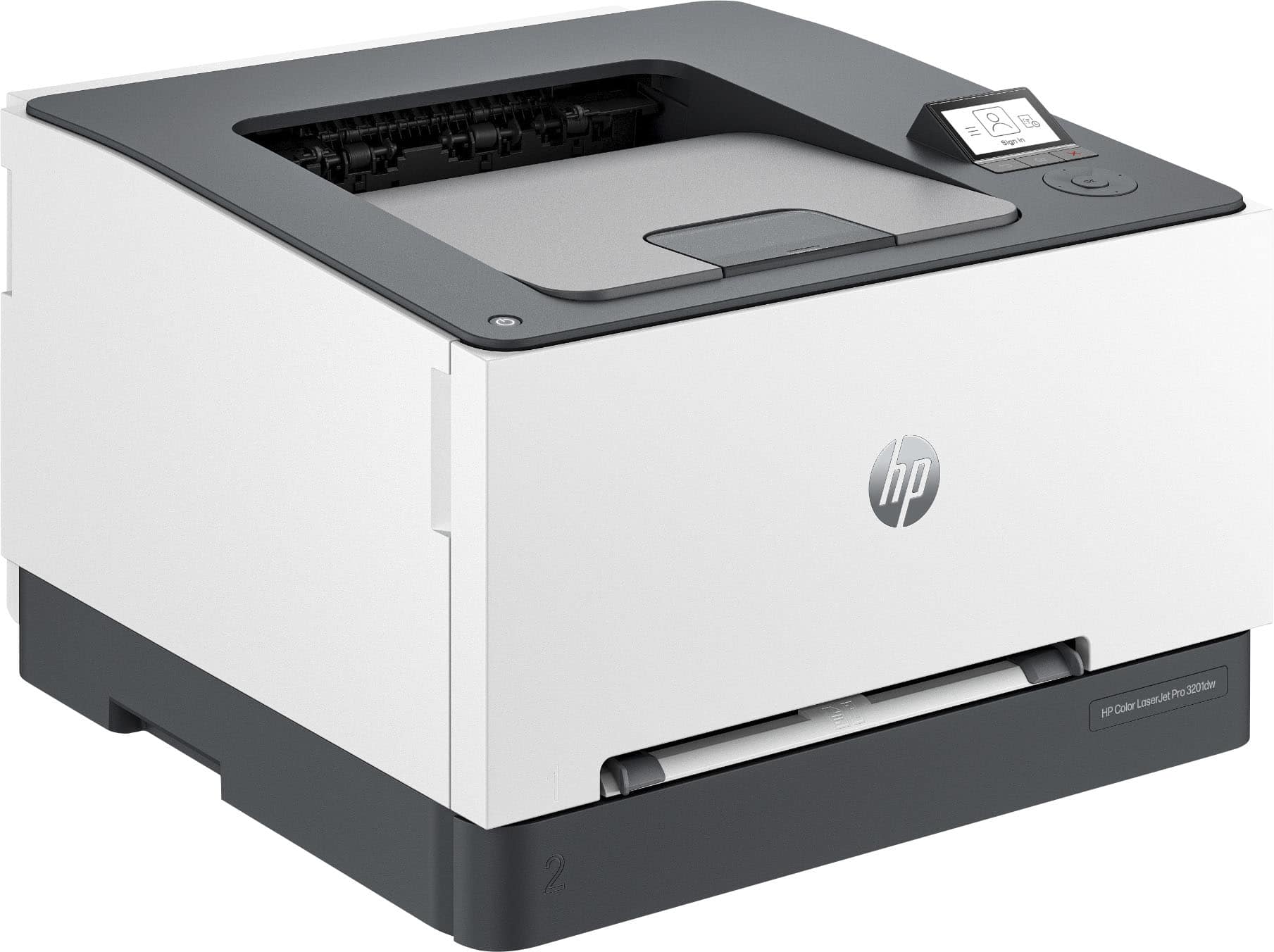
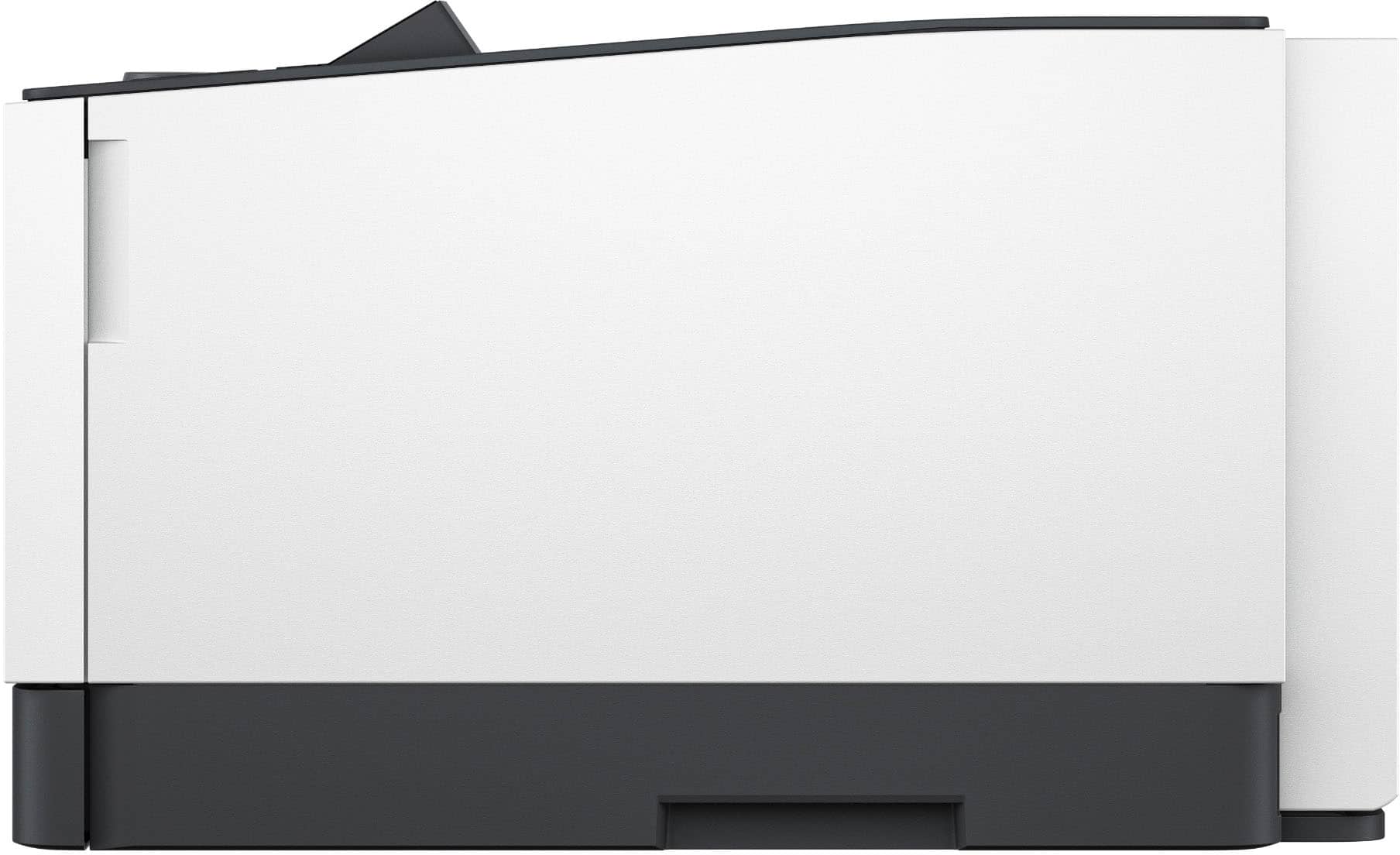
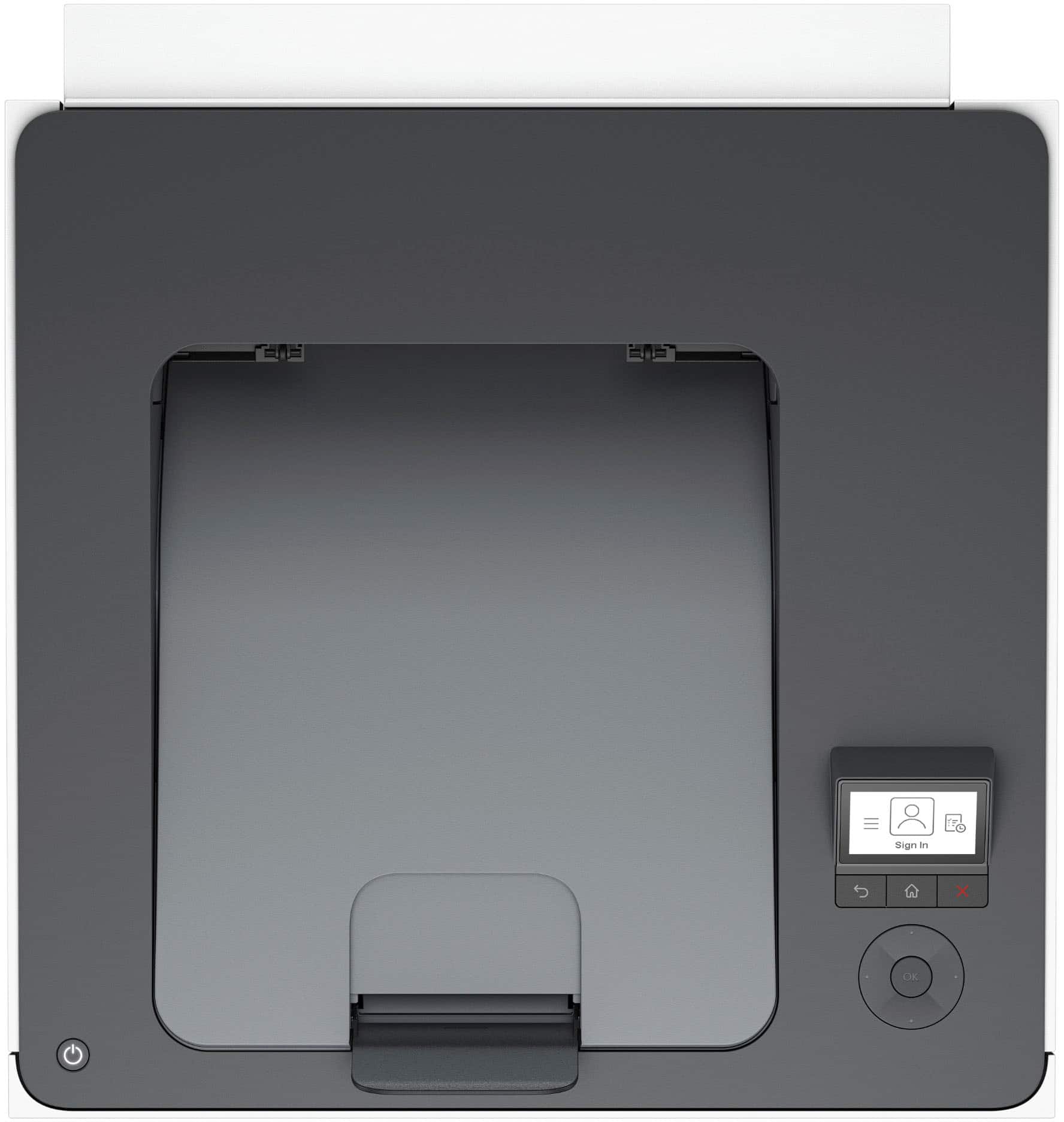
A:AnswerHello and thank you for asking. The HP Color LaserJet Pro 32010dw printer has the following product dimensions W x d x h: 15.35 x 16.5 x 10.01 in.
A:AnswerMike, thank yo for your question about this HP LaserJet Pro printer! Since this is a standalone printer, it does not have any scan or fax capabilities whatsoever. The version of this printer that has scan and fax is the LaserJet Pro 3301fdw, which is sold through Best Buy.
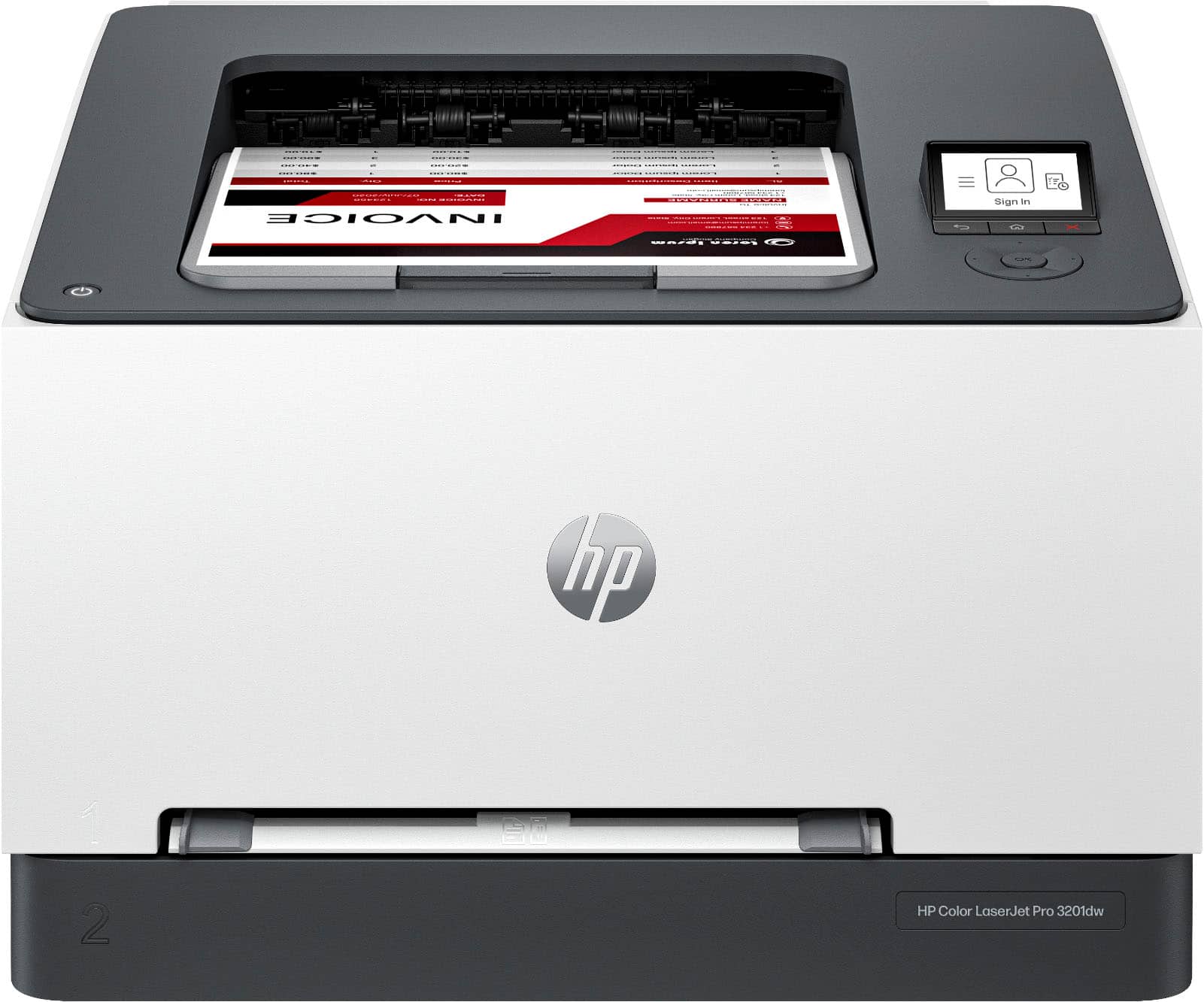
A:AnswerThank you for your question. The HP LaserJet Pro 3201dw printer does not have a specific “mirror image” setting directly on the printer itself. However, you can achieve a mirror image effect through your print settings on your computer.
A:AnswerJanuary 2025. We live in Arkansas and I purchased a full set of four HP brand cartridges from Office Depot (locally) for $83.00 each for color and $64.00 for black. That came out to $313 plus tax. Online and at other places the cost was running over $400. I hope Office Depot keeps their price down.