Questions & Answers
- Model:
- M254DW
- |
- SKU:
- 5981902
Highly rated by customers for: Print Quality, Ease of use, Wireless
Page Showing 21-38 of 38 questions
Q: QuestionWhat is the footprint? W x H?
Asked by Anonymous.
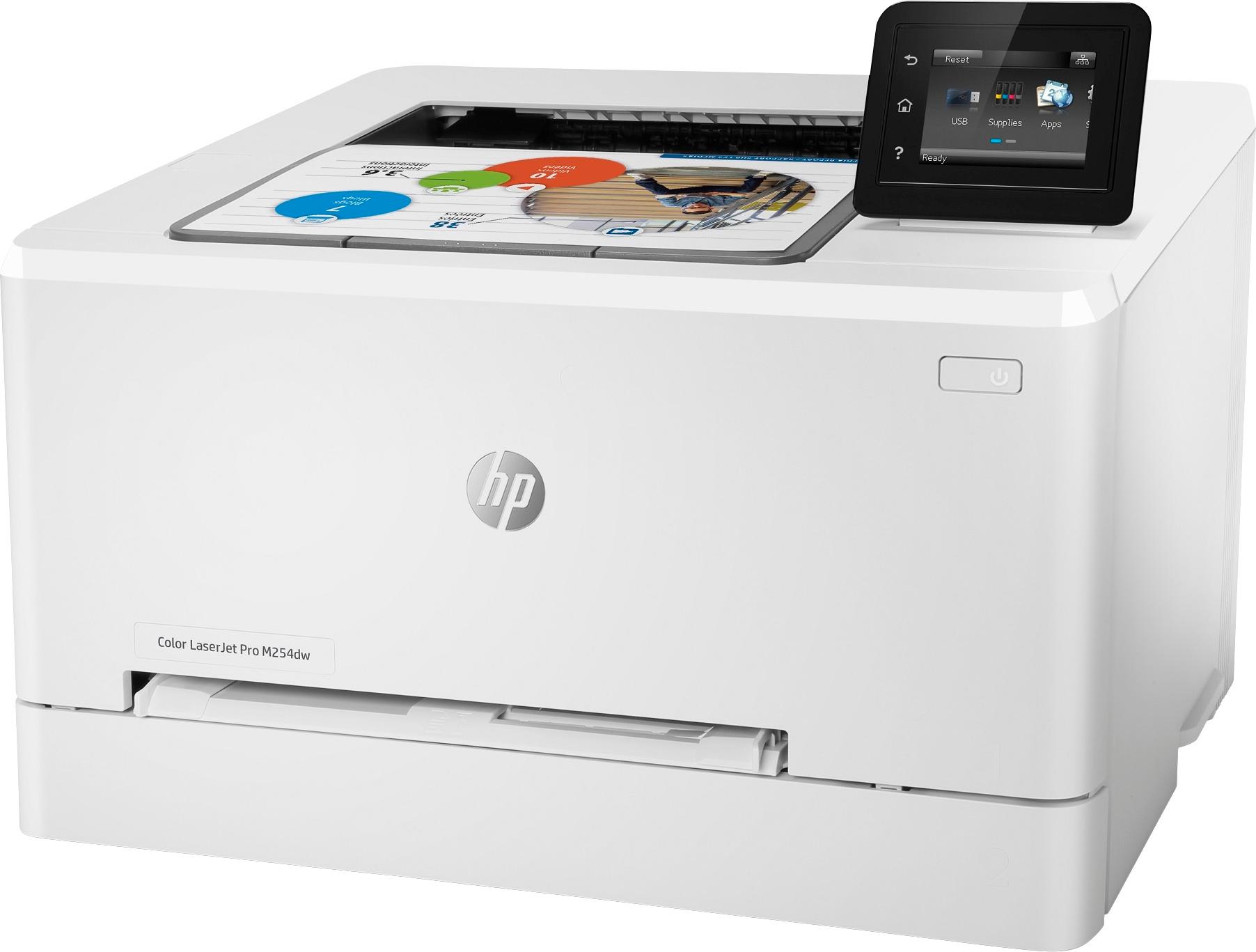
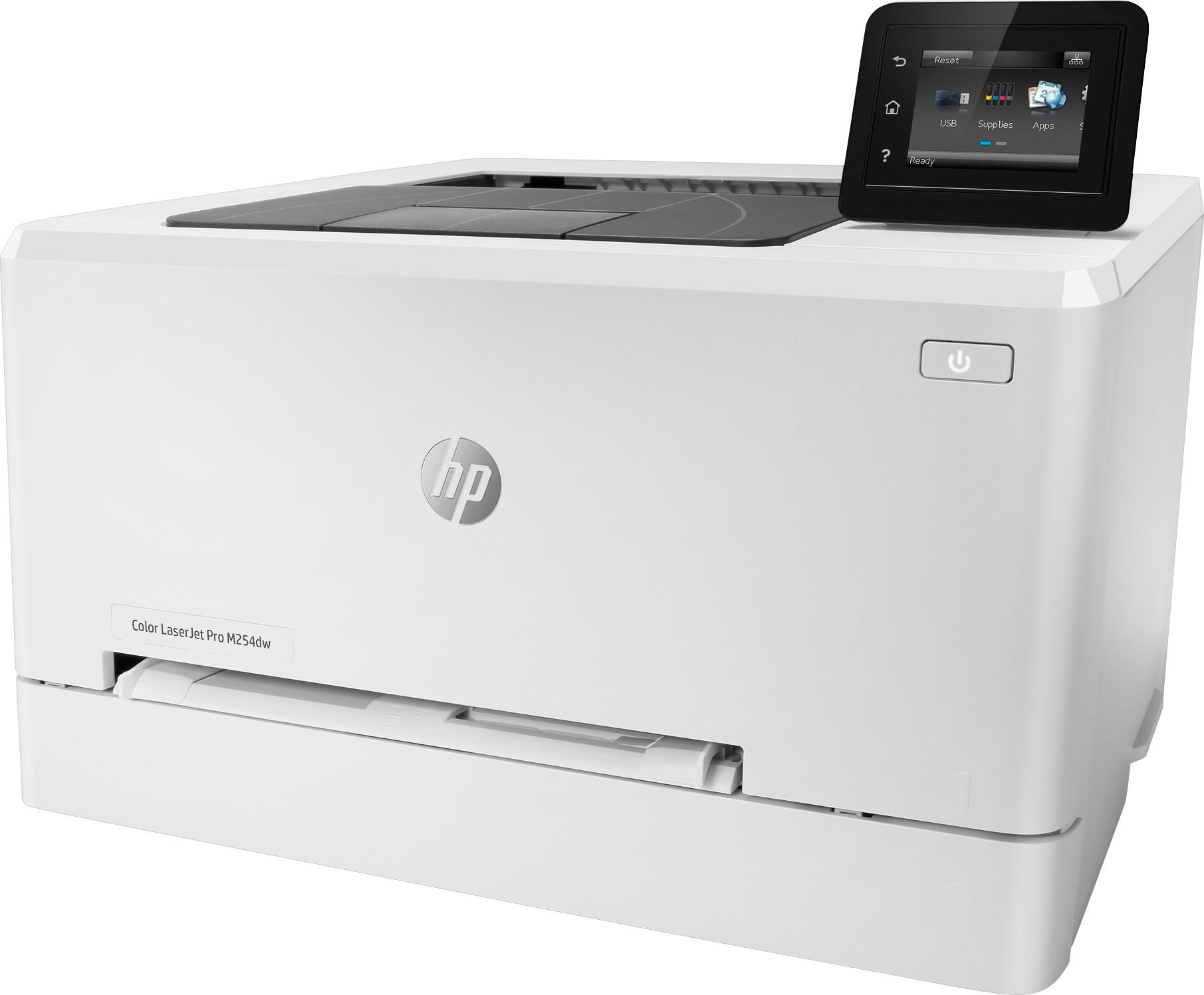
- A:Answer Here are the dimensions for this printer: (W x D x H, U.S. standard) 15.43 x 19 x 12 inches.
Answered by HP Team

Q: Questionwill it print on card stock
Asked by Helmer.
- A:Answer Media types Paper (bond, brochure, colored, glossy, heavy, letterhead, light, photo, plain, preprinted, prepunched, recycled, rough), transparencies, labels, envelopes, cardstock Media weight supported (U.S. standard) 16 to 42 lb (Uncoated/Matte, recommended), however up to 45 lb Postcards and 51 lb HP Matte is allowed in the driver.
Answered by HP Team

Q: QuestionCan you fax with this printer?
Asked by Anonymous.
- A:Answer No. That capability is not available in this printer.
Answered by Dave
Q: QuestionIs this printer capable of printing out quality color wedding invitations on card stock?
Asked by Diana.
- A:Answer This printer can handle up to 47 pound postcard paper and 59 pound glossy paper.
Answered by HP Team

Q: Questionwill this print 11x17
Asked by Anonymous.
- A:Answer No, HP Color LaserJet Pro M254dw can not handle 11x17 also known as ledger/ tabloid size. I hope this helps.
Answered by Dave
Q: QuestionDoes this have Bluetooth and WIFI so I can print from my phone?
Asked by Dillon.
- A:Answer Yes. It is bluetooth and wifi connected. You can print from your phone and the HP Smart app
Answered by Dee123
Q: QuestionHow heavy of coverstock paper can this printer handle?
Asked by Lindsaynyc.
- A:Answer You can print on up to 45 lb Postcards and 51 lb HP Matte.
Answered by HP Team

Q: QuestionSally. It says it's all in one printer so that means prints copes and scans does this one do thatt
Asked by Anonymous.
- A:Answer No it does not scan which is disappointing. Other than that it does a nice job.
Answered by Brat
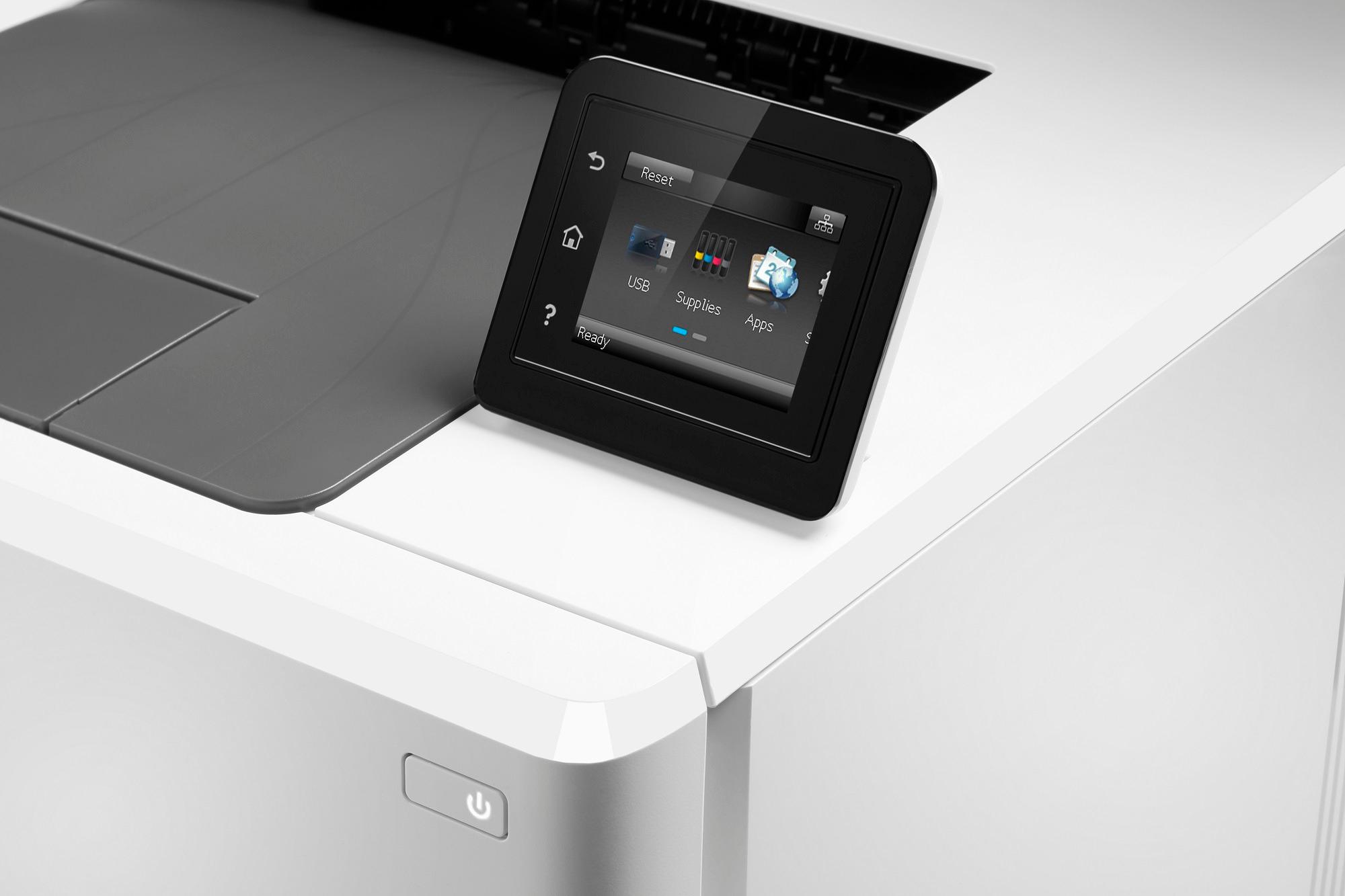
Q: QuestionDoes the display fold down when not in use?
Asked by Dodgerblue.
- A:Answer You can manually gold it down. Thanks.
Answered by WMach
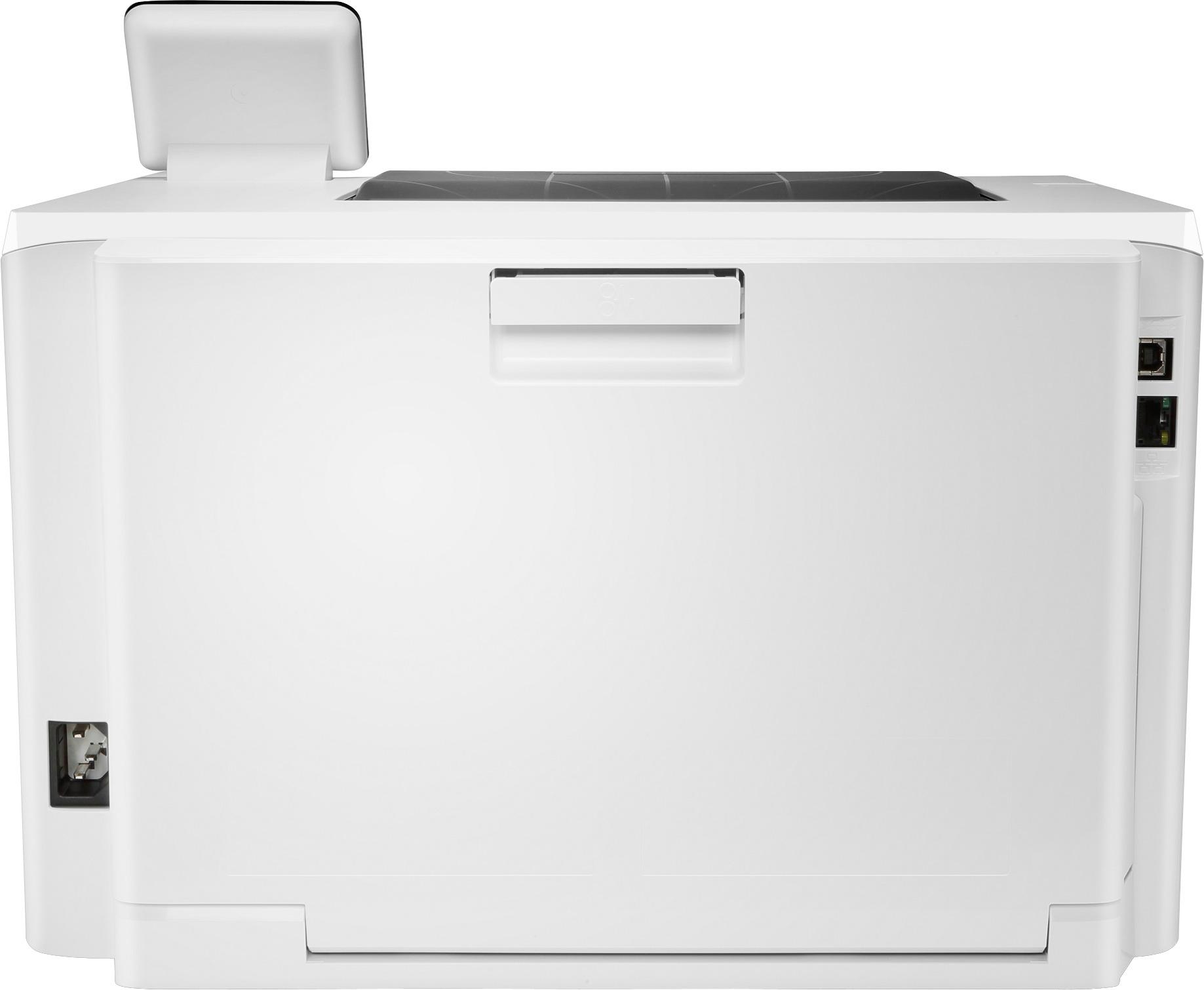
Q: QuestionI just bought this printer, when it is in standby mode it makes a horrible high-pitched (almost) whistling sound (emanating from the power supply area). Has anyone else experienced this? Trying to understand if I have a faulty model or if it's the design.
Asked by Anonymous.
- A:Answer A faulty model
Answered by MyShadeRoom
Q: QuestionCan this printer do business check sheets and partial sheets from tray
Asked by Printer.
- A:Answer The print driver allows many sizes to print from the tray. More info is needed to accurately answer your question. What size is a full sheet? How many checks per sheet? If one check is printed from a sheet, what size "sheet" remains? If two checks are printed from a sheet, what size "sheet" remains? The print driver also allows you to create custom paper sizes. If the tray can't handle it, the manual feed can. By the way, this is an EXCELLENT printer. Very pleased with it.
Answered by JohnE
Q: QuestionWhat is the cost of the cartridge replacements?
Asked by Goose.
- A:Answer The 202A Black toner cartridge costs $64.99, the 202A Color cartridges each cost $76.99.
Answered by HP Team

Q: QuestionWill the HP - Laser Jet Pro M254dw Wireless Color Laser Printer print on 3x5 card stock and will it print photos?
Asked by Anonymous.
- A:Answer I'm going to repost this answer because it probably saved me from ruining my Laserjet Pro. "You absolutely do not want to print photos with a laser printer. Running photo paper through a laser printer could also damage the printer. To put it simply, InkJet printers use ink, which is a liquid. The ink goes onto the paper and is absorbed by the paper. Toner is a solid which does not soak into the paper but is actually laid on top of the paper then fused (or simply, melted) onto the paper. To add to this, the coating on some photo papers could melt inside the fuser and permanently damage the printer. You can print nice images on a glossy laser printer but do note that laser printers also have a lower color gamut than an InkJet printer. This is because the liquid based dye inks mix together to create perfectly accurate colors. Laser printers with the wax toner cannot mix the colors together as well. This means that you want to use an InkJet printer for photos. If you want the best photo quality you would want to look at our HP Envy Photo line. If Photos are only secondary I then any of our InkJet printers would work well. Look at the Envy line for lower volume printing or the OfficeJet series for higher volume printing (a ream of paper every 6 months or less). Answered by HP Team 1 month ago"
Answered by JasoninCA
Q: QuestionIs there the ability to print on Legal Size paper? Is the purchase of an additional paper tray needed?
Asked by Chris.
- A:Answer Yes, it can print on legal. No additional tray is needed.
Answered by Minnesotajen
Q: QuestionHow many different color ink cartridges does it require?
Asked by moi.
- A:Answer This laserjet actually uses toner, and not ink, but it uses four toner cartridges total: one black, one cyan, one yellow, and one magenta!
Answered by HP Team

Page 2, Showing 21-38 of 38 questions
Best-selling Best Buy
- $329.00$329.00The price was $349.00
- $99.00$99.00The price was $129.00
- $14.99$14.99The price was $19.00
- $24.99$24.99The price was $29.99
- $329.99$329.99The price was $469.99
- $14.99$14.99The price was $19.00
- $174.99$174.99The price was $199.99