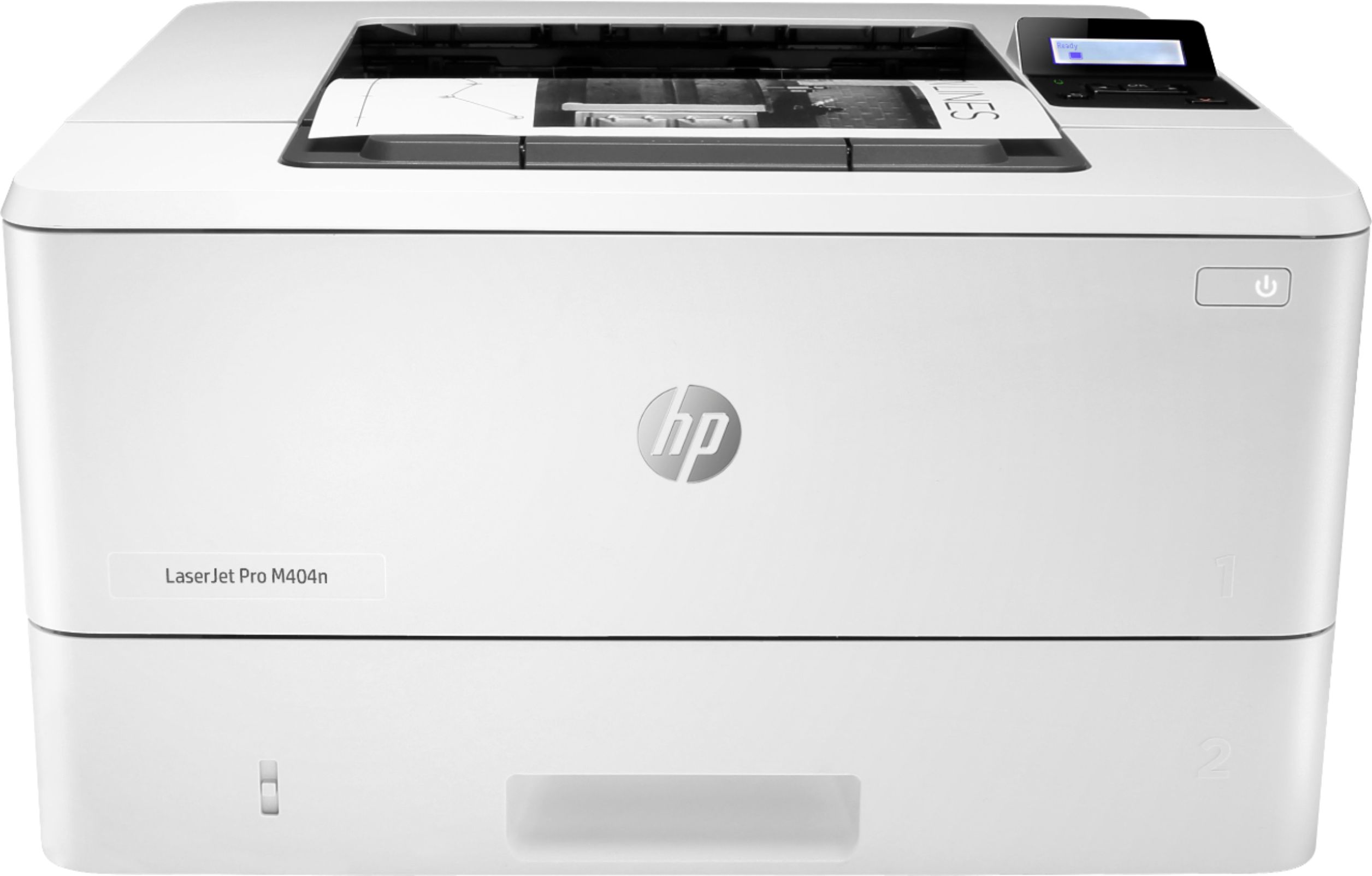
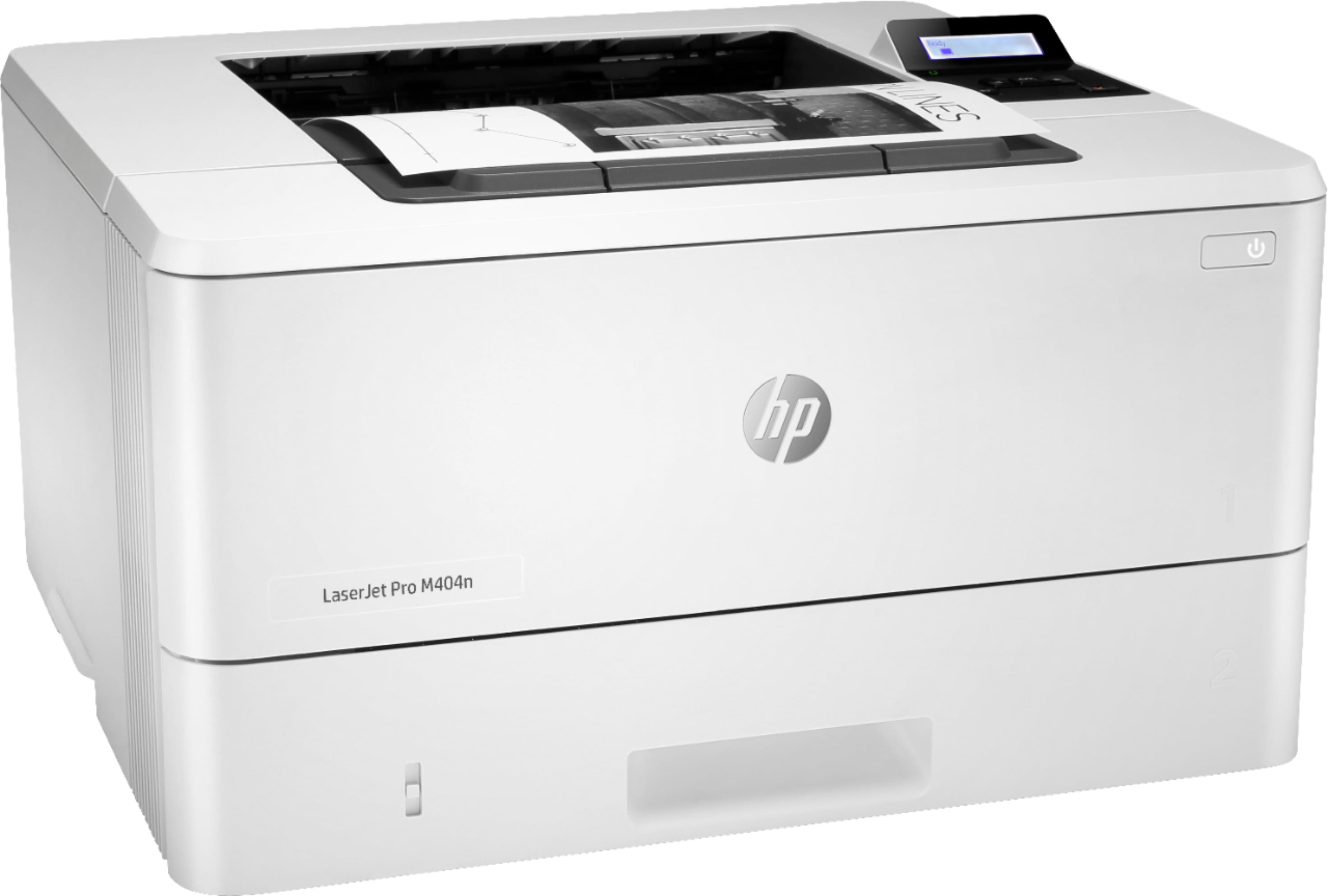
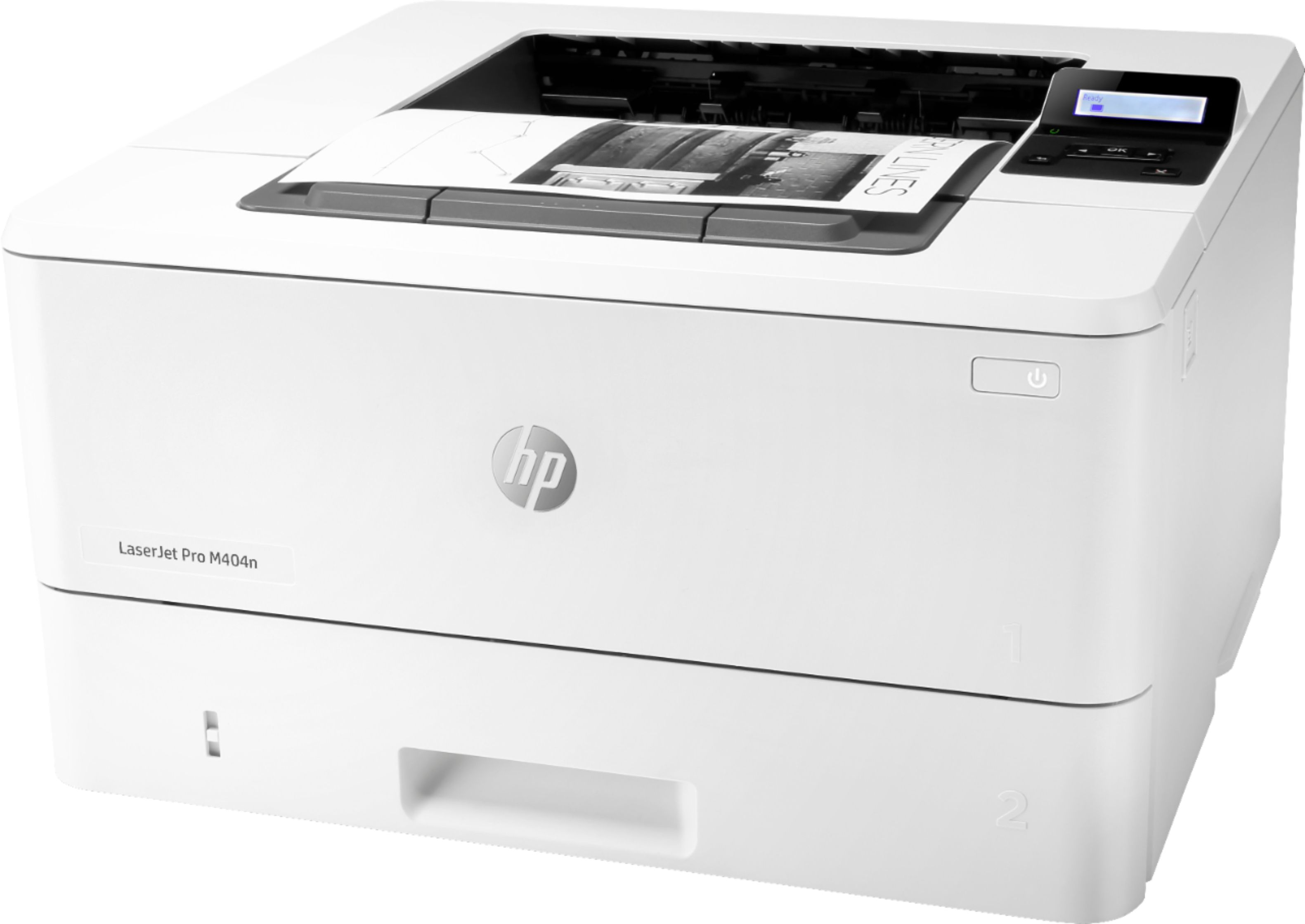
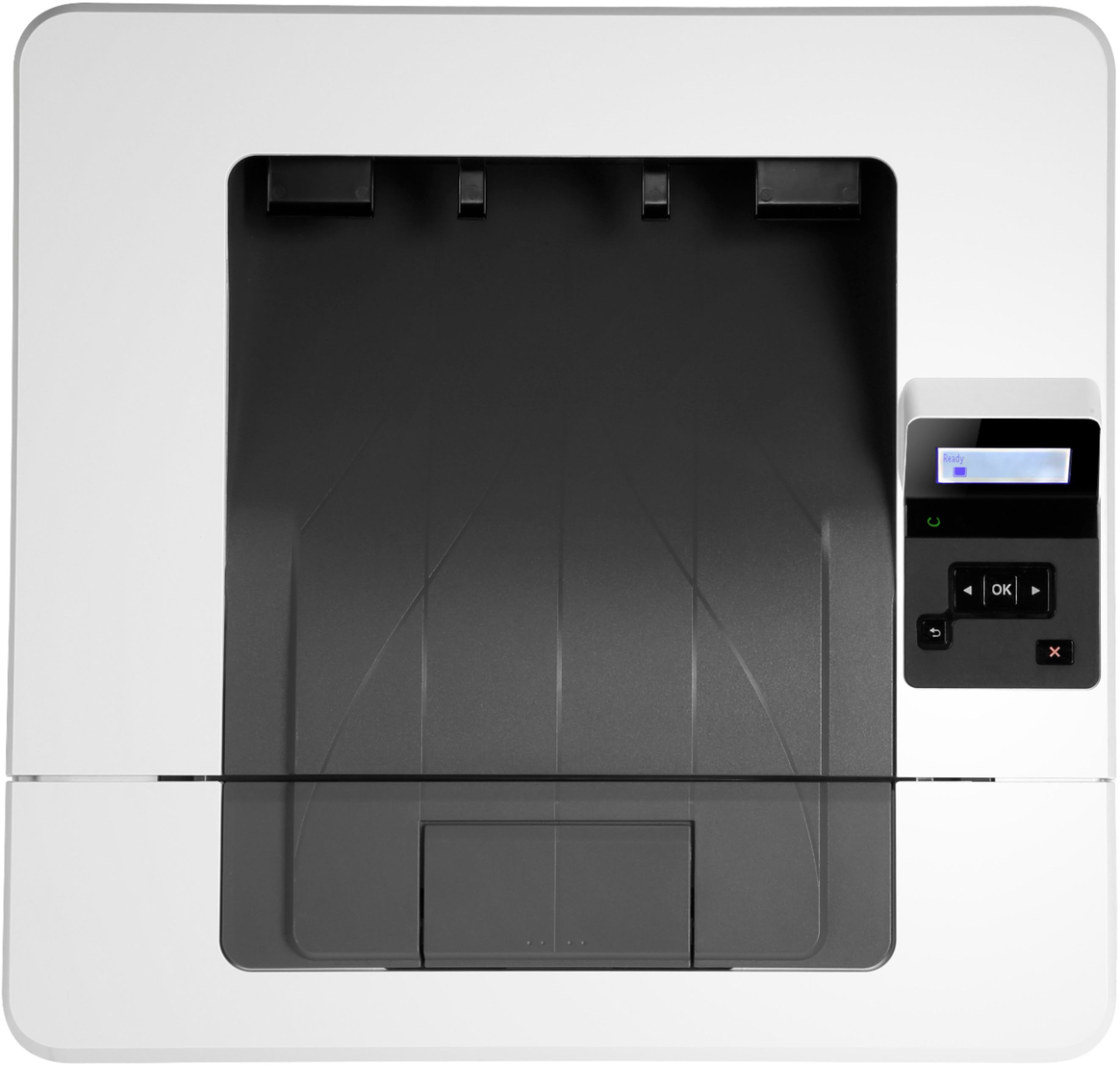
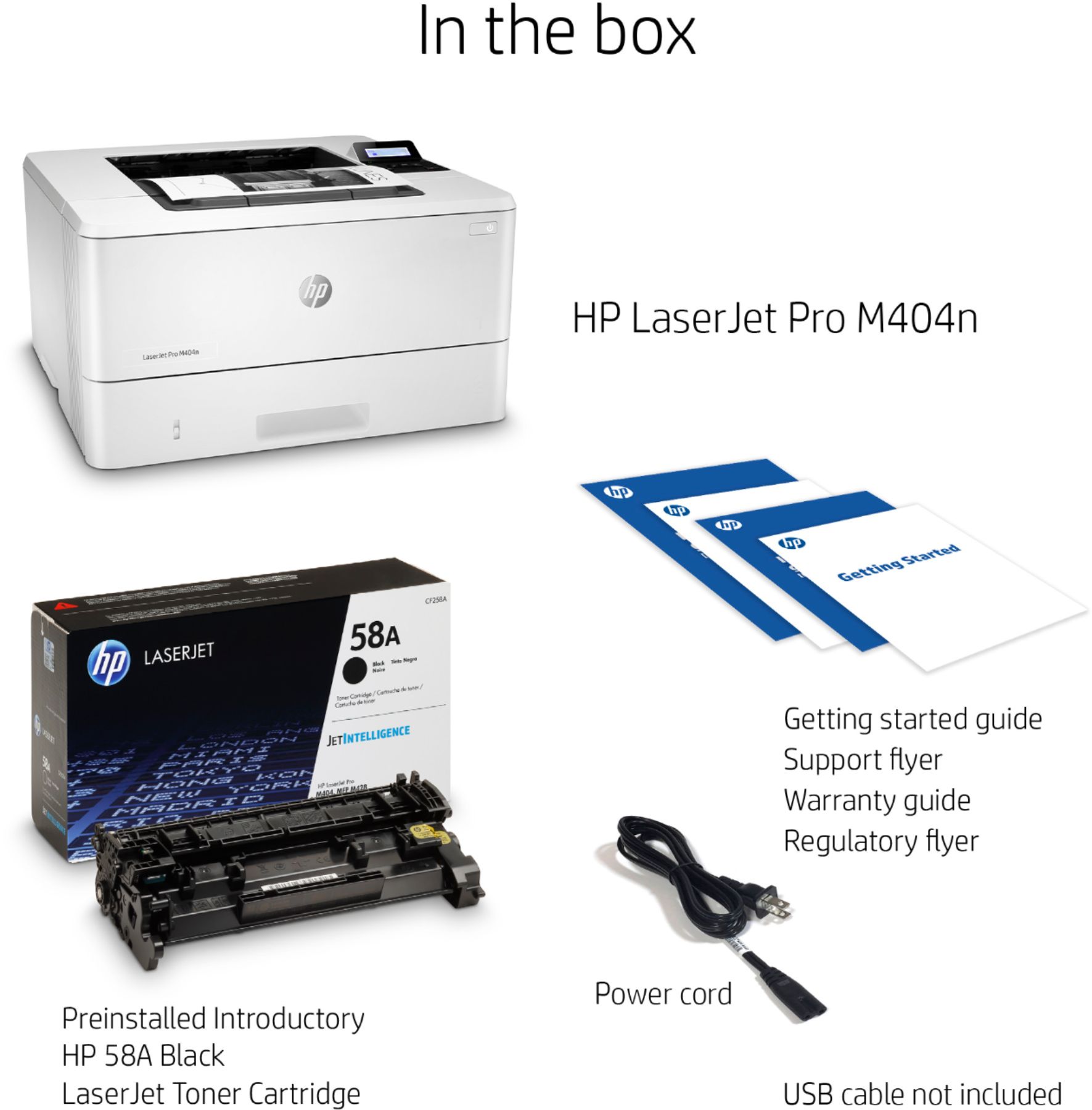
A:AnswerThis model will print up to 38 pages per min. This printer will be a great option for fast printing of black and white documents. This model only prints black and white, it will not support color printing.
A:AnswerMost iron on transfer paper is inkjet. I would recommend an HP OfficeJet pro 9015 for this.
https://www.bestbuy.com/site/hp-officejet-pro-9015-wireless-all-in-one-instant-ink-ready-inkjet-printer-gray/6320038.p?skuId=6320038
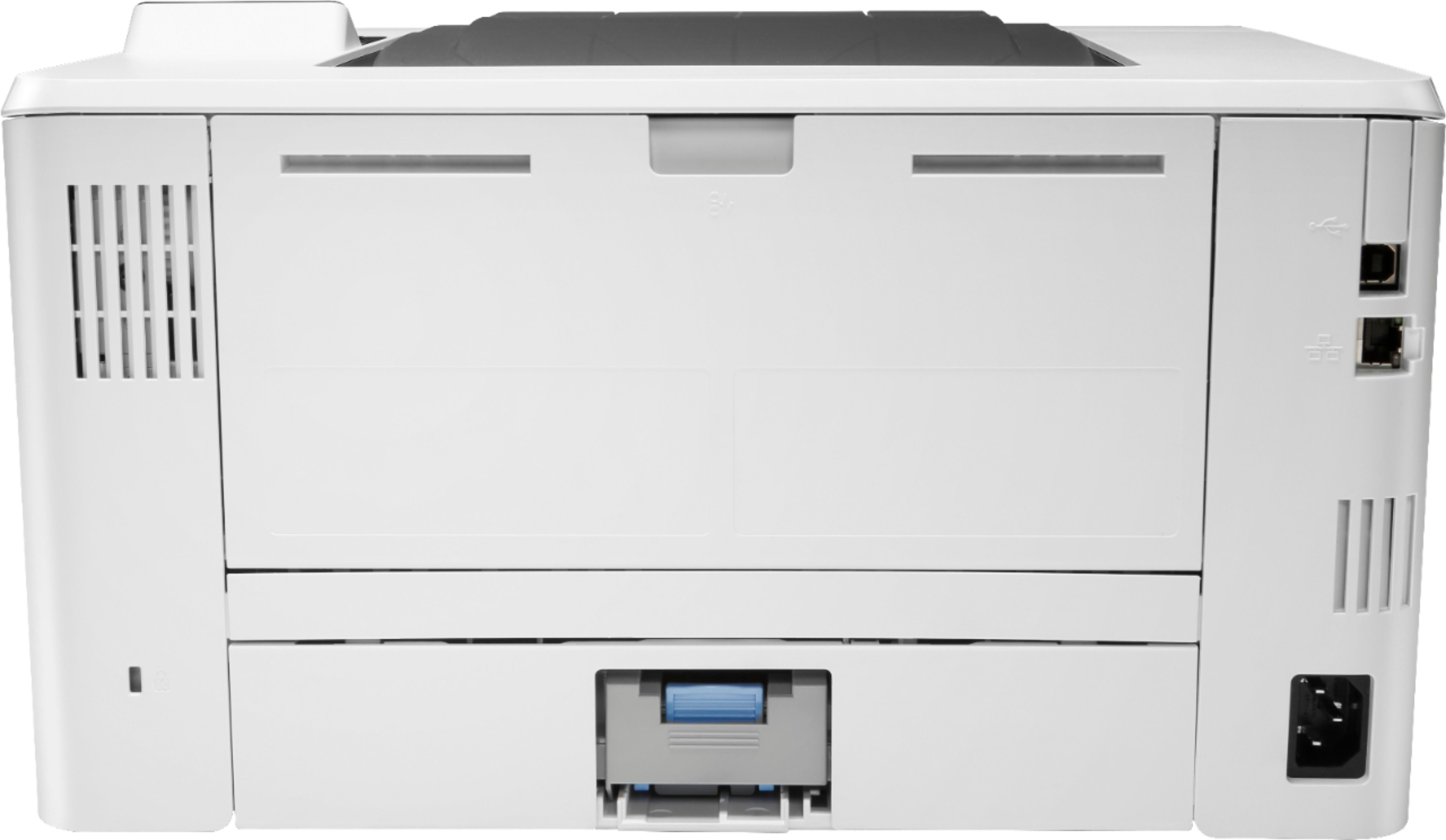
A:AnswerThe printer comes with instructions to connect to a website which will guide you in setting up the printer. It's a fairly quick process and I was able to set up the printer for use with both Windows and Mac OS laptops. Please note that the printer does not include a USB cable for connecting the printer to your computer. This will need to be purchased separately.
A:AnswerBased on the manufacturer specifications, the printer can print up to 40 pages per minute in default mode or 42 pages per minute in high speed mode.
A:AnswerAccording to the manufacturer specifications, Windows Vista is not supported. The only Windows versions currently supported are Windows 7, Windows 8, Windows 8.1, and Windows 10.