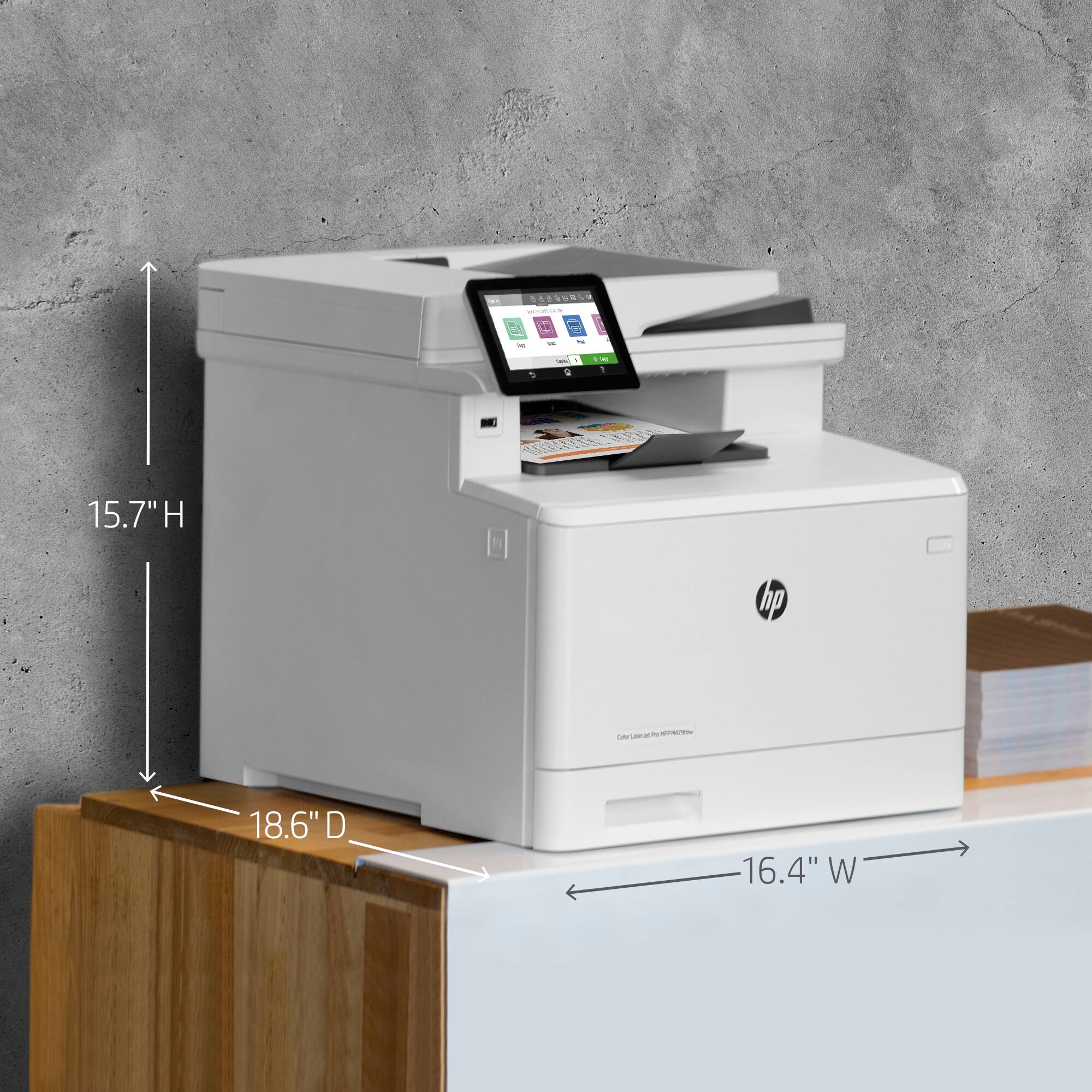
A:AnswerIt will support A4 sized paper, but not A3 size, which is larger than the printer can accommodate. However, something like the OfficeJet Pro 7740 Wide format can take the A3 paper size as well as A4.
A:AnswerIt costed me $400 for factory standard toner.414A was recommended from Best Buy, so I purchased along with the printer.
I own a small business and have been using it for a couple of weeks now and have not needed to replace the toner it came with.
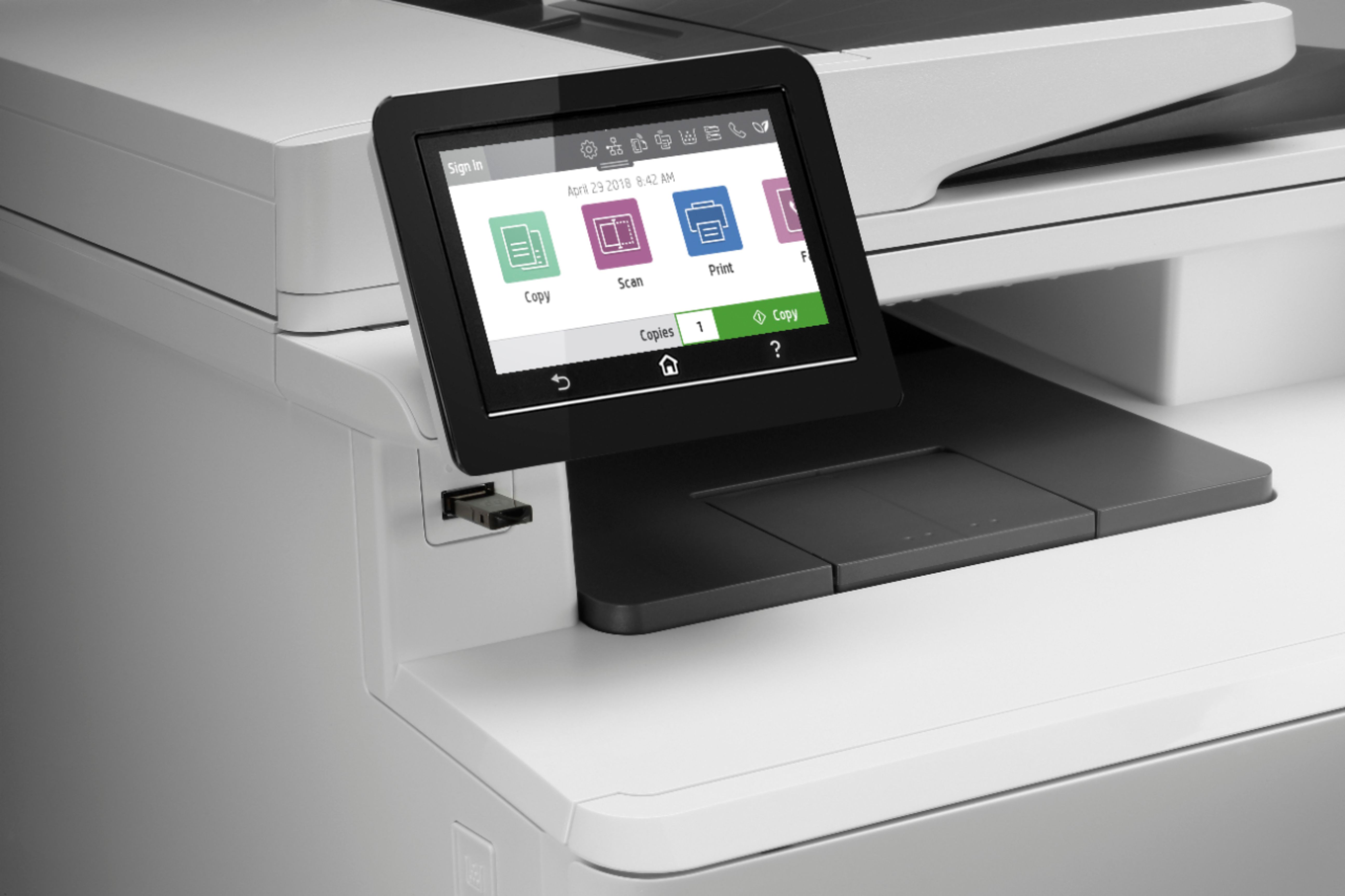
A:AnswerYes, you can print via a USB cable. However, if you already installed the printer using wifi, you will have to install another instance of the printer driver using USB. Just make sure you can tell the two apart if you will be sometimes printing via each connection method. So you can choose the correct printer when printing.
A:AnswerYes, you can print from anywhere in the world to your printer. You need to be sure the printer is connected to the network.
I would recommend using HP ePrint. HP ePrint essentially gives your printer an email address. You can send emails and with attachments to your printer and it will print them out. Here is more info on ePrint: https://support.hp.com/us-en/product/hp-color-laserjet-pro-mfp-m478-m479-series/19202514/model/19202521/document/c02981758
A:AnswerI have had to print some high res photos inside of pdf's and they come out looking really good. I have used inkjet in the past to do this and they come out looking pretty horrible.
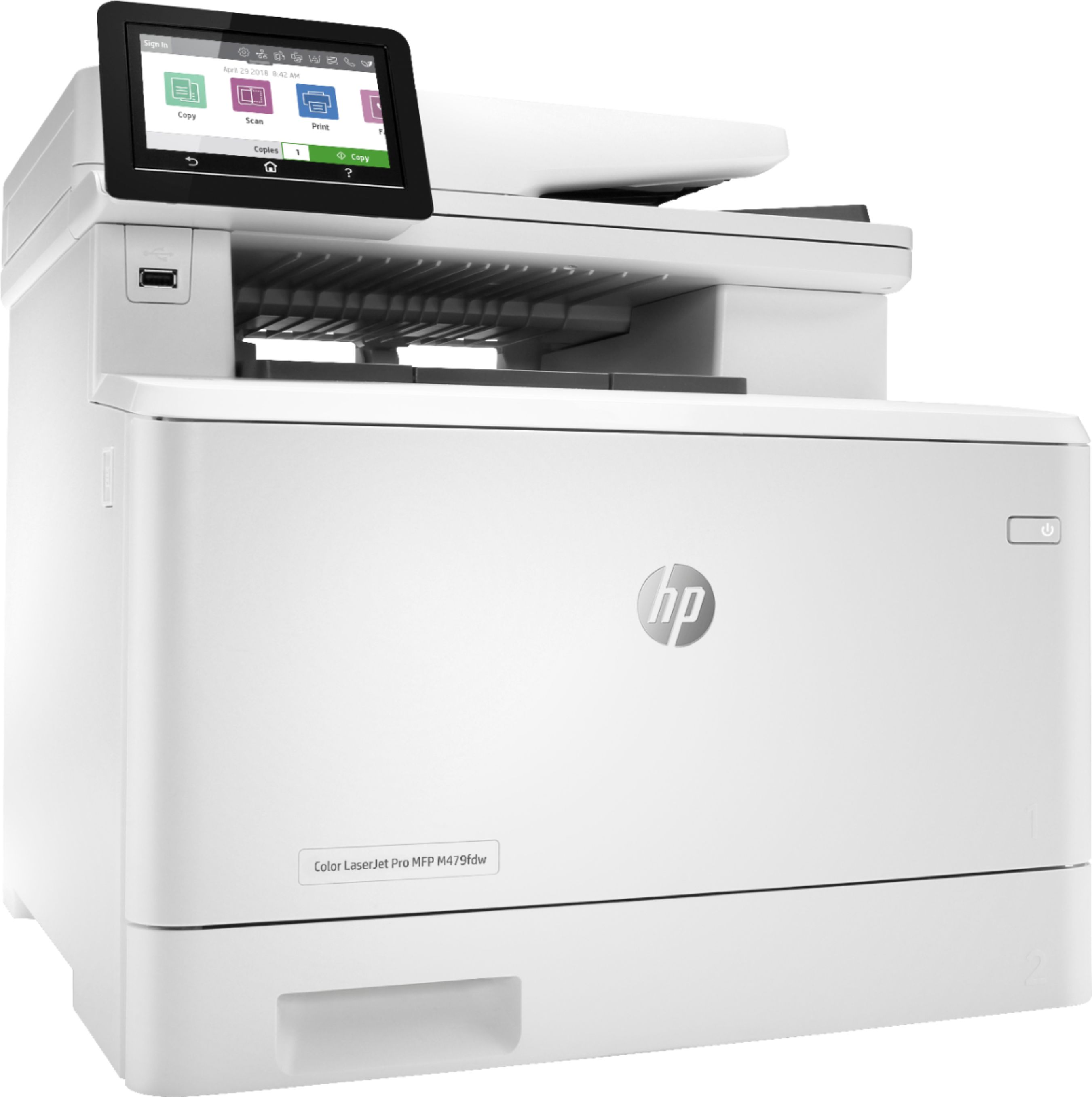
A:AnswerHello, Fred. Thanks for your question. Yes, this HP LaserJet Pro M479fdw printer can print, copy, and scan double-sided documents. You would scan or copy double-sided documents through the ADF (Auto Document Feeder).