A:AnswerTry this youtube video from HP for help: https://www.youtube.com/watch?v=sRG1UgmDQ50
The printer can use the following media: A4; A5; A6; B5(JIS); 6 x 8 in; Executive; Index card 3.5 x 5 in; Index card 4 x 6 in; Index card 5 x 8 in; Index card A4; Index card Letter; 3.5 x 5 in; 4 x 6 in; 5 x 7 in; 13 x 18 cm; 8 x 10 in; 10 x 15 cm; L; Photo 2L; 8.5 x 13 in; Letter; Statement; Envelope #10; Envelope C5; Envelope C6; Envelope DL; Envelope Monarch; Card Envelope 4.4 x 6 in.
Try contacting support.hp.com if you still have issues.
A:AnswerYes, the HP Officejet Pro 8035 printer has the ability to reduce or enlarge copies from 25 to 400%. If you can want to enlarge a scanned image or document, that can be done through the software.
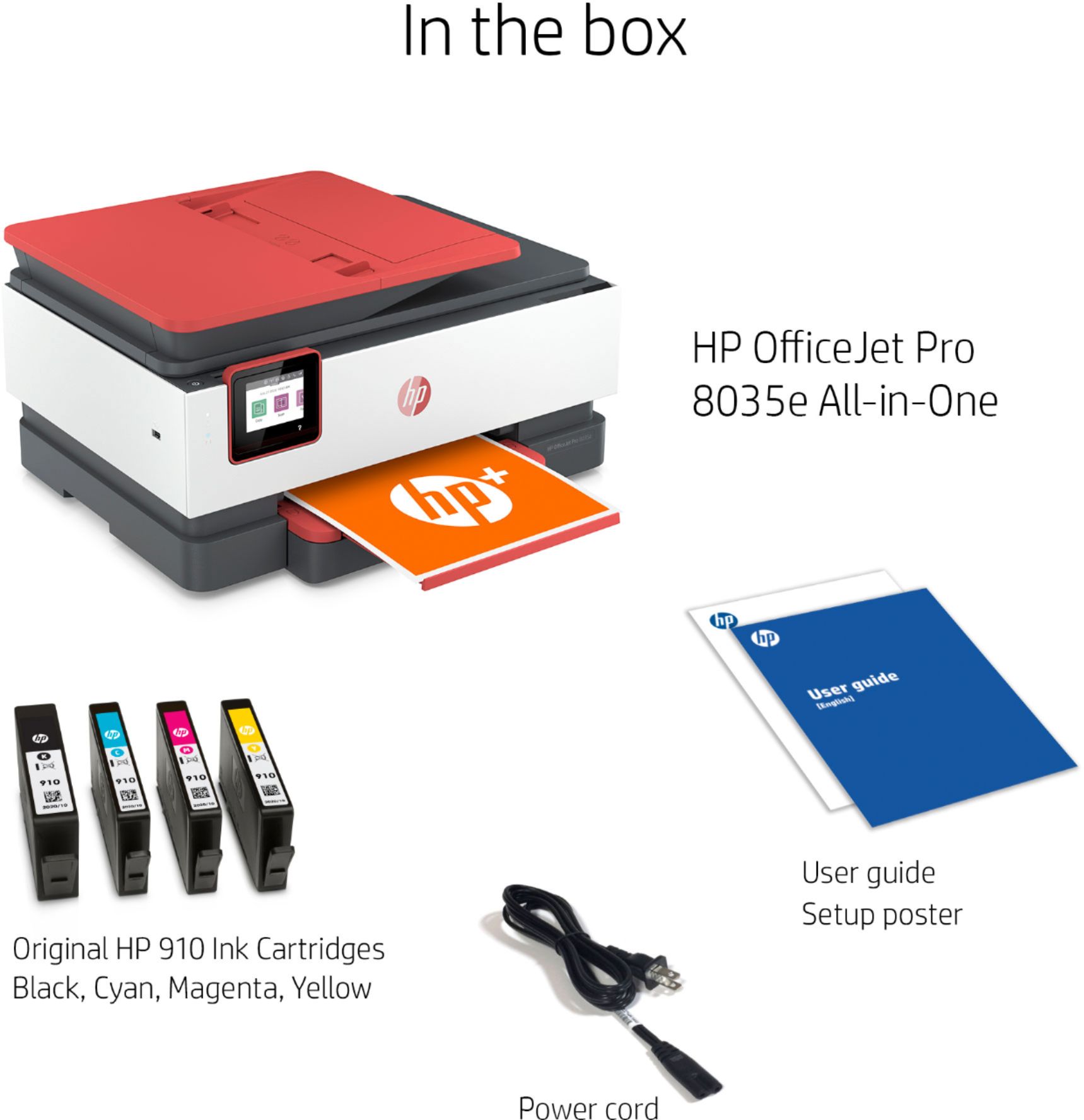
A:AnswerHP stopped putting installation discs in the box. You could try contacting HP Support about getting an installation disc. When you purchase a new HP printer, they will direct you to http://123.hp.com to get the printer drivers.