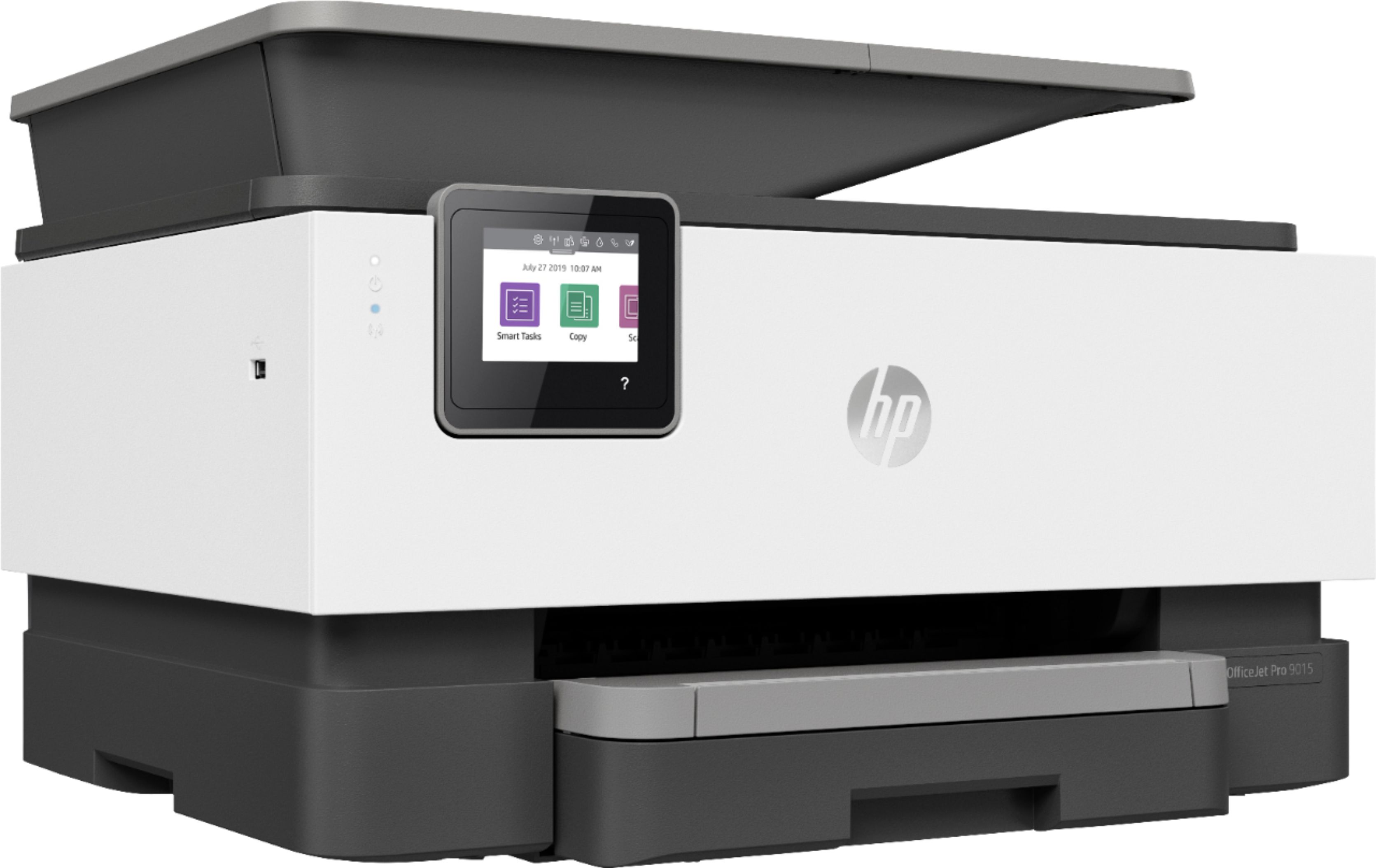
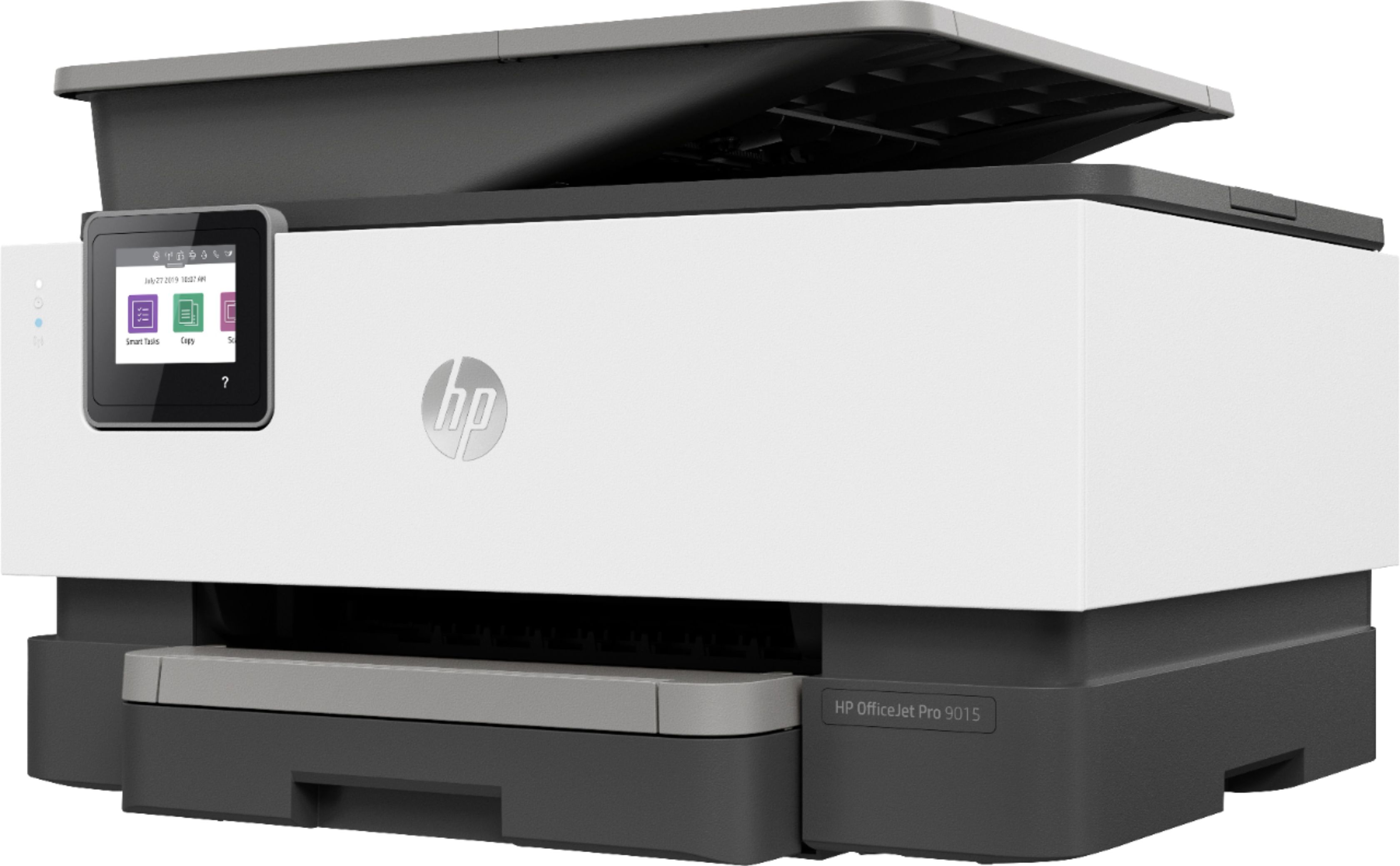
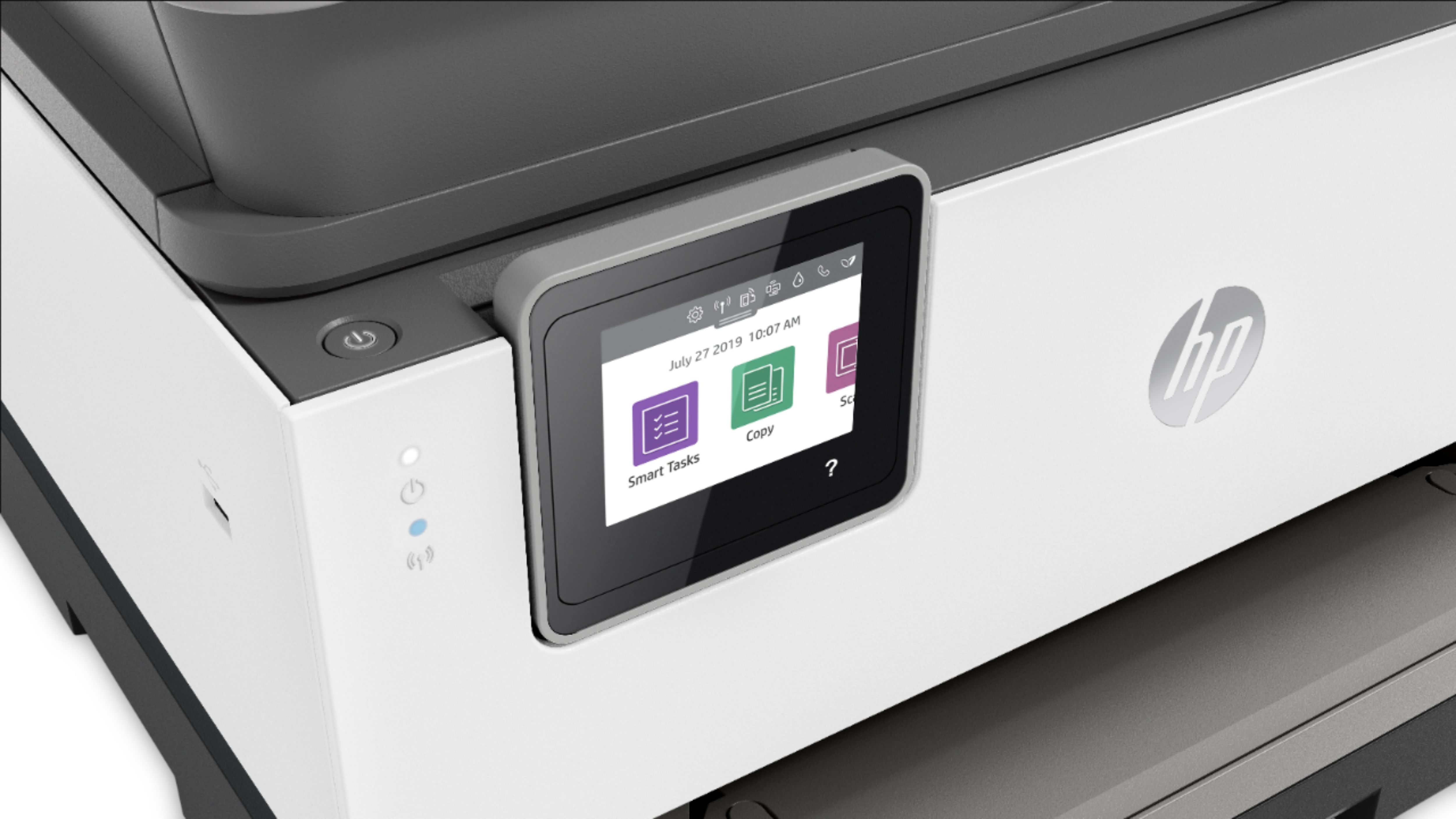
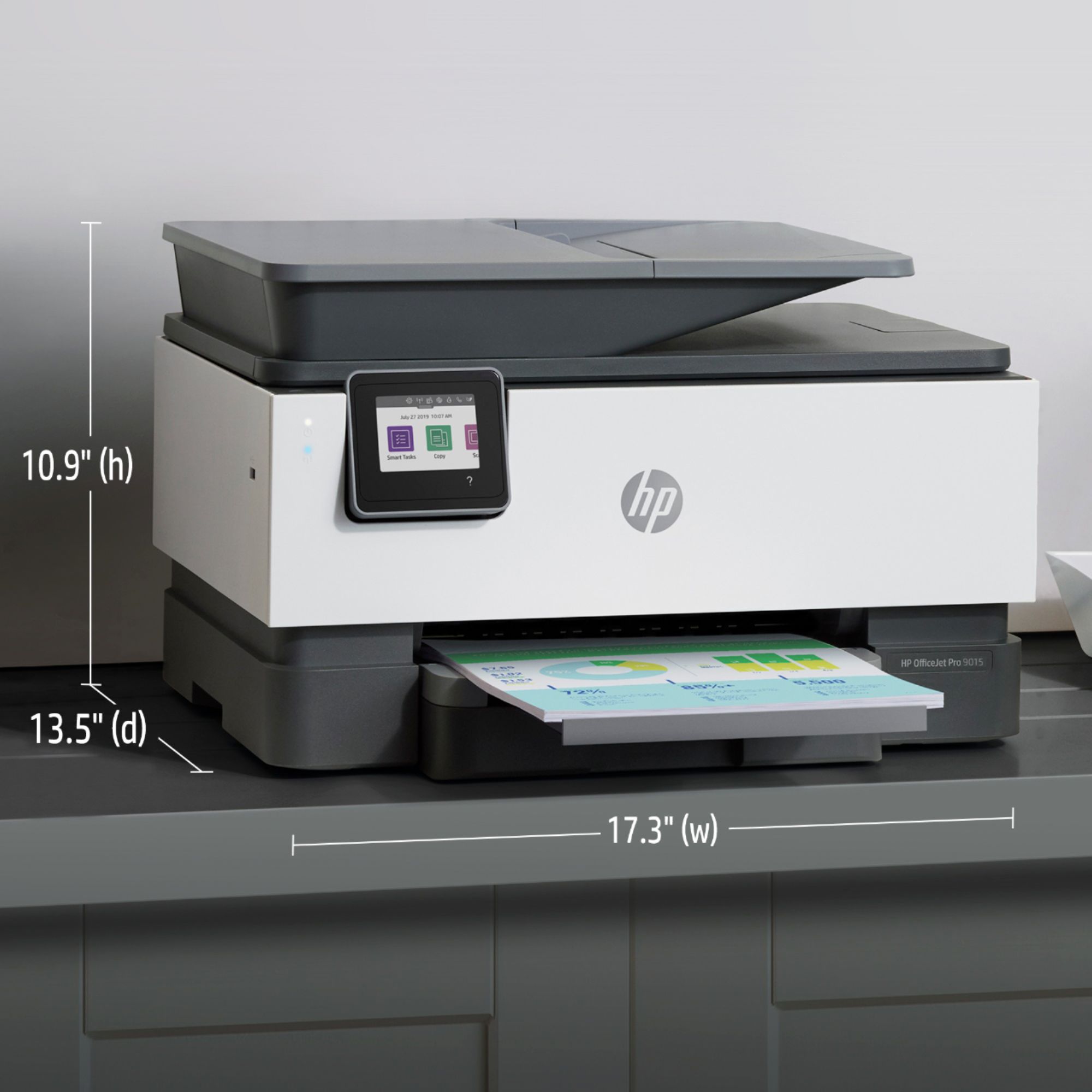
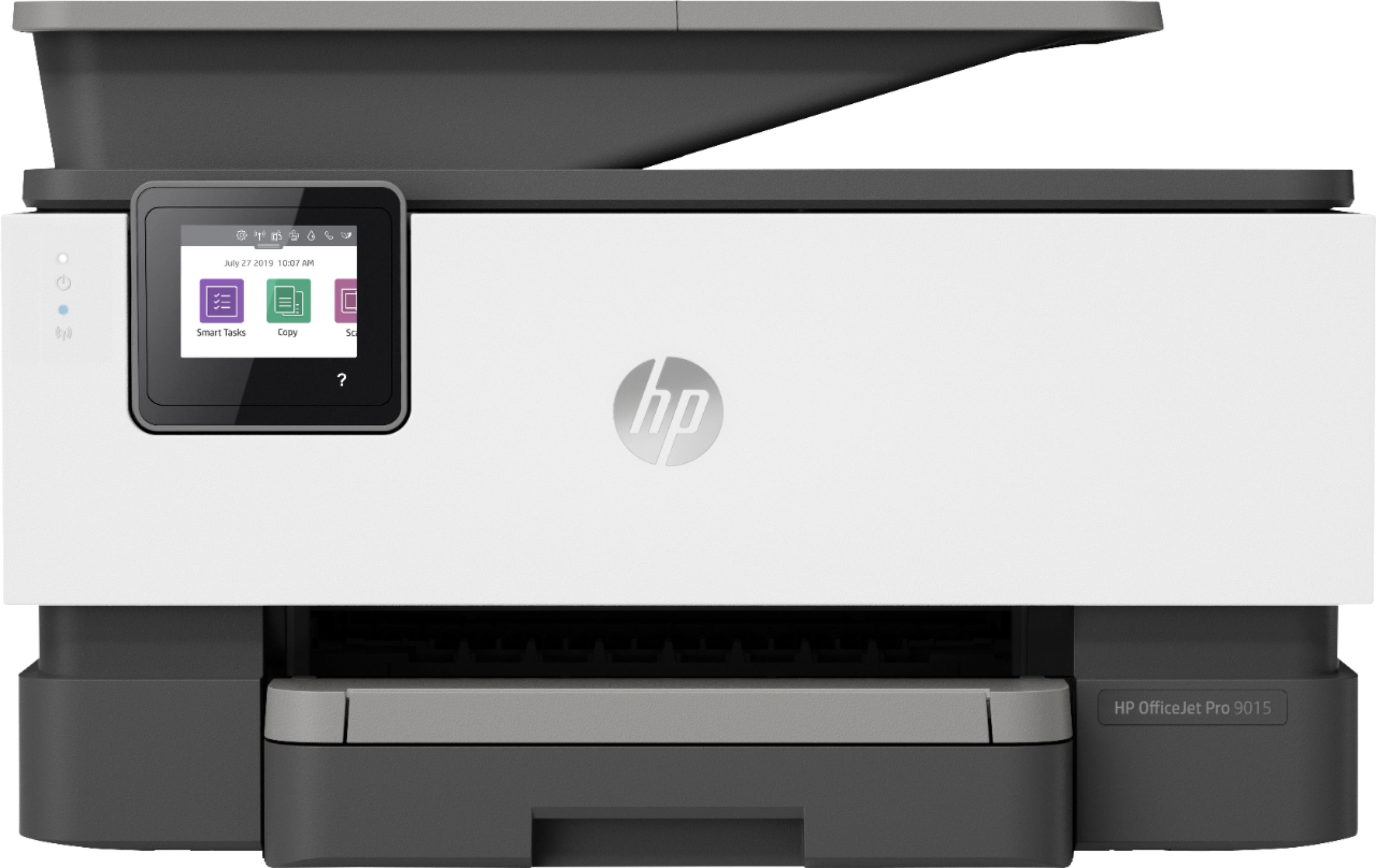
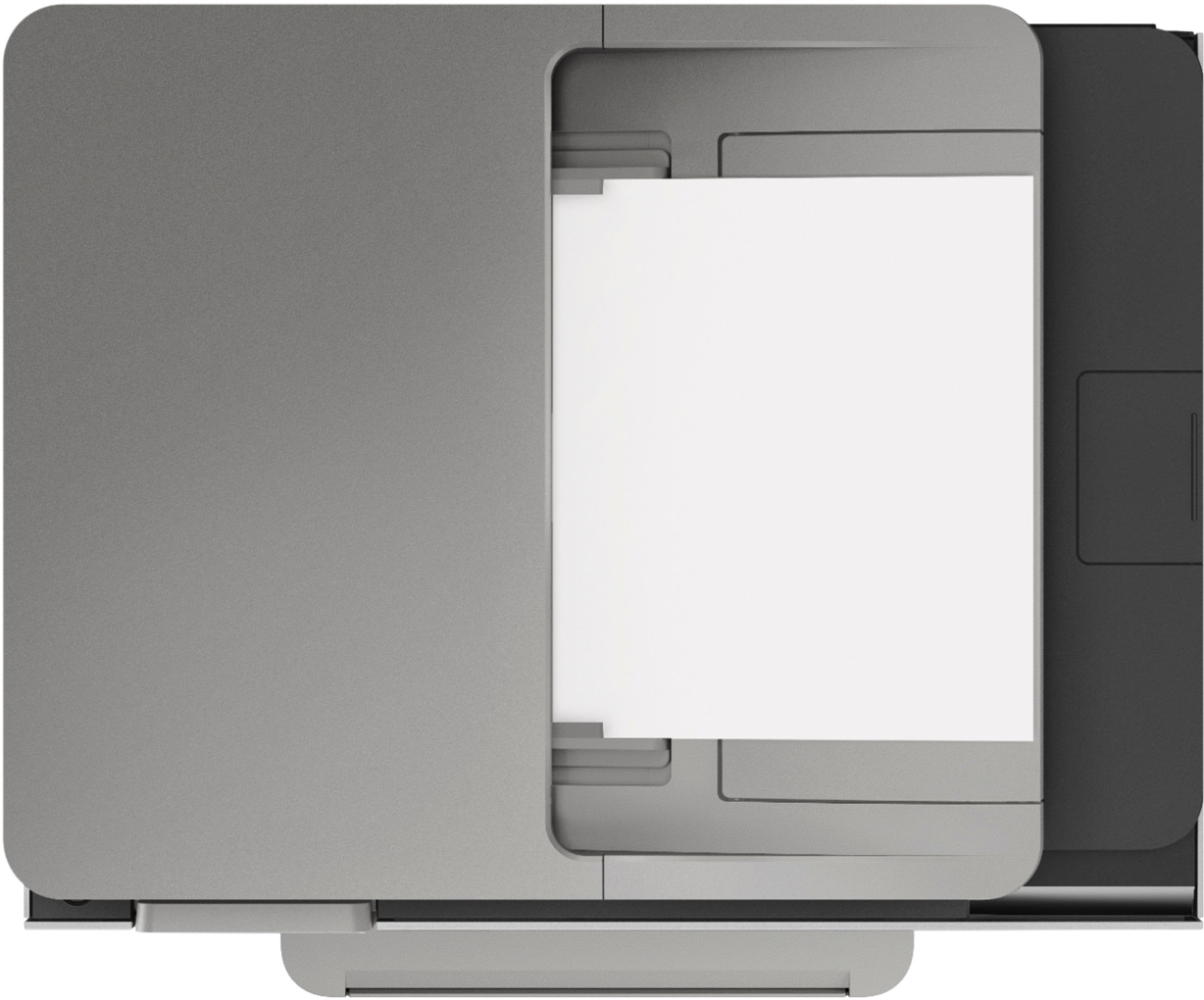
A:AnswerI am afraid to do card stock on this HO9015 because that is how I messed up my HP8710, so I can't say for sure. I'm told that if you want to use card stock, you need a printer with a back loader so that the card stock just stays flat and rolls through the printer. This 9015 one loads from the bottom and then the paper has to curl around to go through the printer. That is where card stock can get totally jammed. That's all I know.
A:AnswerThere are no differences between the HP OfficeJet Pro 9015 and 9018 All-in-One Printers. They are just sold in different retailers, for example, the HP OfficeJet Pro 9015 is sold at Best Buy. The the HP OfficeJet Pro 9018 will be found in the club warehouses.
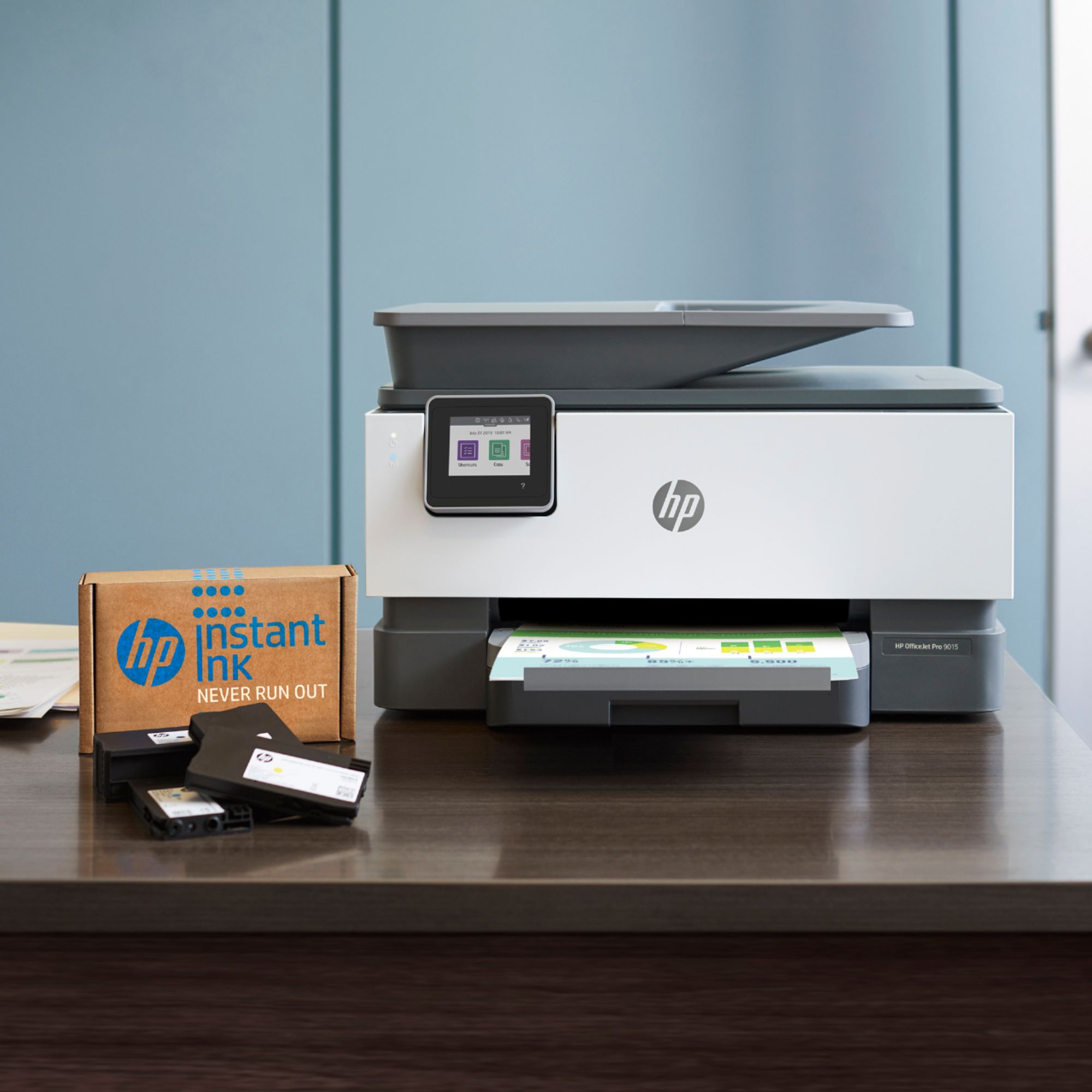
A:AnswerAbout a week ago we had a power outage and after it was restored a message on our 9015 printer said that our cartridge could not be used until the printer was enrolled in Hp instant ink. We did not voluntarily unroll in instant ink. To be sure, this printer is no good to my family and I. Moreover Hp does not mention how this situation can be resolved. I feel that that it is quite unfair to be treated so callously. Is this the way all your customers are treated?
A:AnswerYes, the 9015 handles AirPrint easily. Also, since the printer has its own IP address it also is given an email address. You can forward emails from any computer or phone and print on your printer. Just add printer as a contact with its email address.
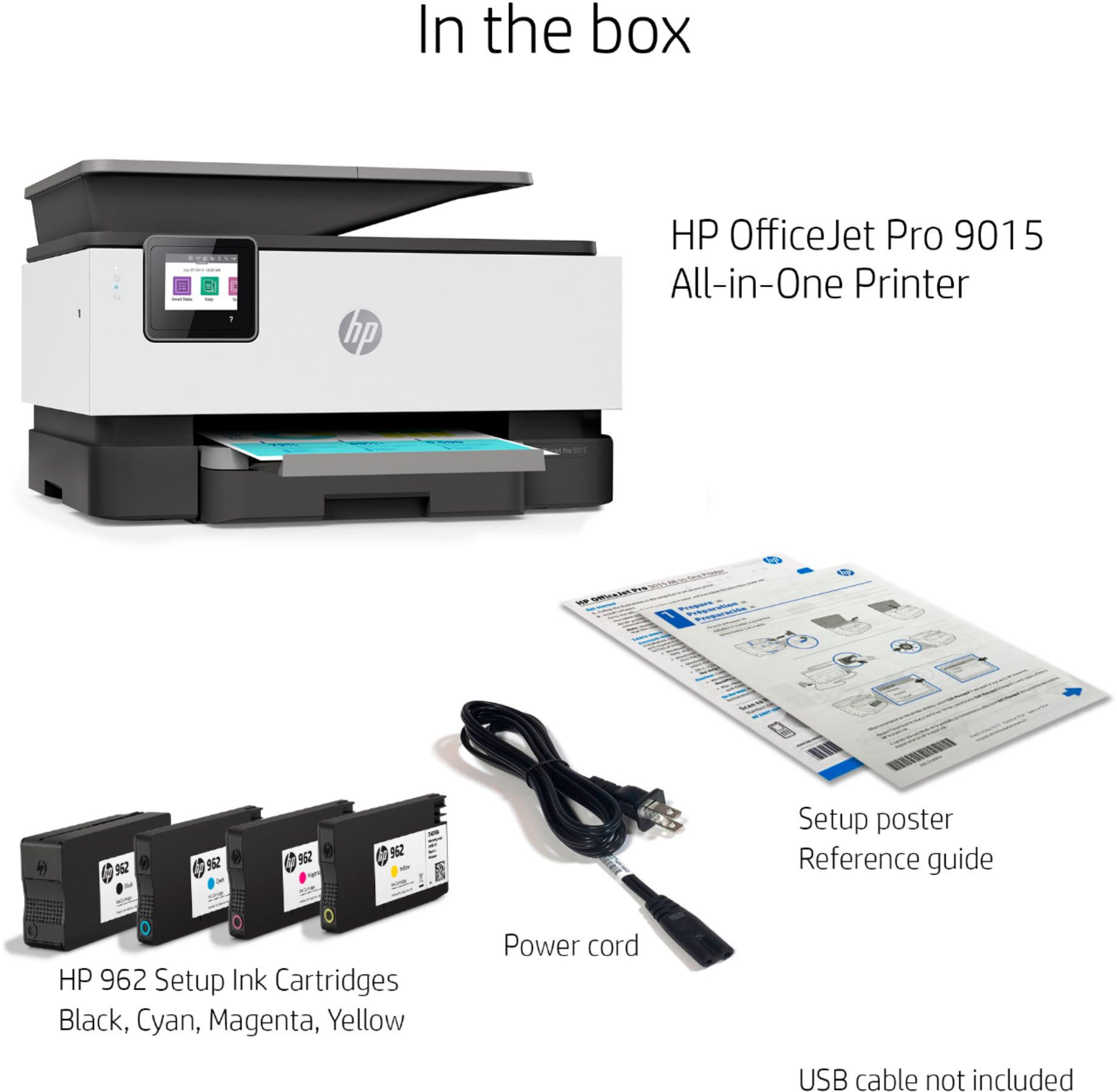
A:AnswerIf by full you mean you get all 4, yes.
If by full you mean cartridges that are completely full of ink, that was not my experience. The day I got the printer and installed the cartridges that came with It it immediately started saying it was low on ink. Which was strange because I thought, and I could be wrong , that the ink was measured by usage and not actual volume. And if these were new how could there be usage? It’s been a month and it finally got to where the printer refused to print color pages. So I just replaced the cartridges, and by just the weight of the old cartridges in my hand versus the new ones, the old ones were definitely empty. I would say we’ve printed maybe 20 pages and rarely color. But all 3 color cartridges were empty. So, either they ship crap very low cartridges with the printer , or I got some used cartridges. And I bought the printer new and unopened.
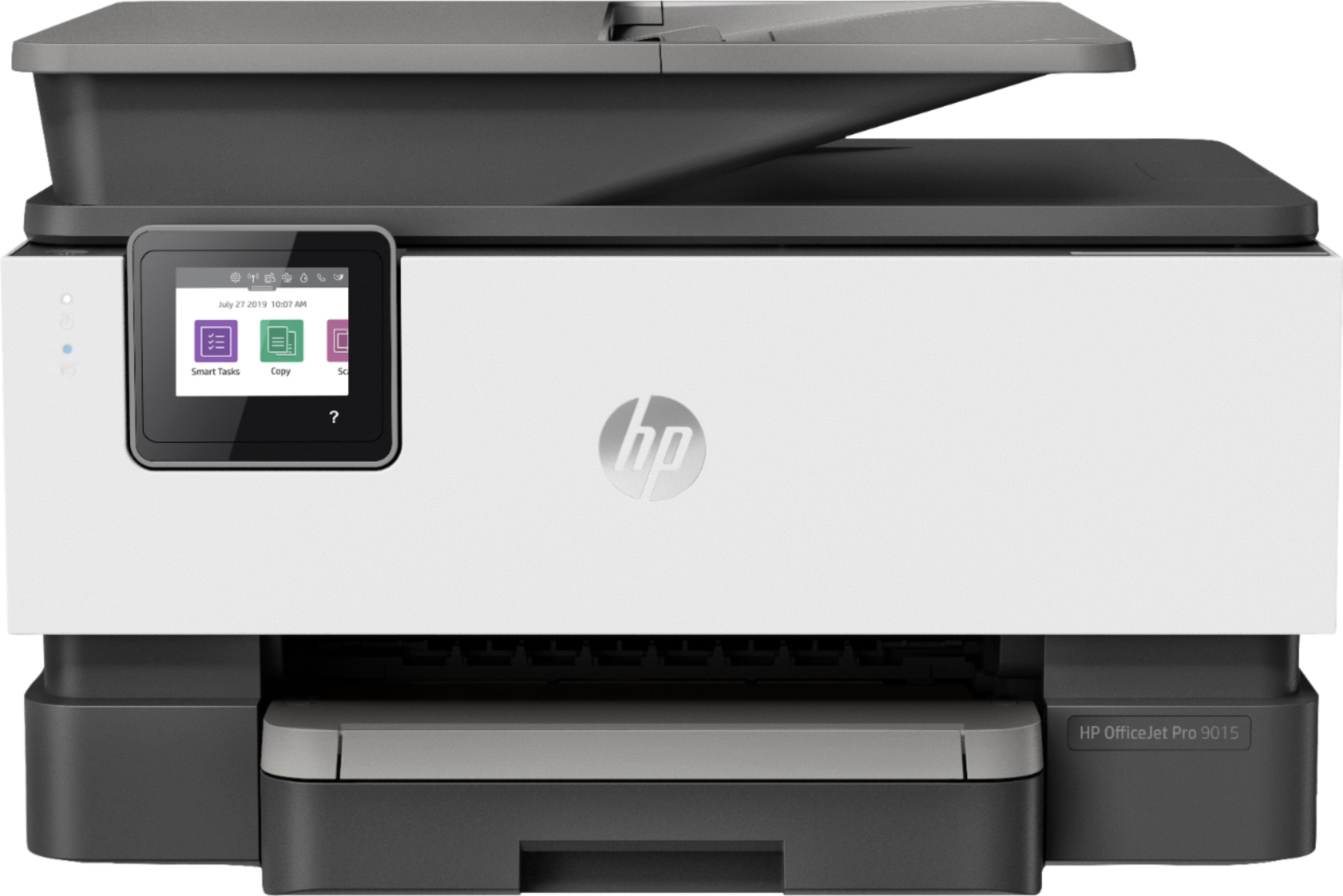
A:AnswerYes, you can print borderless from the Officejet Pro 9015. It will also allow you to print these custom sizes: 3 x 5 to 8.5 x 14; 5 x 8.3 to 8.5 x 14 inches.

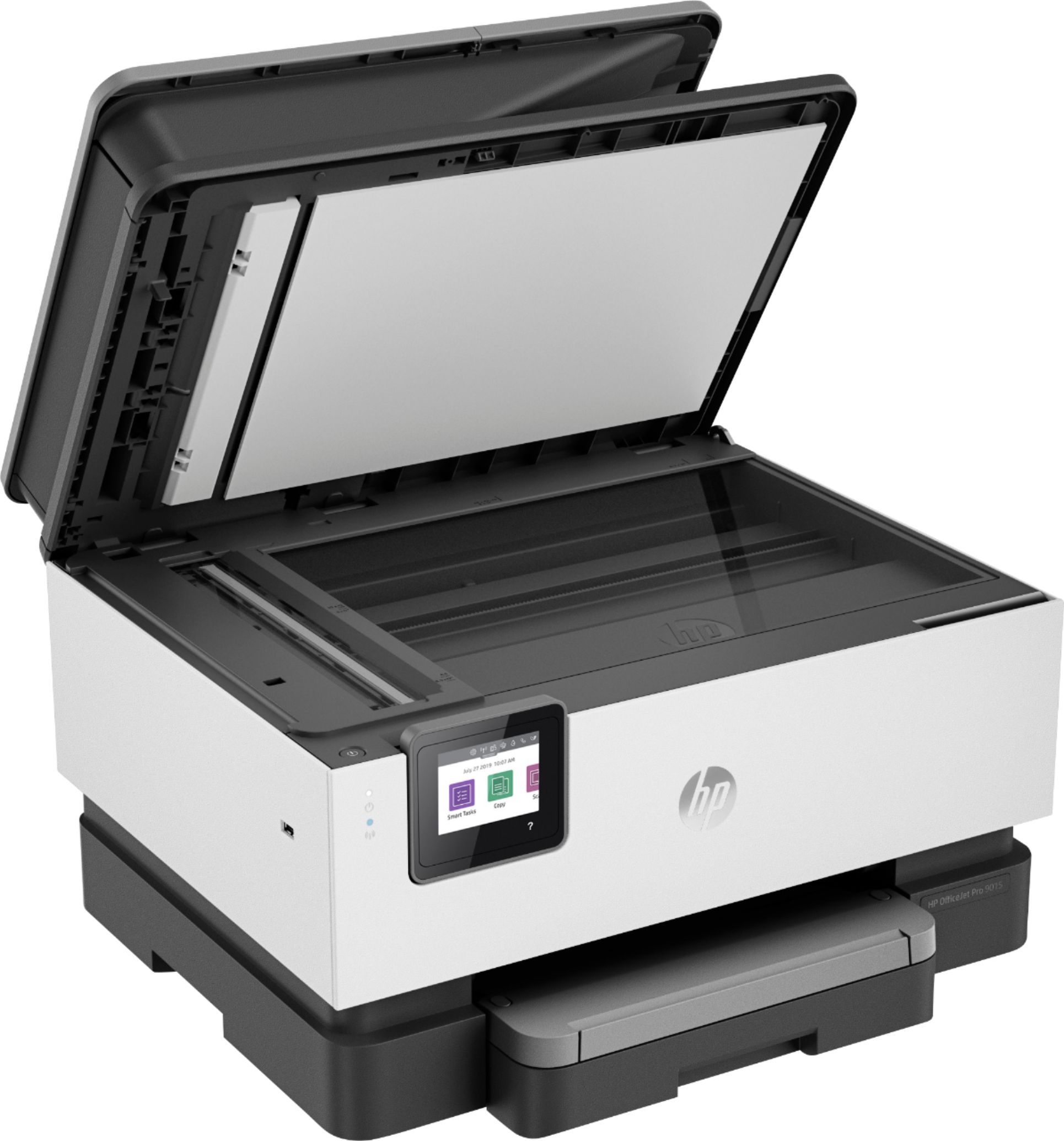
A:AnswerIf you are wanting to scan the envelope, we recommend using the flatbed, though you can use the ADF. If you're wanting to print on the envelopes, they have to be loaded in the main paper tray.
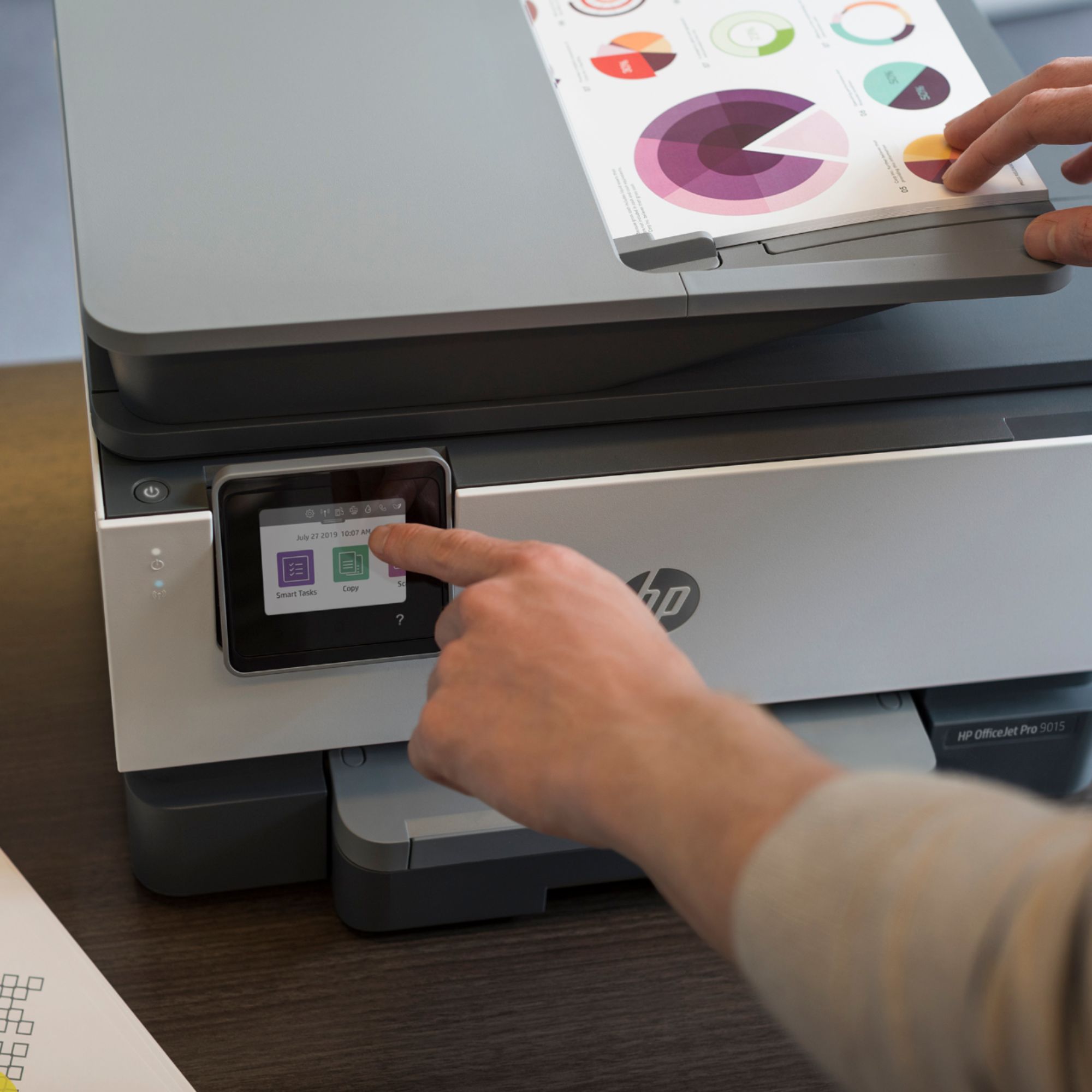
A:AnswerThe OfficeJet Pro 9015 is the newest OfficeJet Pro model to replace the 8720! It has comparable function, performance, and print speed, with a 40% smaller footprint, dual-band wifi, self-healing wifi, and Smart Task integration!
A:AnswerChoose carefully.
The HP 9015e uses HP+ which requires the printer to be connected to the internet at all times and uses only original ink cartridges. If it's not connected to the internet it will eventually stop working.
The HP 9015 is a regular printer and does not require a constant internet connection.
A:AnswerThere are only a few differences between the two 9000 series printers. The 9025 can scan in a single pass double-sided on the auto document feeder. There are 2 trays that hold 250 sheets in each tray. It has a front USB drive so you can print photos or scan to a USB flash drive. And the 9025 can print a few pages. a minute faster and it does have an option for a larger black ink cartridge, the 966xl black.