


Year-End SaleEnds 1/1/26. Limited quantities. No rainchecks.

Main Content

Questions & Answers

Your price for this item is $1,809.99
The comparable value price is $1,849.99
Page Showing 1-20 of 44 questions
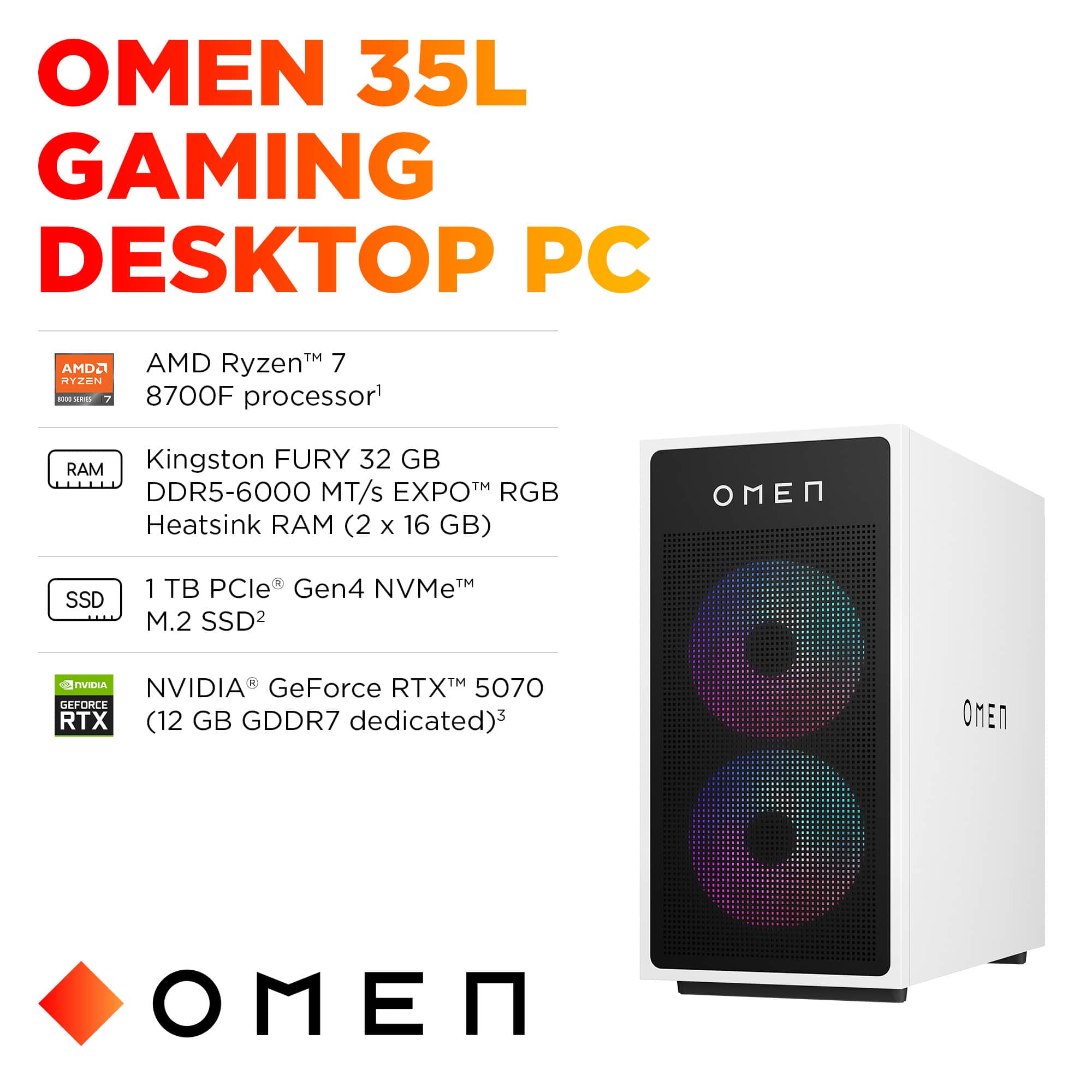
  • QuestionWhat graphics card does this desktop use?

    • Answer It uses the NVIDIA GeForce RTX 5070 graphics card.
    This question and answer was generated by AI based on customer and product data.
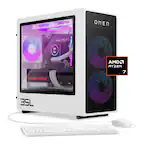
  • QuestionWhat processor is used in this HP Omen desktop?

    • Answer This desktop uses the AMD Ryzen 7 8700F processor.
    This question and answer was generated by AI based on customer and product data.

  • QuestionWhat type of storage does this gaming desktop have?

    • Answer This gaming desktop is equipped with a 1TB Solid State Drive (SSD).
    This question and answer was generated by AI based on customer and product data.
  • QuestionHow much RAM does the HP Omen desktop come with?

    • Answer It has Kingston FURY 32GB DDR5-6000 MT/s EXPO RGB Heatsink RAM.
    This question and answer was generated by AI based on customer and product data.
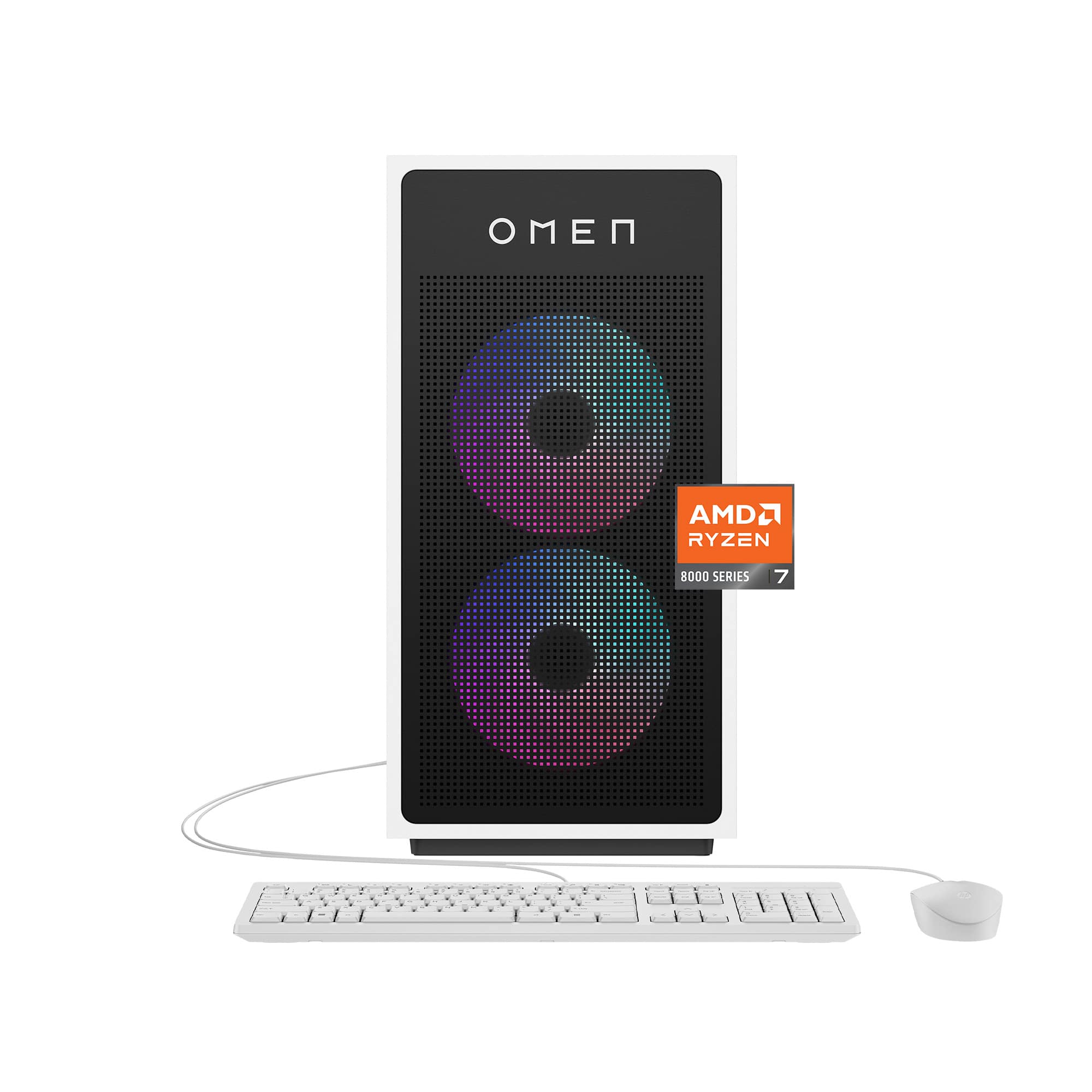
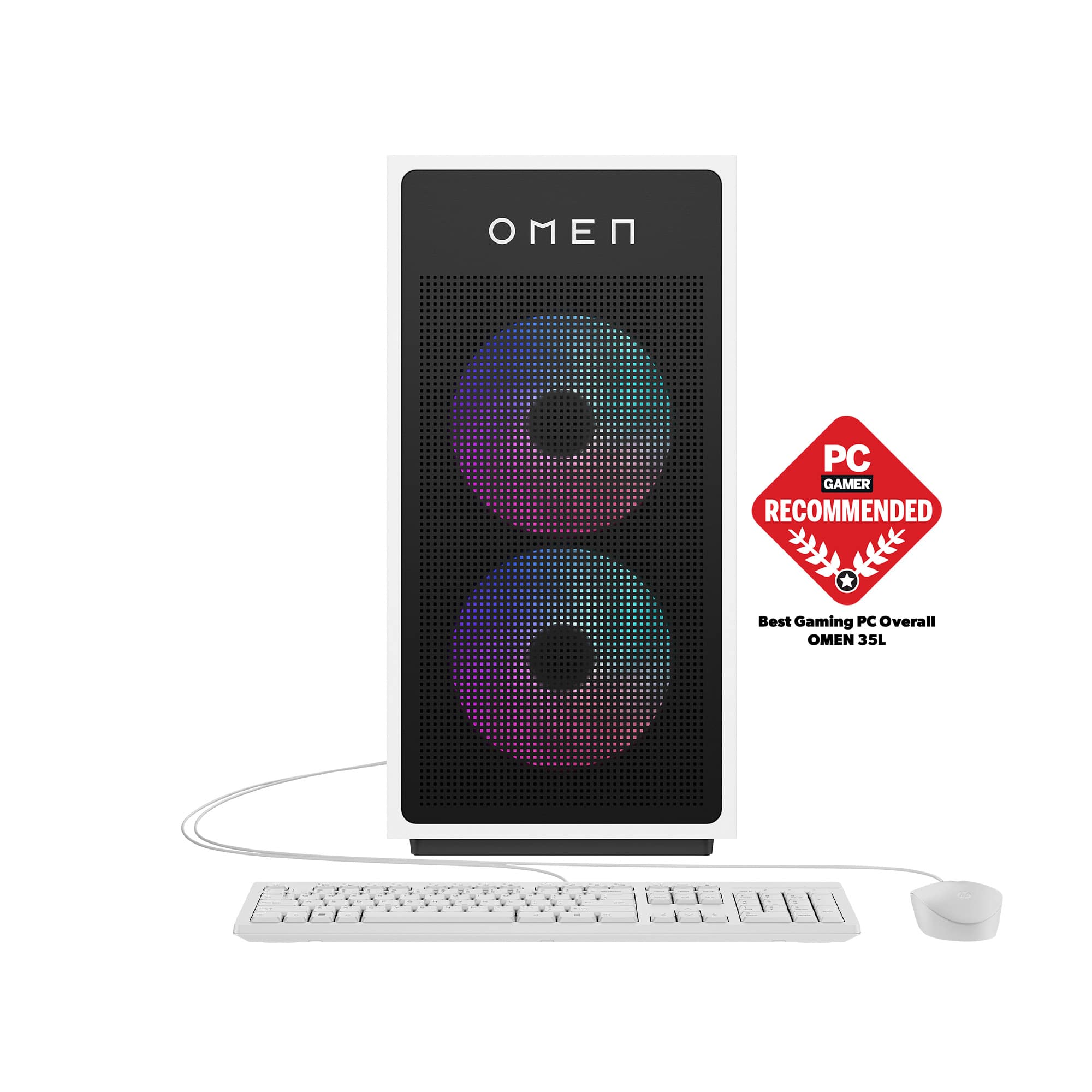
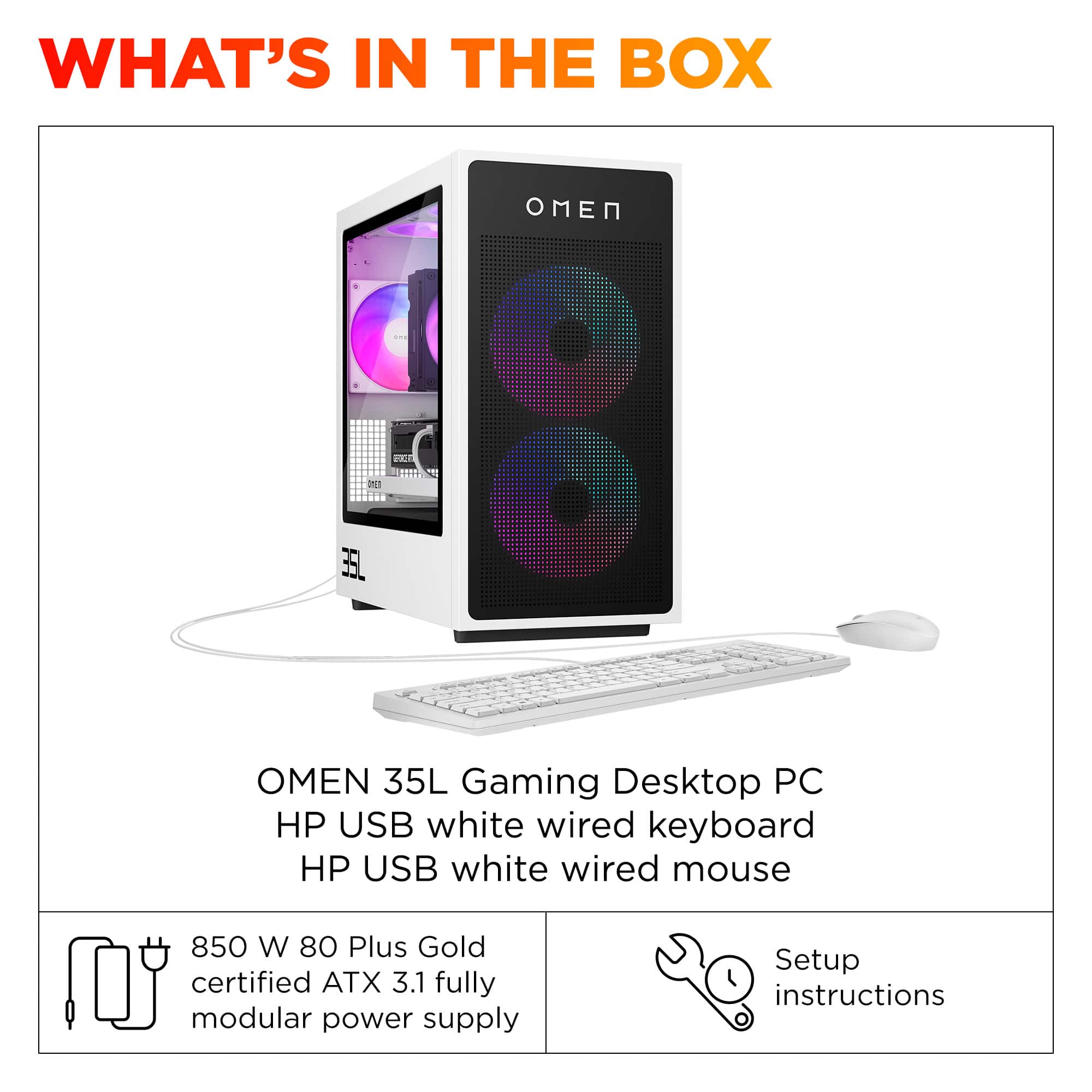
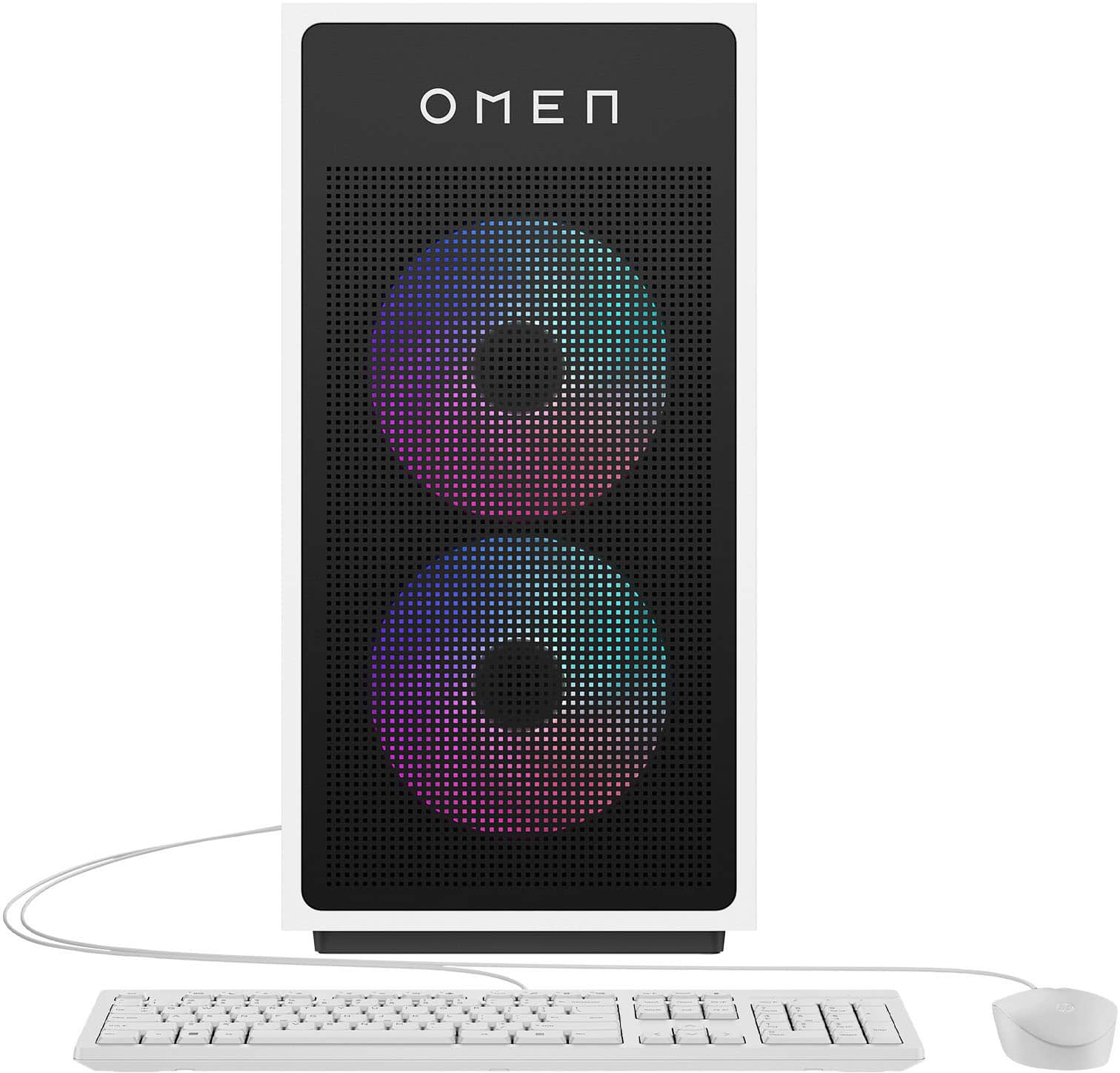
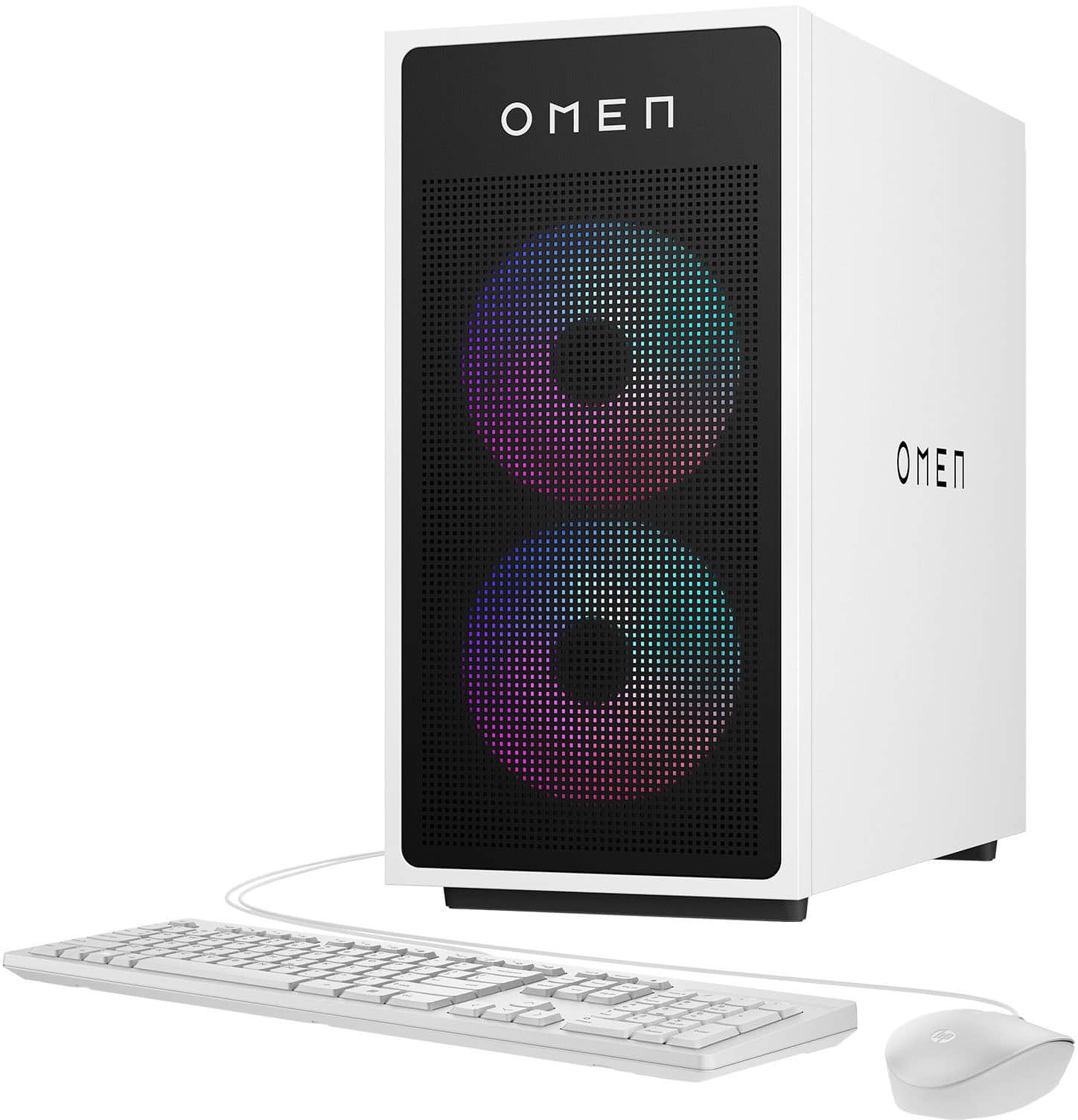
  • QuestionDoes this gaming desktop include a keyboard and mouse?

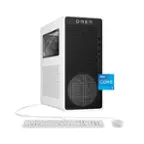
    • Answer Yes, it comes with an HP USB white wired keyboard and mouse.
    This question and answer was generated by AI based on customer and product data.
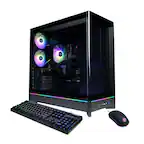
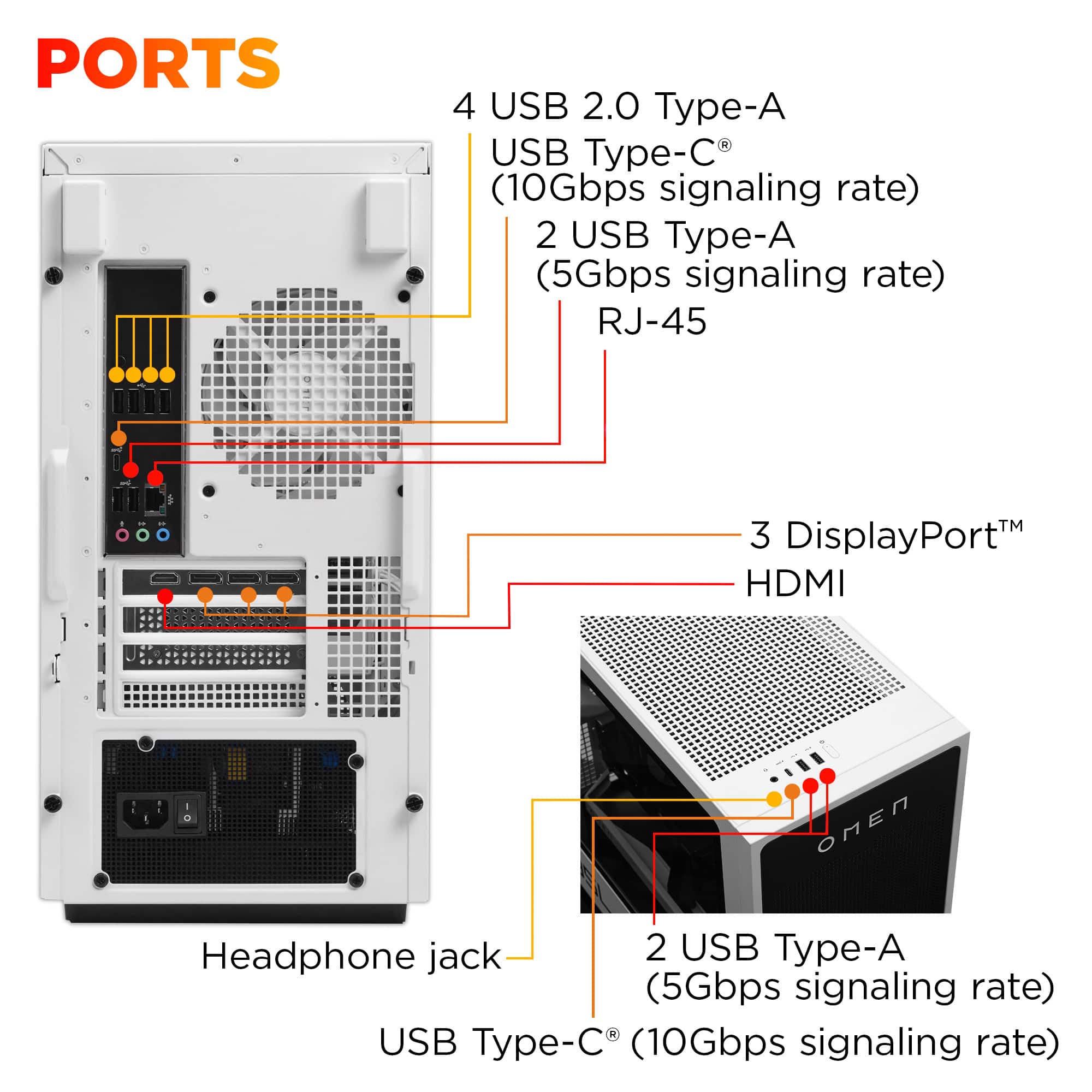
  • QuestionDoes this desktop support multiple displays?

    • Answer Yes, it has multidisplay capability.
    This question and answer was generated by AI based on customer and product data.
  • QuestionWhat version of Bluetooth does this gaming desktop use?

    • Answer This desktop uses Bluetooth 5.3.
    This question and answer was generated by AI based on customer and product data.
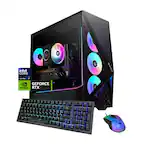
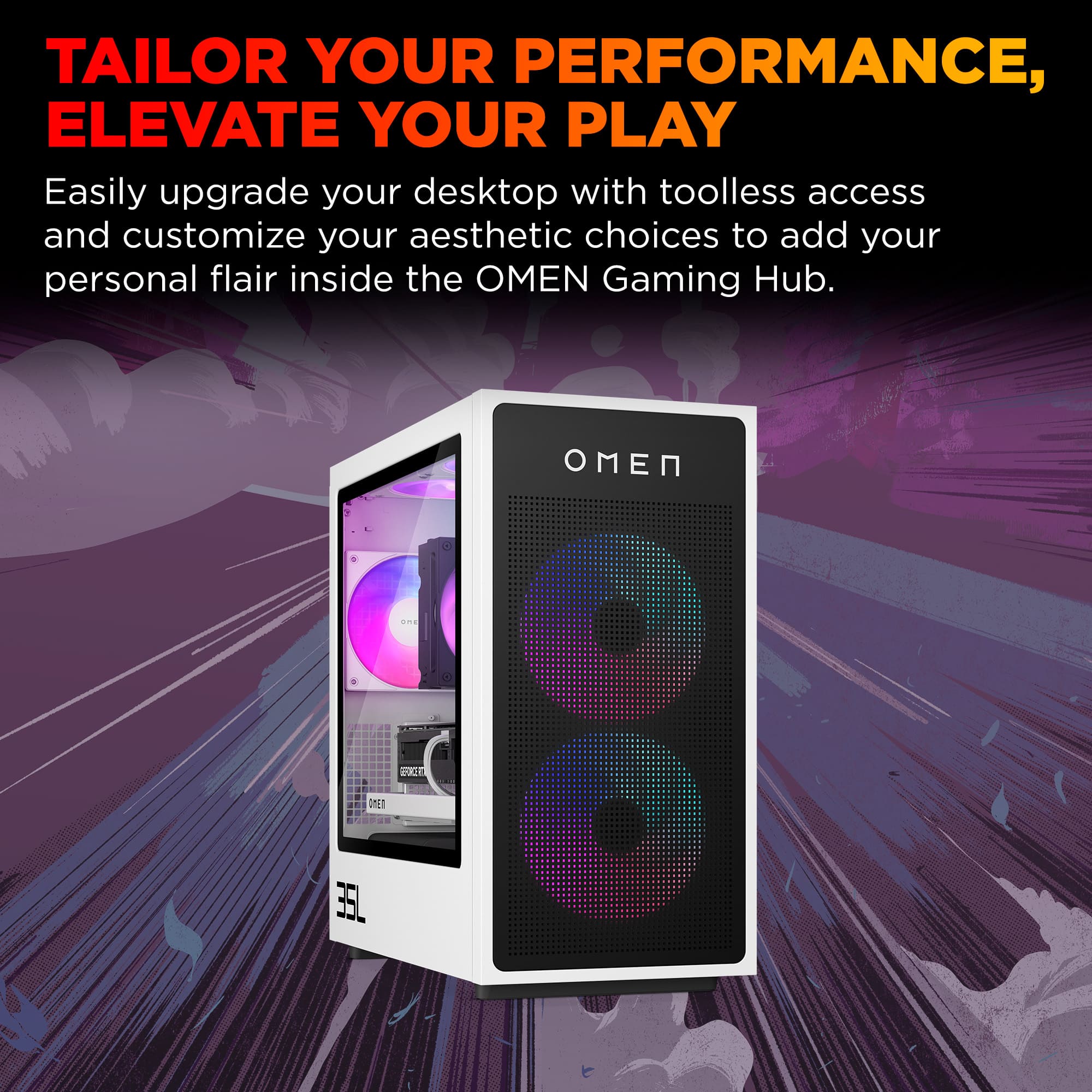
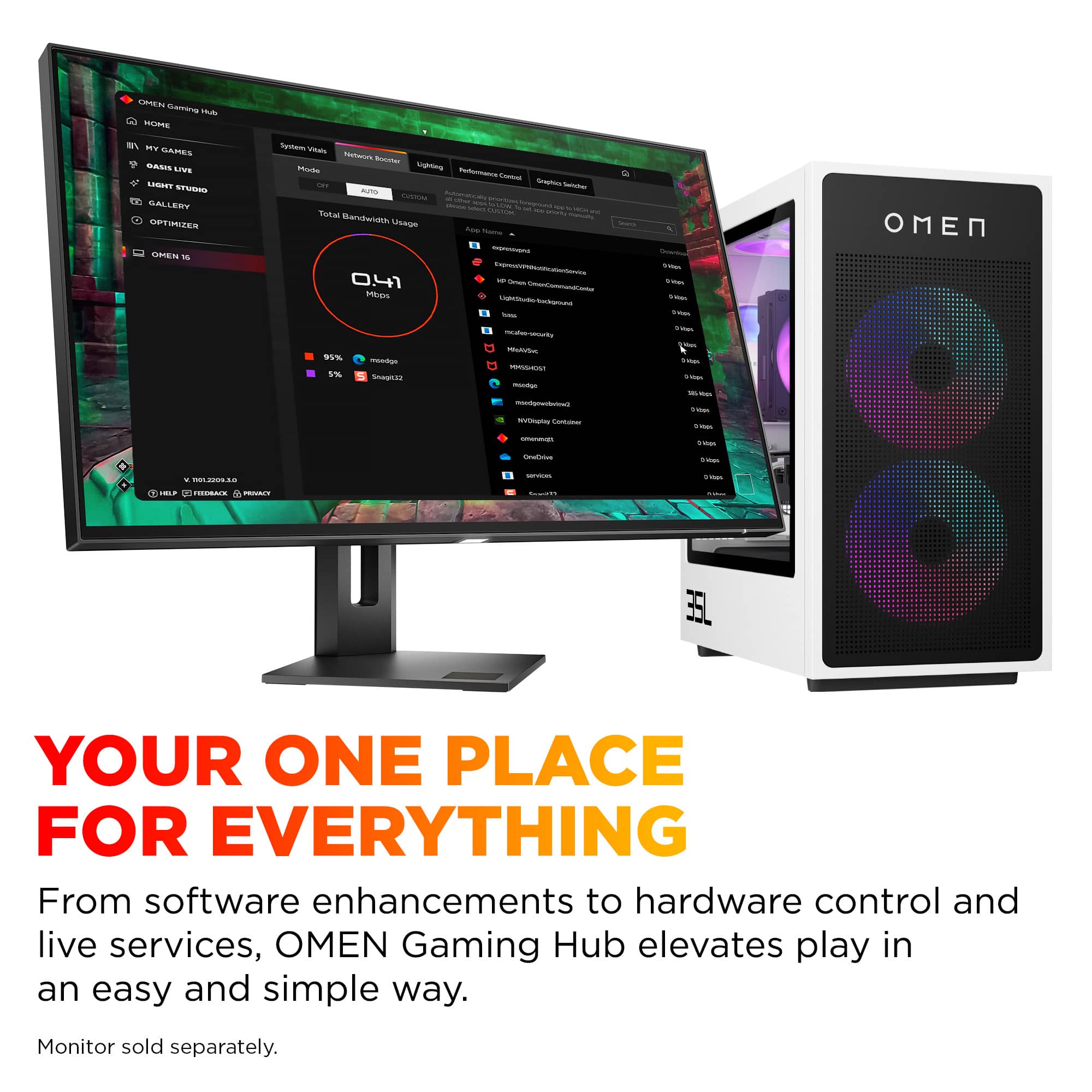
  • QuestionThe inside lights, and which change colors, 1. Can these lights be turned off when working with the computer? 2. If they cannot be turned off, can then the changing of the colors be customized to only one color? Where can these changes be made?

    Asked by Nick.

    • Answer Yes. You can fully customize the RBG's with the OMEN GAMING HUB software.

      Answered by Anonymous

  • QuestionDoes this pc require an external WiFi adapter to connect to a WiFi network? Or is it built in?

    Asked by Al.

    • Answer It has a WiFi 6 internal adapter on the motherboard.

      Answered by dognamedpog

  • QuestionHow many SSD slots does the motherboard have?

    Asked by Eddie.

    • Answer Eddie, thank you for your question about this HP Omen gaming desktop! This has 2 M.2 2280 Key M slots for SSDs, one of which has the factory-installed drive.

      Answered by HP Team

  • QuestionDoes the second ssd fits with a heatsink?

    Asked by JoseantonioF.

  • Questionwhat are the RAM timings and how many lanes does the SSD have

    Asked by chris.

    • Answer ✅ RAM Timings (HP OMEN 35L – Ryzen 7 8700F, 32GB DDR5) HP almost always uses JEDEC‑standard DDR5, not XMP/EXPO performance kits. For the 2024 OMEN 35L with 32GB DDR5, the typical modules are: DDR5‑5200 or DDR5‑5600 with JEDEC timings around: DDR5‑5200: ~40‑40‑40‑77 DDR5‑5600: ~46‑46‑46‑90 These are standard OEM timings, not performance‑tuned. If you want the exact numbers for your unit, you can check in 10 seconds: Windows → Task Manager → Performance → Memory → SPD → Timings or CPU‑Z → SPD tab → JEDEC table But the above ranges are what HP ships in this model line. ✅ SSD Lanes (HP OMEN 35L – 1TB NVMe) The OMEN 35L uses a PCIe Gen4 NVMe SSD in the primary M.2 slot. ✅ It runs at PCIe 4.0 ×4 (four lanes) This is true for: The motherboard’s primary M.2 slot The included 1TB SSD Any replacement Gen4 drive you install So you’re getting the full 4‑lane bandwidth, not a reduced ×2 configuration.

      Answered by SvetlanaM

  • QuestionWhat’s the motherboard?

    Asked by Anonymous.

    • Answer ✅ Short Answer HP does not use a retail motherboard. The HP OMEN 35L (Ryzen 7 8700F, 2024 model) uses an HP‑proprietary micro‑ATX motherboard, typically labeled: “HP 8906 / 8907 / 8917” (varies by batch) These boards are custom OEM designs built specifically for the OMEN 25L/30L/40L/45L/35L series. ✅ What You Actually Get Even though the exact model number varies, all 2024 OMEN 35L motherboards share the same characteristics: ✅ Chipset: AMD B650‑class OEM ✅ Form Factor: micro‑ATX ✅ Primary M.2 Slot: PCIe 4.0 ×4 (for your NVMe SSD) ✅ Secondary M.2 Slot: PCIe 3.0 ×4 (varies by batch) ✅ RAM: DDR5, dual‑channel, up to 128GB ✅ BIOS: HP‑locked (no overclocking, no EXPO/XMP) ✅ Power connectors: Standard 24‑pin + 8‑pin CPU ✅ Front panel: HP proprietary block connector ✅ Why HP Doesn’t Publish the Exact Model HP uses multiple OEM board revisions across the same product line. Your OMEN 35L could have: HP 8906 HP 8907 HP 8917 All functionally identical for performance and compatibility. ✅ How to See the Exact Board in Your Unit If you want the literal model number for your cockpit: Windows Search → “System Information” → BaseBoard Product or CPU‑Z → Mainboard tab It will show something like: “8906”, “8907”, “8917”, or “89xx” This system uses an HP‑designed micro‑ATX motherboard built specifically for the OMEN 35L series. It’s an OEM board based on an AMD B650‑class chipset, with DDR5 support and a PCIe 4.0 ×4 M.2 slot for the NVMe SSD. The exact board number can vary by unit (for example: 8906, 8907, or 8917), but all versions offer the same features and performance.

      Answered by SvetlanaM

  • QuestionDose this come with a Nvme m.2?

    Asked by Xuberis.

    • Answer ✅ Answer: Yes, it comes with an NVMe M.2 SSD The HP OMEN 35L (Ryzen 7 8700F, 2024 model) does include an NVMe M.2 drive as the primary storage device. It ships with a 1TB PCIe Gen4 NVMe M.2 SSD Installed in the motherboard’s primary M.2 slot (PCIe 4.0 ×4) No SATA drives are included unless added manually This is the standard configuration for the 2024 OMEN 35L line.

      Answered by SvetlanaM

  • QuestionHow many RAM slots does this unit have?

    Asked by kay.

    • Answer This model includes four DDR5 RAM slots on its micro‑ATX motherboard. It supports dual‑channel memory and can be upgraded up to 128GB total (4 × 32GB). ✅ This HP OMEN 35L has 4 RAM slots The OMEN 35L series uses a micro‑ATX motherboard, and HP’s own documentation for the GT16‑0000/0000i series confirms that these boards support dual‑channel DDR5 with four DIMM slots. So your 2024 OMEN 35L (Ryzen 7 8700F) follows the same configuration: ✅ Total RAM slots: 4 ✅ Type: DDR5 ✅ Max capacity: 128GB (4 × 32GB)

      Answered by SvetlanaM

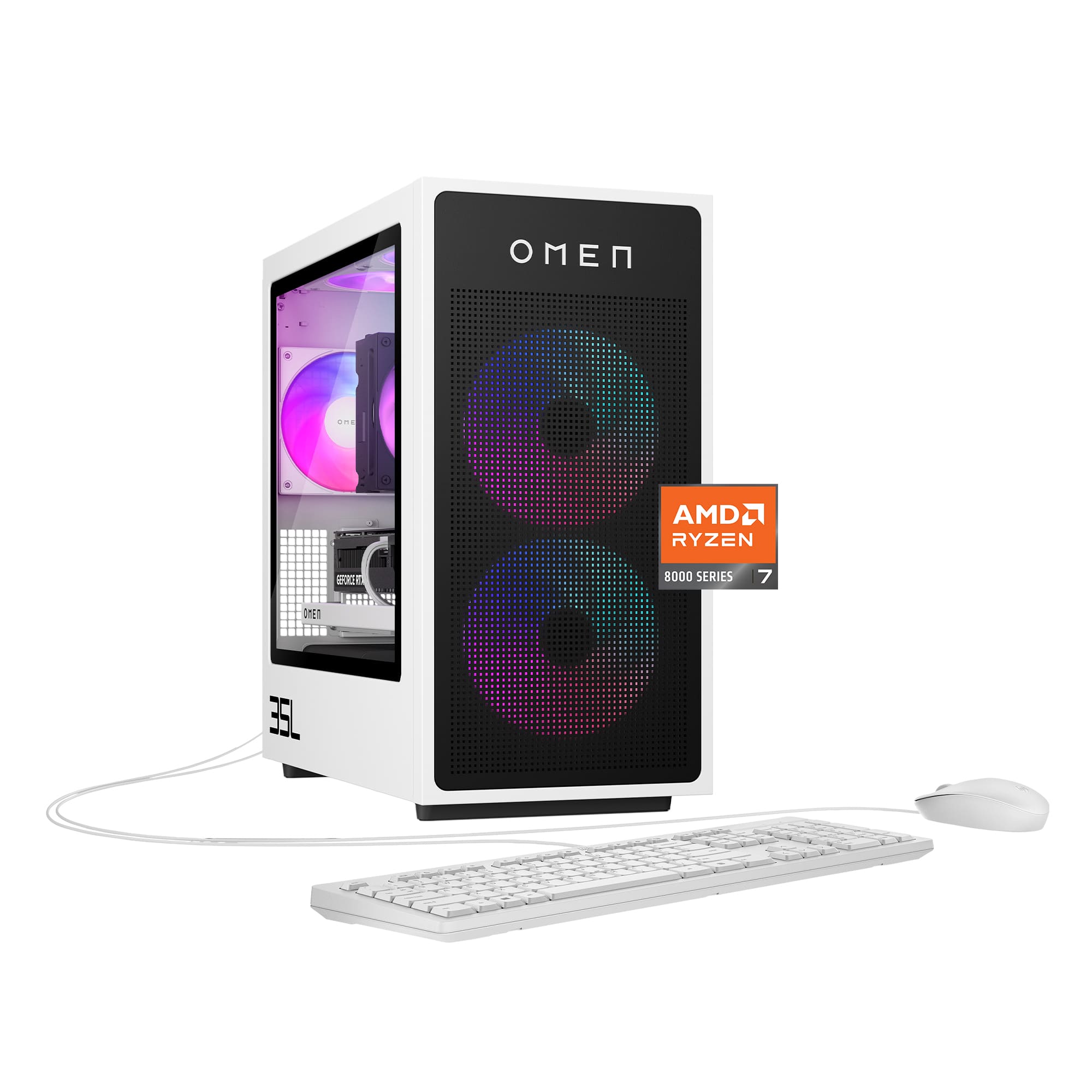
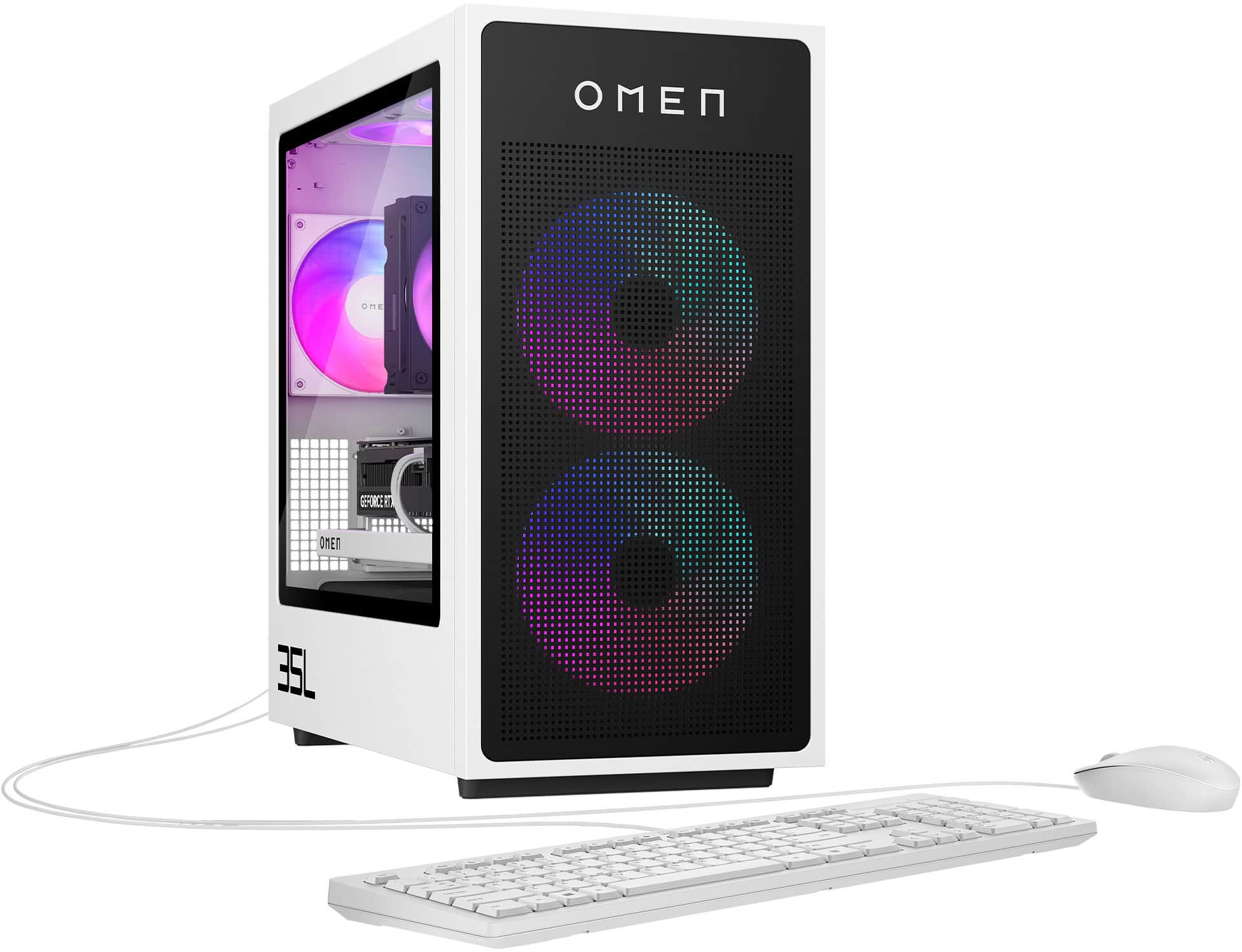
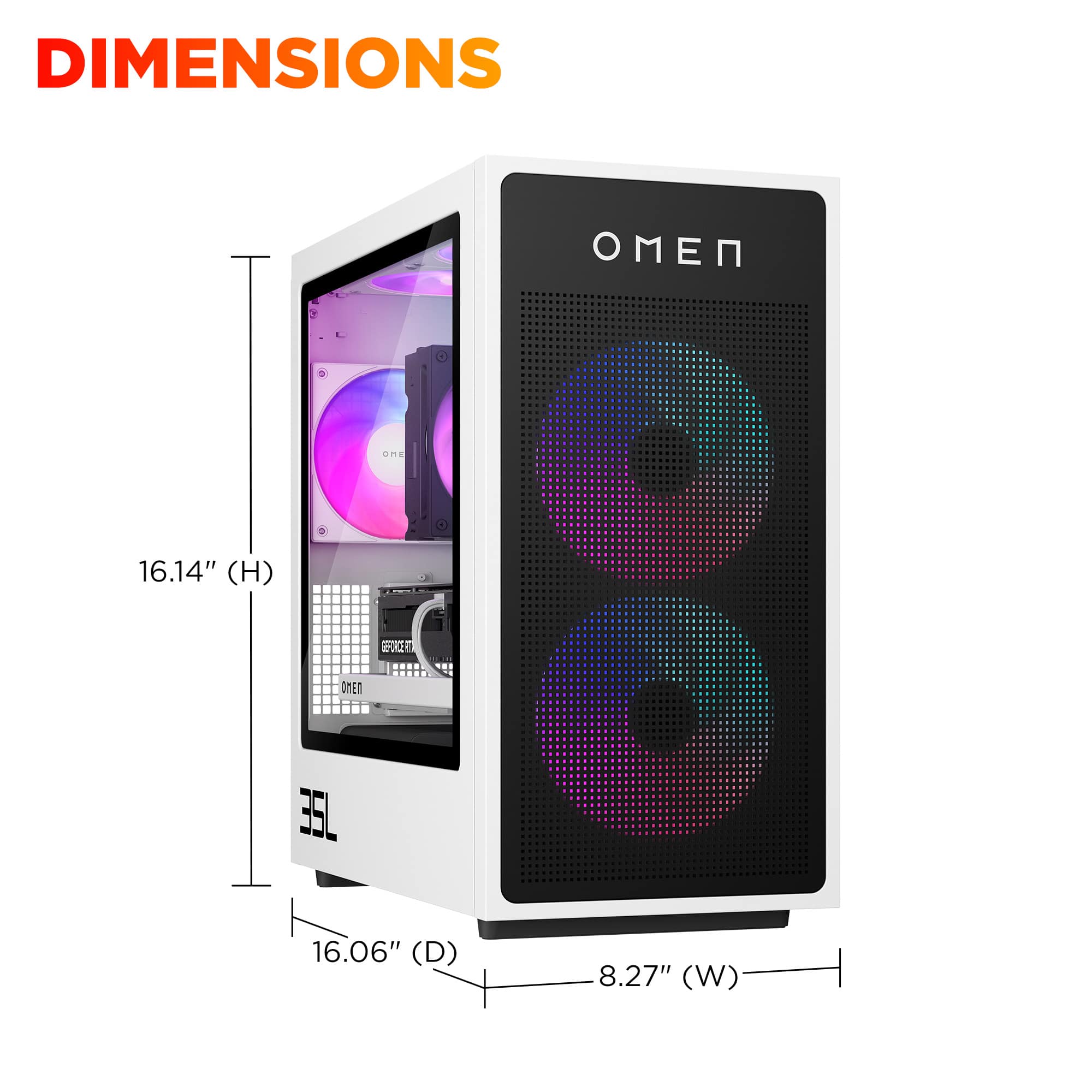
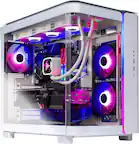
  • QuestionCan I see a picture of the side with all the parts in it?

    Asked by TpJf.

    • Answer Yes, you can.

      Answered by SvetlanaM

  • QuestionHow much ram in the gpu?

    Asked by Dano.

    • Answer The RTX 5070 in this system has 12GB of DDR7

      Answered by Anonymous

  • QuestionWhat is the cpu temperature supposed to be at while idling? And what is it supposed to be at while gaming?

    Asked by Anonymous.

    • Answer It depends on the load. Idle temps should be just a bit higher than the ambient air. While gaming? Doesn't matter as long as you're not hitting thermal throttling. (~95C)

      Answered by Anonymous

  • QuestionCan a heatsink ssd fit it the second slot. And is a heatsink required?

    Asked by HanSolo.

    • Answer ✅ Can a heatsink SSD fit in the second slot? Yes — but with caution. The second M.2 slot (typically PCIe Gen3 ×4) is located between the CPU cooler and the GPU. That space is tight, but low-profile heatsinks (like those on Samsung 980 Pro or WD Black SN770) do fit. Tall heatsinks or bulky fin-style coolers may not clear the GPU. If your GPU is dual-slot and the heatsink is under 5mm tall, you're likely fine. If you want to be sure, measure the vertical clearance between the motherboard and the GPU backplate — it’s usually around 5–7mm. ✅ Is a heatsink required? No, it’s not required — but it helps. The second M.2 slot does not have a built-in heatsink, unlike some premium boards. NVMe SSDs can throttle under sustained load, especially Gen4 drives. A heatsink helps maintain performance during long transfers or heavy I/O. If you're using the second slot for archival storage or light usage, you can skip the heatsink. If you're installing a high-performance Gen4 SSD, a low-profile heatsink is a smart upgrade.

      Answered by SvetlanaM