A:AnswerIt's got a Realtek RTL8822CE 802.11a/b/g/n/ac Wireless system. It's actually quite good, so unless you've got a brick wall between the computer and the router, you should have no problems.
A:AnswerIn this particular case, you would want to contact AMD and see what rules they have when it comes to the Graphics Card. HP Support will also only cover the GPU if it is not removed or replaced. You can always contact HP Support if you have further questions. You can also ask HP Support or Geek Squad if you wanted help with upgrade options for the GPU.
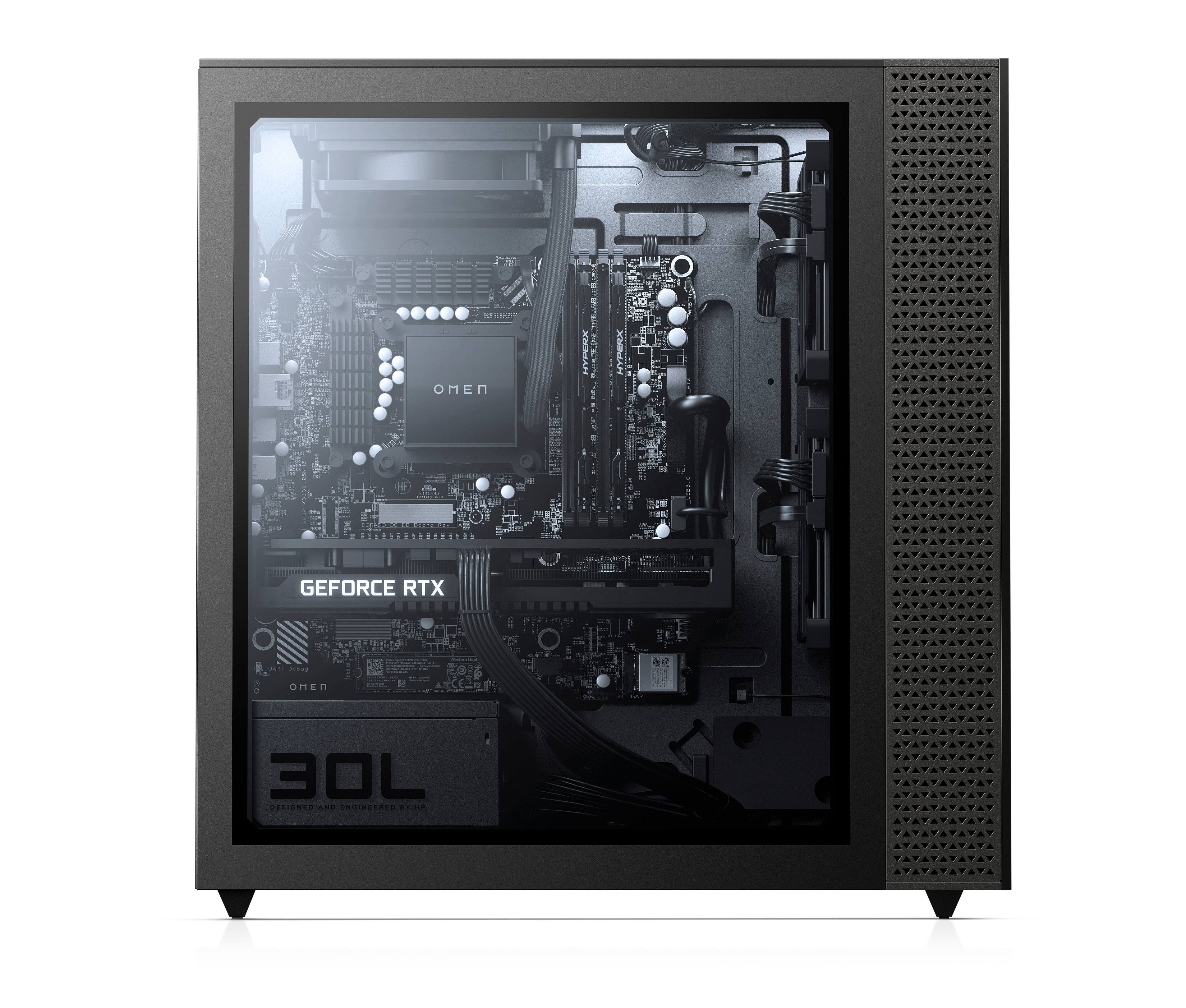
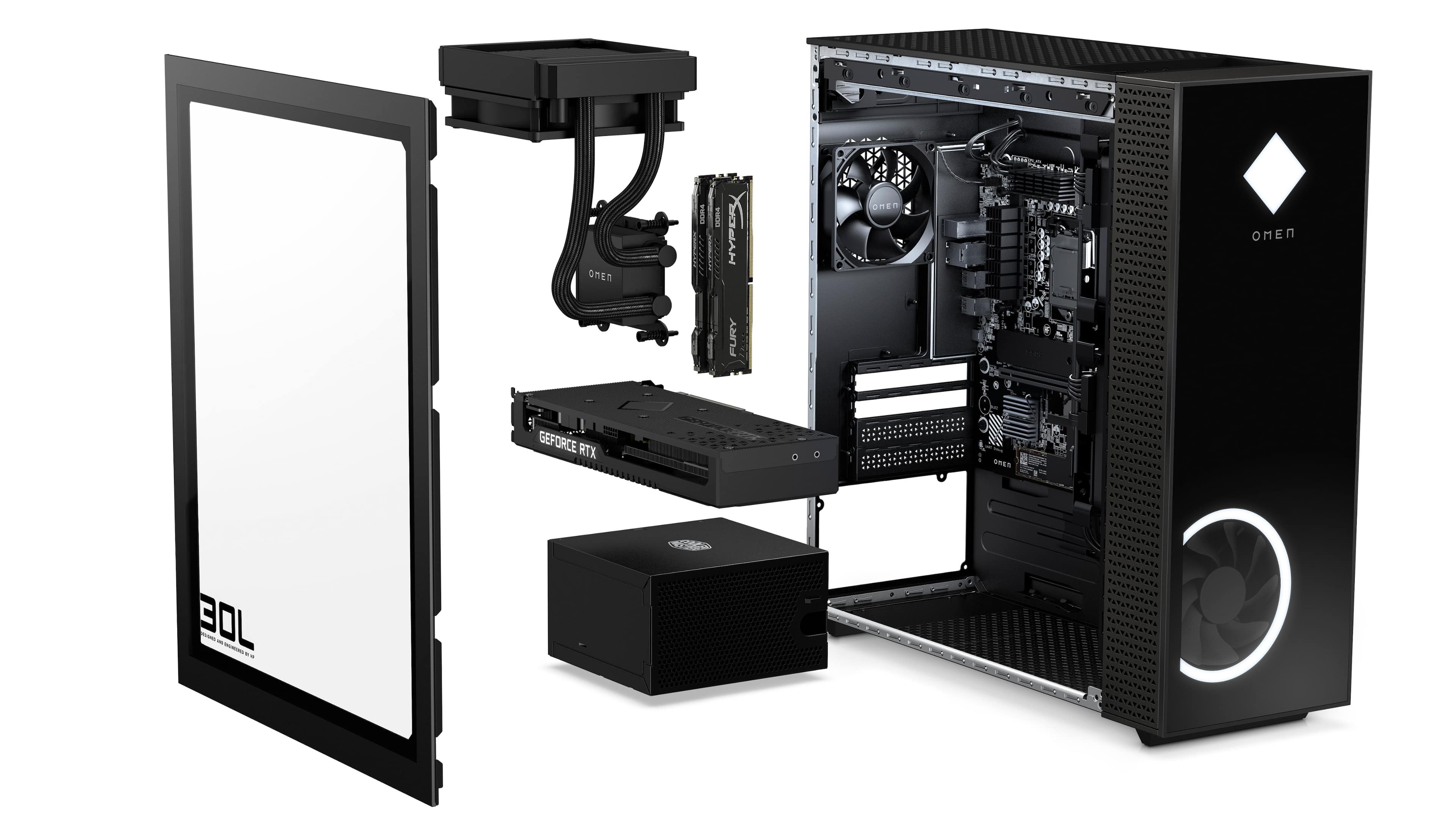
A:AnswerI just added 2 more 8GB sticks of ram. This PC came with 4 ram slots. 2 of the slots were empty and 2 were each occupied with a 8GB module. I ordered the extra 2x8GB from Amazon for $66.99. The photos below are of the added ram and Task Manager showing the added ram.
A:AnswerLike 2000, 3000! I was impressed. If my memory is correct I think I “3300” I also tested a external hard drive and a external ssd and the ssd in this build blows them out of the water. My external ssd is tested at 400. Hope this helps.
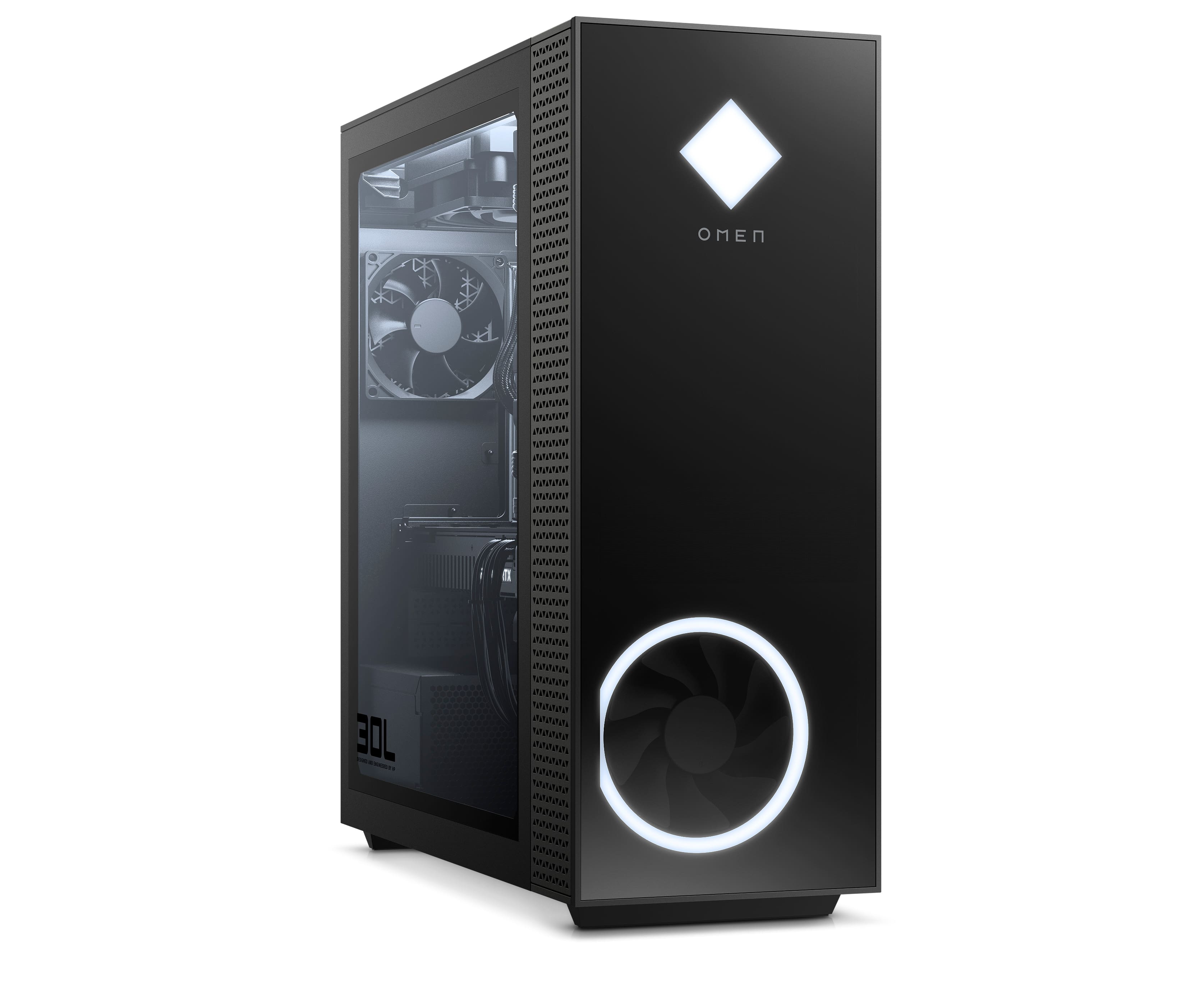
A:AnswerI added a fan to the bottom. The airflow might be “bad” compared to modern cases, but I have not had any temperature problems with my benchmark tests.
A:AnswerYes, this is top of the market. Anything better, or more expensive, would really only be advantageous if he is doing LARGE video editing and renderings.