


Deals Worth GiftingShop now

Main Content

Questions & Answers

Your price for this item is $799.99
Page Showing 1-8 of 8 questions
  • QuestionDoes the USB-C support video?

    Asked by Anonymous.

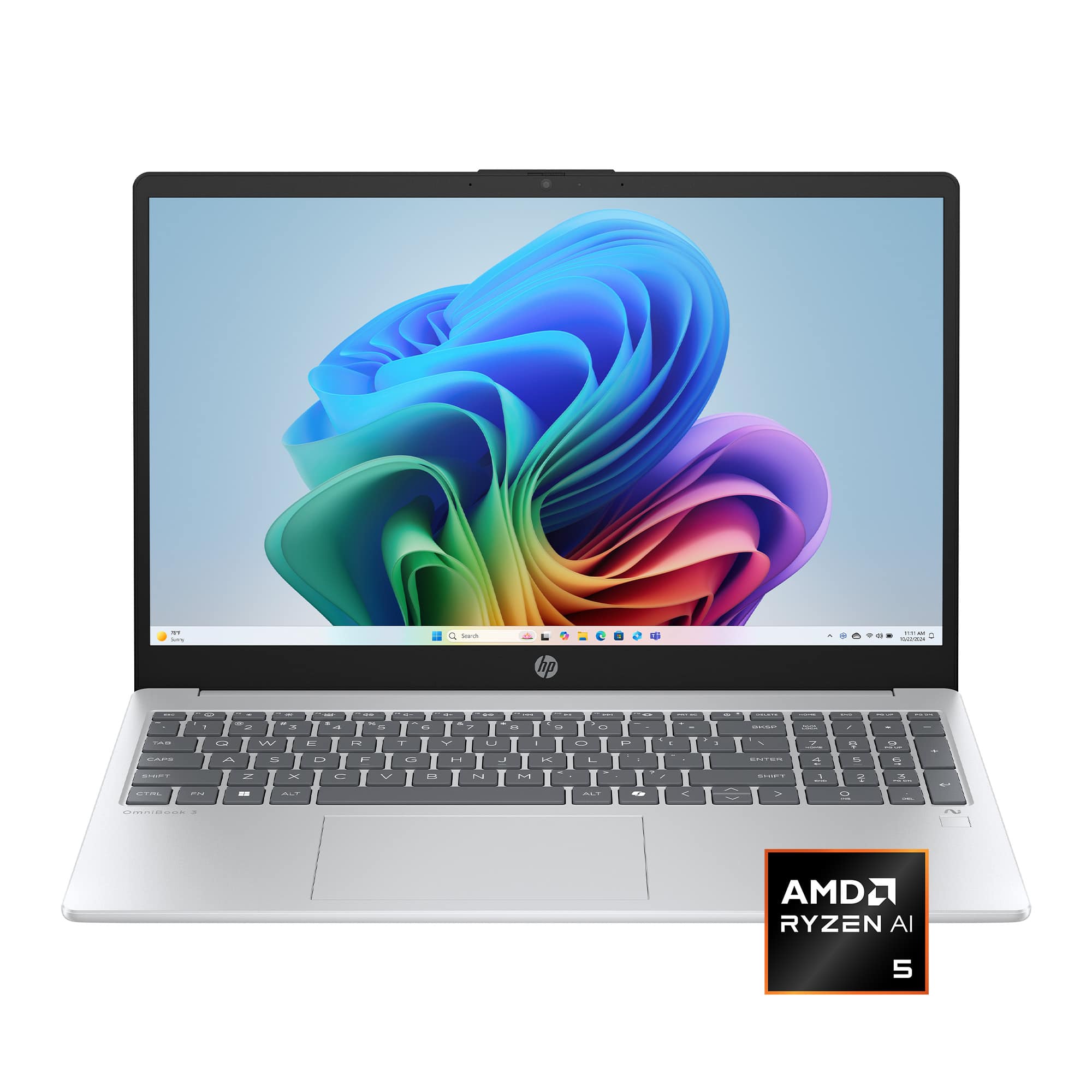
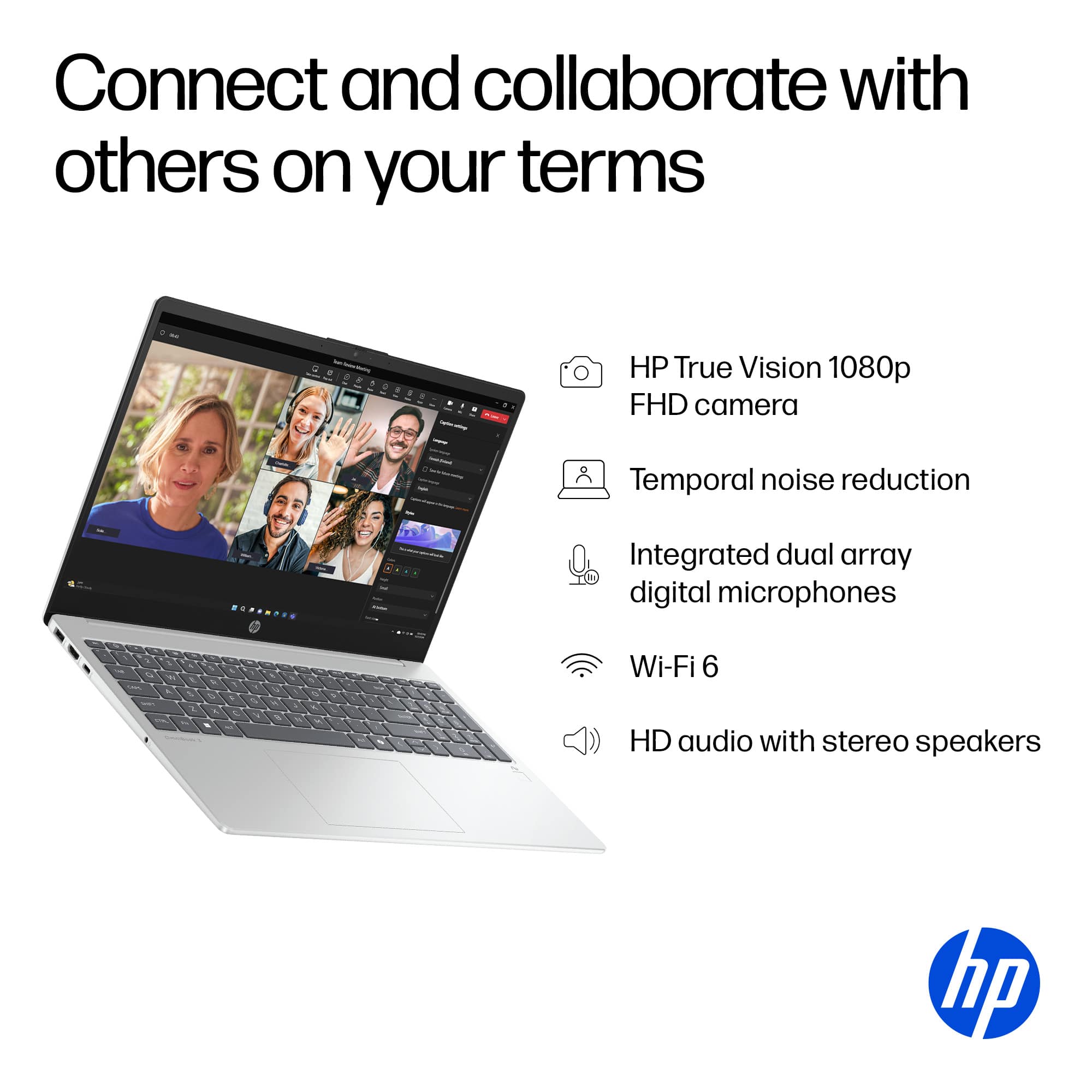
  • QuestionDoes this unit have a front camera?

    Asked by Ricky.

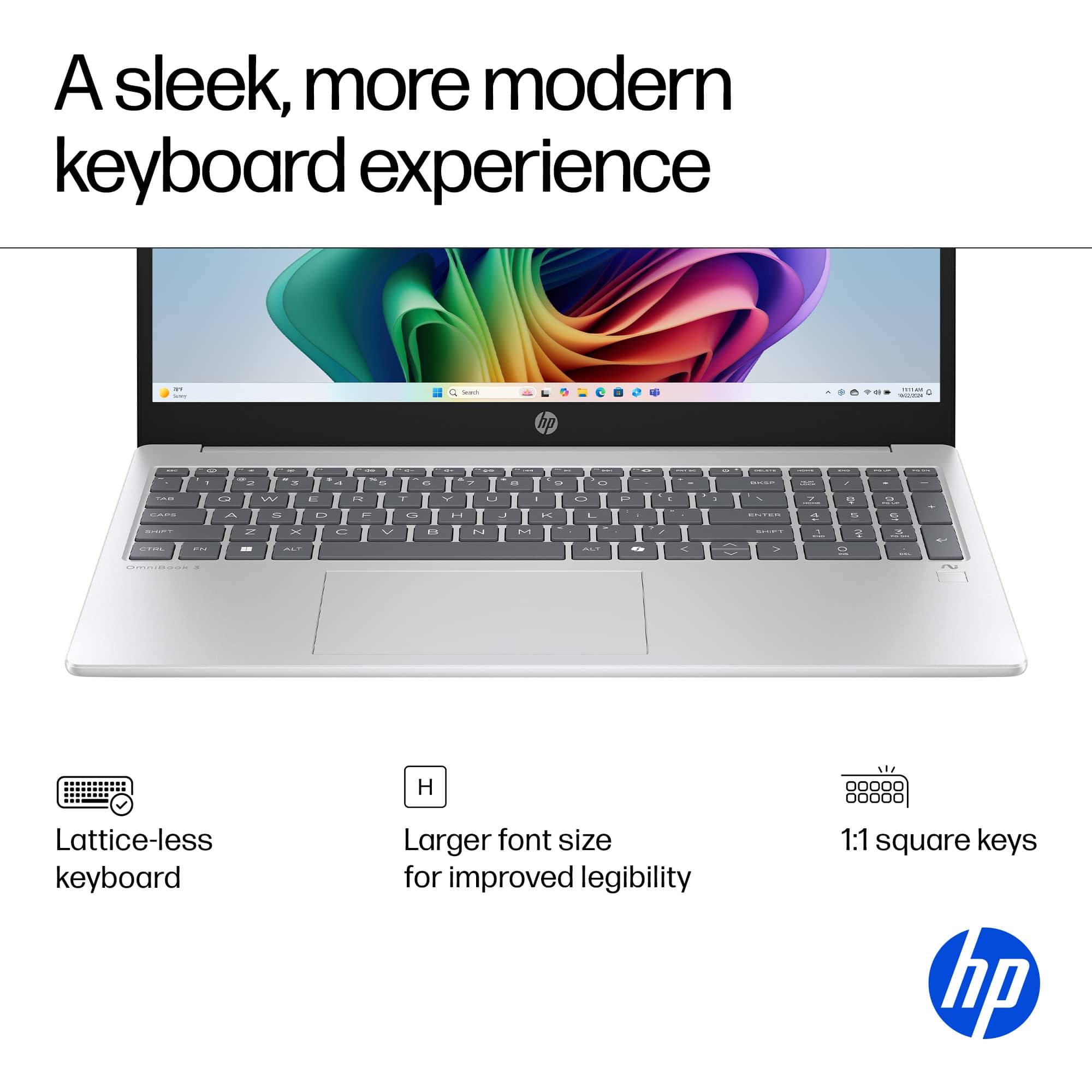
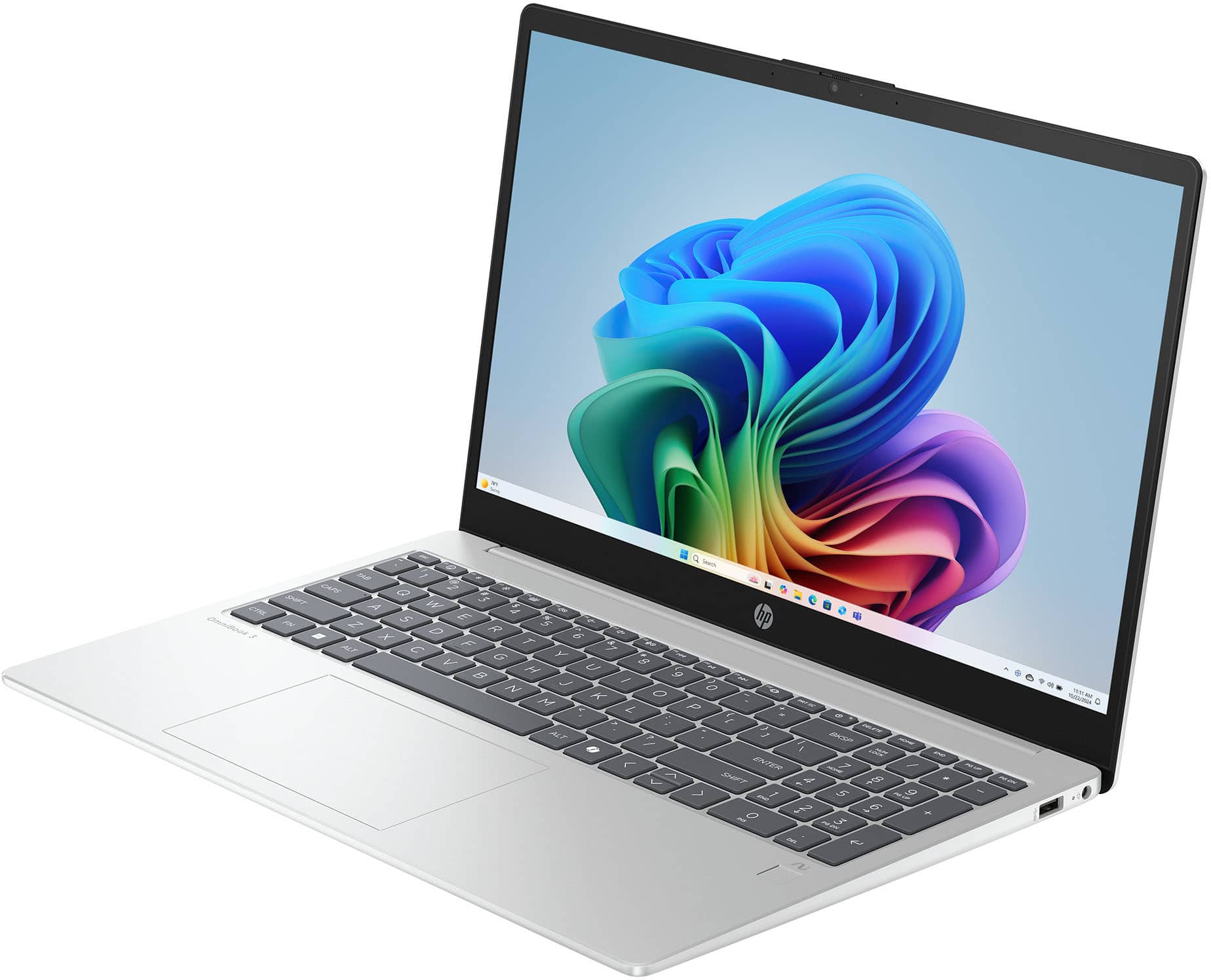
  • QuestionIs this unit backlit?

    Asked by Anonymous.

  • Questiondoes this laptop have lifetime microsoft office

    Asked by Anonymous.

  • QuestionDoes this laptop have power passthrough using the USB C port?

    Asked by LilSilent.

    • Answer Yes

      Answered by PamN

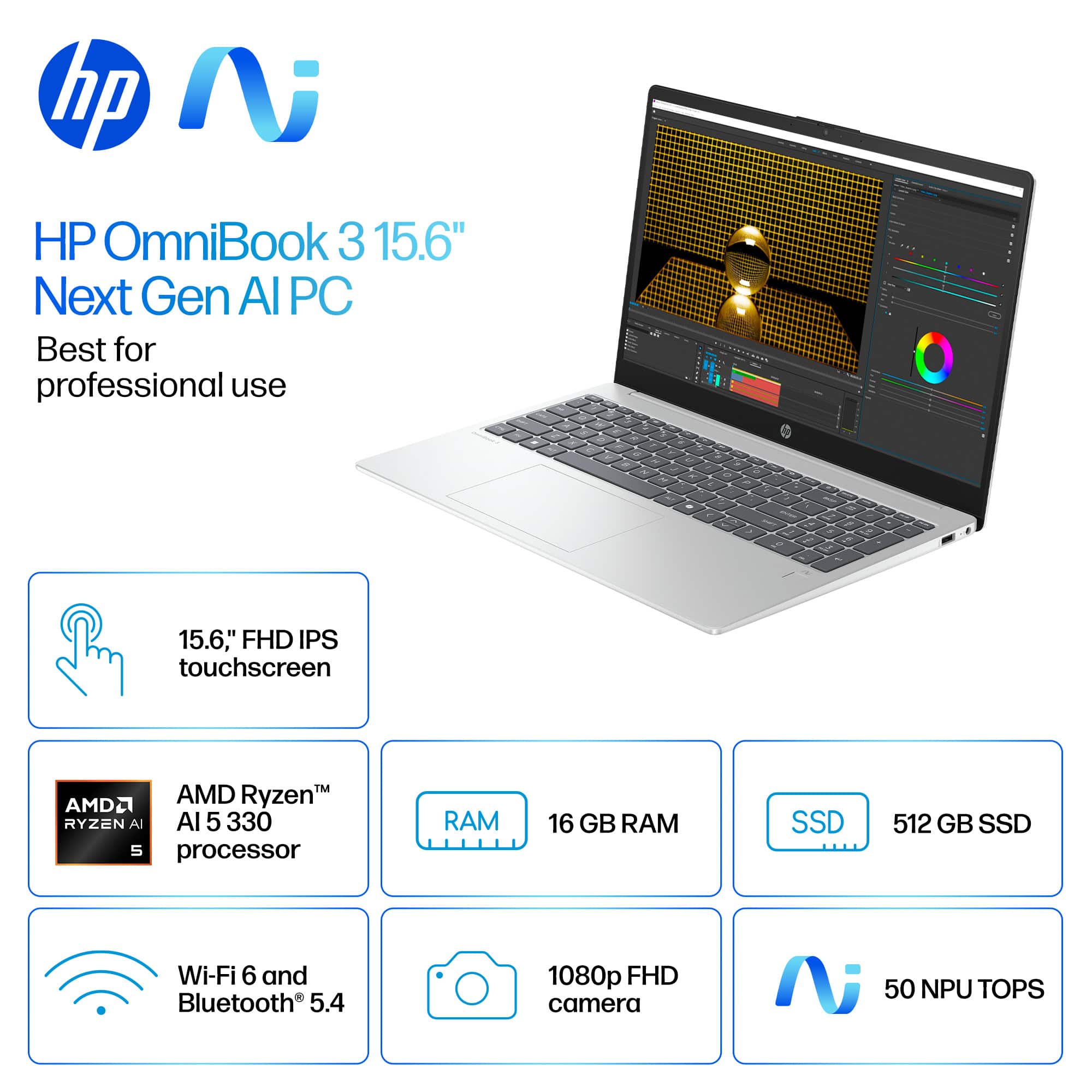
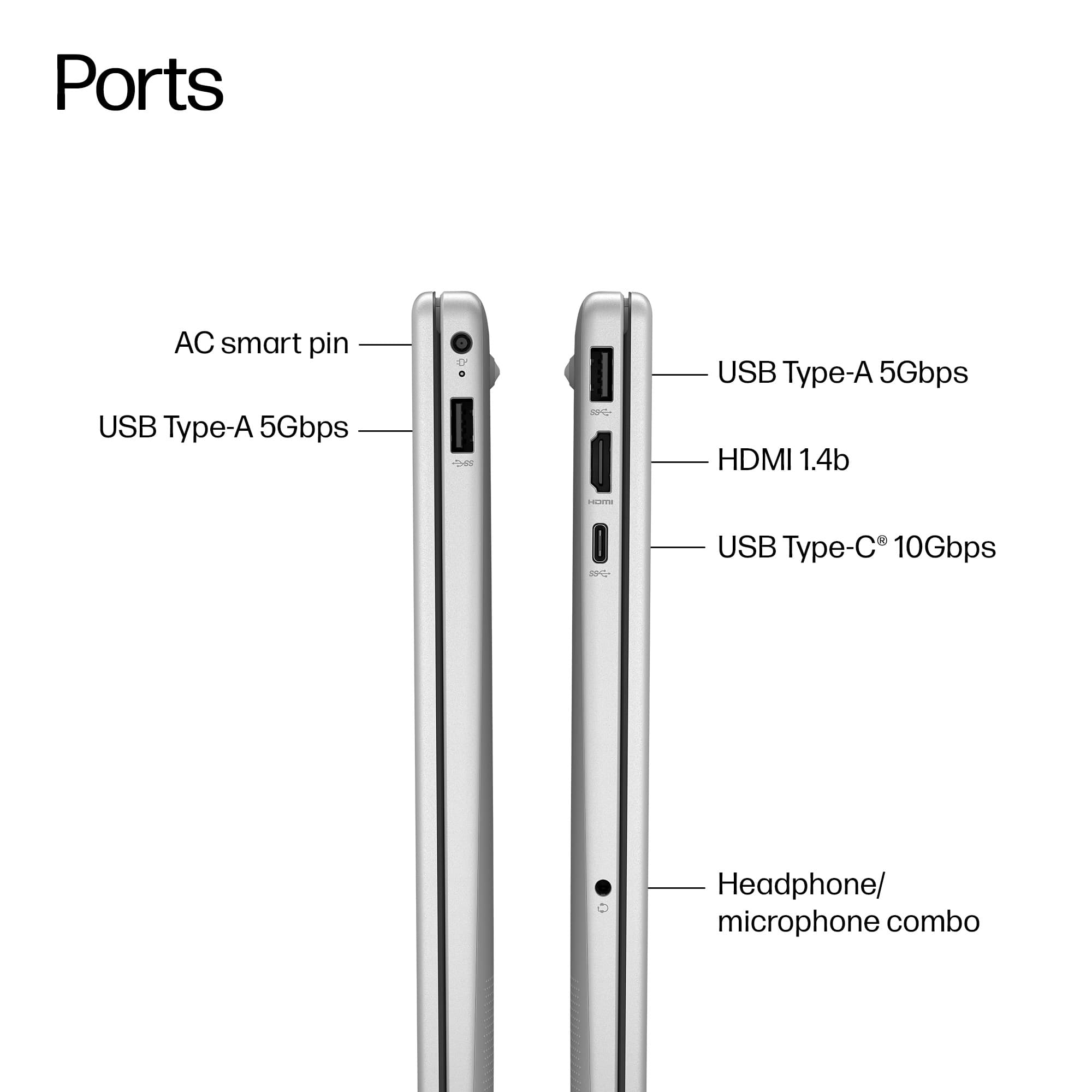
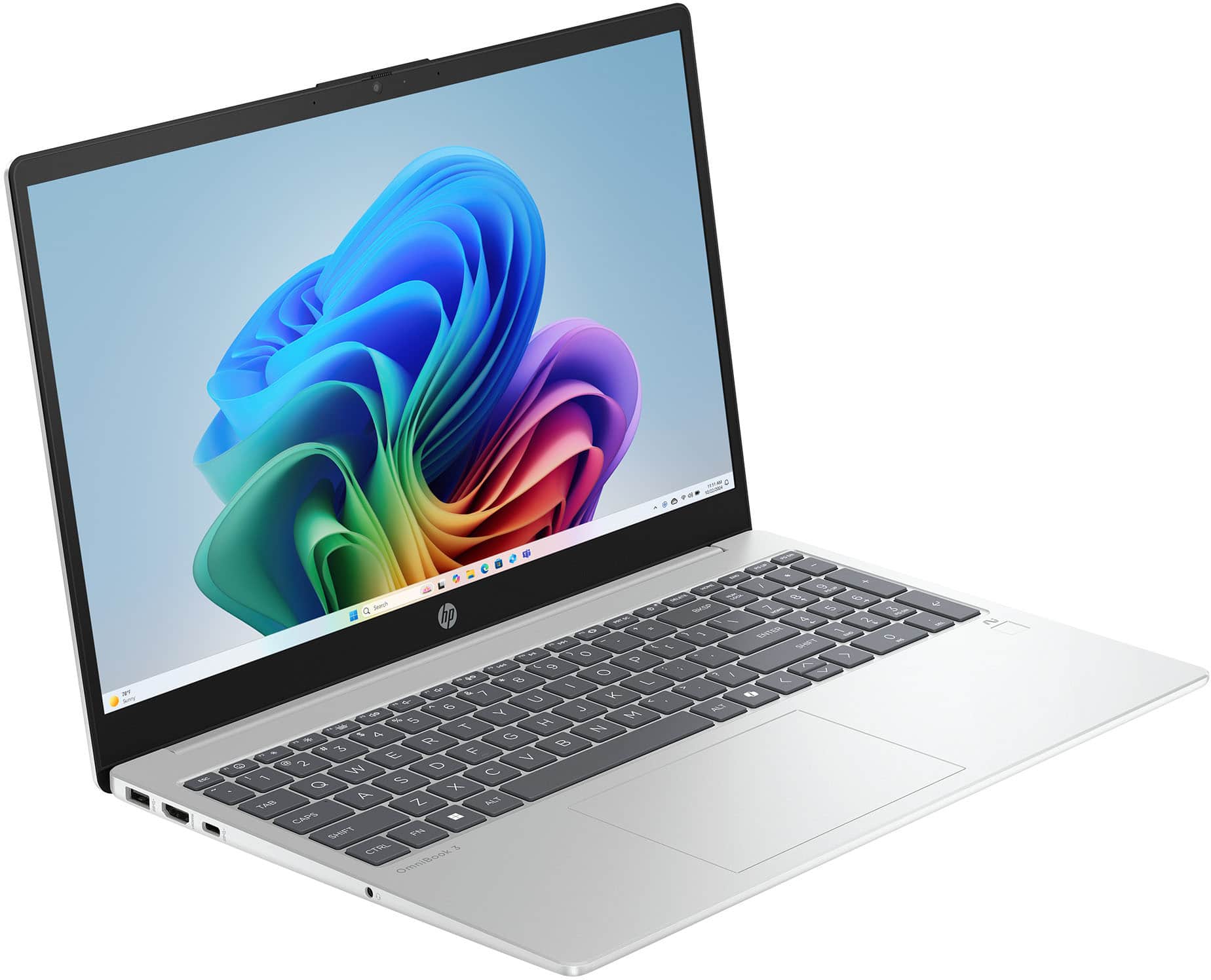
  • QuestionSpecs shows "1 x USB-A 3.1, 2 x USB-C 3.0" for USB ports, but picture of ports shows 2 USB-A and 1 USB-C. Which is it?

    Asked by liza.

    • Answer Good catch! I looked at the Datasheet and illustrations, and those both agree that there are "2 x USB-A 3.1, 1 x USB-C 3.0" ports, so I tend to think those are the correct specs.

      Answered by luislast

  • QuestionSounds great! But what are the expansion capabilities (RAM, drive)?

    Asked by Anonymous.

    • Answer I checked with both Copilot and Gemini AIs, and there is some common ground and some points where they diverge. This is what I found (slightly abbreviated): Gemini: The HP 15-fn0105dx, an HP OmniBook 3 Copilot+ PC featuring the AMD Ryzen 5 AI 5 330 processor, has specific expansion capabilities, though official documentation often understates the true maximums. Here is a breakdown of the RAM and drive expansion potential: RAM (Memory) Upgrade The RAM is upgradeable, but the type is the newer, faster standard. Current RAM: The system typically comes with 16 GB of RAM. RAM Type: You must use DDR5; DDR4 is incompatible. Slots: Based on similar HP 15 models, the motherboard likely has two accessible SODIMM slots. Maximum Capacity: While official specs may list 16 GB, the AMD Ryzen 5 processor and motherboard chipset typically support much higher capacity. You should be able to upgrade the RAM by replacing the two 8 GB sticks with 2 x 16 GB DDR5 SODIMM modules for a total of 32 GB. Many users of similar HP models successfully exceed the official manufacturer maximum. Drive (Storage) Upgrade The storage is easily upgradeable, but the ability to add a second drive is less common in this specific chassis. Expansion Slot: This model series is very likely limited to one M.2 slot. In the HP 15-inch line, it is rare for non-gaming or non-business models to include a second M.2 slot or a 2.5-inch SATA bay when an M.2 is already installed. Therefore, your expansion path will likely involve replacing the existing 512 GB SSD with a higher-capacity M.2 NVMe SSD (e.g., 1 TB, 2 TB, or 4 TB). Important Access Note As with most modern HP 15-inch laptops, accessing both the RAM slots and the M.2 SSD slot requires removing the entire bottom cover of the laptop. This is a delicate procedure that requires the right tools and patience. MS Copilot: The HP 15-fn0105dx supports RAM upgrades up to 16GB and allows for internal storage expansion via M.2 SSD. It’s a budget-friendly model with modest upgrade flexibility. RAM Expansion - Maximum Supported RAM: 16GB total (1 × 16GB module) - RAM Slots: 1 SODIMM slot only (single-channel memory) Storage Expansion - Primary Drive Bay: 2.5" SATA slot (for HDD or SSD) - Secondary Slot: M.2 2280 slot (supports SATA or NVMe SSDs depending on motherboard variant) - Upgrade Options: - Replace the existing 2.5" HDD/SSD with a larger capacity drive - Add an M.2 SSD if the slot is available and compatible Upgrade Notes - Accessing Internals: Requires removing the bottom panel (secured with screws and clips) Incidentally, I was looking at similar HP laptop just the other day, and the similarity between the two tend to make me think that Copilot has it closer to the best answer, but if you are serious about this unit, I suggest checking out the HP website and/or community for more definitive information.

      Answered by luislast