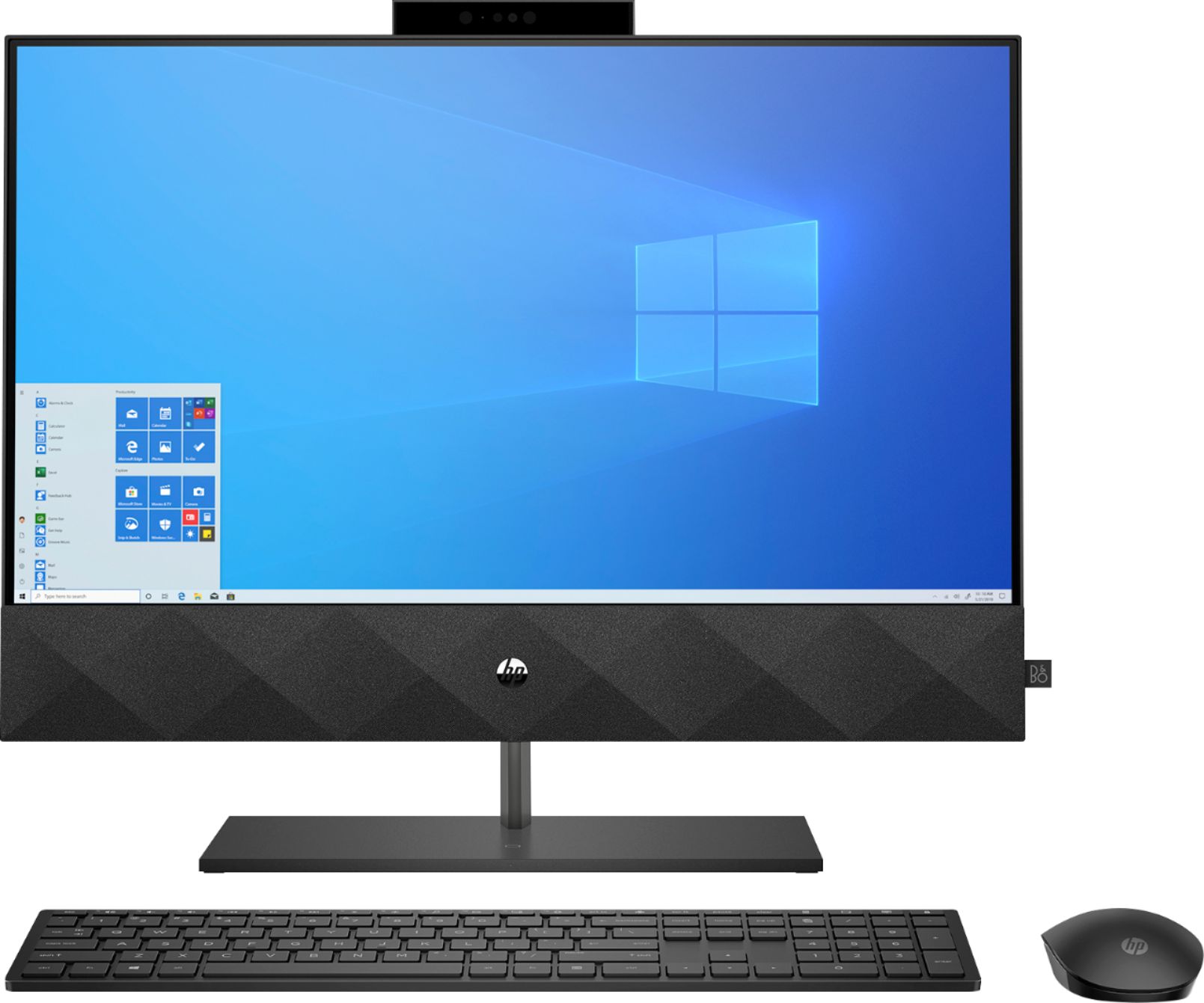
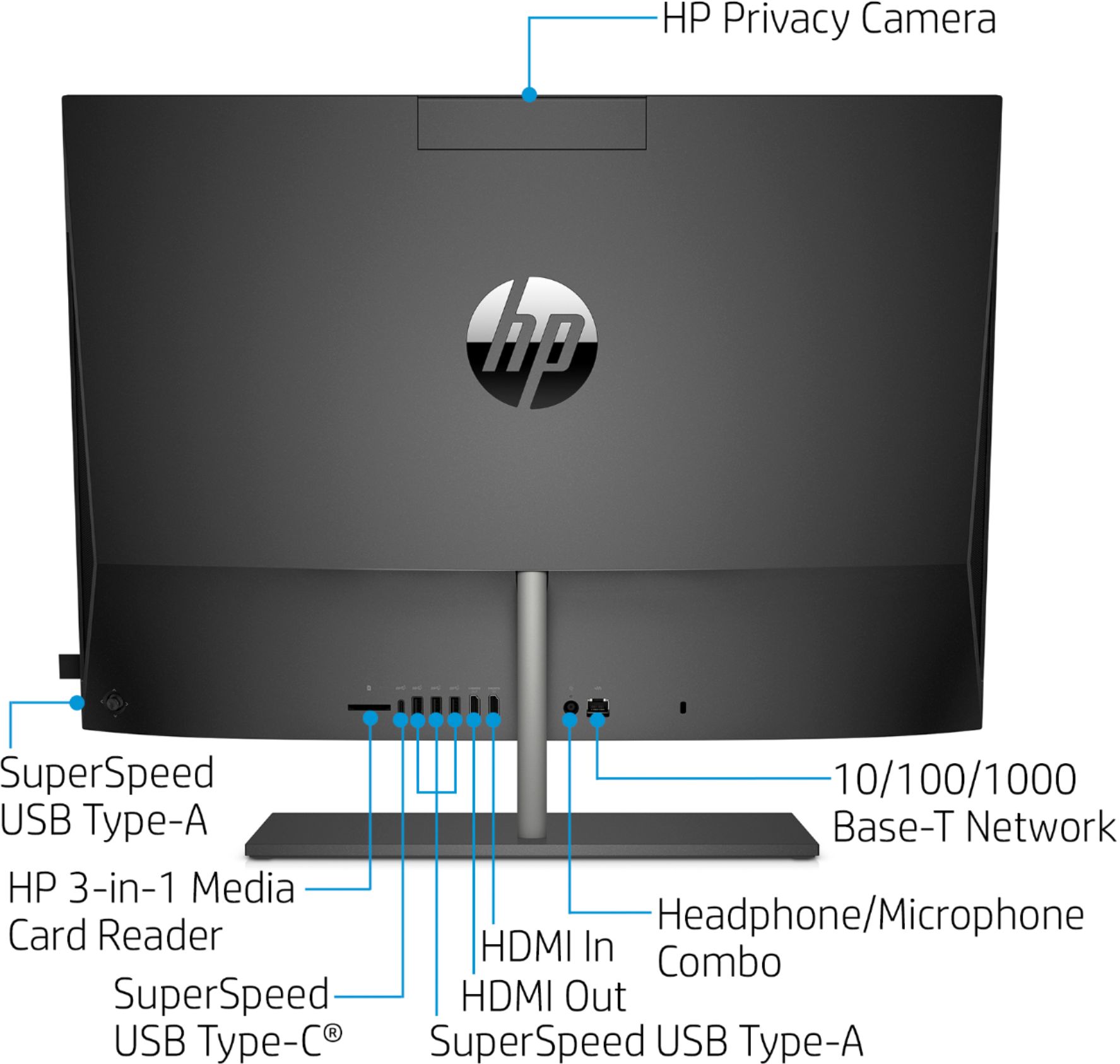
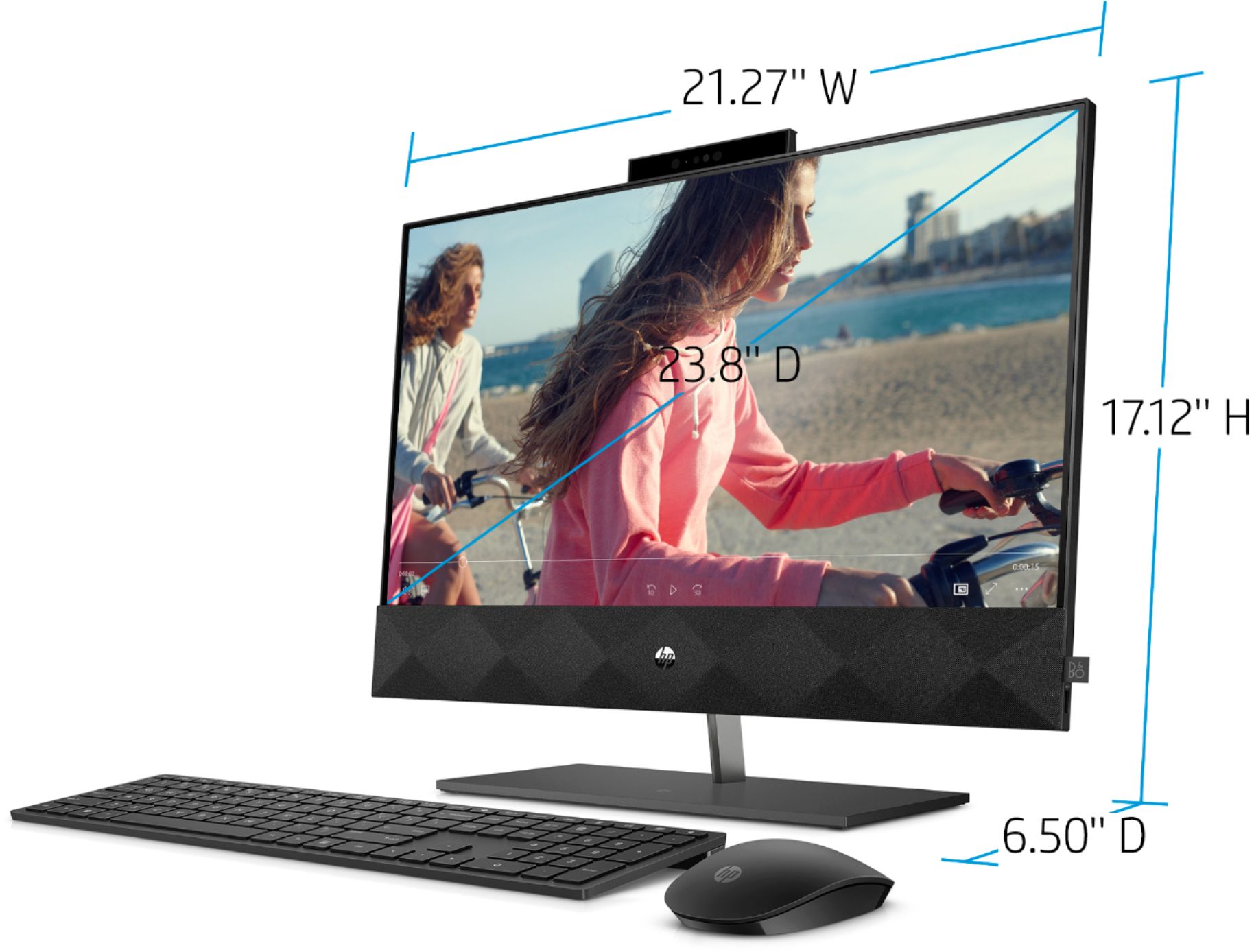
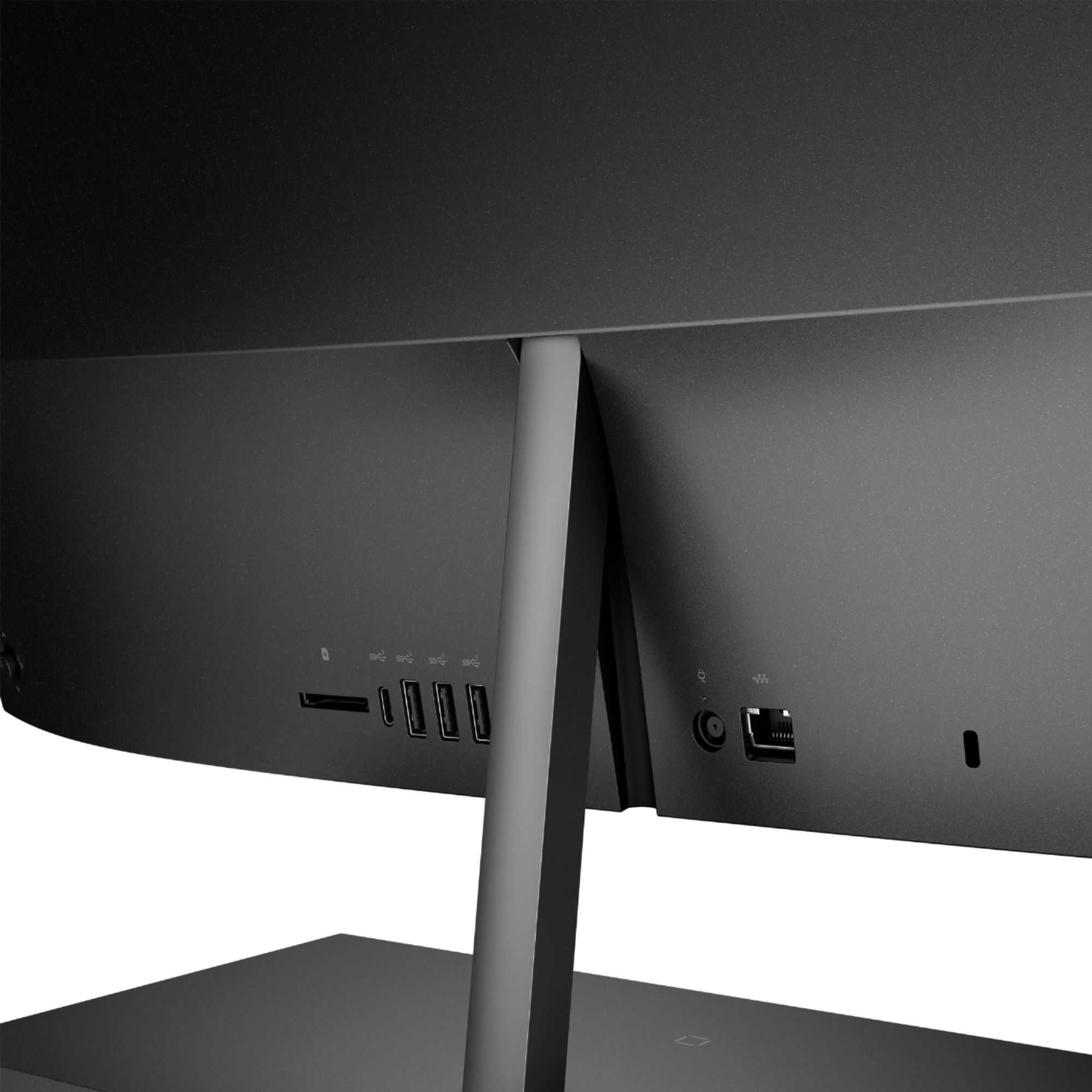
A:AnswerYes, the HP Pavilion All-in-One - 24-k0024 has an HDMI output port for use with a second monitor. For a third monitor you would need a USB adapter.
A:AnswerWindows 10 Home is installed on this computer. There is a 30 day trial of Microsoft Office on this laptop, which includes Word, Excel, and PowerPoint. We recommend purchasing Microsoft Office with this computer.
A:AnswerThanks for your question! This model features wireless charging built right into the base, which is what the battery symbol means. Just place any compatible smartphone onto the base for completely cord-free charging. Here is the user guide, which has some information regarding the touchscreen.
http://h10032.www1.hp.com/ctg/Manual/c06366166
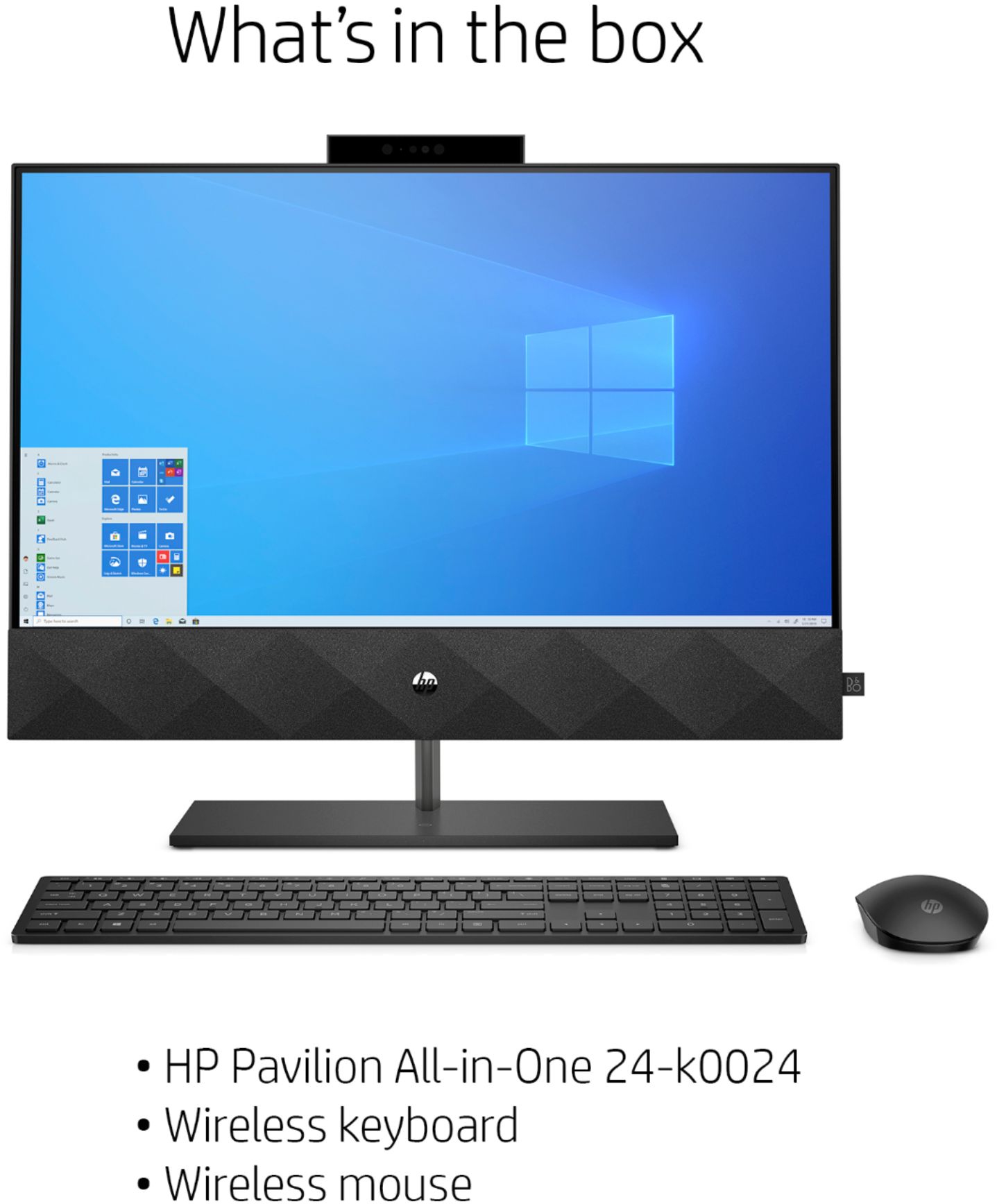
A:AnswerEverything you need is included, except any specific software you may want/require. The only other thing you might want is an external CD/DVD reader/ writer as this does not have that
A:AnswerMost software can now be downloaded. If you wish to load software from a DVD or play a DVD or CD,
you can use an external DVD drive. You can both read and write DVDs and CDs. Here is an example of one: https://www.bestbuy.com/site/lg-8x-external-usb-double-layer-dvdrw-cd-rw-drive-black/5852919.p?skuId=5852919
A:AnswerHey, I had the same issue the second day I had mine (got it on 12/31). I found an HP article that told me to go into the audio settings and deselect Enhanced audio. That fixed the issue. Hope this helps.
A:AnswerI wouldn’t suggest an all in one for gaming. As I’m sure the I5 with 12gb RAM and an ssd would allow you to play, it might not be the best experience. Look to a tower in your budget with the ability to upgrade over time. I would also suggest a graphics card and monitor with a decent refresh rate.
A:AnswerYou can use an external hard or solid state drive to save anything from the old computer. Or you can use the cloud like OneDrive or Google Drive.
A:AnswerHello. Thanks for your question. You can use a Universal USB Docking Station. You want to be sure the docking station has the video ports, i.e. HDMI, that are on the monitors.