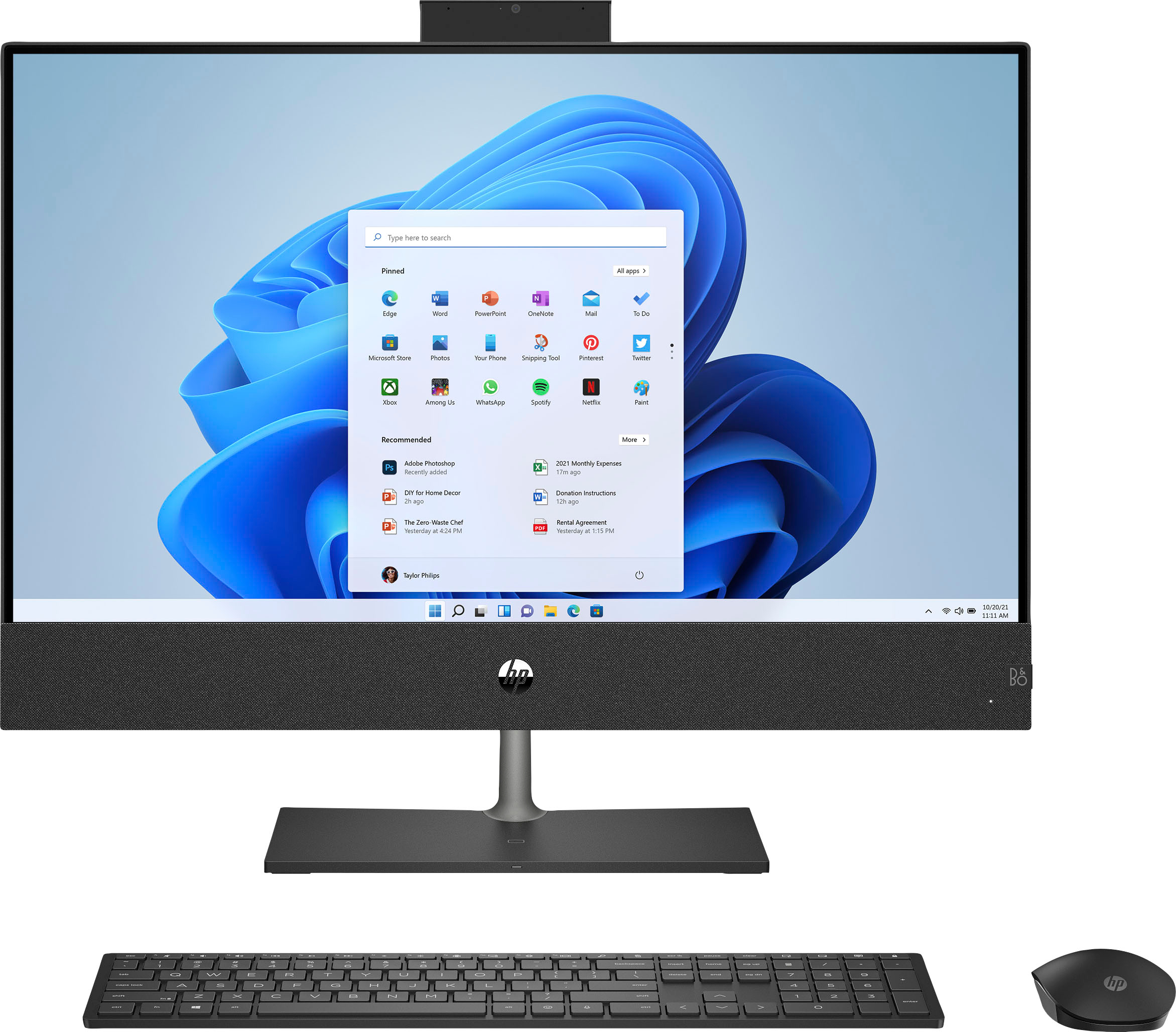
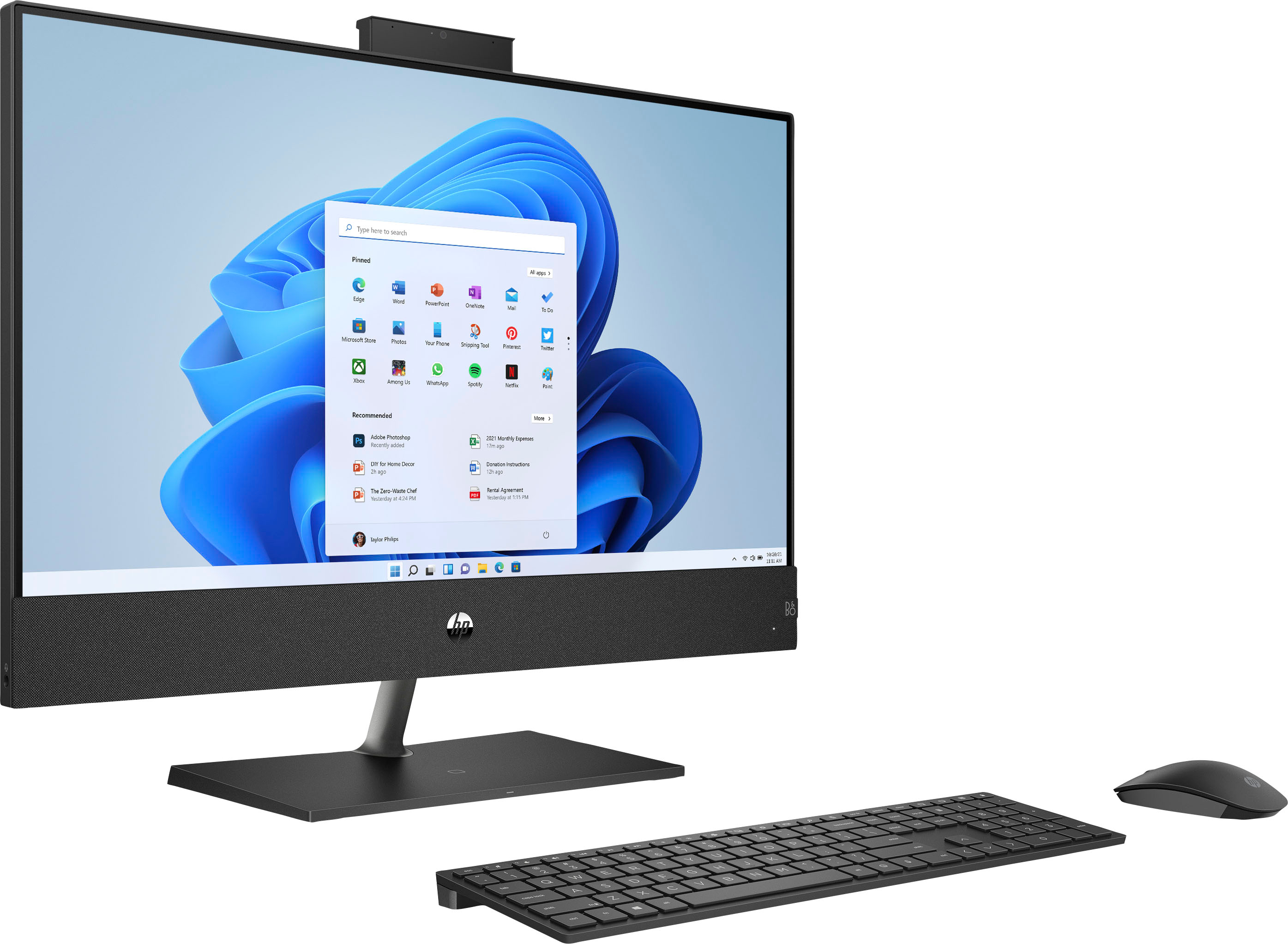
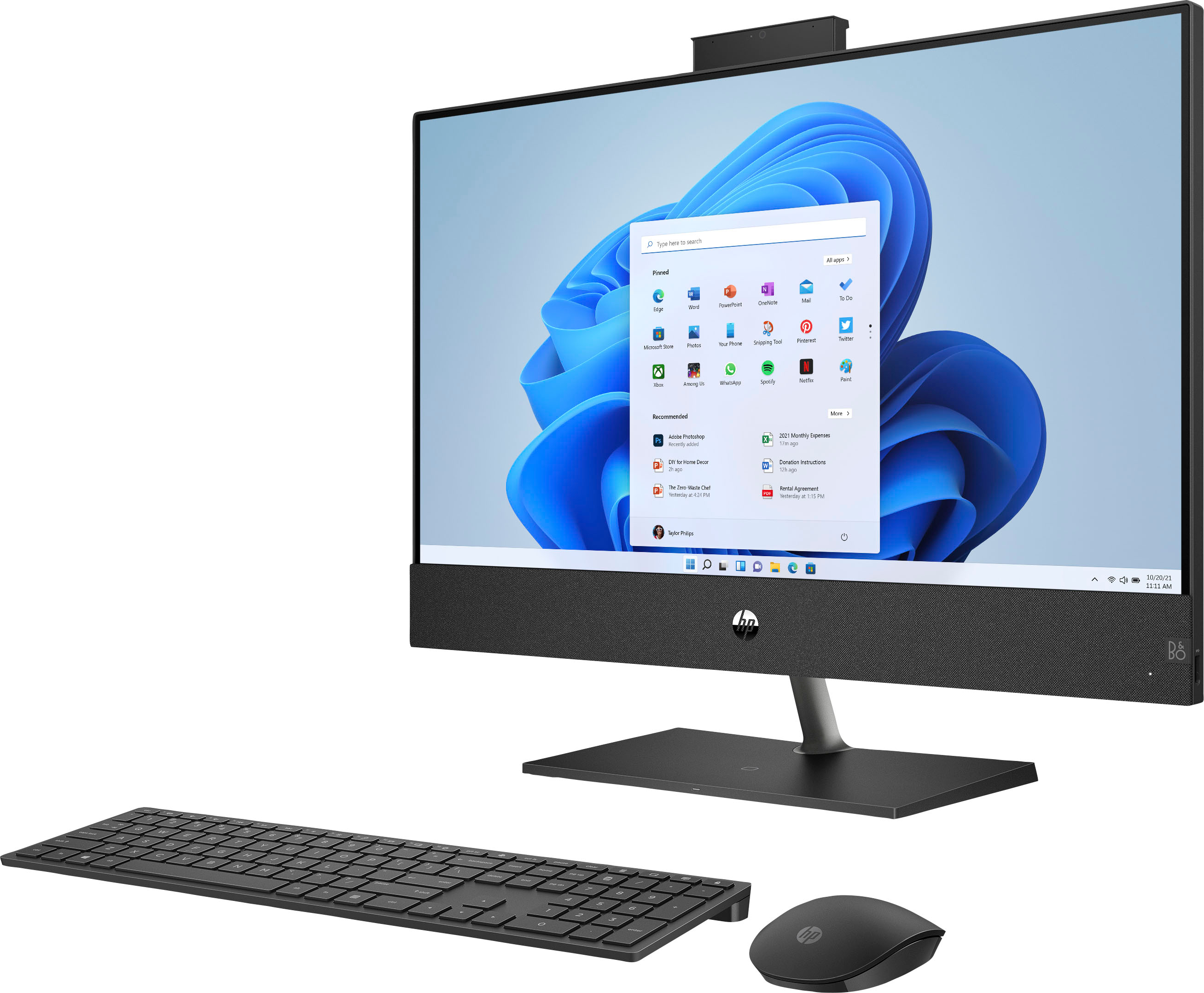
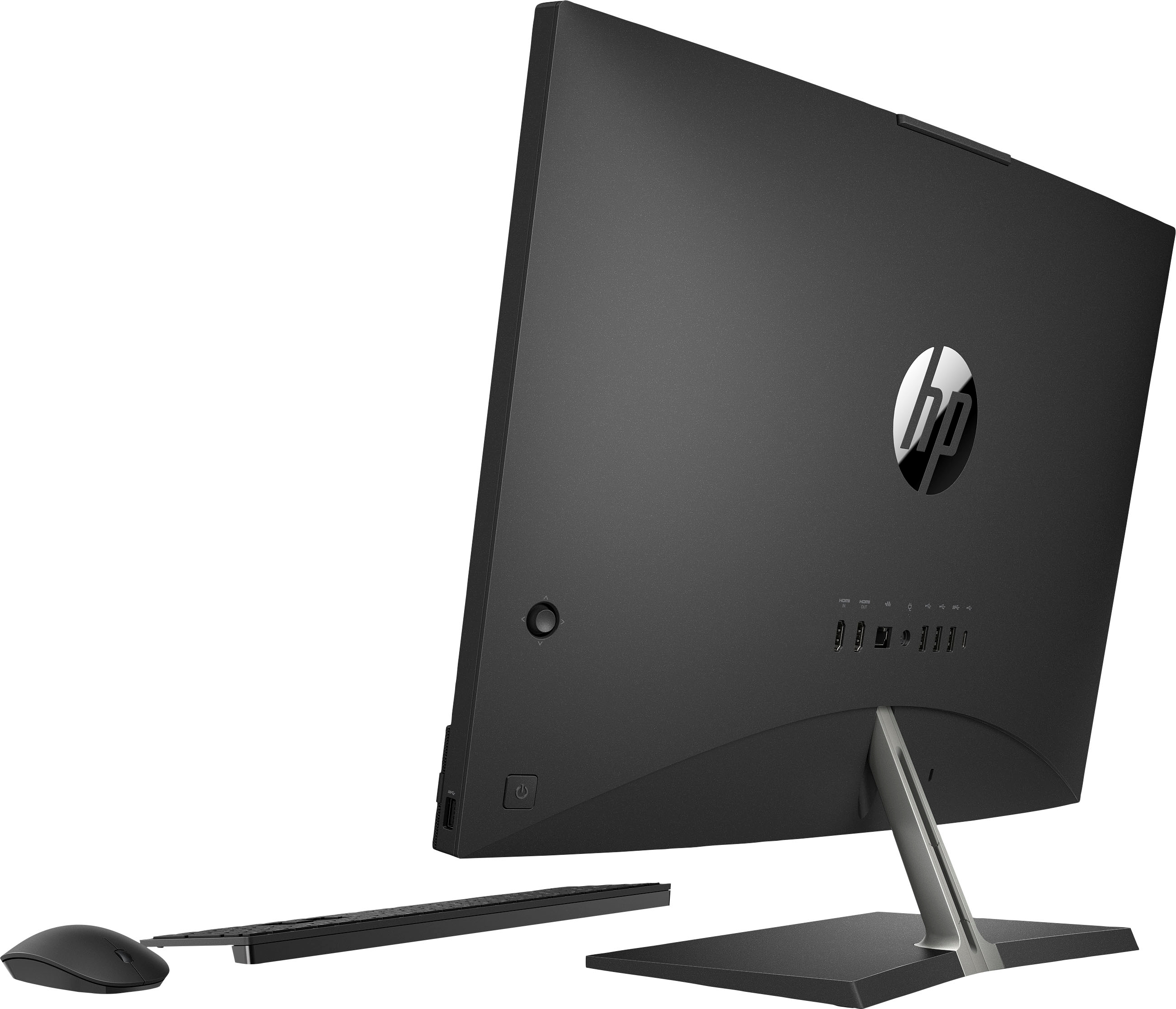
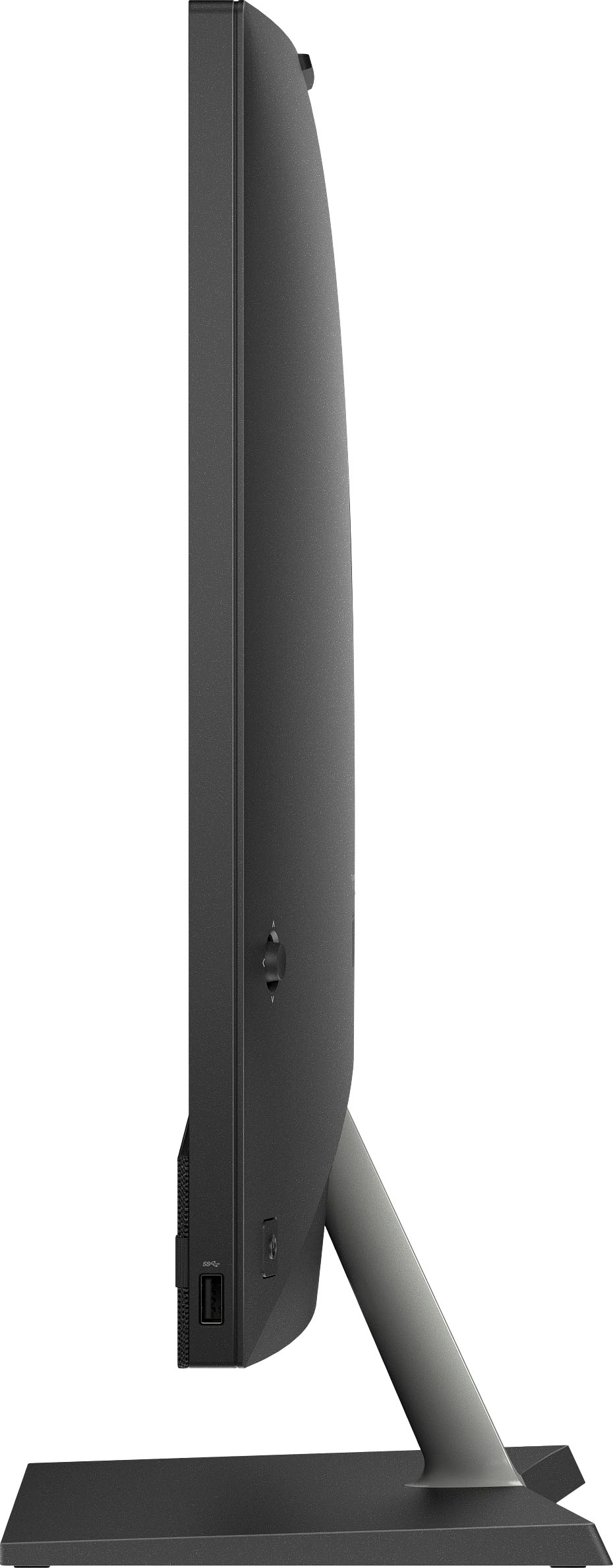
A:AnswerThank you for the question. The Pavilion All-in-One is not height adjustable. The monitor can be adjusted by tipping it forward or backward about 10 degrees but does not pivot right/left.
A:AnswerHello there and thank you for your question. The Intel® Core™ i7-12700T Processor has an Efficient-core Base Frequency of 1.00 GHz and a Max Turbo Frequency of 4.70 GHz
You can check more details about the processor's frequencies in the following link: [ https://ark.intel.com/content/www/us/en/ark/products/134596/intel-core-i712700t-processor-25m-cache-up-to-4-70-ghz.html ]. Thank you for choosing Intel.
A:AnswerThank you for reaching out. This 27" QHD monitor would augment your system nicely: https://www.bestbuy.com/site/hp-27mq-27-ips-led-qhd-monitor-hdmi-vga-silver-black/6426785.p?skuId=6426785
A:AnswerApologies for what you're experiencing. Wireless charging requires a physical connection between a phone and the charger. Charge with the screen-side up. If your case is thick, you may need to remove it to charge. By default, wireless charging is enabled in all power states. To verify this: Press the OSD button found on the right side of the back of the computer. Select the menu icon to open the OSD menu. Select Power. Select Wireless Charging. Select On to enable wireless charging or Off to disable wireless charging.
A:AnswerThis unit has an HDMI input that would allow you to use the 1080p resolution and it would support the audio as well. You can the buttons to easily switch between the inputs.
A:AnswerNo, unless you put a stand underneath it. Personally I did however just note that the camera is hidden so it pops up... so it will a little higher therefore if you put a stand underneath it will make the camera view higher.
A:AnswerHello, these should be connected via Bluetooth. Terrific all in one! Congratulations on your purchase! If you need further support contact HP Support and they will be able to assist you! Thank you for being an HP customer!
A:AnswerYes, you certainly can. With the advent of streaming services, computer manufacturers have determined that CD/DVD drives just don't get used that often.