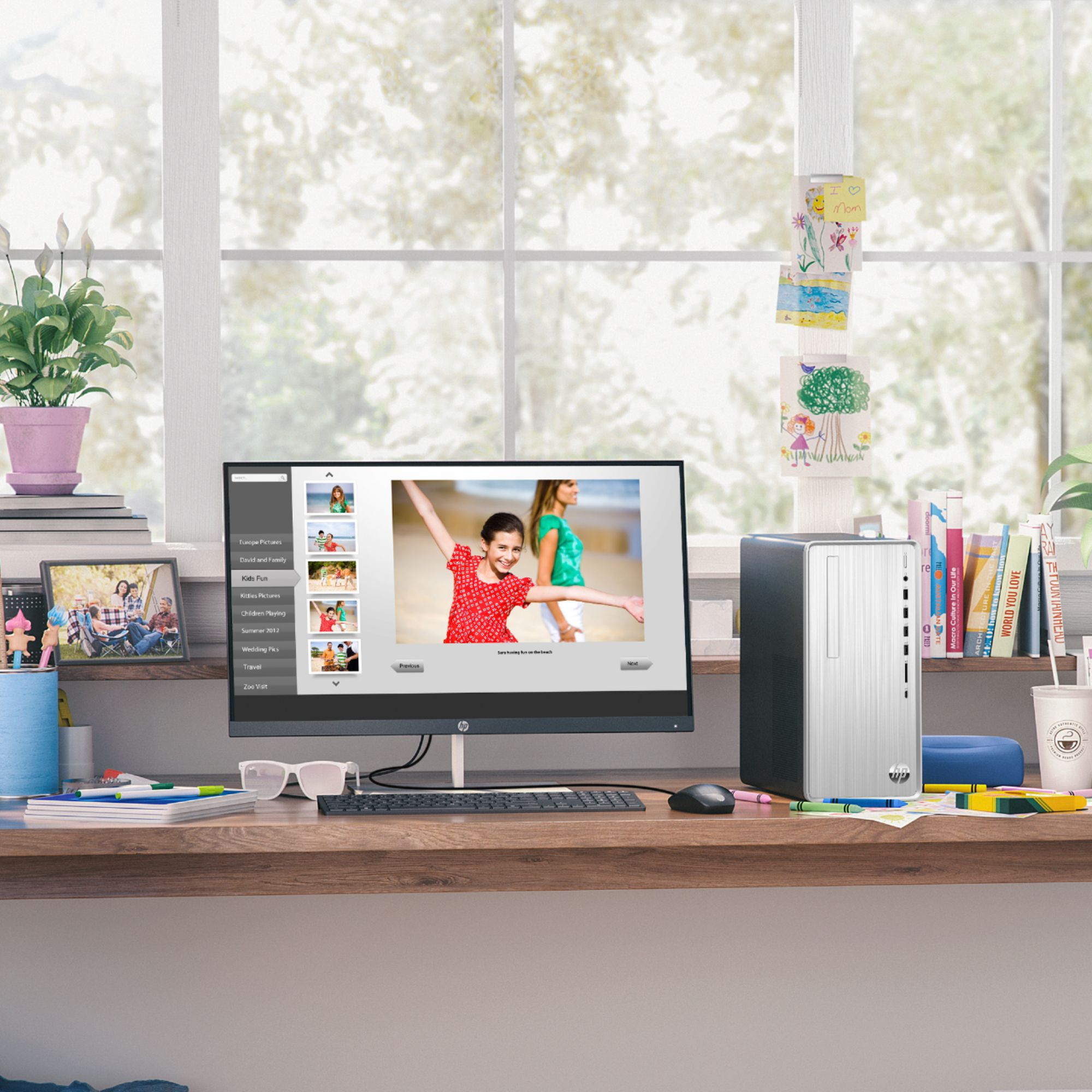
A:AnswerThank you for the question. Yes, one of the benefits of a desktop PC is that you can upgrade as you see fit. The TP01-1214 has the following expansion slots: 2 M.2; 1 PCIe x16; 1 PCIe x1.
A:AnswerHi Jo! Thank you for your question. For transferring files from your old HP Pavilion computer, I suggest reaching out to your local Best Buy's Geek Squad for this service. The HP Pavilion Desktop TP01-1214 has one port VGA and one port HDMI for a monitor. If your current monitor has either one, then you can connect it to the HP Pavilion Desktop TP01-1214.
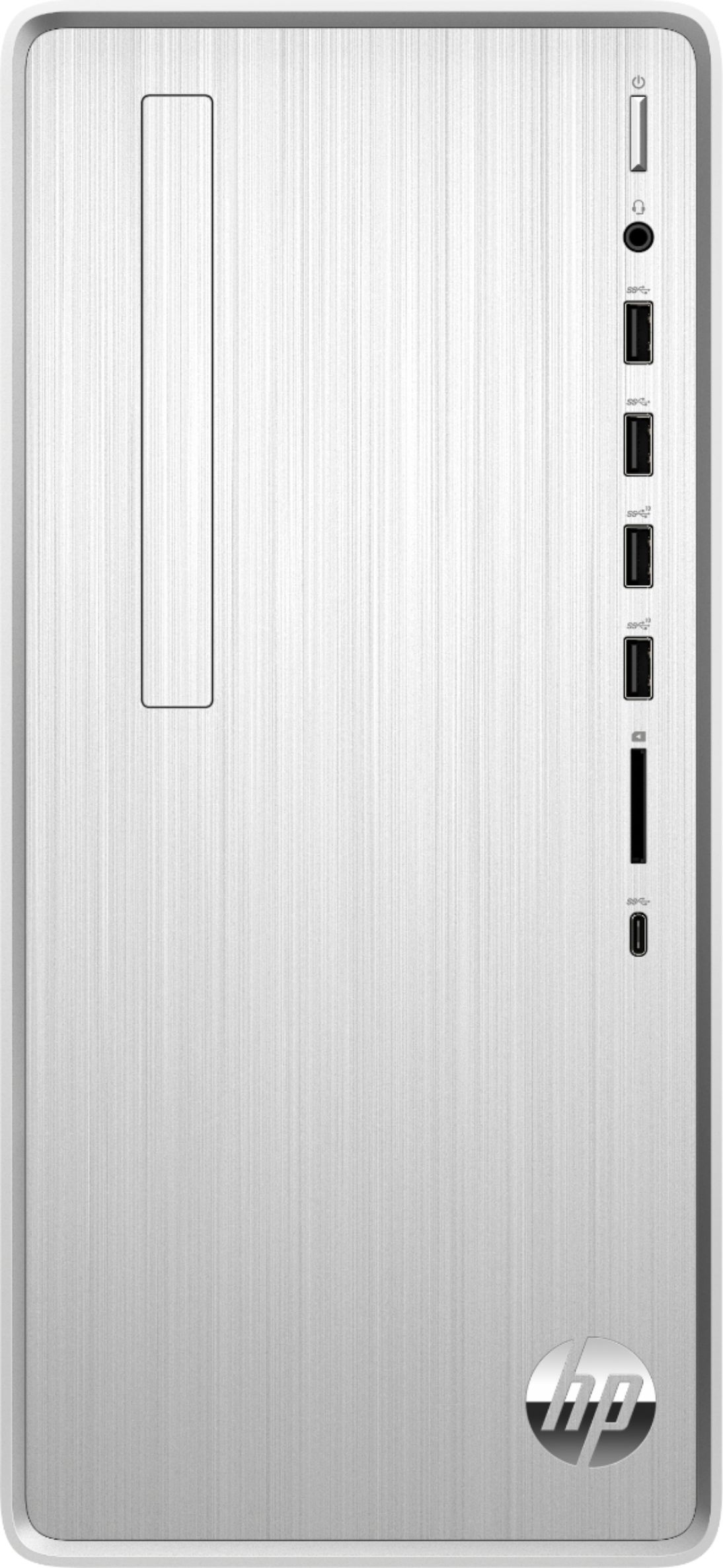
A:AnswerHello and thank you for your question. This HP Pavilion desktop does not include a monitor. However any monitor brand purchased separately will be compatible with this Pavilion desktop.
A:AnswerI own this computer and it does have a 3.5 inch bay, Sata cable and power cable installed and connected to the motherboard. Installed a 2TB internal drive in 5 minutes.
A:AnswerHello, yes you can go to the HP website and download the manual directly from the Product Home Page. You will also find all the drivers and support information there as well. Thank you for being an HP customer!
A:AnswerThank you for the question. Yes, the Pavilion TP01-1214 is highly customizable and has the following expansion slots: two M.2; one PCIe x16; one PCIe x1.