A:AnswerIn a program like Word or simple notepad or from a web site?
If online or reading an email you should be able to long press the screen near the text you want to save and a movable text selector will show up. bracket the text and hit copy or cut on the little menu that appears at the top,
A:AnswerNot from the box. You could always install windows 7on your own.... but you can also use windows 8 like 7....not use the touch features and "escape" back to using mouse and keyboard with the windows 7 look.
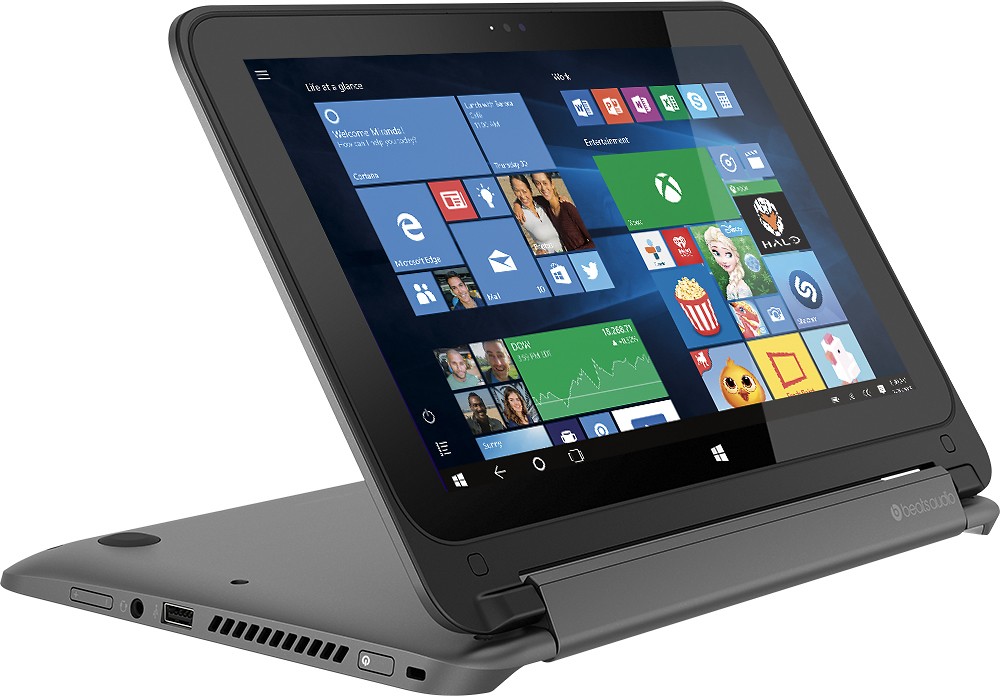
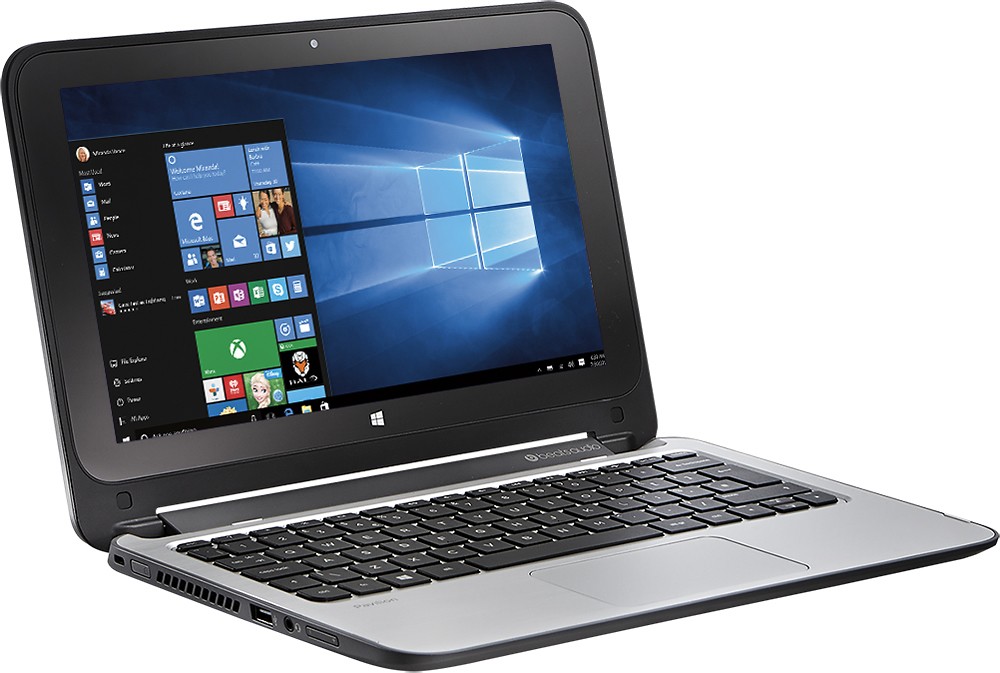
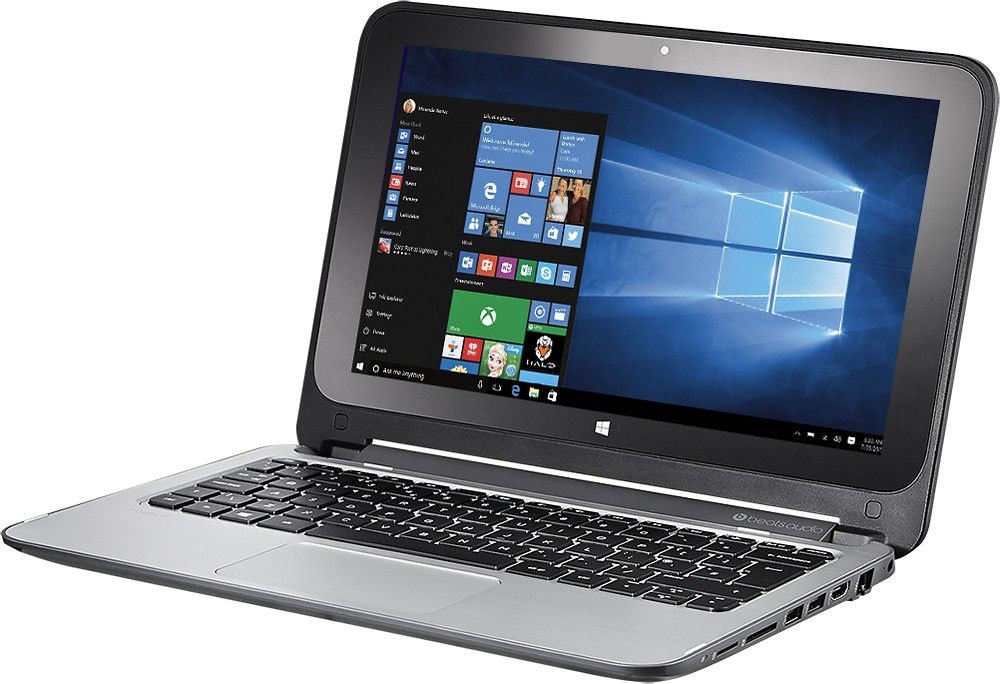
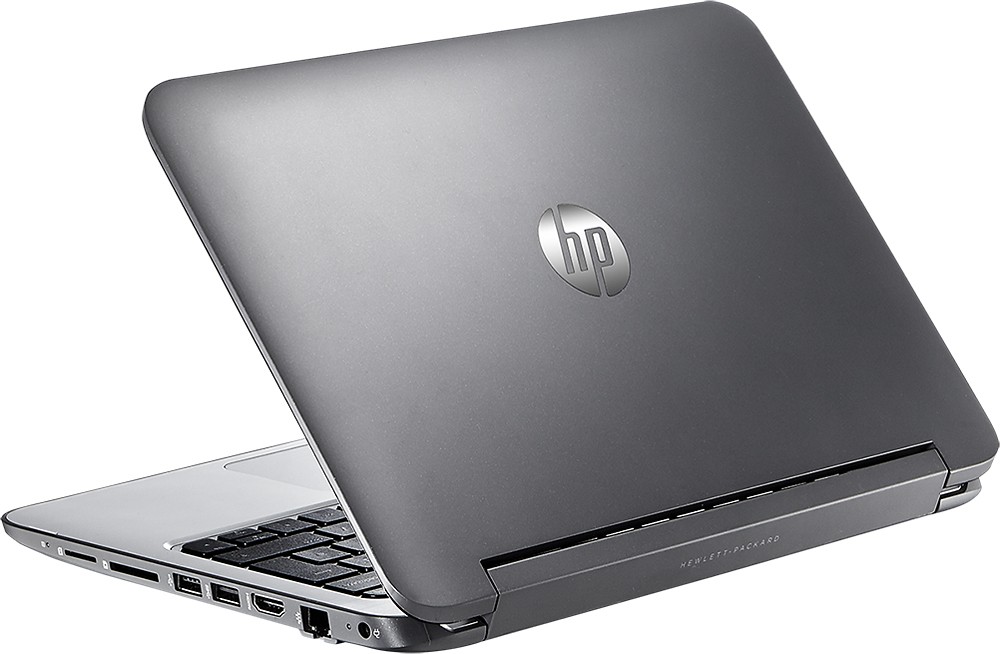
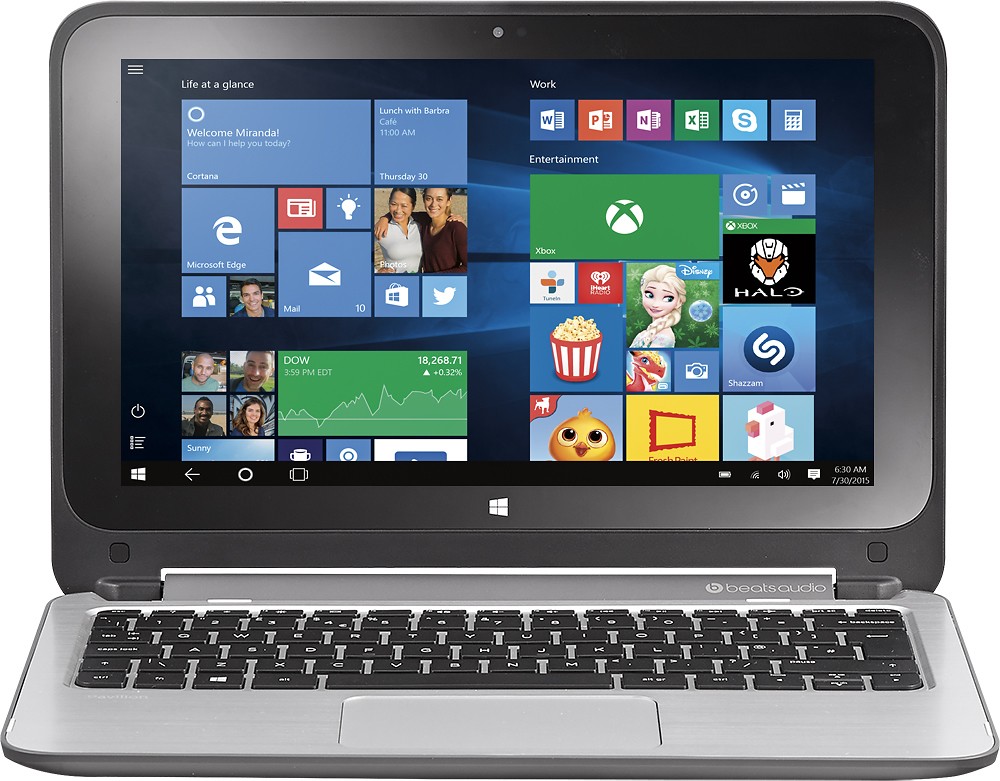
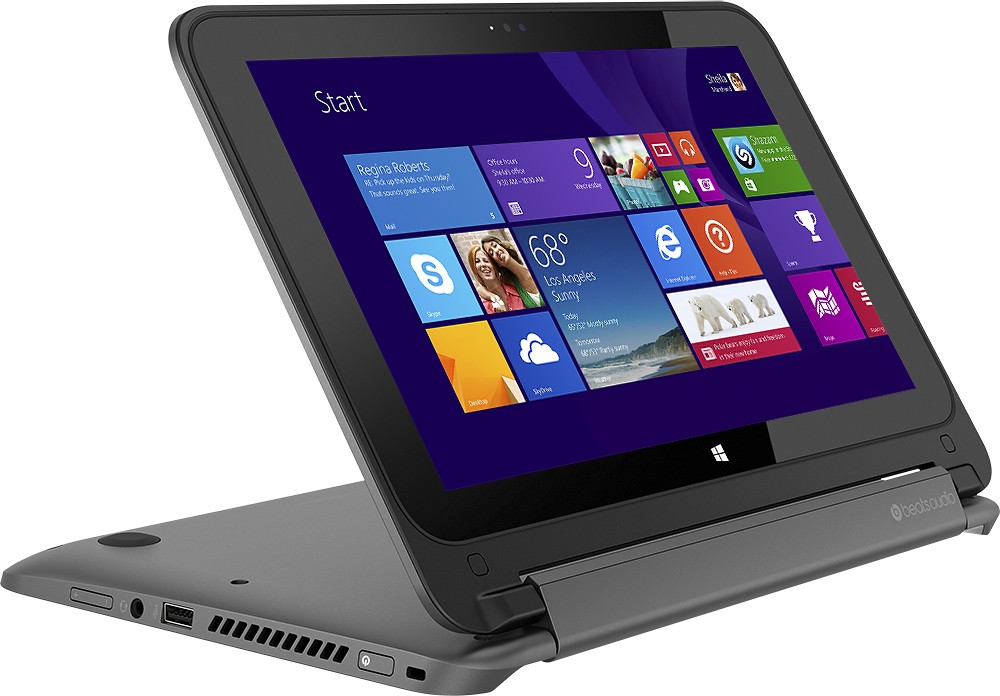
A:AnswerThis is a laptop. It runs Windows 8 so you can install Windows apps from the Microsoft store. You can access Google Play for music and movies but you will not be able to install apps as that would require Android, not Windows.
A:AnswerProbably. The answer depends on the software you would use to run the machine, I would contact that company and ask what they recommend and see if the specifications of this machine match.
For the environment of a die-cutter, I would probably want something a little more rugged. Think of all the dust and materials in the area..
A:AnswerThis PC will run applications that have system requirements equal to or less than the specifications of this PC. I recommend contacting the software manufacturer of any applications you intend to use in order to determine the system requirements for their software.
A:AnswerBecause it is preloaded with Windows 8.1, connecting to wifi is exactly as any desktop or notebook computer. Swipe from the right-side of the screen and manage connections from the settings link. It is very simple and easy to do.
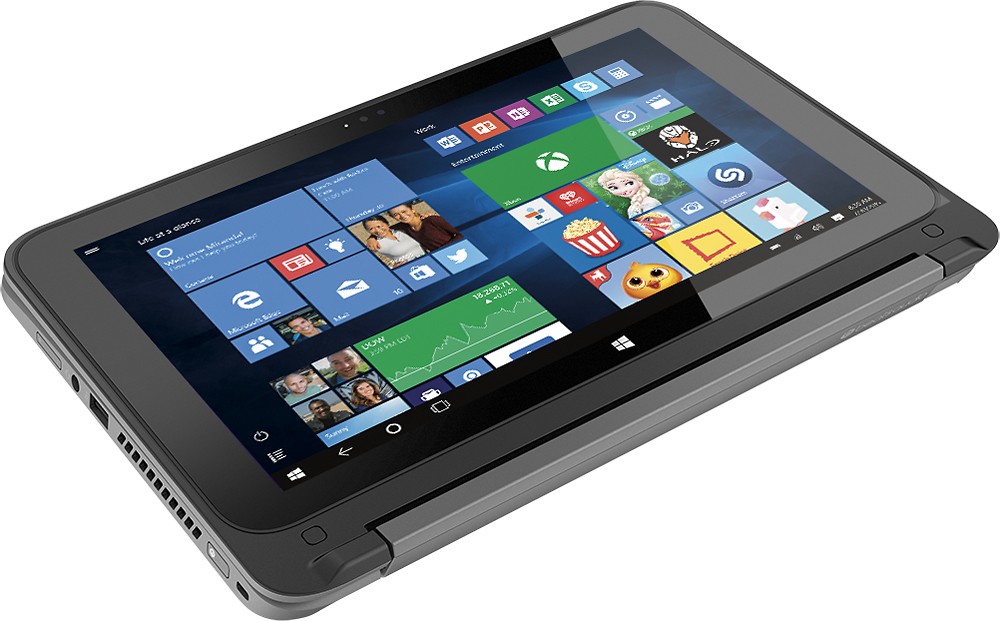
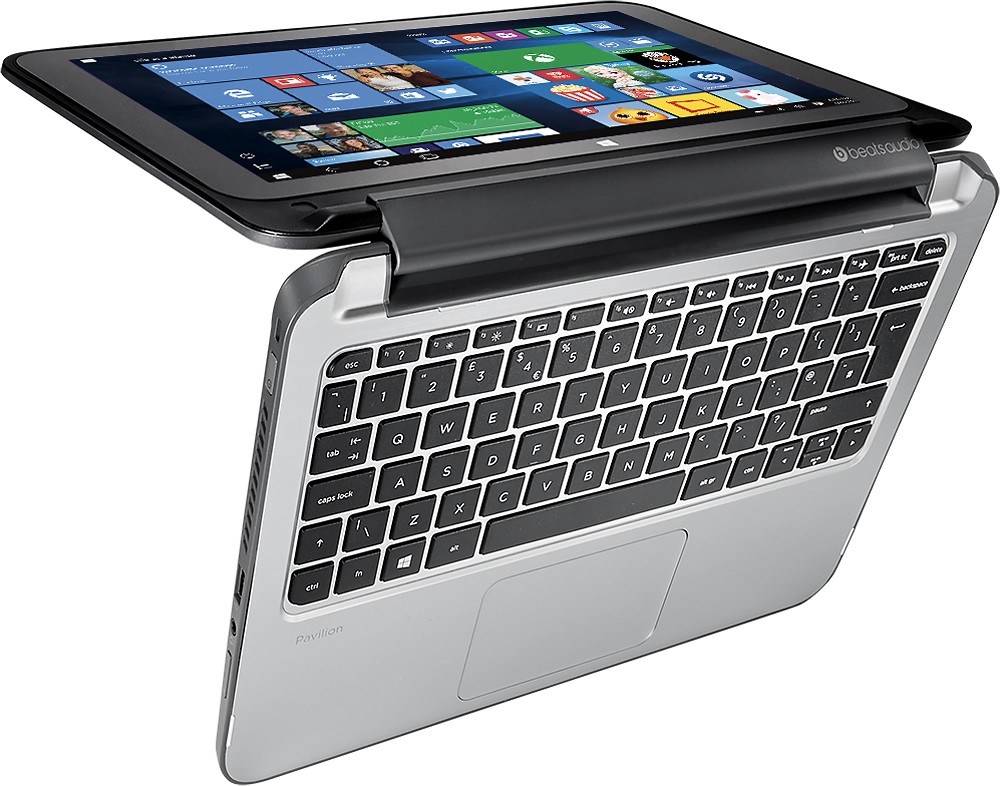
A:AnswerVery easy to stop using the touch screen by selecting the escape key when the touch screen key pad comes up. My son loves this product because it's a touch screen and it folds in half to act as a tablet. It's also perfect because you have access to a full keyboard that folds out from the touch screen. Great product. I am thinking about purchasing a second one for myself because my full size laptop has stopped working. Currently, I am sharing my daughter's laptop while I decide to spend the money. My first choice is the touch pad item that we are discussing. I think the price is great for all the up-to-date features it offer. This is a great product with great features!