A:AnswerThere is a 30 day trial of Microsoft Office on this laptop, which includes Word, Excel, and PowerPoint. We recommend purchasing Microsoft Office with this laptop to save $20 on Microsoft Office.
A:AnswerThis computer has Windows 10 in S Mode. That means you can only download apps from the Microsoft Store and use the Microsoft Edge browser. You can switch of the S Mode for free. Here is how: https://support.microsoft.com/en-us/help/4456067/windows-10-switch-out-of-s-mode
A:AnswerHere are the battery life specs:
Battery life:
Up to 10 hours and 45 minutes (video playback)
Up to 8 hours and 15 minutes (wireless streaming)
A:AnswerThere is only one memory slot on this laptop. It can be upgraded up to 16 GB DDR4-32020. RAM can help with overall performance. It helps with all the multitasking and the number of applications that you have open.
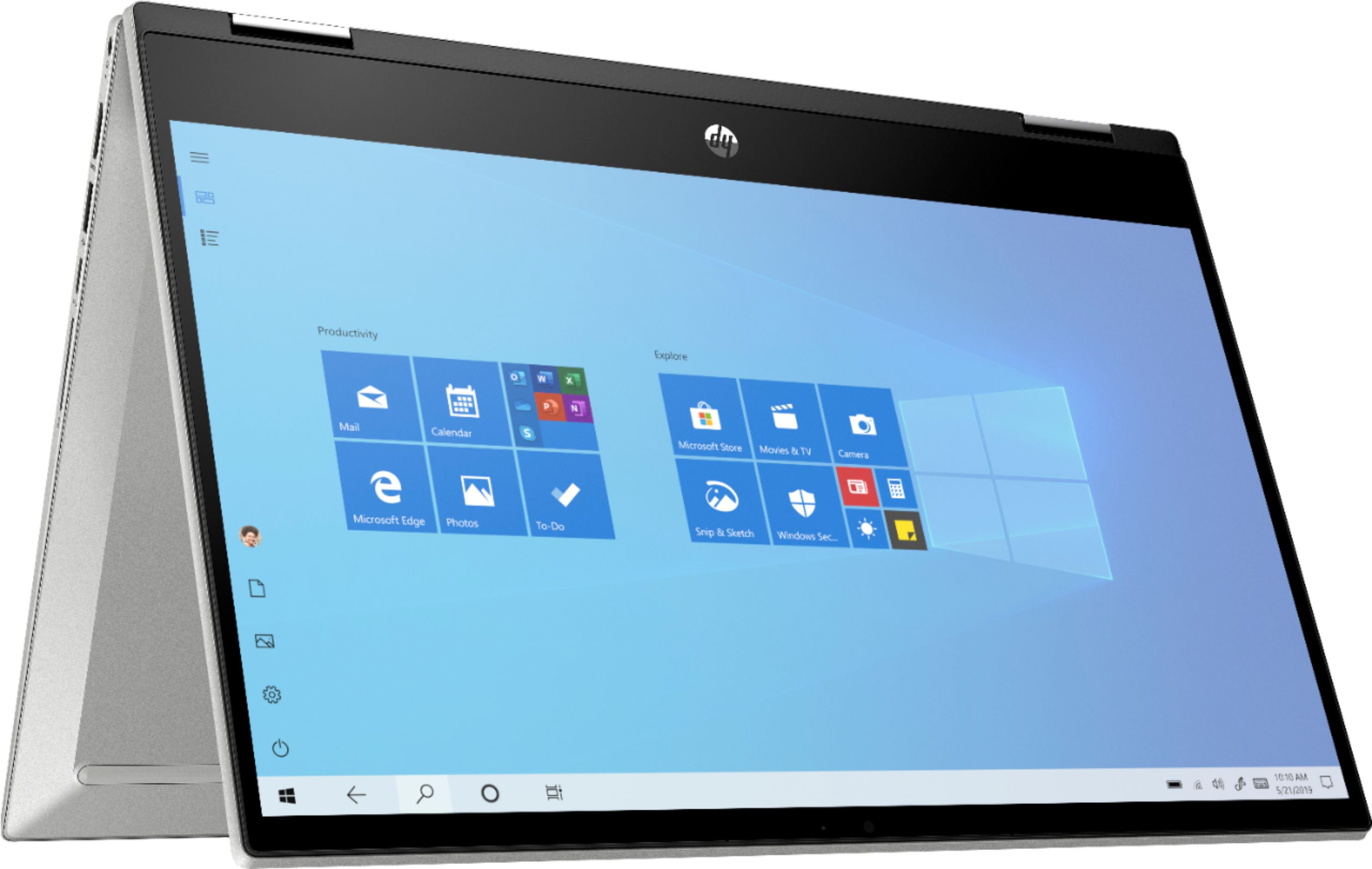
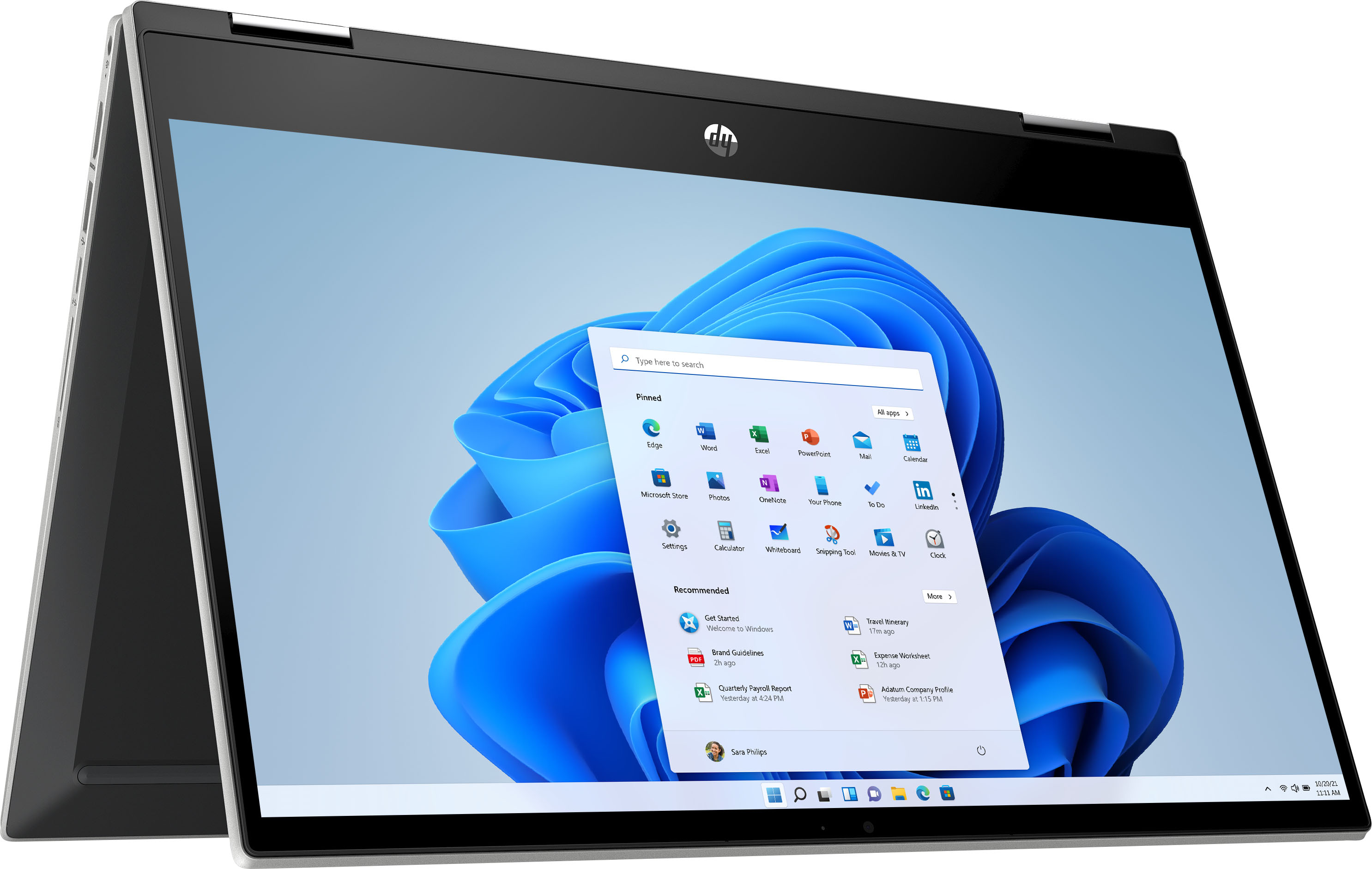
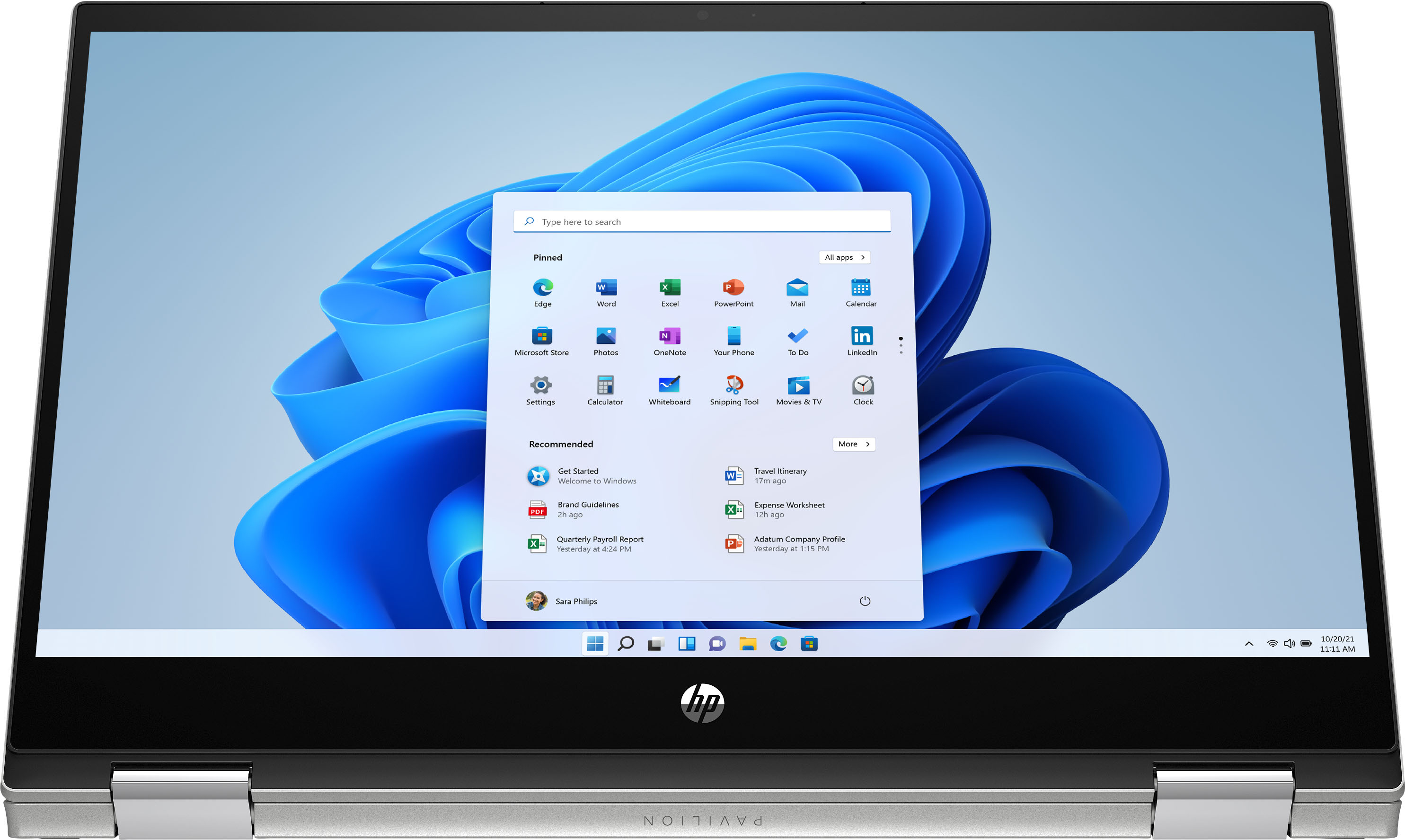
A:Answerx360 means it is a convertible laptop. It is sometimes referred to as a 2 in 1 which means this laptop can fold all the way back into tablet mode.
A:AnswerThis laptop has Windows 10 Home in S mode. You can switch out of the S Mode for free. Here are the instructions: https://support.microsoft.com/en-us/help/4456067/windows-10-switch-out-of-s-mode
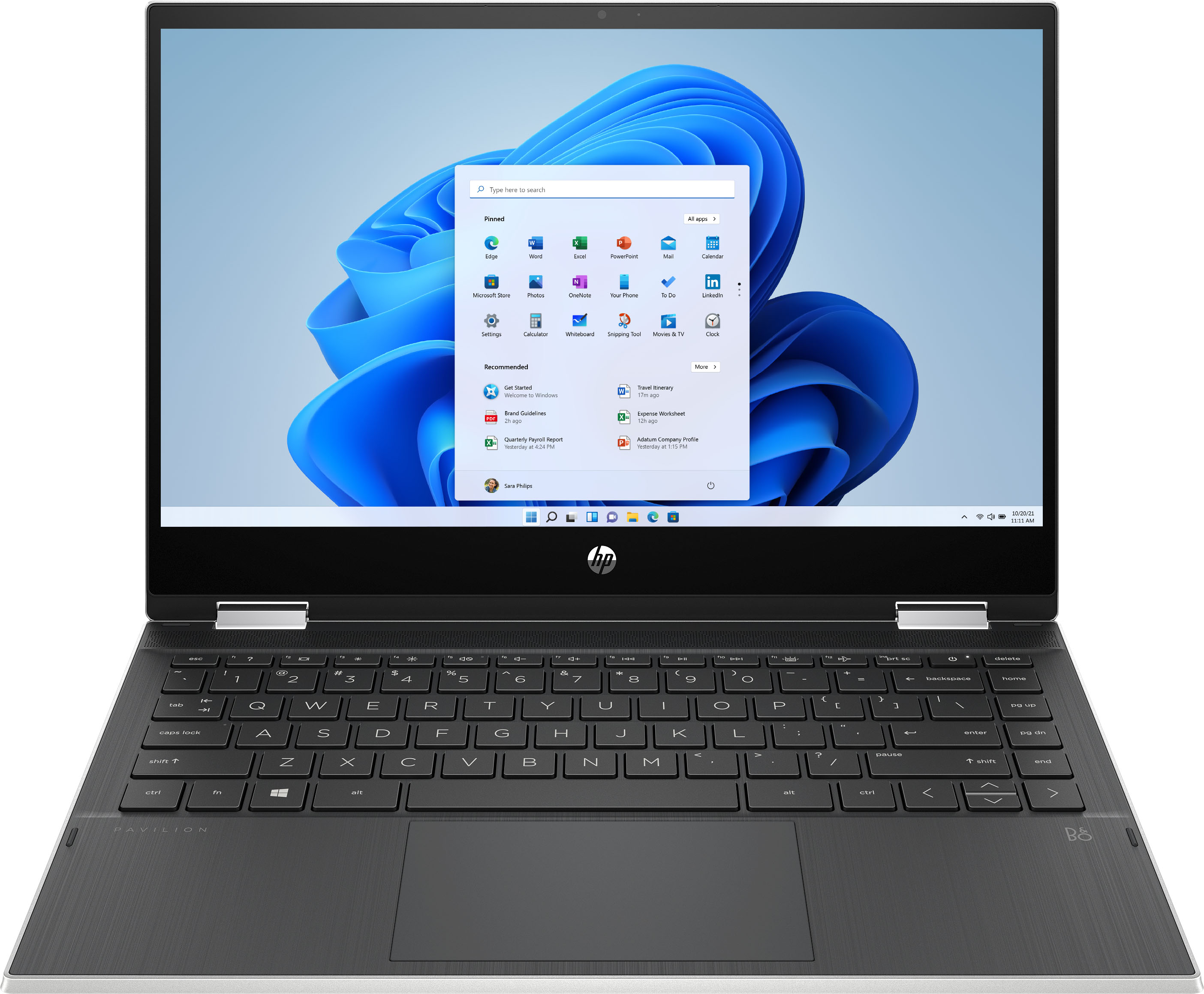
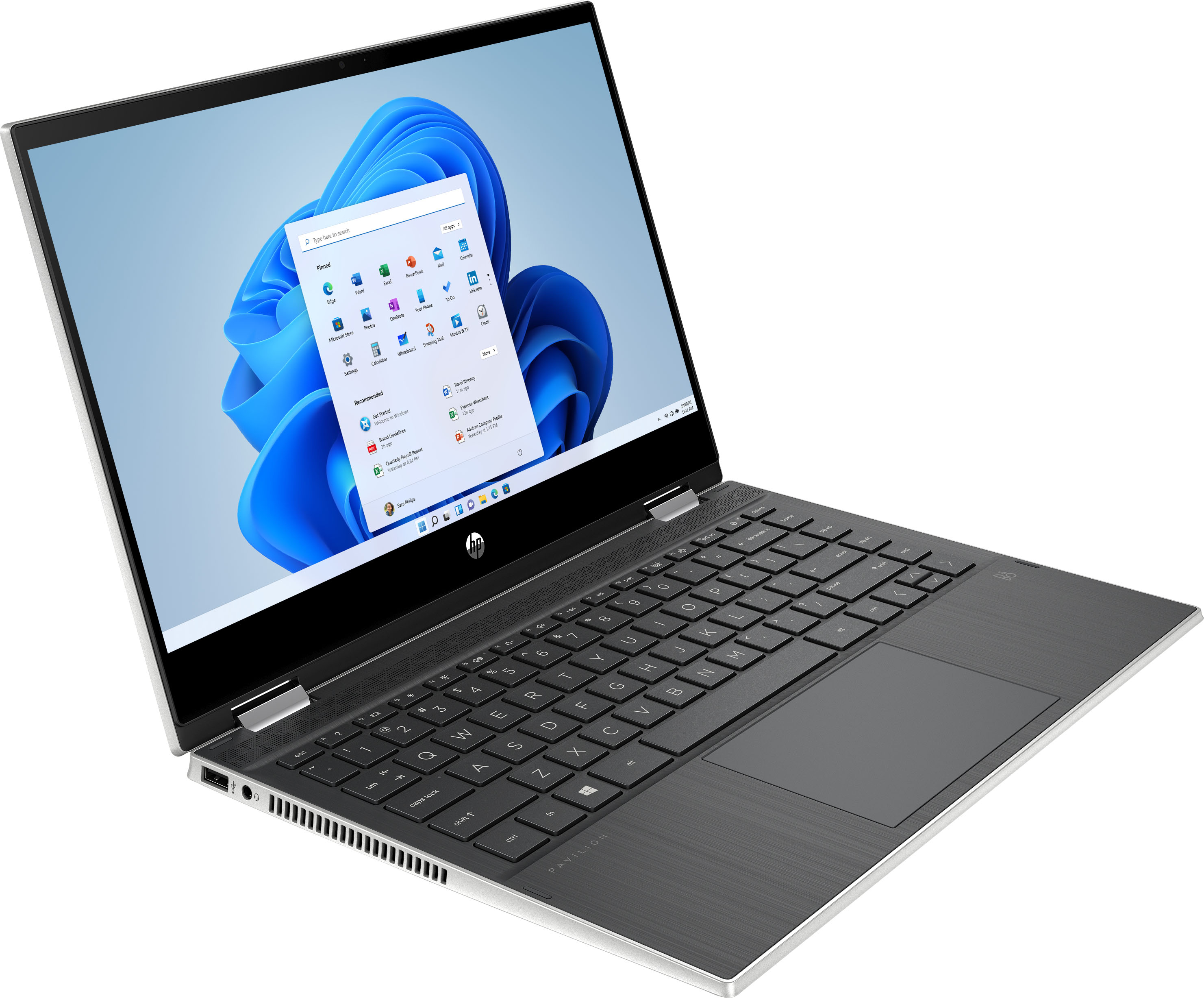
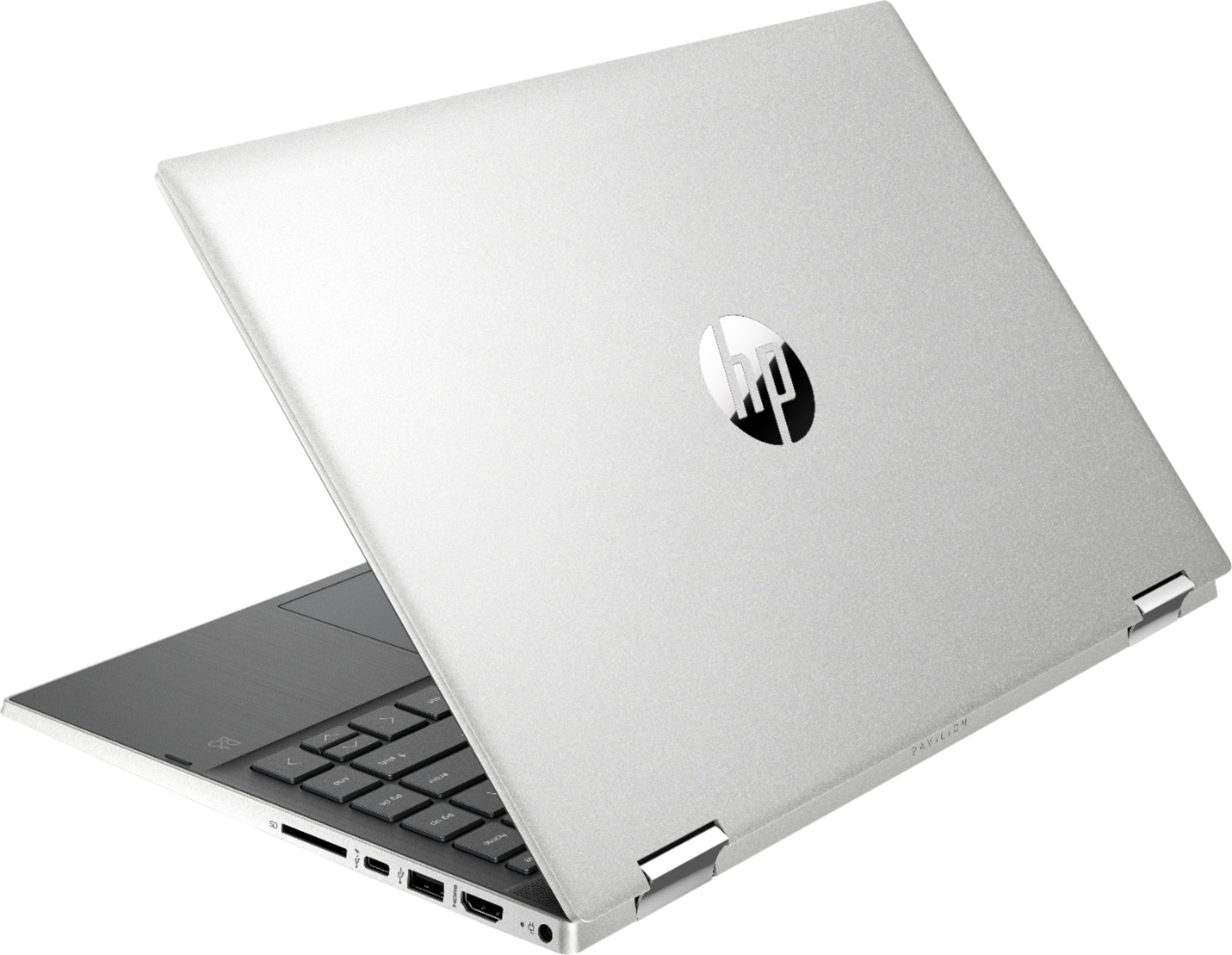
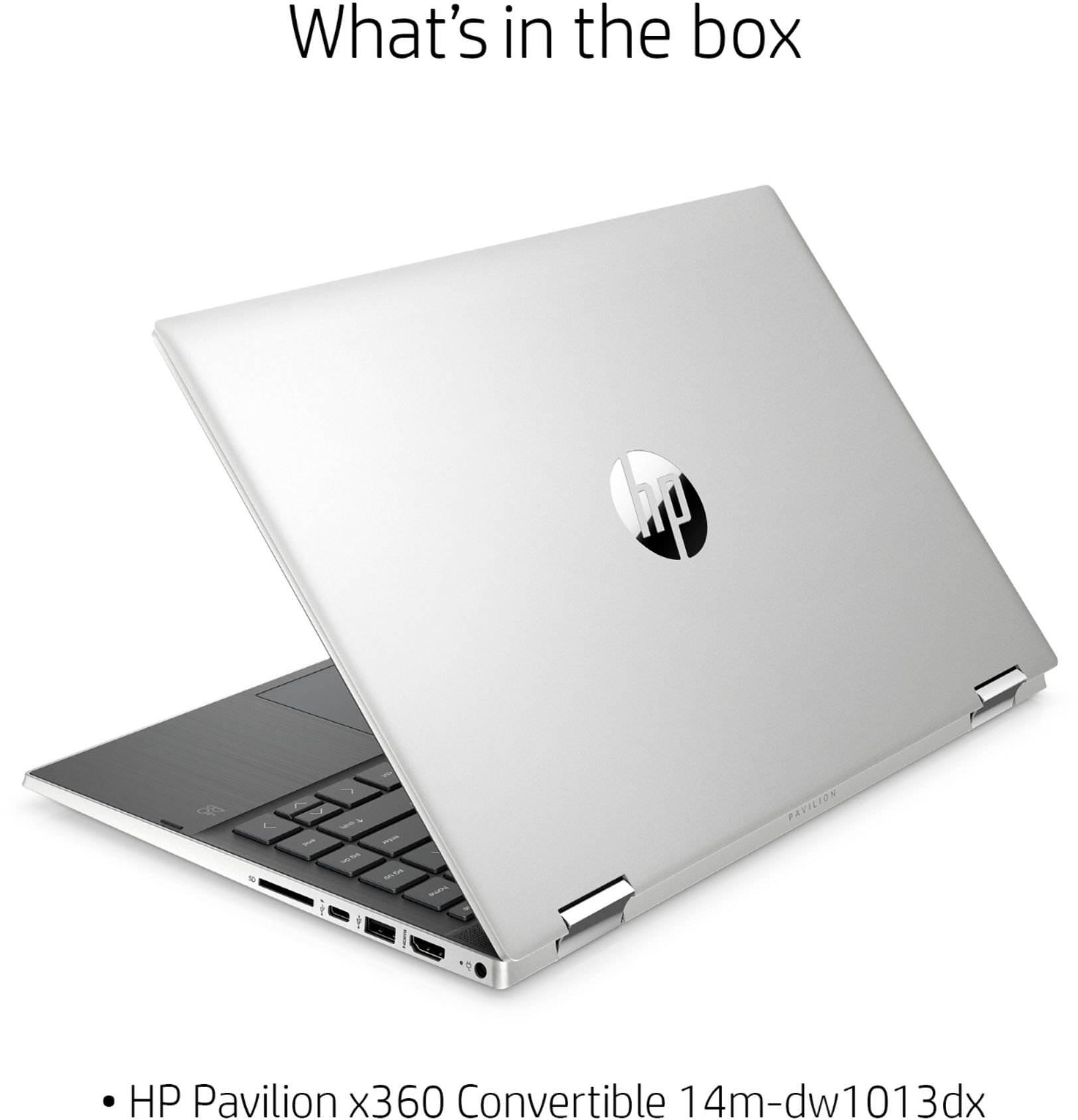
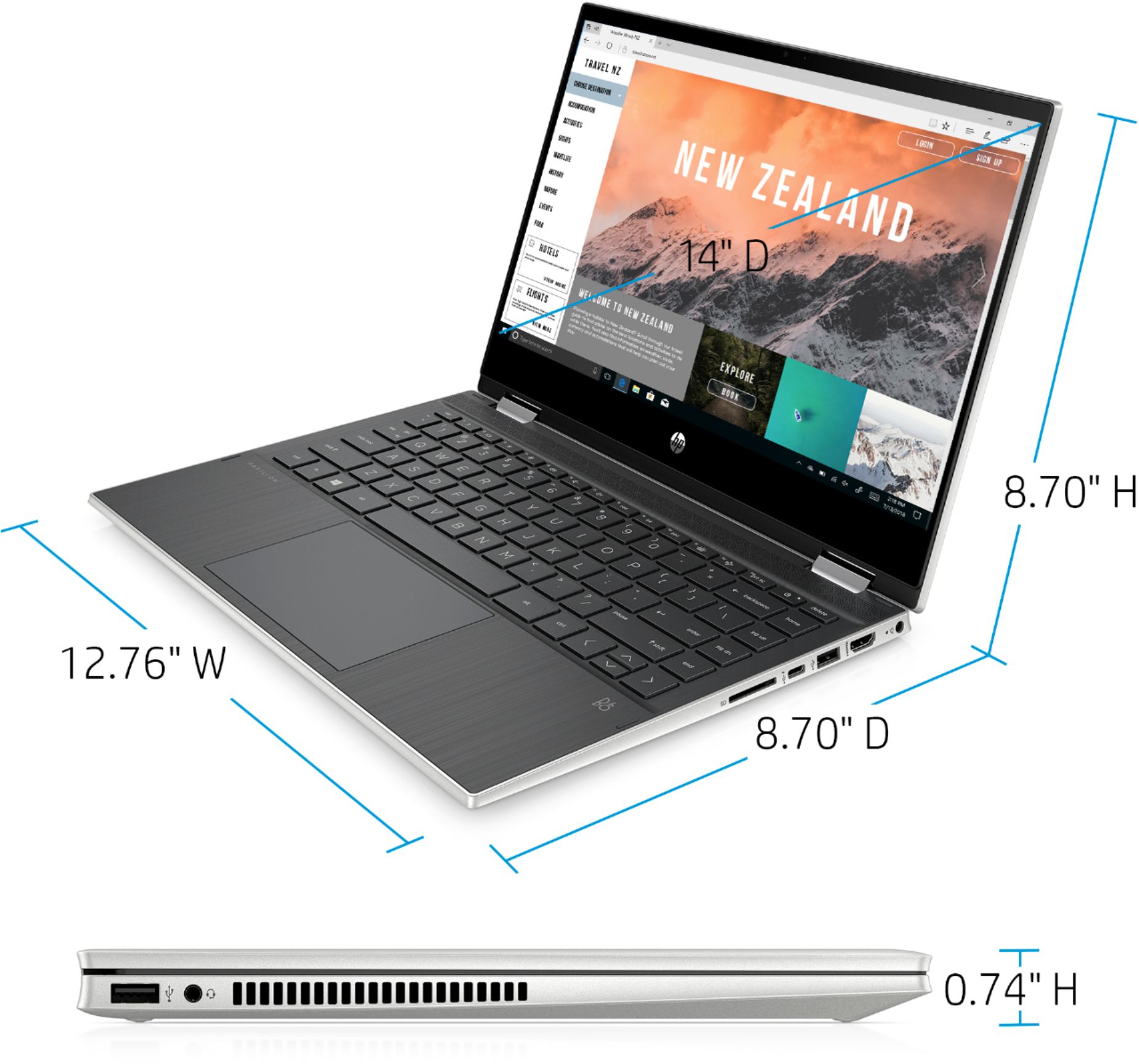
A:AnswerHi. If you click open the images and look at all of them, you can see that the laptop is silver on the outside. When you open the laptop, the screen bezel is black, and the keyboard and surround are darker.
A:AnswerSwitching out of the S Mode will not affect the performance of the laptop. This laptop has the Intel i3 processor, which is an average speed processor. It is better than the laptops that have the Celeron and Pentium processors. This laptop also has 8 gigabytes of RAM to help with the multi-tasking.
A:AnswerThis laptop has Windows 10 in S Mode. That means you can only download apps from the Microsoft Store and use the Microsoft Edge browser. Yes, you would need to purchase Microsoft 365. You would save $20 on the Microsoft 365 when purchased with the laptop.
A:AnswerYou don't have to use it, you can still use a mouse. It is good to have touchscreen when drawing and while in tablet mode, but a mouse is still good when you are using it normally.
A:AnswerHello! Thank you for asking about the battery life on our HP Pavilion x360 laptop! Battery life is affected by everything you do with your computer. The brightness and programs you run will vary the actual life of your battery. You should expect up to 10 hours and 45 minutes of battery life if you are playing video already saved to the system and up to 8 hours and 15 minutes if you are wirelessly streaming video. If you are using office software, expect closer to 10 hours and 8 hours for anything more intense than streaming video. I hope this helps!