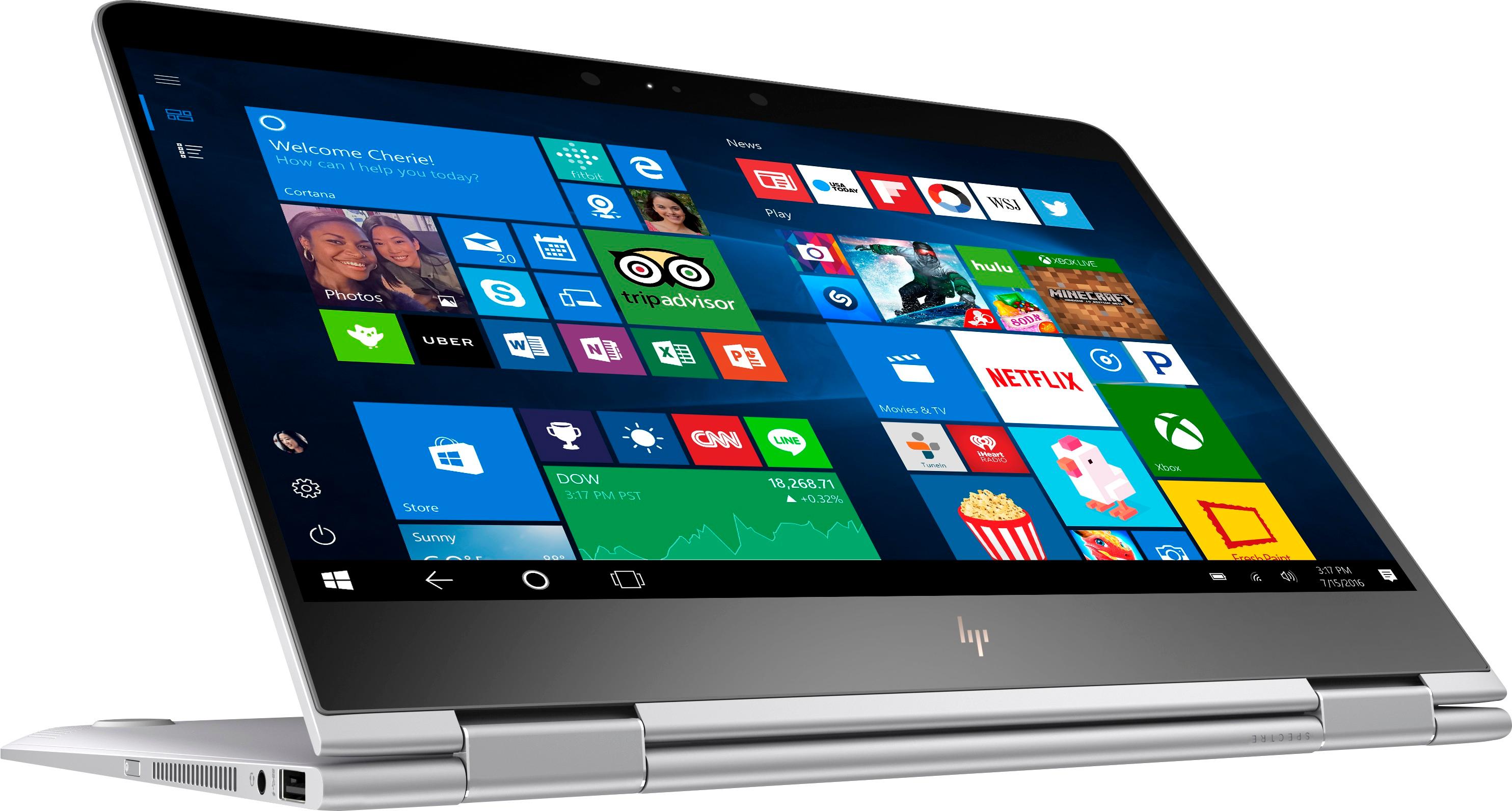
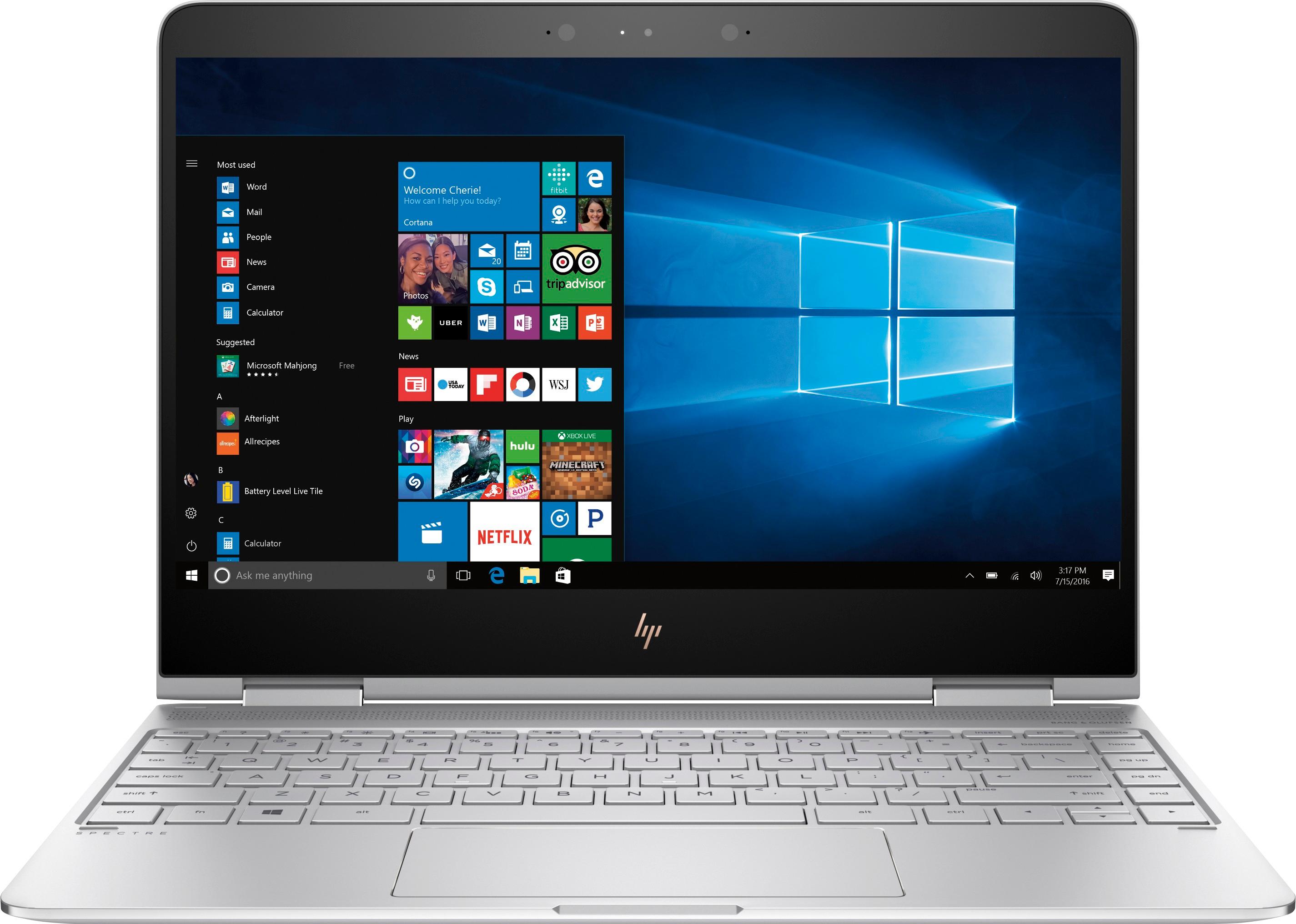
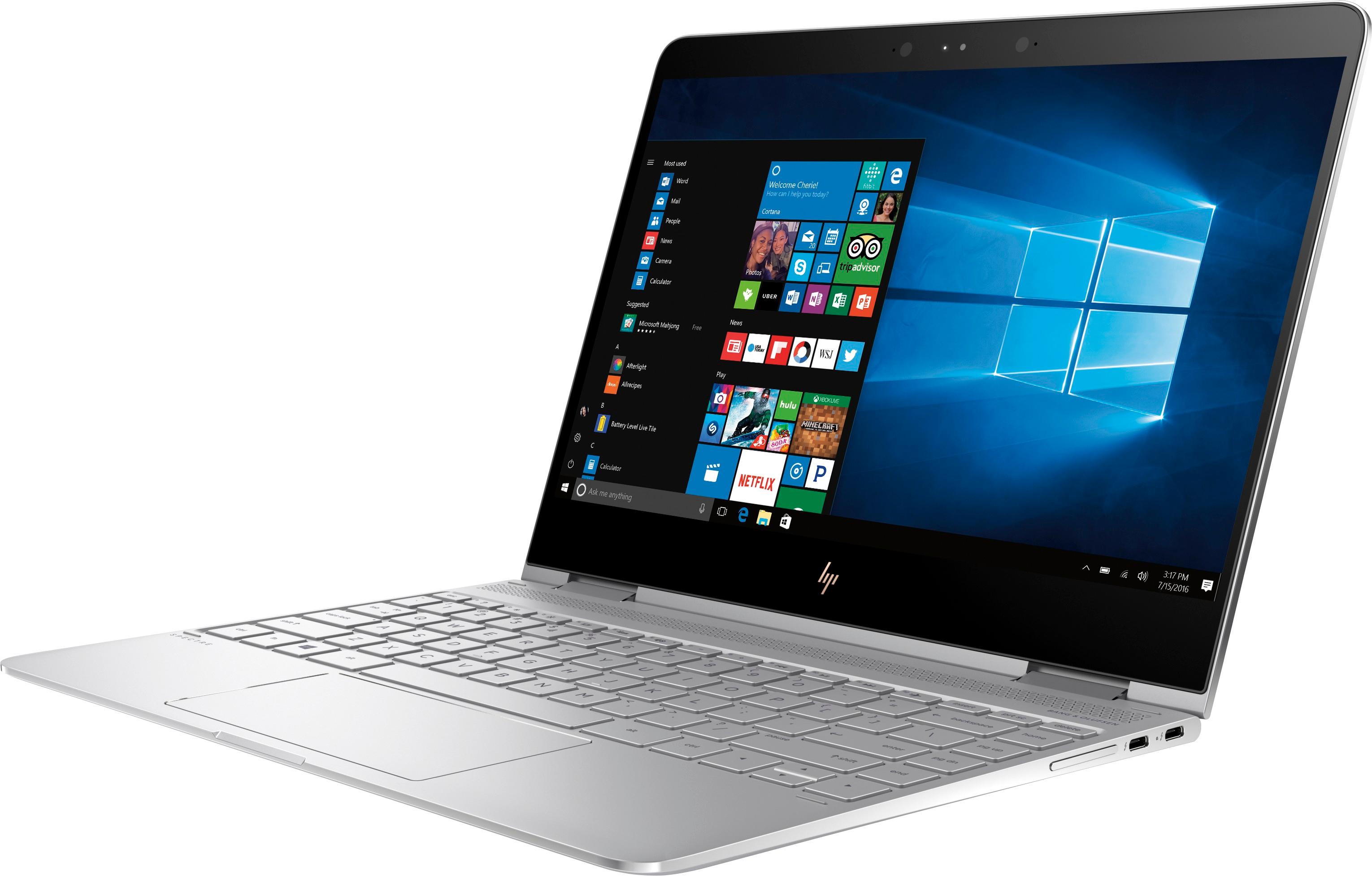
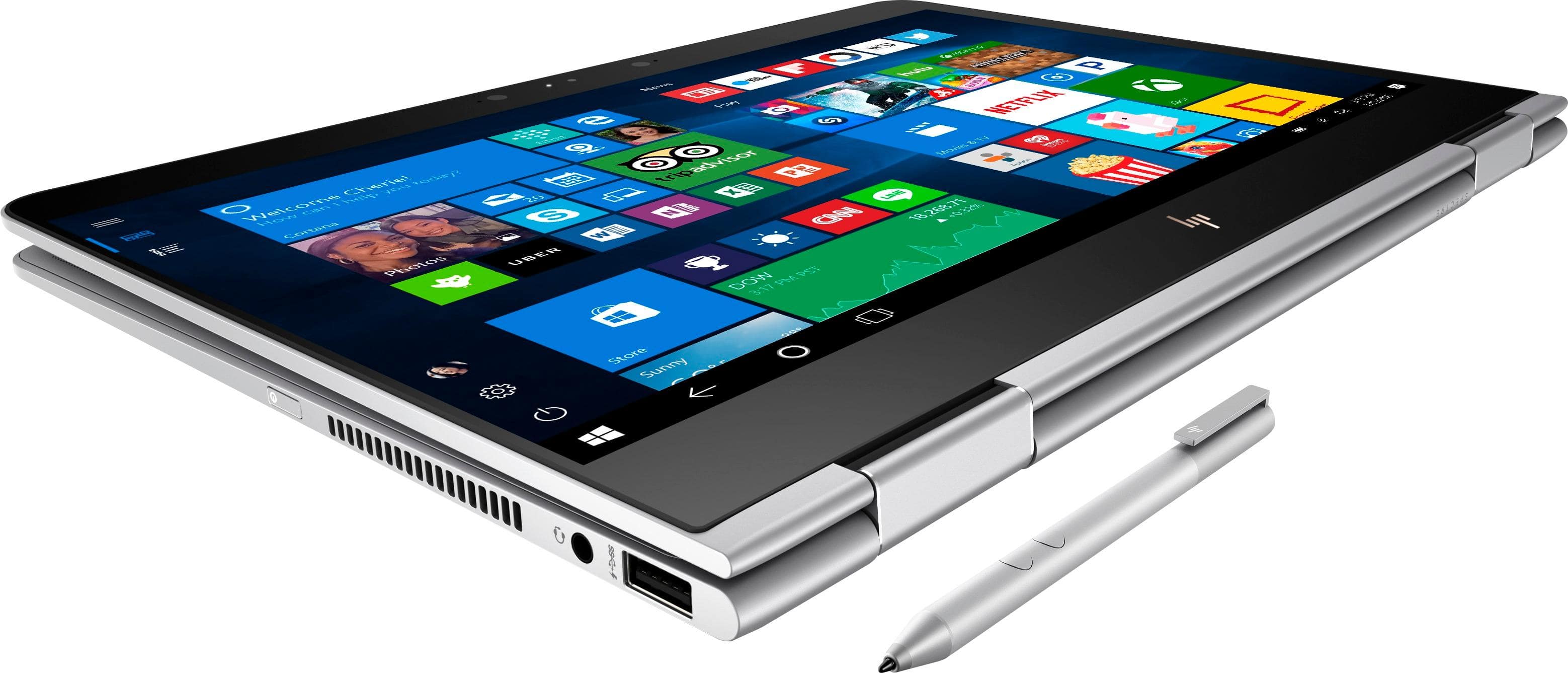
A:AnswerHas a significant amount of fan noise at high CPU load, but most of the time it runs quietly. If you want ultra quiet and don't mind the performance trade off, look at the new Dell XPS 13 inch 2 in1. Has fanless m type i7 processor, but this Spectre i7 outperforms it in almost all test. PS I love this Spectre x360, worth the $$$.
A:AnswerThat is about what I'm seeing too. I've tested several laptops recently, including the Dell XPS 2in1 i7y 16gb 256gb, the Lenovo Yoga 910 i7 16gb 512gb, the Lenovo 720 i7 8gb 256gb, and the HP Spectre x360 i7 16gb 512gb. All of these computers have about the same size battery, except for the Lenovo 720 which is smaller. They all have pretty similar hardware except the Dell, which has the throttled fanless processor. With Windows, any browsers in Windows, a touchscreen, and the video/processor/wifi demands of showing and streaming video, I think this is all we can get out of a Windows laptop right now. I have not yet tested a Mac, but I'm curious if the hardware/software integration is better. If you really want great battery life from Windows, then you have to sacrifice the amazing portability and form factor of these near tablet size computers and go for something like the Lenovo T470 with similar hardware, but which has multiple, and larger, batteries.
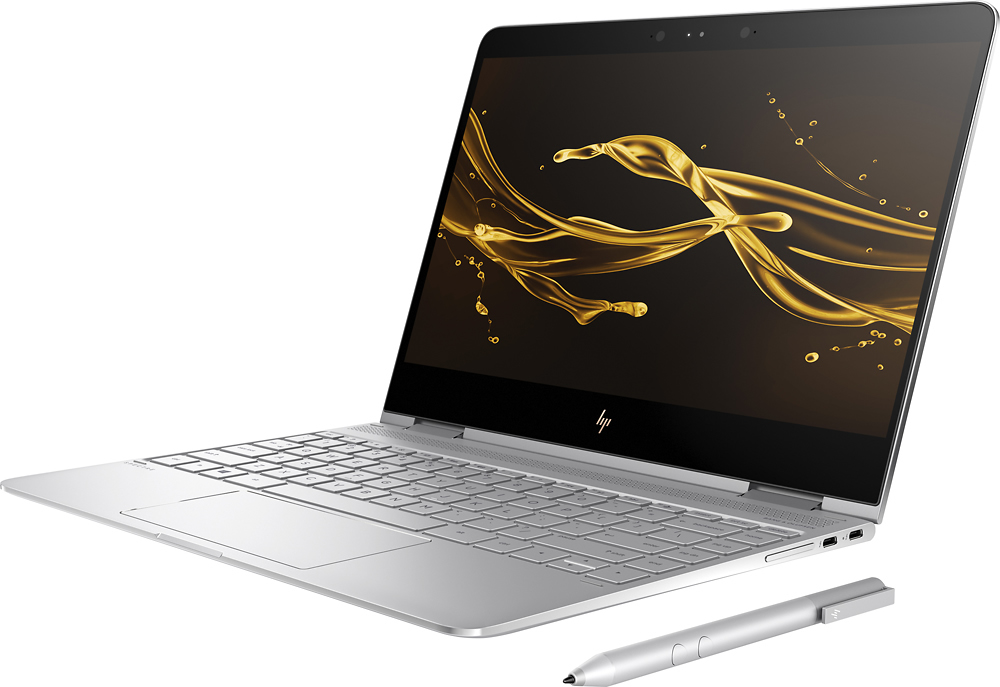
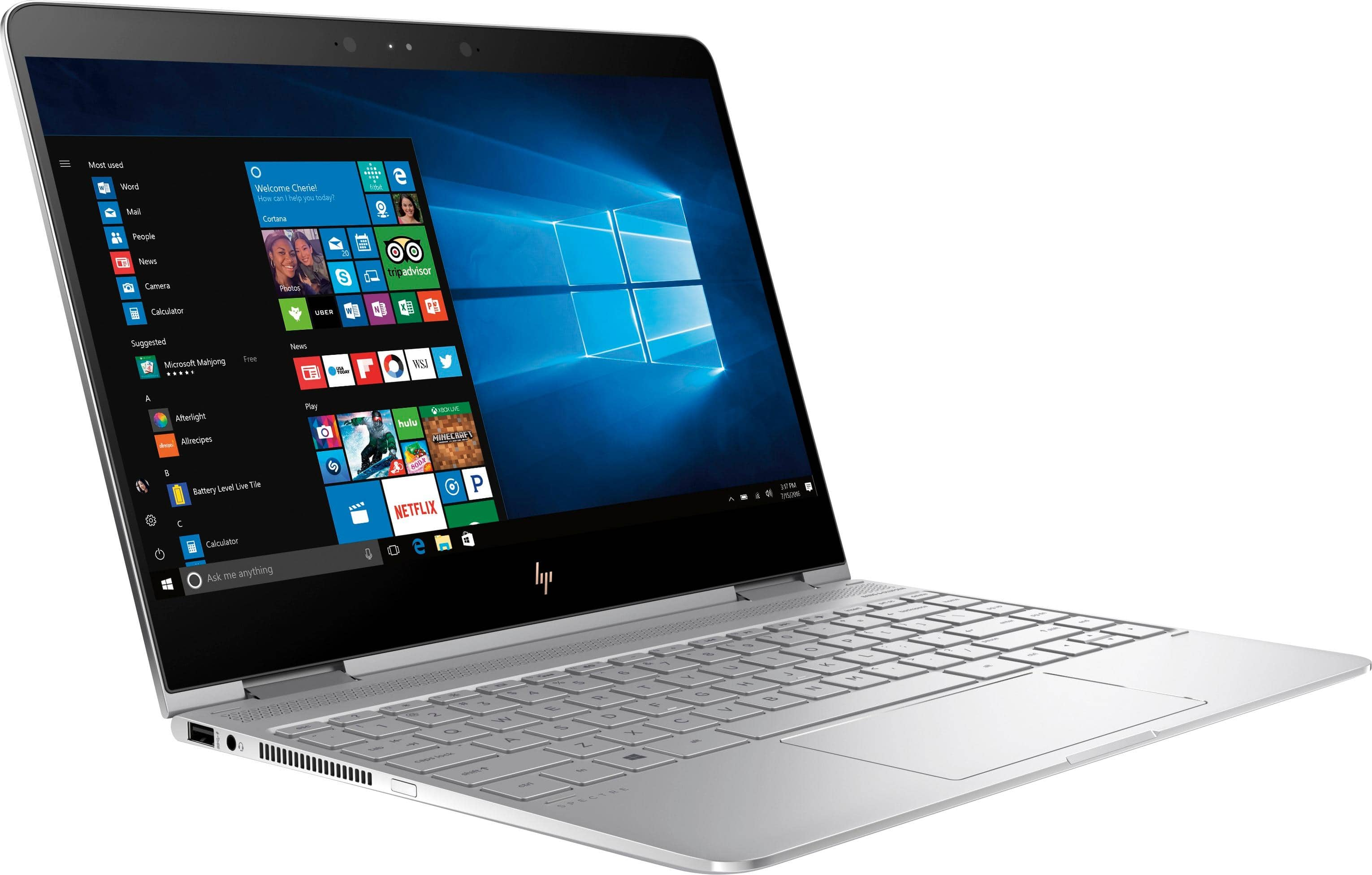
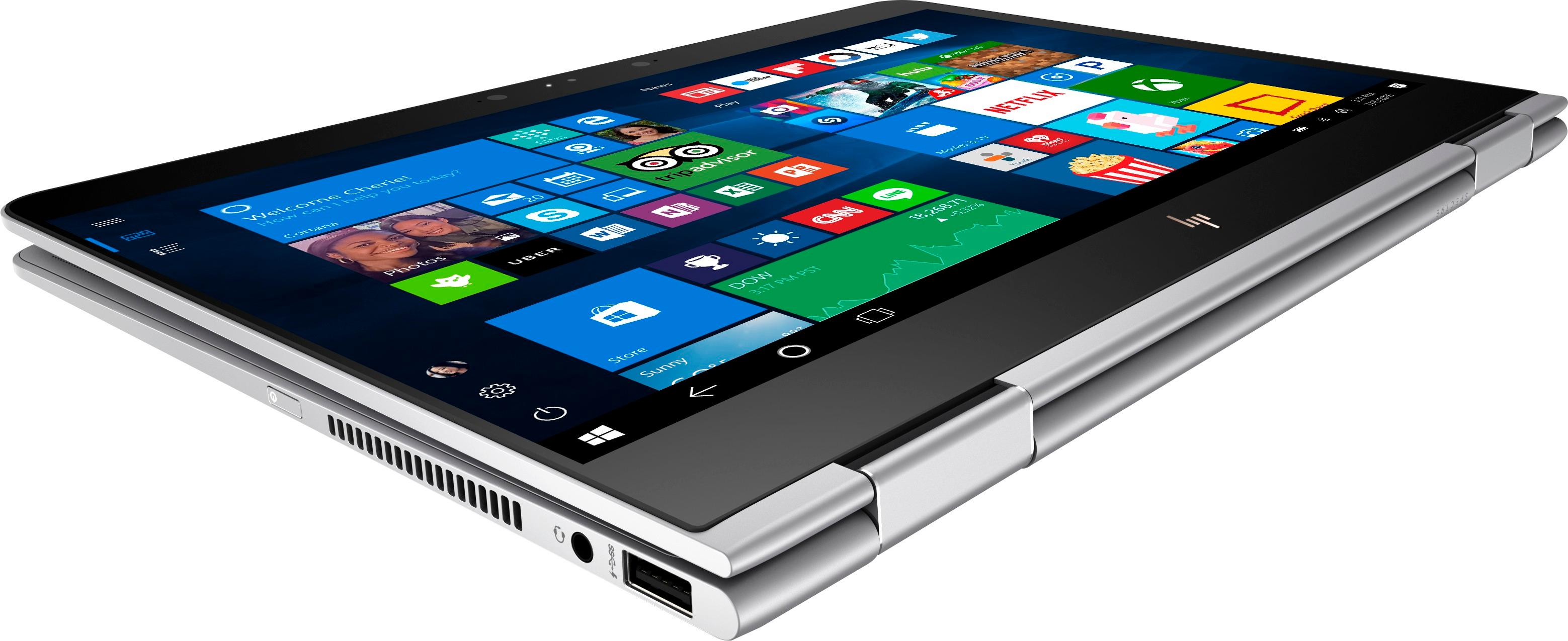
A:AnswerNo. This model has one USB 3.0 and two USB Type C (USB-C). You can purchase separately a USB to Ethernet adapter if you require an Ethernet port.
A:AnswerI have not tested it in detail, but I used it at an 8+ hour long conference recently (had it on the entire time, using Outlook, Word and Chrome) and I still had more than 50% power at the end of the day.
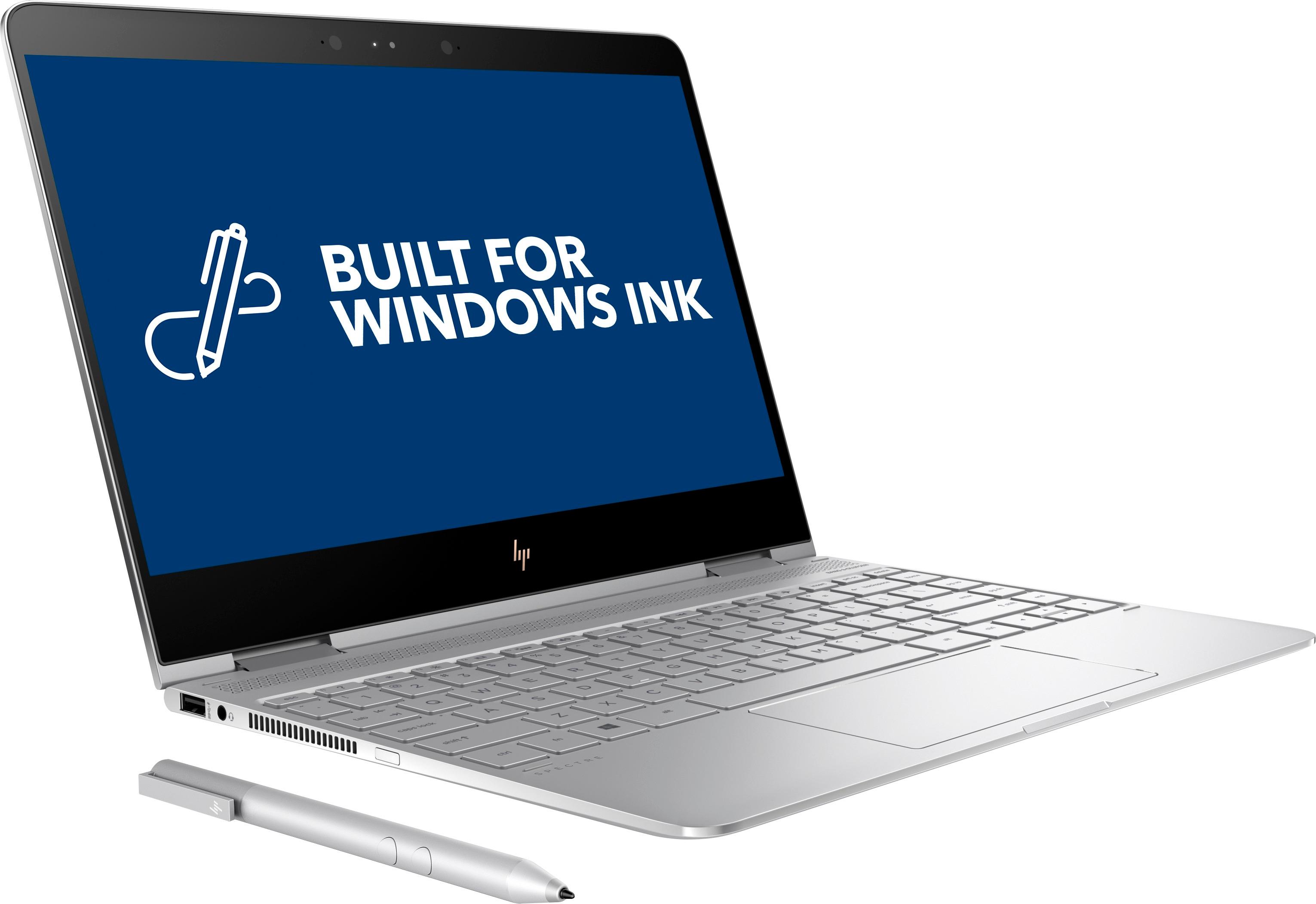
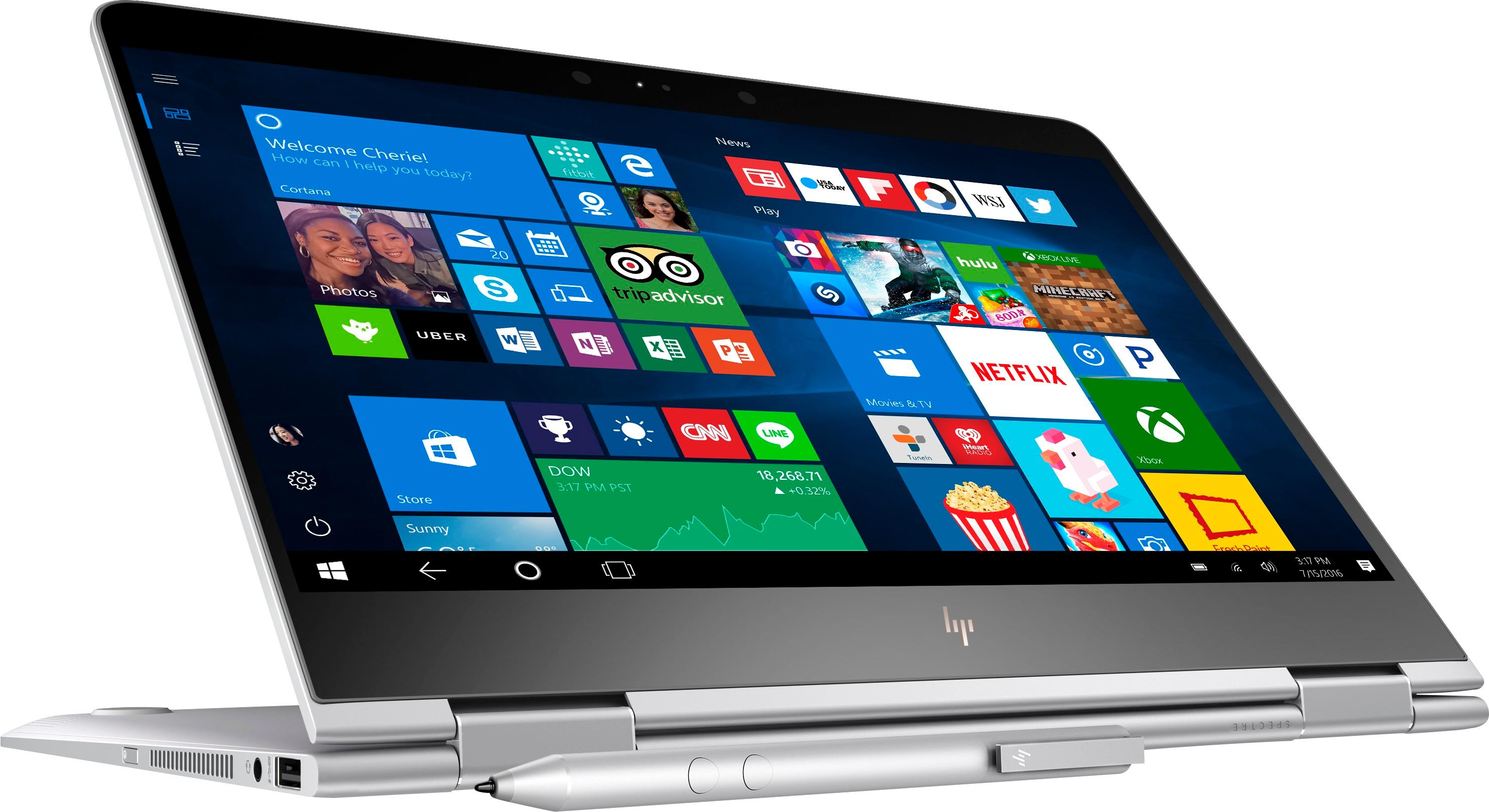
A:AnswerYes, it comes with a pen. I can't imagine ever actually using it, but I tried it and it works well. I was concerned that the HD version would be noticeably less sharp than the 4K, but in actual use you won't tell the difference. Also, this should have better battery life than the 4K version due to less pixels being rendered. I would happily buy this version again. It's a good laptop. The 2-in-1 thing is kind of a gimmick, I think, but it has all of the other features I wanted in a laptop.
A:AnswerThis can be a bit tricky. MATLAB, MathCAD, and similar programs should run no problem. Solidworks might have some issues, mostly because that usually requires a bit more power in terms of graphics processing. However, if you don't mind some lag on larger projects with (a few seconds at worst usually) Solidworks you can definitely run it without much issue.
Definitely expect the fans to be running the whole time, expect some heat, and expect the battery life to drain quite a bit more quickly with Solidworks. However, if you have this set up at a desk, charger hooked up, and maybe even a cooling pad, this can handle all you need just fine. I personally run MATLAB often on the Spectre with no performance issues, and run FPGA simulations that run without much lag at all.
If you are constantly working on large projects, or plan on using more CAD programs I would consider something with a dedicated GPU and/or a 45 Watt processor, such as the Dell XPS 15 or Lenovo Thinkpad P-series. Both the Spectre and the Dell XPS 15 can handle these programs without much issue, but the XPS will run CAD software noticeably faster.
A:AnswerTechnically, the battery is replaceable, but this laptop does not have separate covers for the internal components. It has one large cover that covers the entire underside of the unit. Be aware that because of how thin this unit is, servicing it is not recommended unless you have experience with this type of architecture.
A:Answerwatch out - mine did not hum - but last night (2 months from the day I purchased it) it started throwing an error that it did not recognize the USB accessory (the only thing attached was the charger) - and it will not charge. Took it to Best Buy and they are going to have to send to the service center - and it will take two weeks. Might want to take it in before it quits working.
A:AnswerThe keyboard is backlit, I am sure you can install an older version of Office that is not the 365 version. 3 ports 2 USB--C/Thunderbolt and 1 USB-A.
A:AnswerThis seems pretty typical, but also depends on your browser, and how much you are doing when browsing. For some reason Firefox and Chrome always take up a bunch of system resources, no matter how powerful your system. On my Spectre (i7, 16gb RAM, 512gb SSD) Firefox can sometimes use up to 25% of the CPU, which definitely would cause your laptop to heat up. Lightweight browsers can help mitigate this, putting less stress on the system.
You also need to keep in mind that no matter what browser you are using, if you have 20+ tabs open, are streaming on half of them, running word or any other program in the background, etc. that will cause the computer to work much harder. Web browsing is a relatively lightweight task, but you can still stress out a computer quite a bit if you push it hard enough.
I wouldn't worry about it too much though, as most laptops are build to withstand higher temperatures. In fact, it's not uncommon for many to reach 85 degrees Celsius an maintain that temperature for long periods of time. The internal parts are designed to withstand much higher temperatures and as long as it doesn't hurt to touch (definitely too hot then) you are fine and long as you go through proper updates, virus/malware scans, don't abuse the laptop, it should last you for quite a few years.
If you are really worried you can take a few steps to keep it from getting too hot.
1) Don't leave tasks running in the background you aren't using.
2) Don't block the vents on the side of the Spectre. The speaker grill on the top and bottom also act as vents, but the side vents do the most work here. Since they are on the side it is pretty tough to block them (as opposed to if they were on the bottom exclusively like some designs), but it is something to be aware of.
3) You can get a cooling pad for your laptop. This may be a good option if you don't like putting your laptop right on your lap, or if you like using it on a desk with a dock or external monitor, and can create a pretty neat cooling solution/standing desk if you are into that. It's not anything necessary, but if you are really concerned about the heat there are many products out there that you can pair with the Spectre to fit your lifestyle.
I would recommend pairing it with the Geek Squad Protection Plan, as if something does go wrong and break you are fully covered and they just give you a replacement. This is a good way to make sure you have a laptop that can last you for 5+ years, or just a back-up plan if you happen to get a defect (which happens even with the best laptops and brands).
A:AnswerLeft or right handed operation will be the same as far as the pen is concerned. Typically there is no issue without even changing any settings, but sometimes you can go into the pen settings and change it between left- and right-handed operation in Windows 10. Since its an active pen the palm rejection tends to be excellent.
There really isn't a left-handed version of the HP pen, or any other brand of pen out there, it really comes down to a software issue. If you do want a better quality pen than the one included in the box you can purchase a Surface Pen and that will work right out of the box with the Spectre. That one is a bit heftier, feels a bit more smooth when writing on-screen and has the eraser at the other end which feels more like using an actual pencil, but all-in-all is not actually more accurate when it comes to writing or drawing. Mostly, its just a personal choice as to what feels better and if you are willing to spend another $60 on a smoother writing experience.
Again, it doesn't really matter which one you get as both work equally well left- or right-handed, and if you do notice any issues you can probably tweak some of the pen's settings.
A:AnswerI have not noticed a heat level that I would call uncomfortable since purchasing this a month ago. And that heat is primarily centered above the key for turning on the keyboard's backlighting. You might check out some of the video reviews on YouTube that measure the heat with a thermometer. It's possible that what you're experiencing isn't normal and should be returned while you're still in your return window.