A:AnswerI didn't but it looks like you do now. It appears that HP originally included the stylus with the it but later changed their mind and don't offer any longer. However, when I purchased mines, the tag below the computer in the store hadn't been changed so it still said stylus included. I had Best Buy to honor the tag and they gave me the bamboo stylus free. I would check in store to see if they changed the tag yet before purchasing if that's an option. Hope this helped.
A:AnswerExact same laptop aside from CPU / GPU
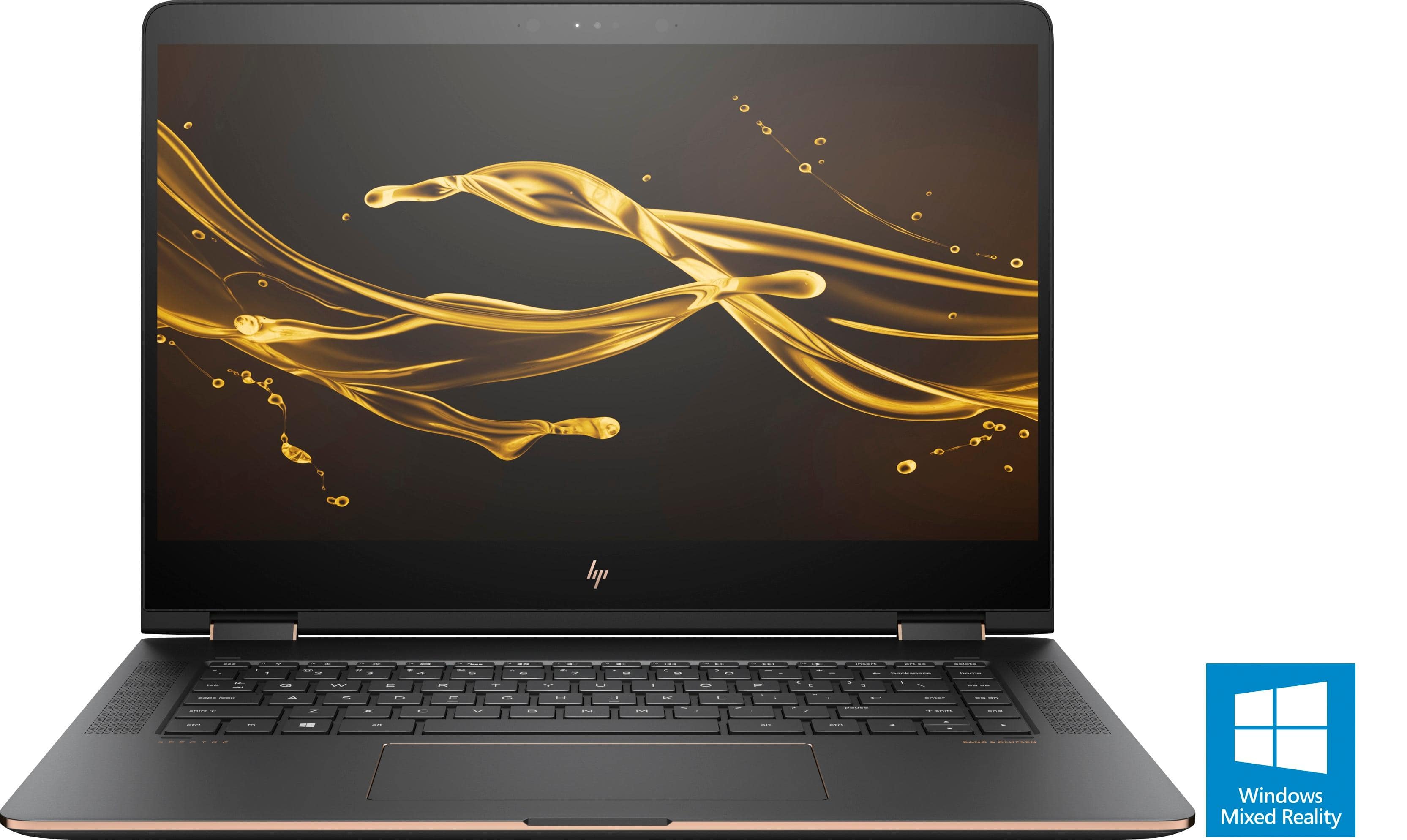
15-BL012DX - 7th Gen Intel CPU, Nvidia 940 MX GPU
15-BL112DX - 8th Gen Intel CPU, Nvidia MX150 GPU
The 8th gen CPU bumps the core count from 2x to 4x. Nvidia MX150 will also offer better performance for gaming, Photoshop, Video Editing, CAD, ect.
Both will work fine, but the BL112DX is a nice performance bump from the previous version.
A:AnswerI bought mine online with in store pickup. I didn’t find a promo code for a stylus. I know the prior Spectre came with one, but this one does not.
A:AnswerYes, I was able to get it charging from my TB16 in a quick test I did today. It detected my USB devices as well, but it didn't display to all monitors quite yet. I didn't have enough time to troubleshoot it further.
A:AnswerI used Adobe Premiere and After Effects, (High Power Editing Programs) for an hour including exporting and rendering, and it only used 33% over an hour (half way between performance and power saver)
A:AnswerHey John, I have had this laptop for about a month and I have not experienced that type of issue. However, I did notice that when surfing Facebook, some of the video links seemed to activate the fan...can't really explain it. As soon as I left that particular link, the fan would stop.. Hope this helped.
A:AnswerUnfortunately not, it's only available with Windows 10. HP's web site doesn't offer Windows 7 drivers either, so even if Windows 7 is purchased separately and installed, it will have compatibility issues. This is not recommended.
A:AnswerIf you placed a pen or other hard stationary items or computer accessories near the screen side of your computer bag, and your computer bag then fell a hard surface, the hard object will make a dent on the back of your screen, which will cause a crack on the touchscreen. This happened to me and was impossible to find a replacement screen at hp.com. So I just ordered a replacement on ebay and had it fixed at a local place.
A:AnswerGeek Squad Protection Service Plan offers some International Coverage so you can rest easy knowing you're covered wherever you are. For help when you're on the road, call 1-800-GEEKSQUAD (1-800-433-5778) within Canada and the United States or 1-613-634-4908 outside of Canada and the U.S. to receive information about how to make a claim.