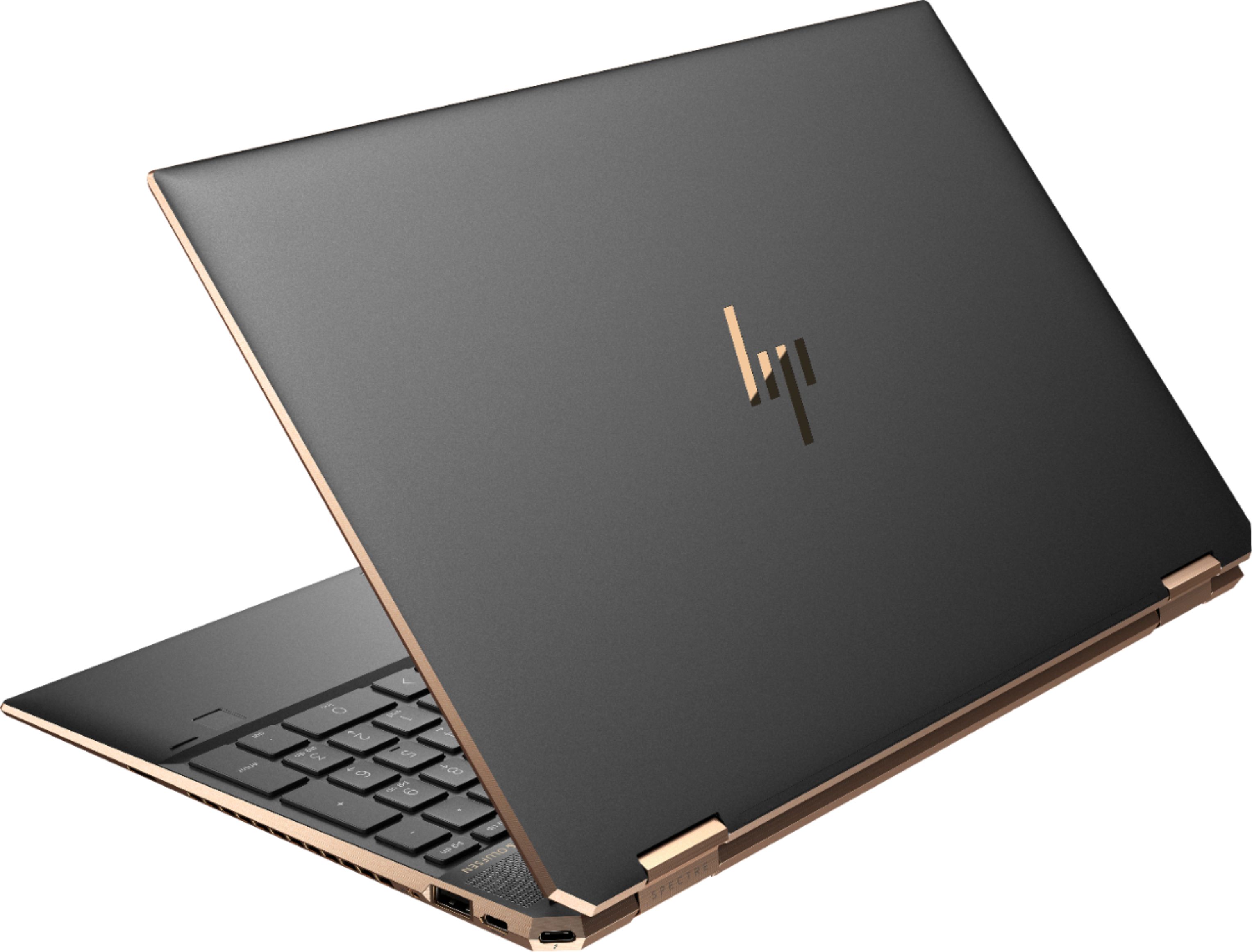
A:AnswerLook for a youtube vid by a user named "Jenny The Frog" where she disassembles her Spectre laptop. It will probably provide the best answer since it's an opening of this specific newer-generation Spectre X360 model.
In the vid it looks like the RAM is soldered on, and there's only a single NVMe slot.
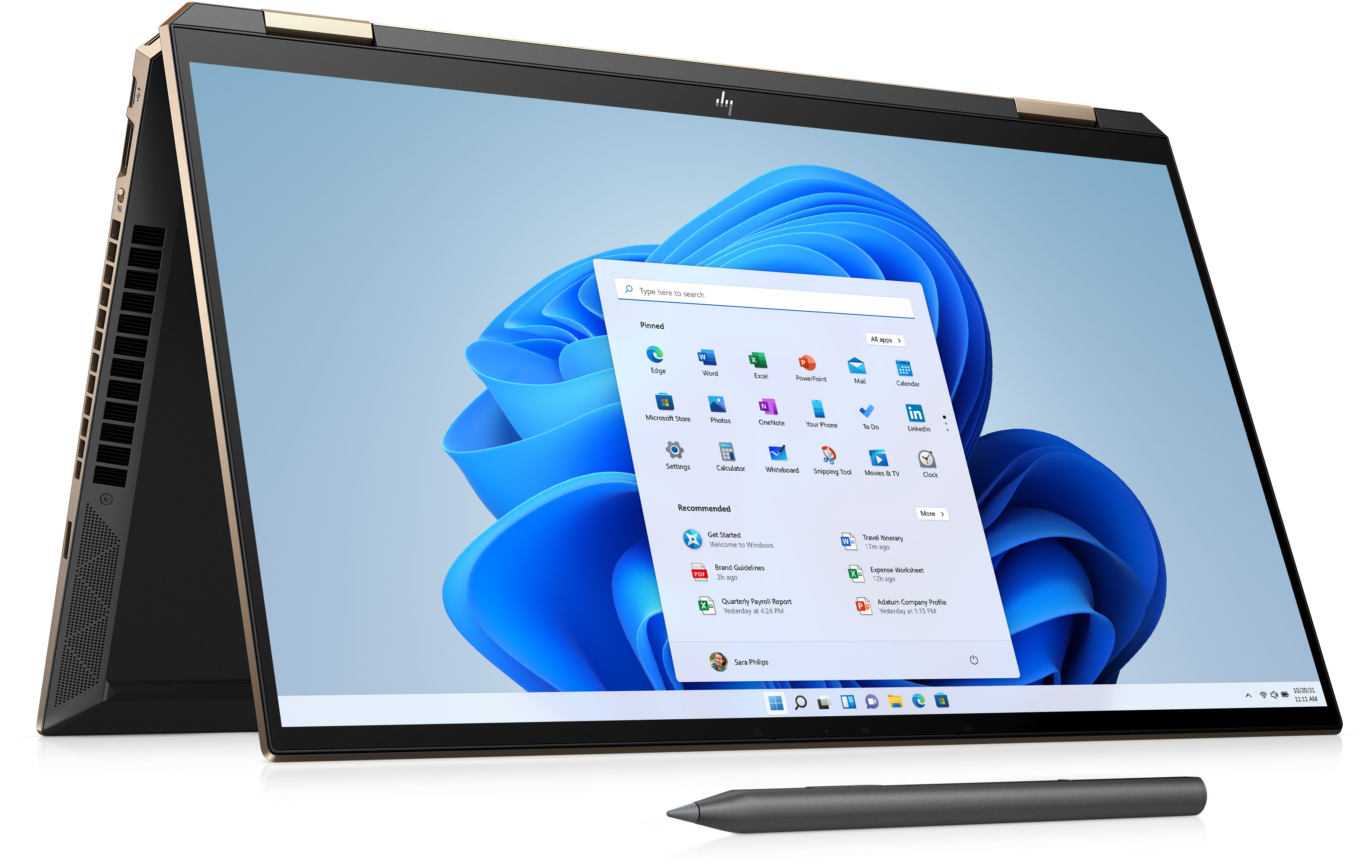
A:AnswerYes. Here are the display specs for you:
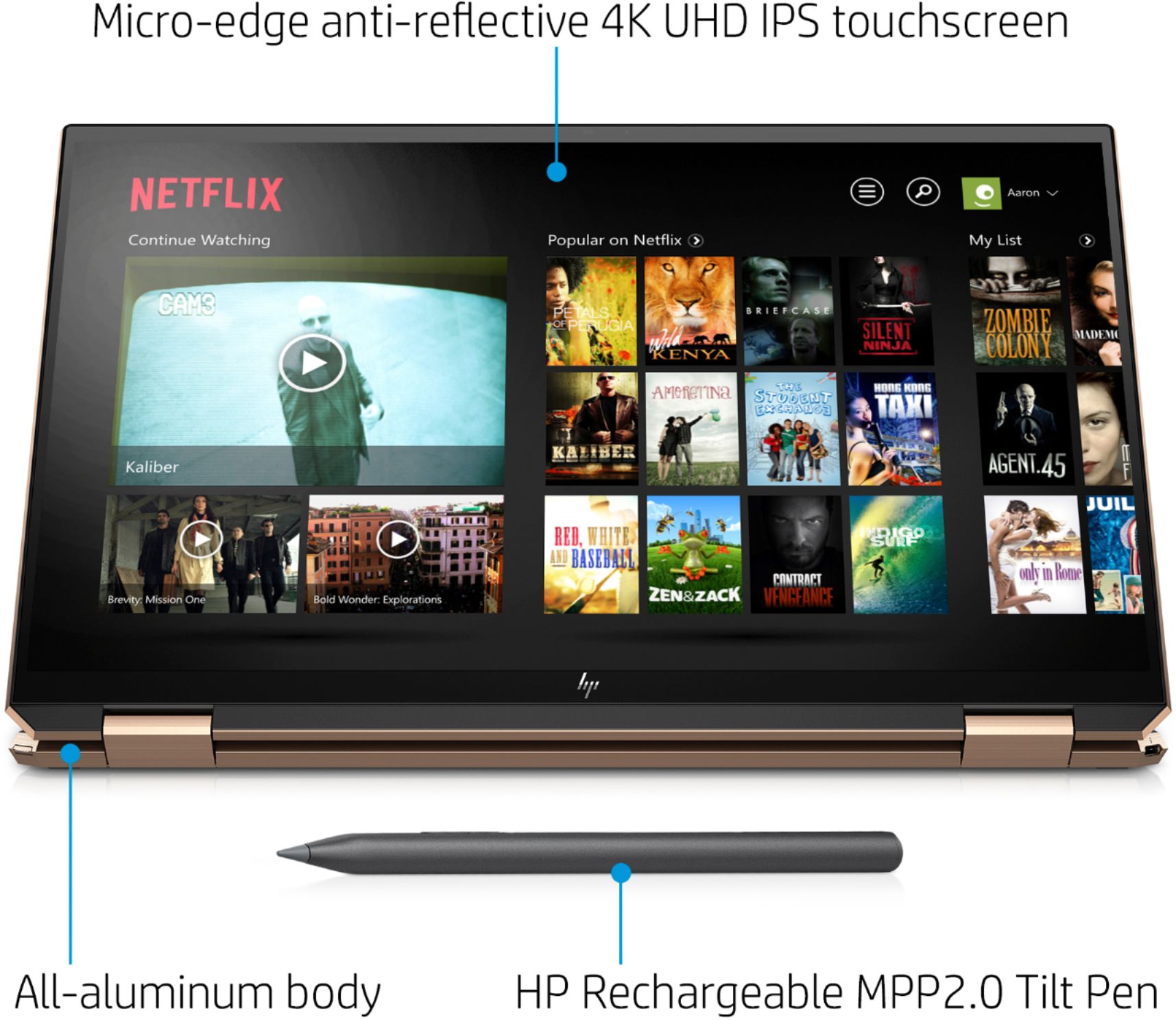
- 15.6-inch diagonal 4K UHD, UWVA, BrightView, micro-edge, AMOLED, multitouchenabled, edge-to-edge glass with anti-reflection Corning® Gorilla® Glass NBT™,
400 nits, 100% DCI-P3, 100,000:1 - resolution is 3840 x 2160
- VESA True Black HDR 400(36)
- TUV Low Blue Light(90)
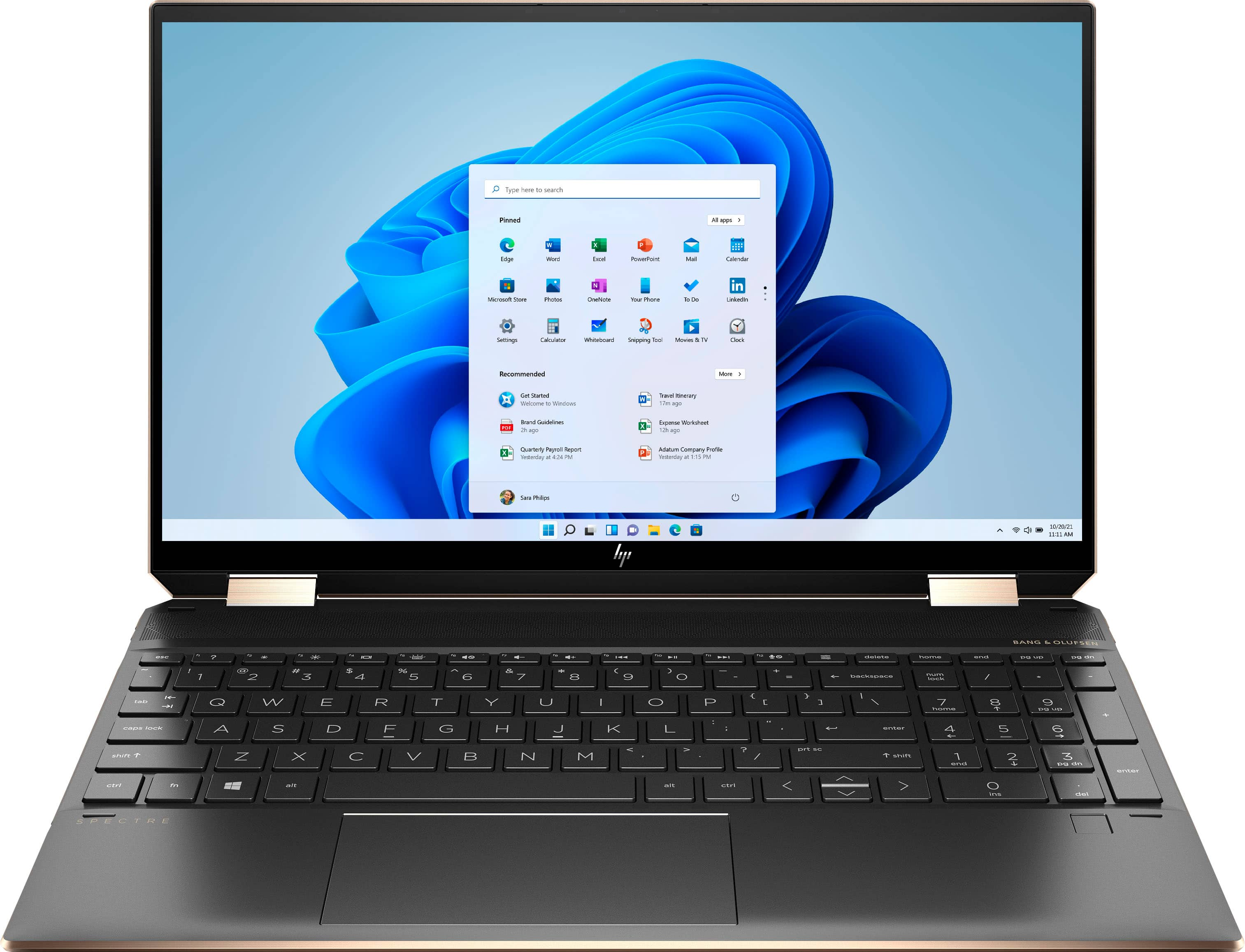
A:AnswerThe only real difference between the two is that this computer has the 32 gigabyte Optane cache for improved performance. The rest of the specs are basically identical
A:AnswerIt warms up but doesnt get hot like Dell. My last Dell computer got very hot right out of the box. This computer with constant use has gotten warm but not hot. I dont do photo editing, just books, word, internet & stream movies from Netflix.
A:AnswerYes this is the top tier for HP ultrabooks (slim, lightweight, ssd, etc)
Yes it has an AMOLED display. The display is 400 nits. Most Spectre's have a neoprene sleeve.
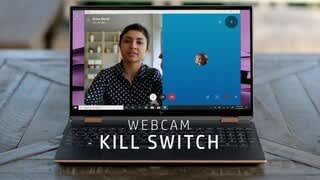
It does have HP TrueVision HD IR camera with integrated dual array digital microphone.
Here is a link to the specs of the laptop:
https://support.hp.com/ro-en/document/c06642682
A:AnswerWe apologize for any confusion. The HP Spectre x360 Laptop - 15-eb0053dx has a 15.6" diagonal 4K UHD, UWVA, BrightView, micro-edge, AMOLED, multitouch-enabled, edge-to-edge glass with anti-reflection Corning Gorilla Glass NBT, 400 nits, 100% DCI-P3 (3840 x 2160). So, it is an AMOLED display with a color gamut of 400 nits.
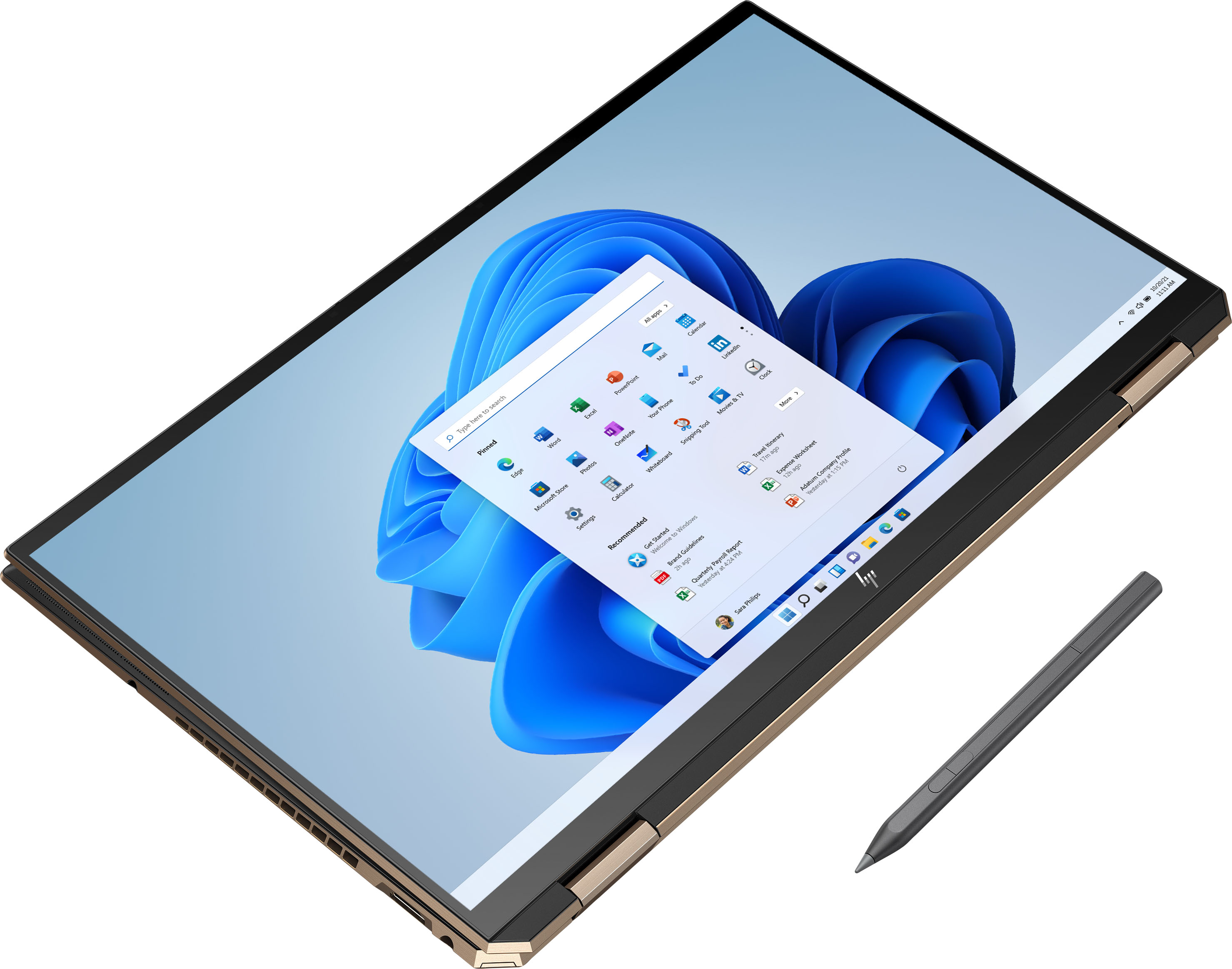
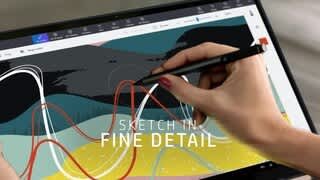
A:AnswerYes, the laptop comes with an active 2-button stylus that is rechargeable using a USB-C cable. There is a nice little pen holder on the included "pleather" case. I usually get about two weeks of intermittent use out of a single charge. I'm not sure how long it takes for the pen to charge since I just plug it in when the pen's amber light appears.
A:AnswerWe apologize for any confusion. The specification for this model say it has 15.6" diagonal 4K UHD, UWVA, BrightView, micro-edge, AMOLED, multitouch-enabled, edge-to-edge glass with anti-reflection Corning® Gorilla® Glass NBT™, 400 nits, 100% DCI-P3. The screen resolution is 3840 x 2160.
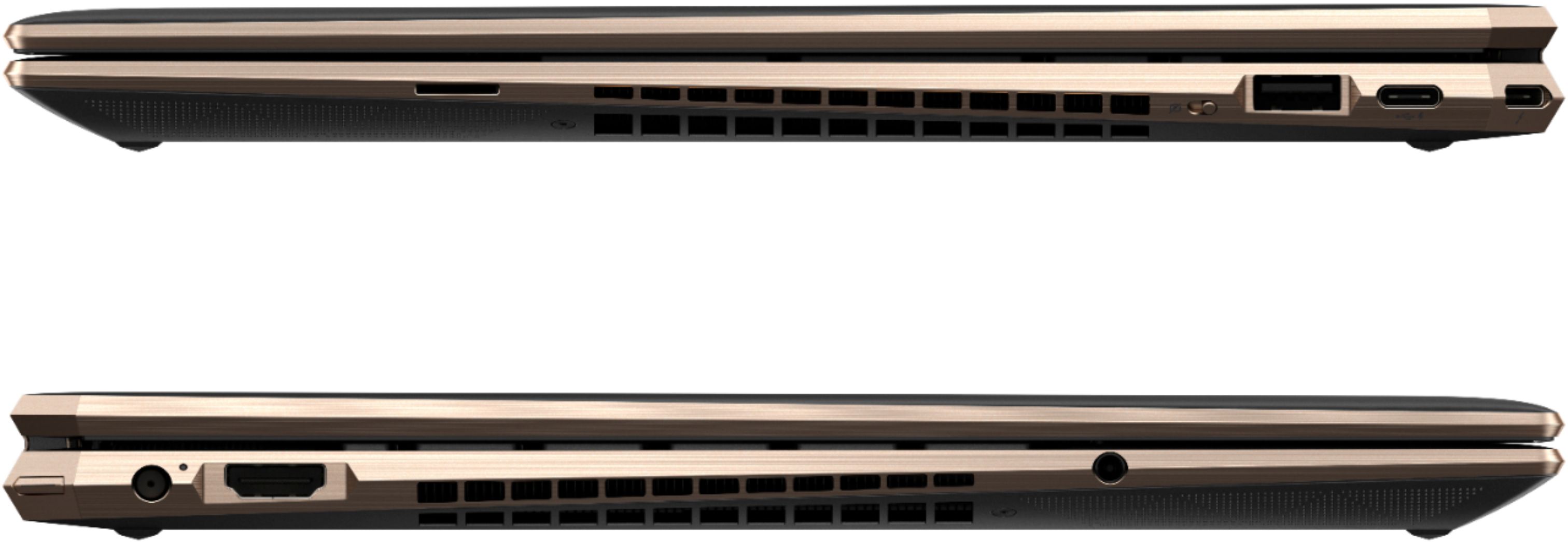
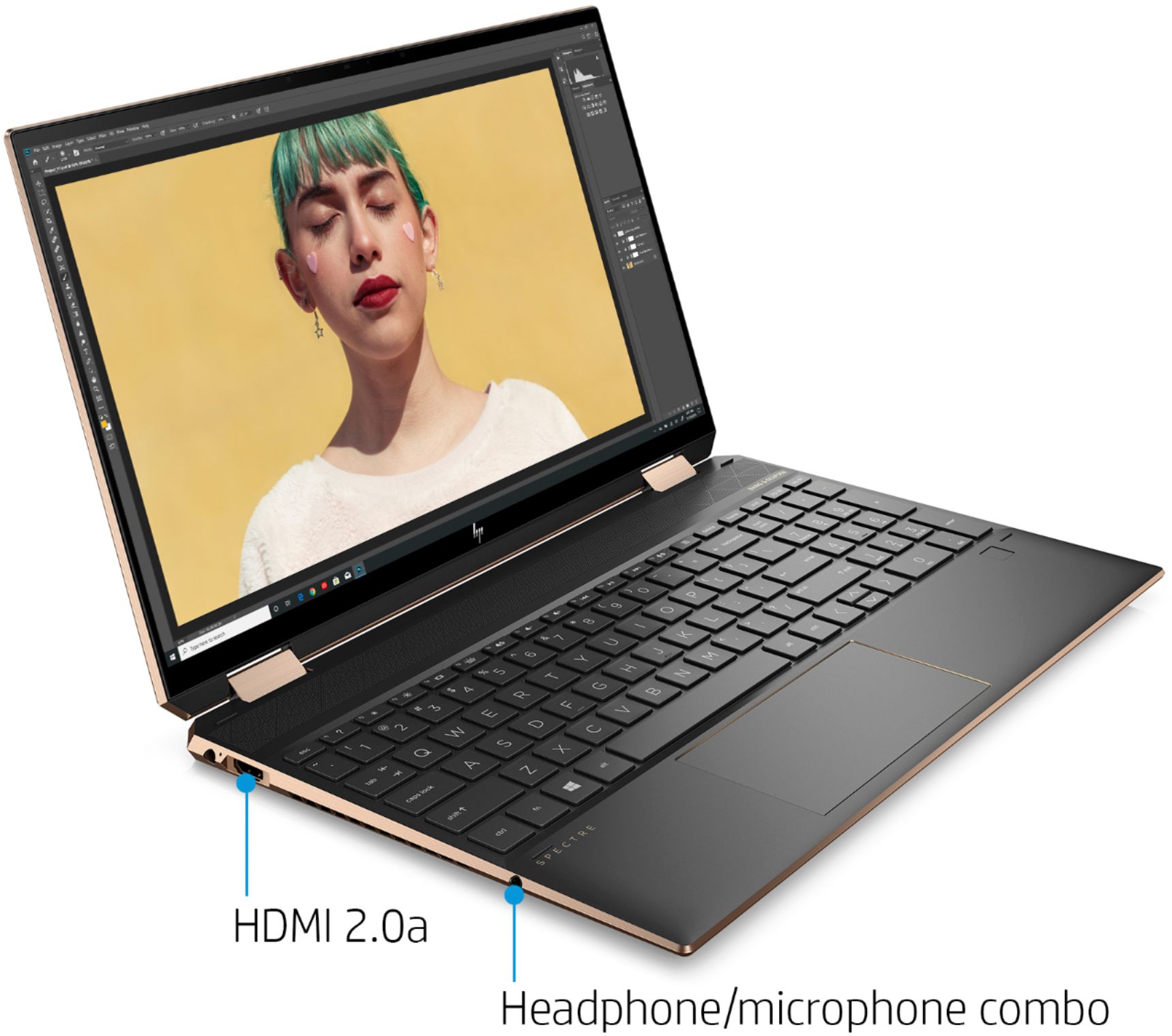
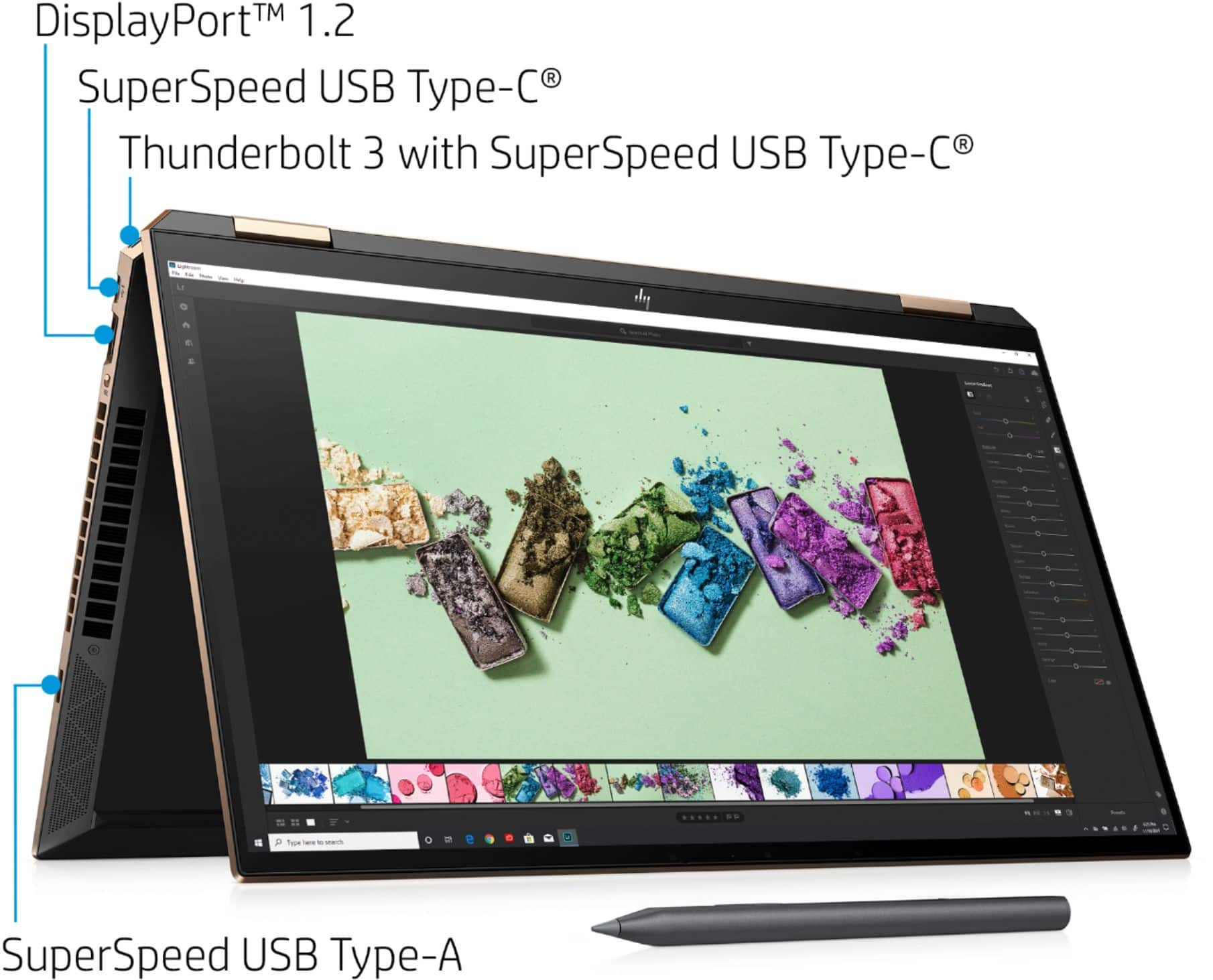
A:AnswerYou can actually charge it with the USB-C ports. I have a two-prong 100W USB adapter I keep in my office as a spare, similar to a Macbook charger but with two USB outputs so I can charge my phone with it too. Just make sure you use a USB-C cable capable of power delivery (i.e., not the one designed to carry only enough amperage to charge your phone).