A:AnswerThis laptop will come with a one-year manufacturer's warranty for the hardware and 90-day phone tech support for the software. This does not cover accidental damage or damage as a result of a power outage/surge. For further details, this link covers the Warranty and Support guidelines: http://h10032.www1.hp.com/ctg/Manual/c00747726.pdf
A:AnswerYou are confusing processor speed with storage space. This PC will run Quickbooks with zero problems. To run QuickBooks Pro 2019 version, a computer system is required with at least 1GB RAM for a single user and 2GB RAM for multiple users. A compatible computer must also contain at least 2.5GB of available disk space for the program and data files.
A:AnswerThe 16 hour time is for video playback. Under "mixed use" conditions, it's rated at 13.5 hours. If you're only getting 8 (especially how you're using it), you'll want to contact the HP support team so they can troubleshoot the issue.
A:AnswerHI there. Sorry you are having this trouble. Have you tested the microphone to make sure the hardware is working? You might search for voice recorder in the Windows search area and test the microphone. If that works, then you might check audio settings to see if there are any issues there. In Zoom, make sure that your microphone is set to be the default audio source. Here is a link on resolving microphone problems on an HP PC:
https://support.hp.com/us-en/document/c03421813#:~:text=Step%201%3A%20Check%20the%20microphone%20hardware&text=If%20the%20microphone%20has%20a,USB%20port%20on%20the%20computer.
Here also is a link to resolving microphone issues on Zoom:
https://support.zoom.us/hc/en-us/articles/201362283-Testing-computer-or-device-audio
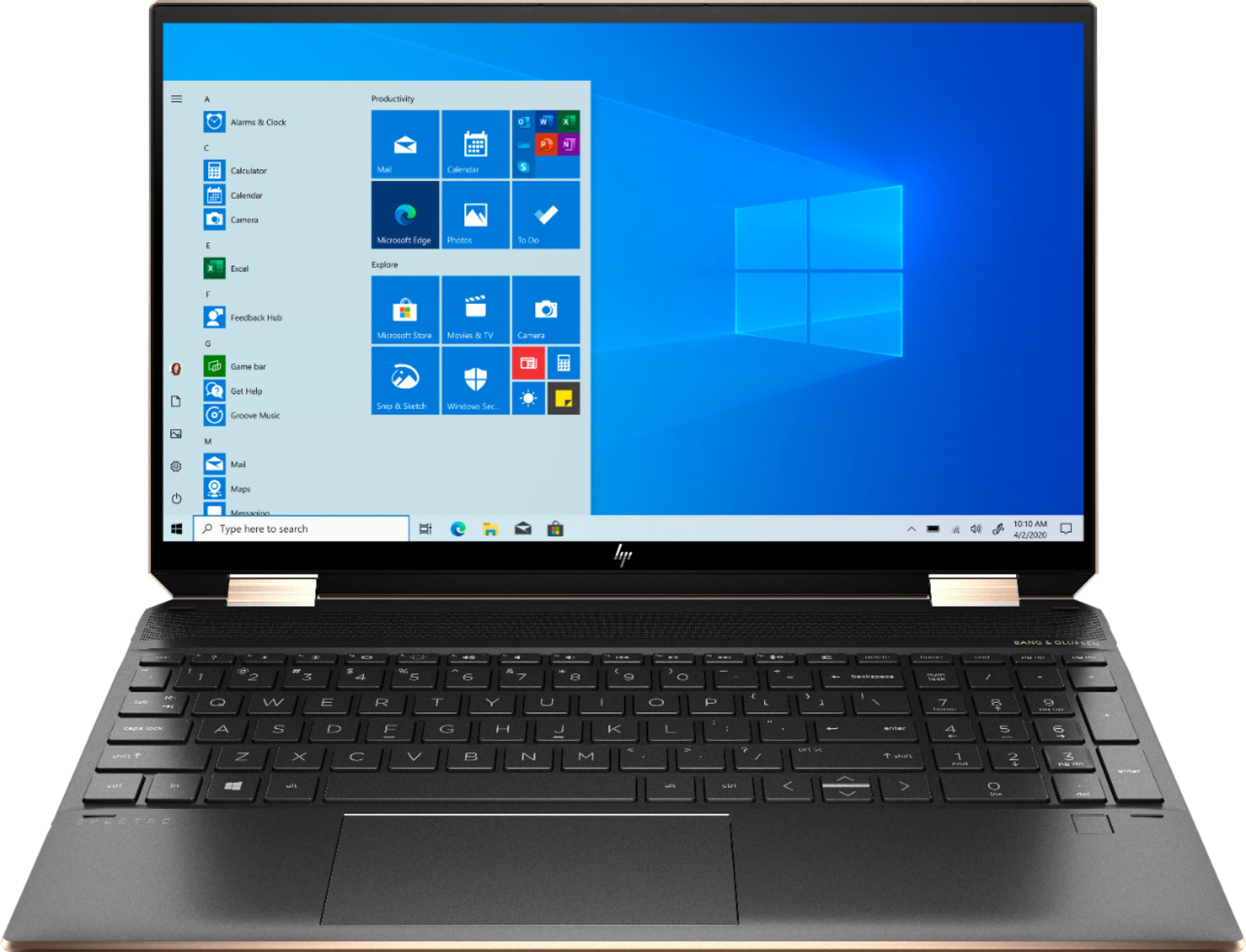
A:AnswerYes the SSD can be swapped (removed and replaced) by a larger SSD (1TB or 2 TB) by an authorized service provider. I am going to provide a link to the Maintenance and Service guide. On page 29 it explains how an authorized service provider would remove and replace the existing SSD.

http://h10032.www1.hp.com/ctg/Manual/c06618425