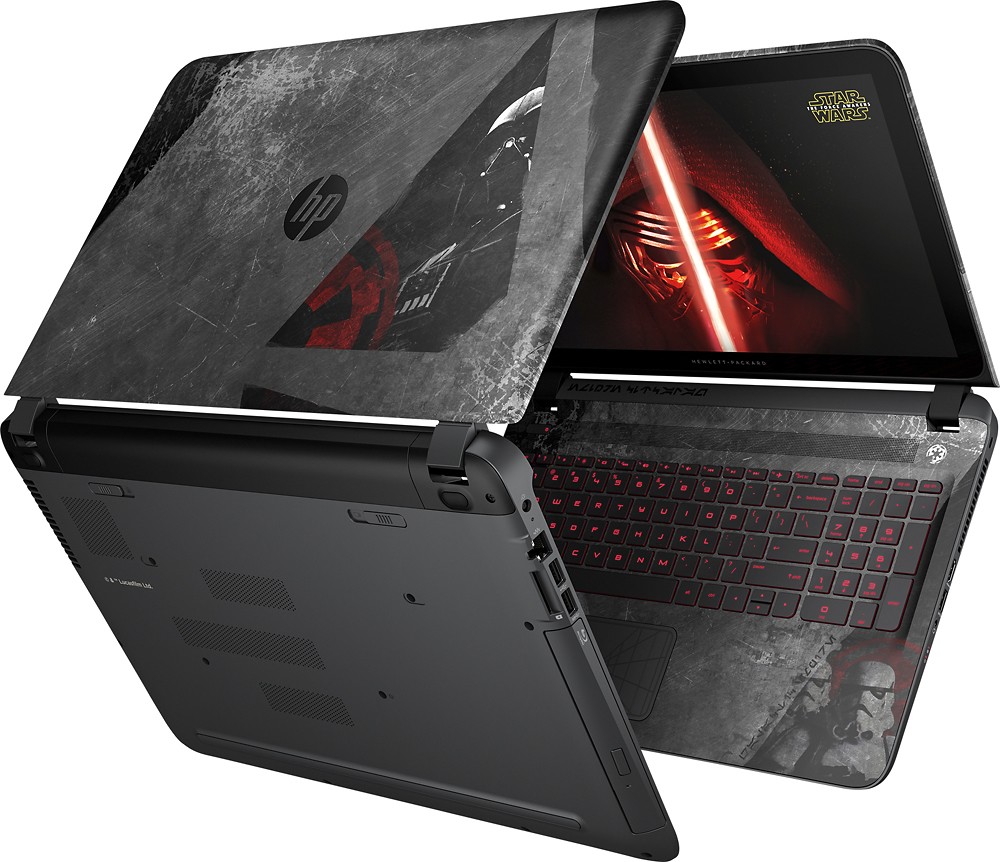
A:AnswerIt uses a standard 2.5" notebook HDD. I would recommend making an image of drive either before or after clone. Custom Win10 with all themes and content via Macrium Reflect was 196GB and I backed it up to a bootable 256GB thumbdrive. There is a Repair and Maintenance manual that shows how to disassemble laptop. HP's link is http://h10032.www1.hp.com/ctg/Manual/c04642845
A:AnswerI cloned the OEM Hard drive right out of the box using EZGIG software and cable. It took less than 15 minutes to clone the drive. I swapped out the drives, added more memory (16GB total) and booted like it was the first boot. The difference was it booted lightning fast with the 960GB SSD.