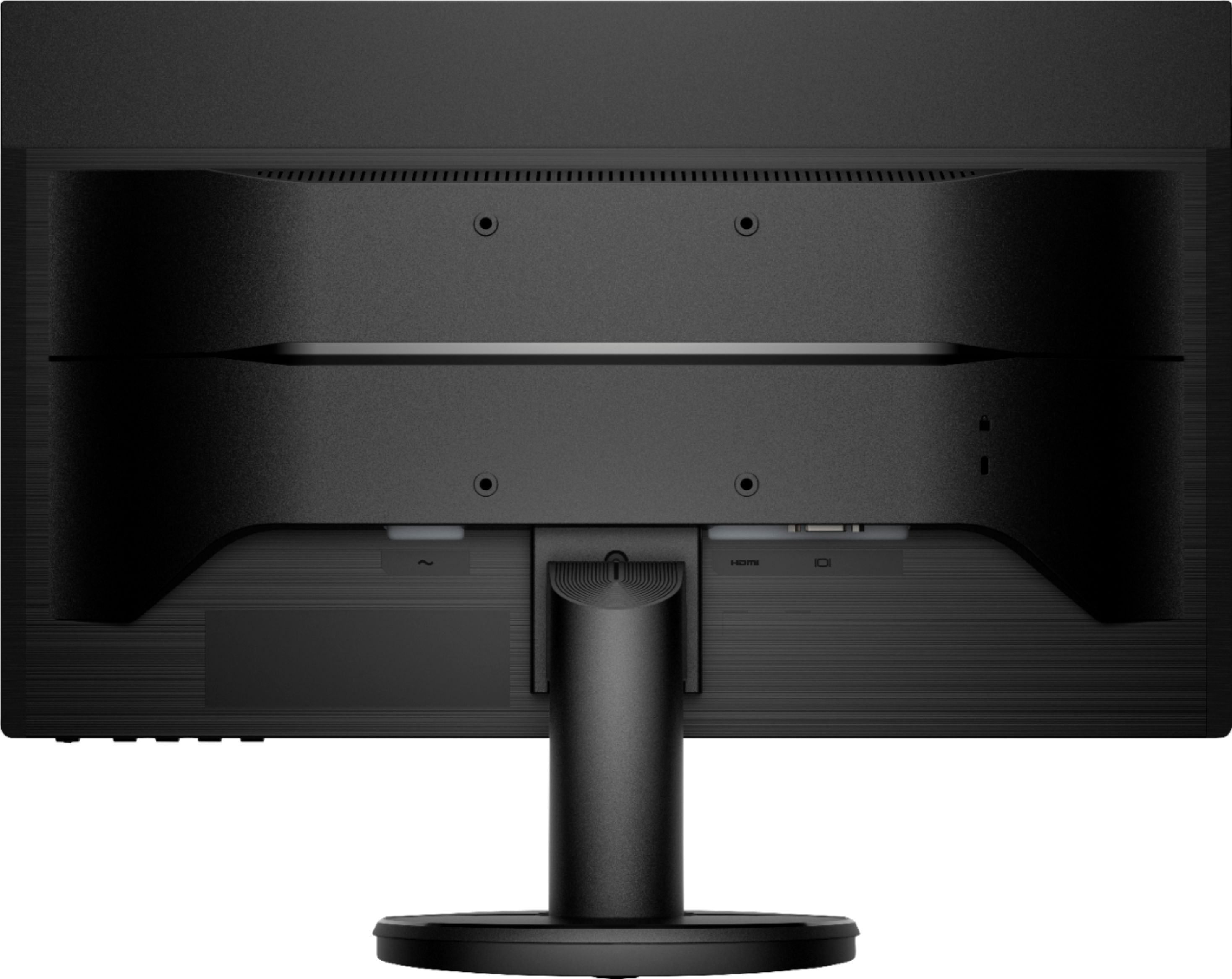
A:AnswerYour port is most likely a Mini Display port connector and they make adapters for that to HDMI. You should be able to get one here at Best Buy or anywhere online.
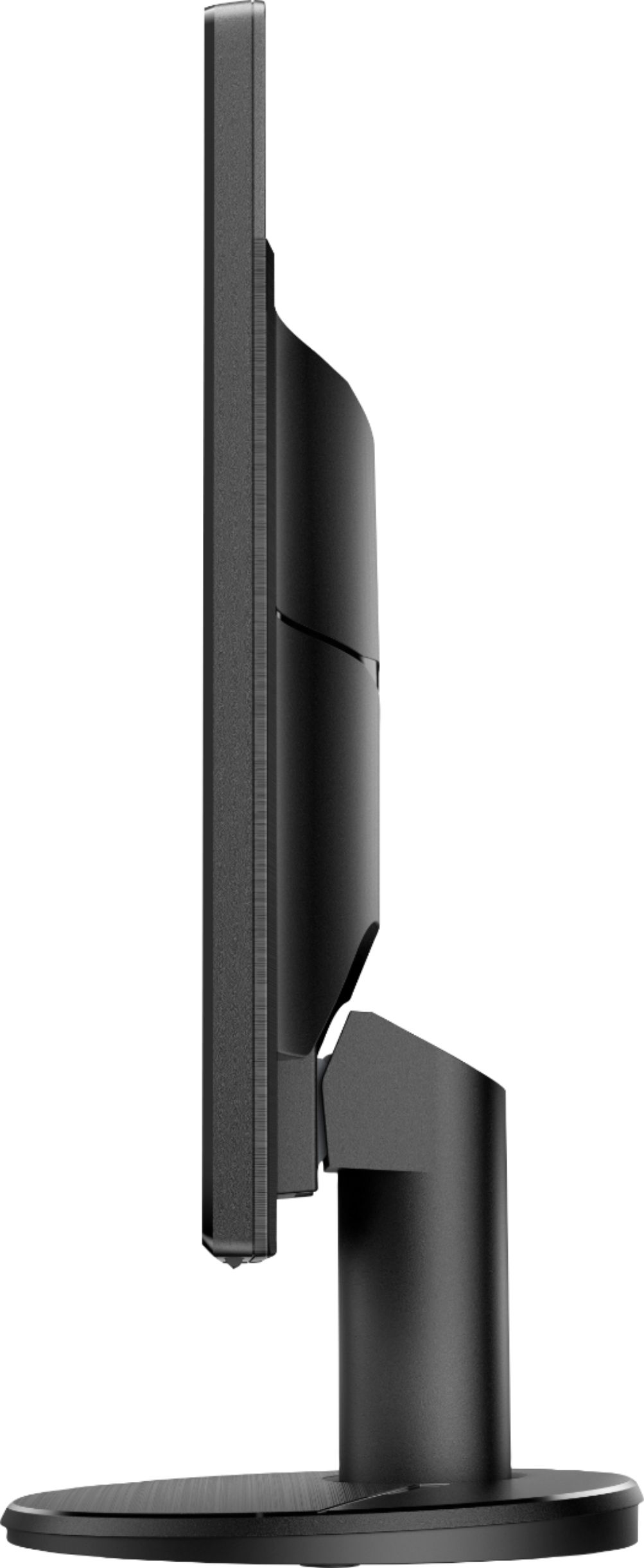
A:AnswerYes, it is easy to remove the stand from this monitor. The Quick Setup guide shows you how the stand is attached or removed from the monitor: https://h10032.www1.hp.com/ctg/Manual/c06616993
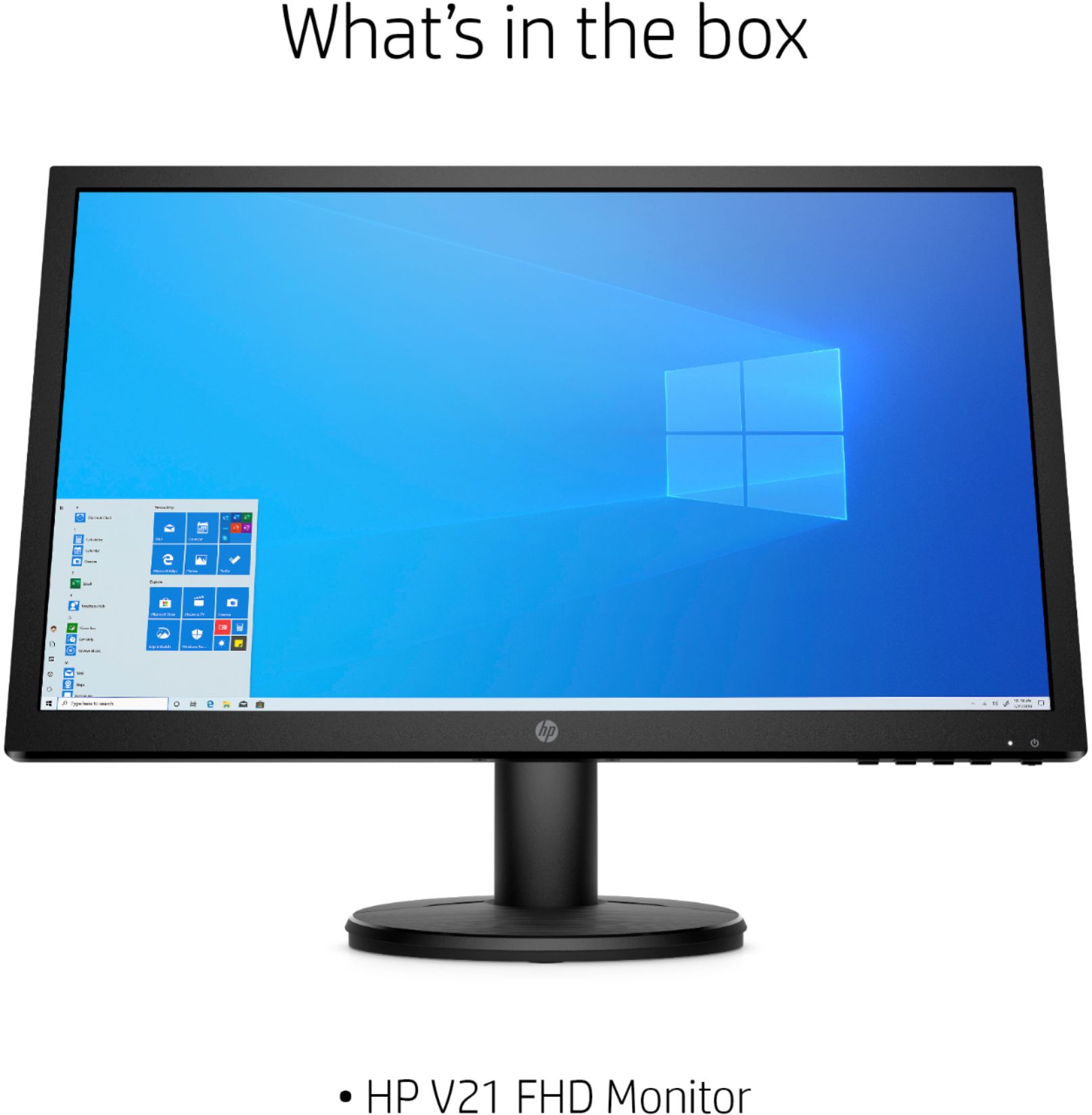
A:AnswerYes. I purchased two of these for my man since we’re still working from home and it’s Christmas and he has set them up. They don’t have built in speakers so the sound will need to play from your laptop but it works very well as dual monitors. The picture is only showing one monitor on but both work!
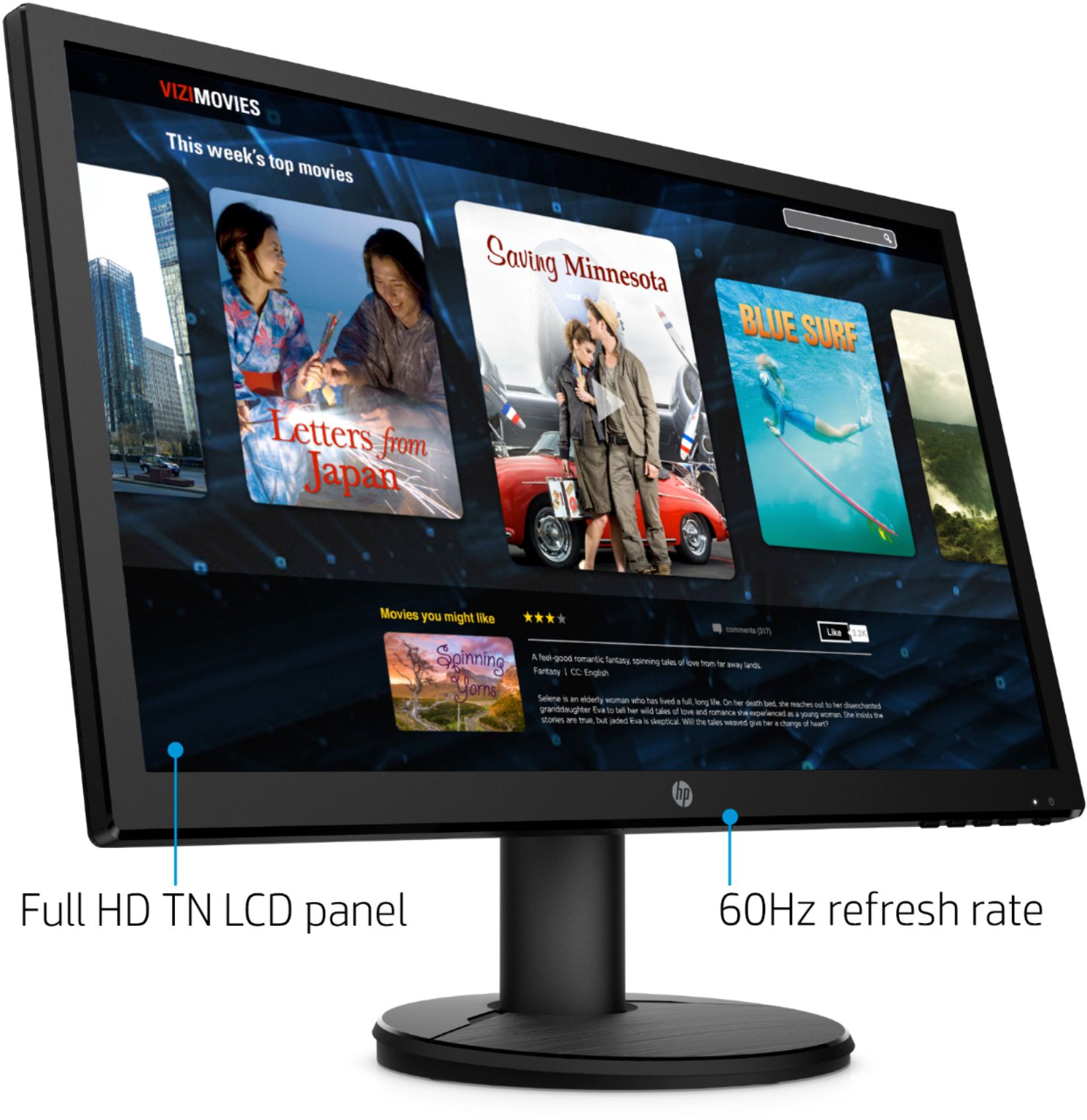
A:AnswerYes, you can connect this gaming computer that has either 1 VGA port or 1 HDMI port. This monitor only has a refresh rate of 60 Hertz. Gamers usually like a refresh rate of 144 Hz or higher for better accuracy.
A:AnswerThis is a regular monitor with a refresh rate of 60 Hz. Gamers typically like monitors with a faster refresh rate of 144 Hz (Hertz) or higher for better accuracy.