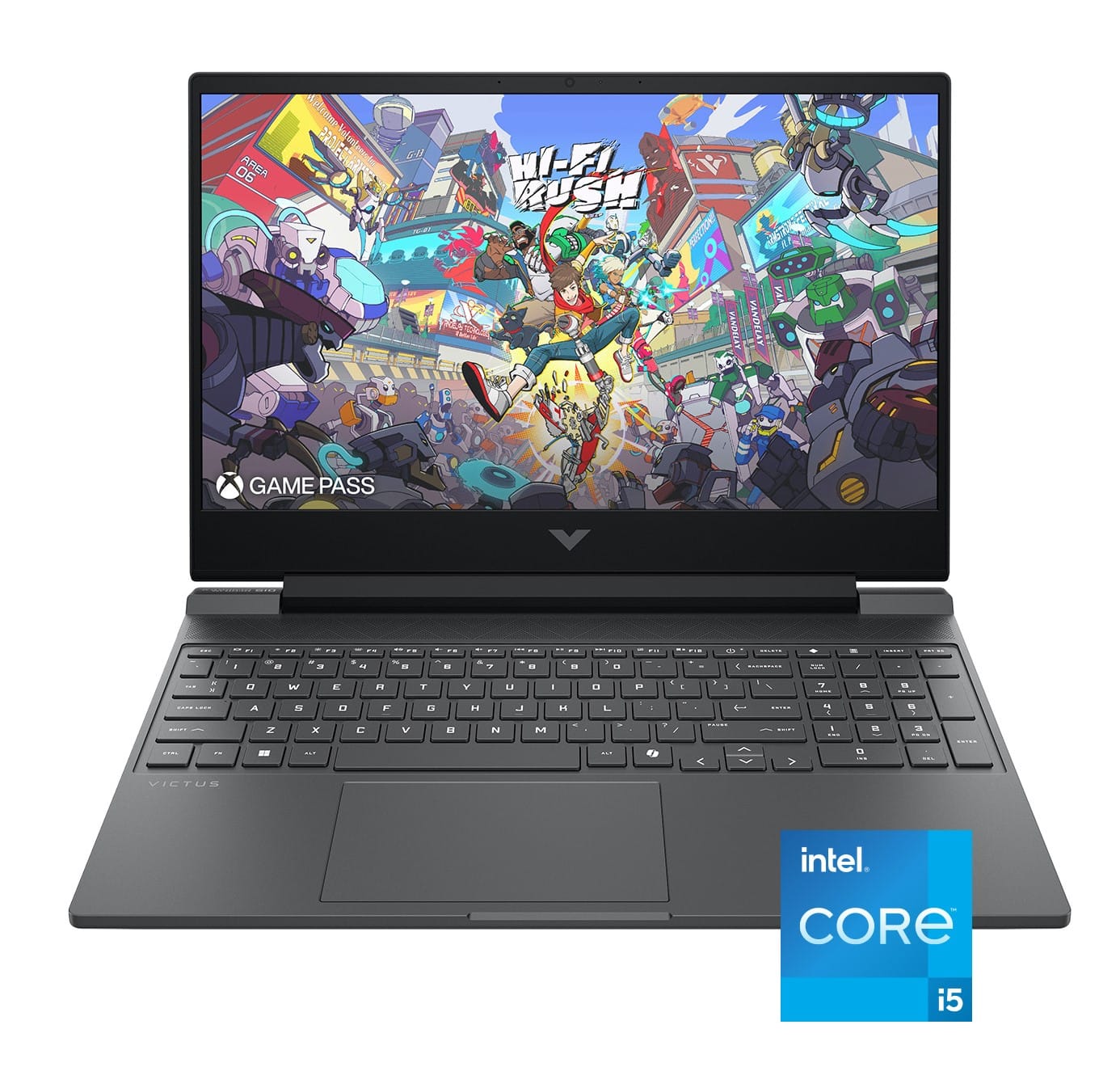
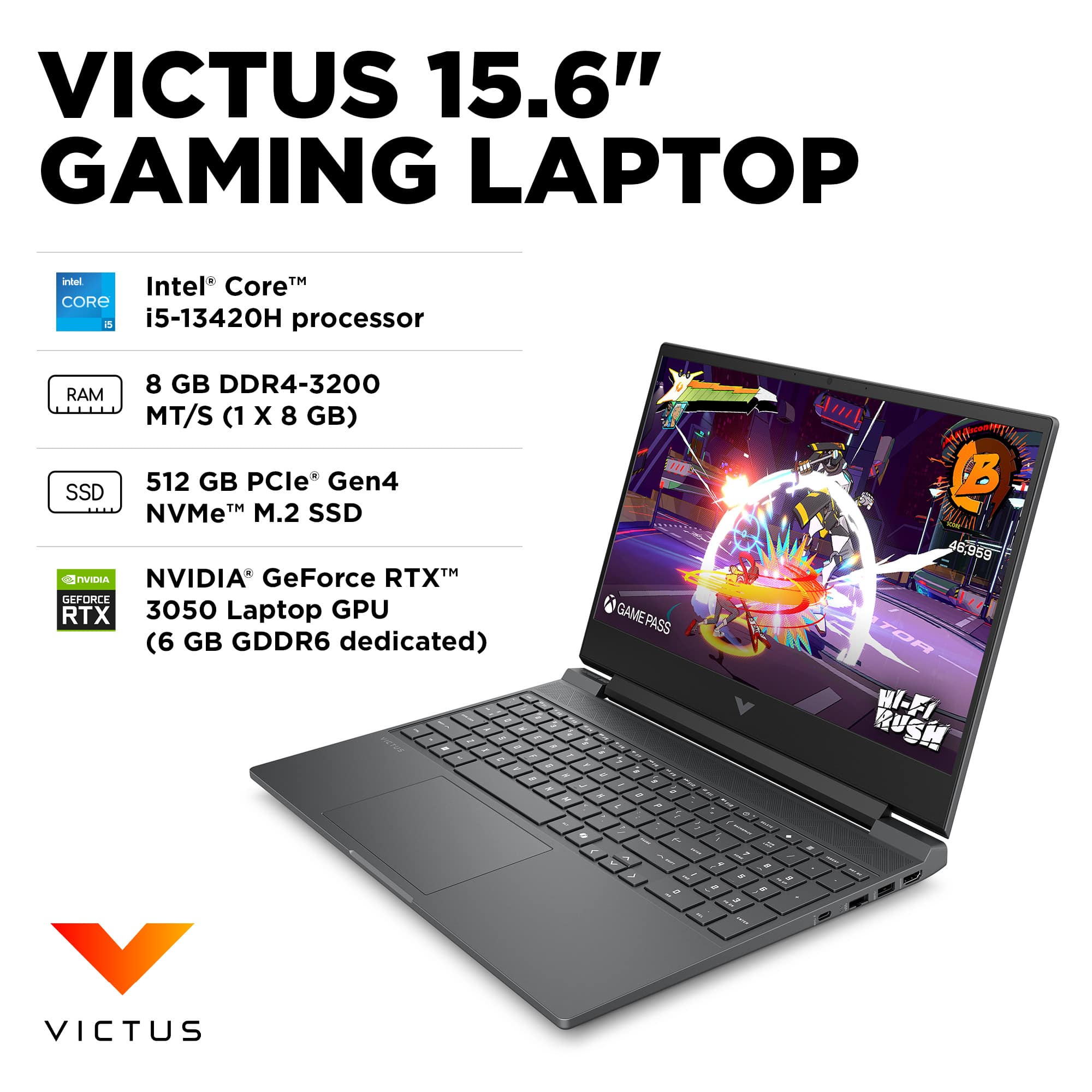
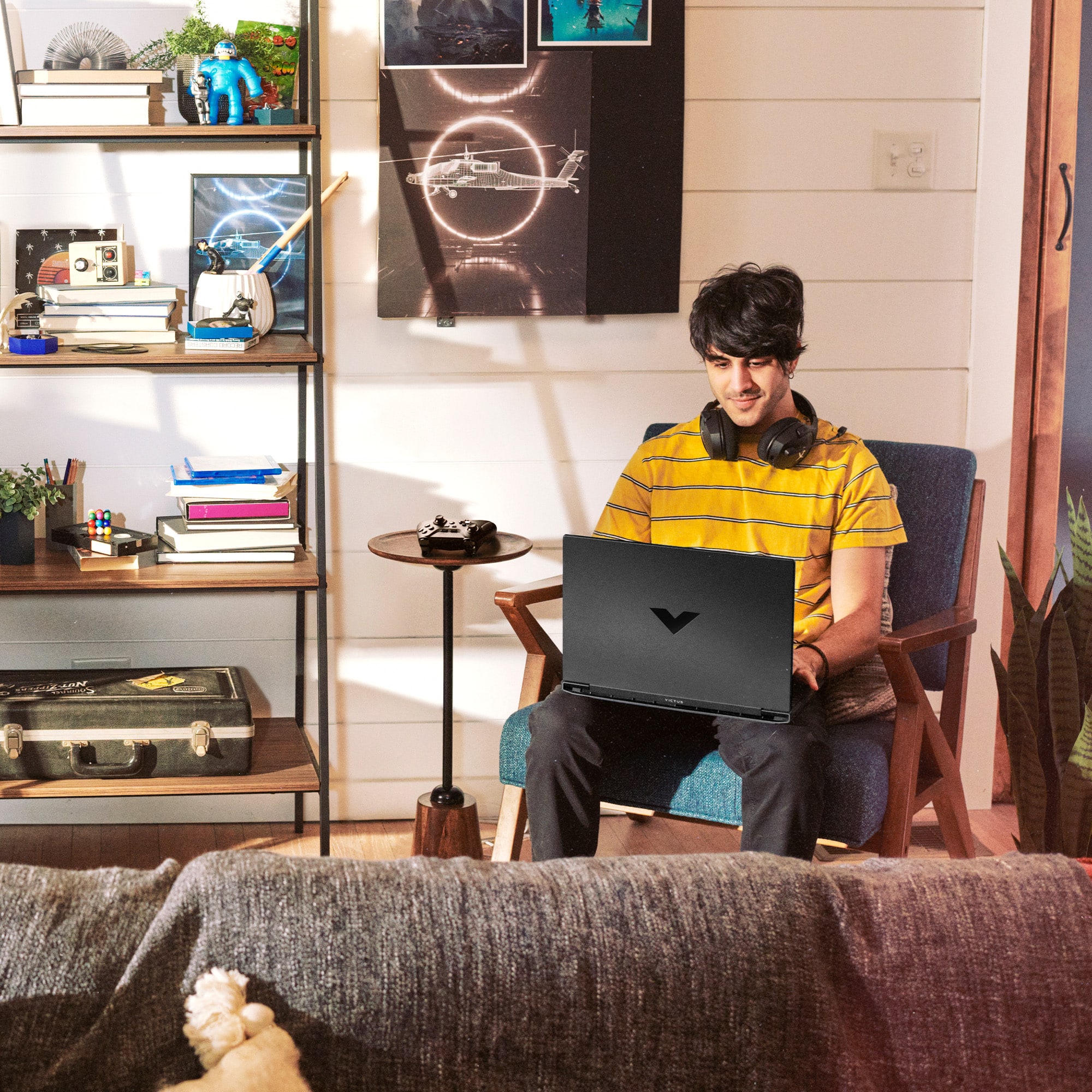
A:AnswerHi there! Thanks for the question on the HP Victus 15.6" Gaming Laptop (model 15-fa0033dx). You can check the requirements for the software you would like to use by looking up the system requirements for it from the publisher's website. You will want to make sure that the device you want to use it on meets the minimum requirements. Updates and modifications can impact what settings you can run the software on or if you can use the software at all.
A:AnswerHi there, thanks for your question on the HP Victus 144Hz Gaming Laptop (model 15-fa0033dx). You can check the requirements for the software you would like to use by looking up the system requirements for it from the publisher's website. You will want to make sure that the device you want to use it on meets the minimum requirements. Updates and modifications can impact what settings you can run the software on or if you can use the software at all.
A:AnswerThank you for your question on the warranty! Yes it is and the way to take advantage of that warranty is to register this HP Victus laptop with HP in that country. HP has authorized service centers located all over the world!
A:AnswerNick, thank you for your question on the expandability of the HP Victus gaming laptop. This has only one SSD slot, which is occupied by the pre-installed drive. However, you can swap out that drive for another at any time.
A:AnswerThank you for your question about this HP Victus gaming laptop! The chassis has no room for an HDD, but you have the option of adding an external drive, upgrading the preinstalled drive to a higher capacity, or purchasing a laptop model that is equipped with a larger-capacity SSD.
A:AnswerHello and thank you for your question! As system requirements for software constantly change, we are unable to answer questions about software compatibility or performance. What is compatible today may not be in the future. Please check the software manufacturer's website for the most current minimum and recommended requirements.
A:AnswerHello and thank you for asking. The HP Victus 15-fq0033dx gaming laptop meets or exceeds the minimum system requirements for FL Studio 24.2.1.4526. The Victus has an Intel i5-12450H CPU. Image Line Software says the more powerful your CPU, the more instruments and effects you can run.
A:AnswerThank you for your question! It will depend on what games you are looking to stream, and on what settings, as well as which streaming software you are looking to use. It is recommended to check the games system requirements on the games publishers website, as well as checking the streaming software system requirements to insure the computer you are interested in meets their requirements.
A:AnswerThanks for your question! As system requirements for gaming software constantly change, we’re unable to answer questions about software compatibility or performance. What’s compatible today may not be in the future, so please check the game manufacturer's website for the most current minimum and recommended requirements.
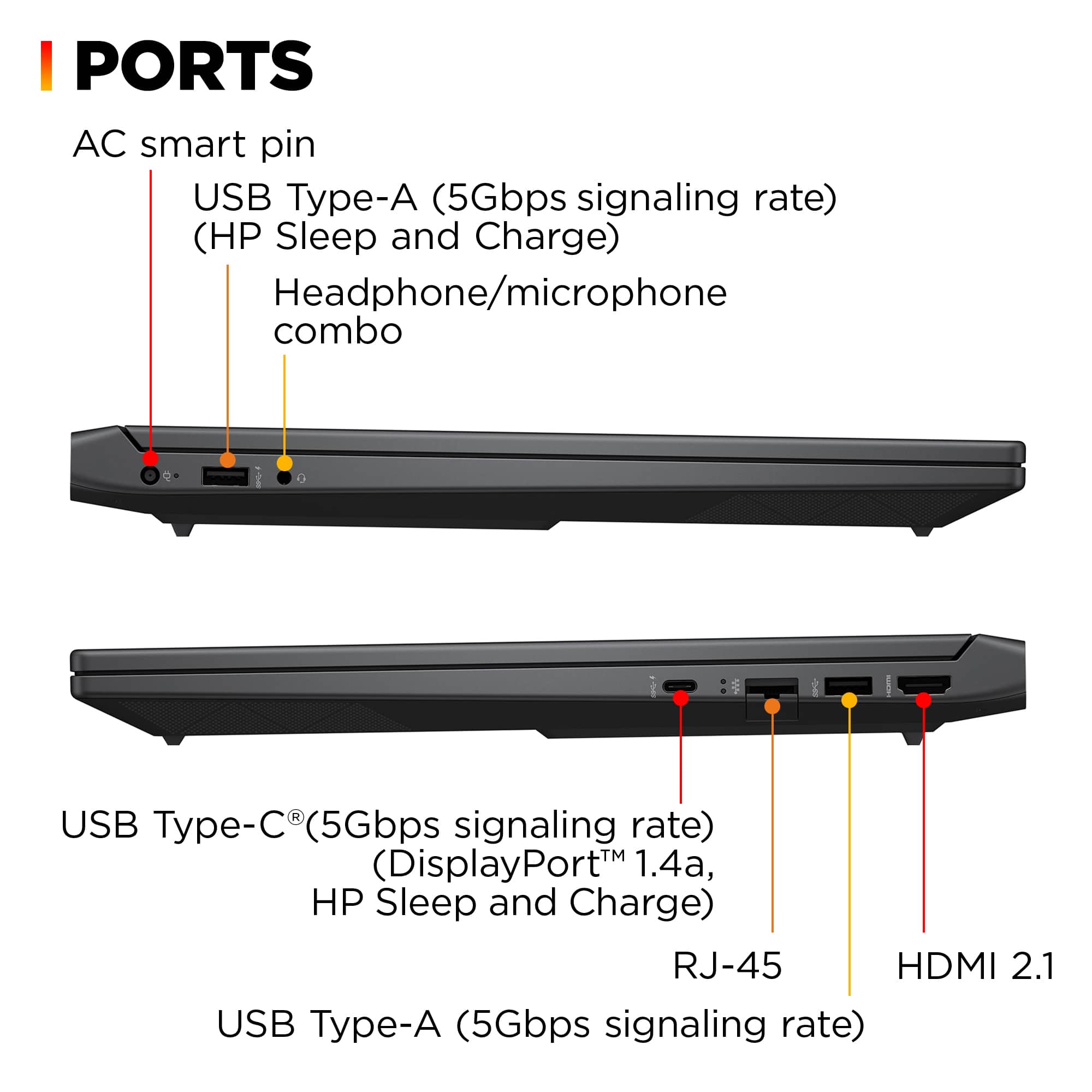
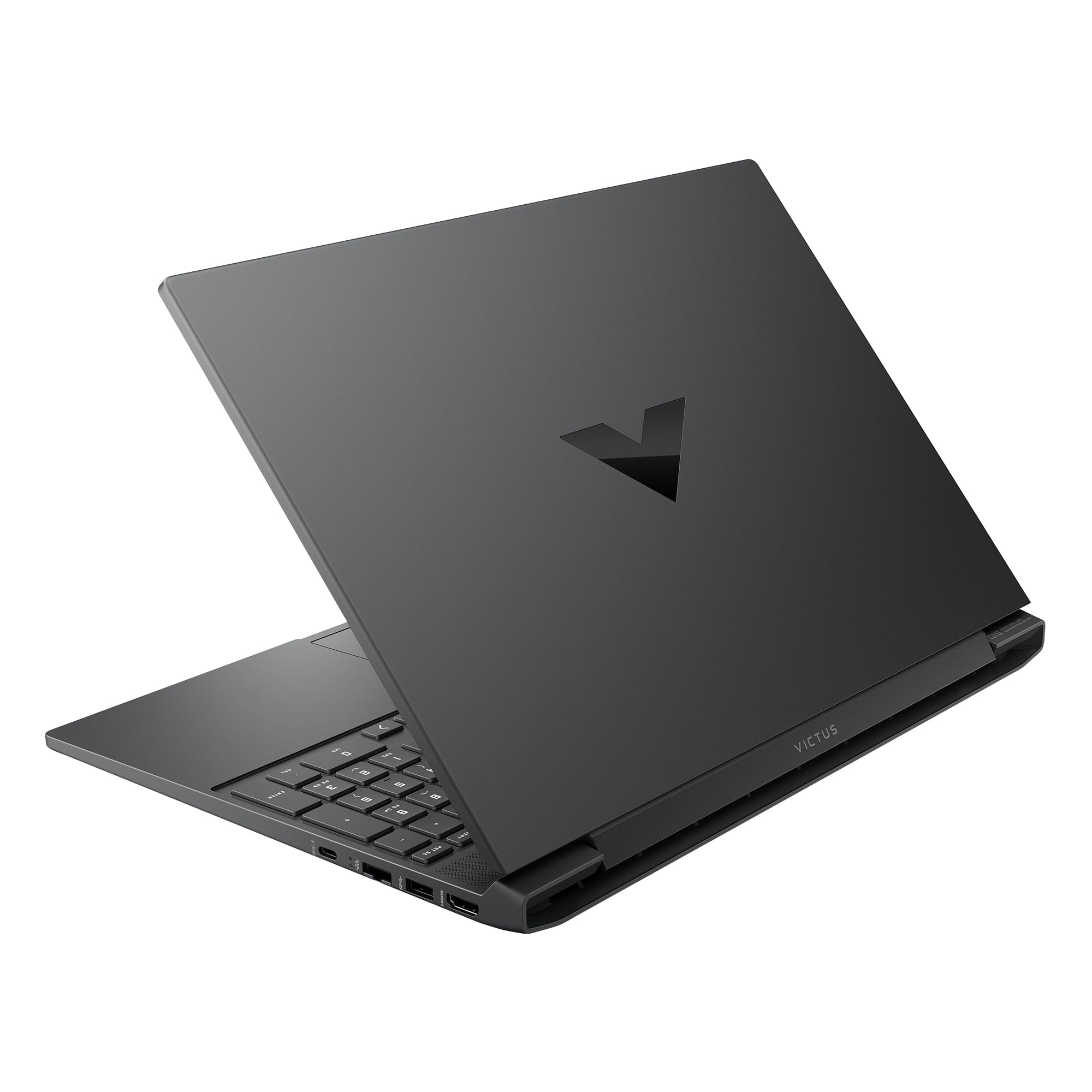
A:AnswerThank you for your question. Yes, you can use an external hard drive with the Victus 15-fa0033dx. This laptop has multiple USB ports, including USB 3.0, which are compatible with most external hard drives.