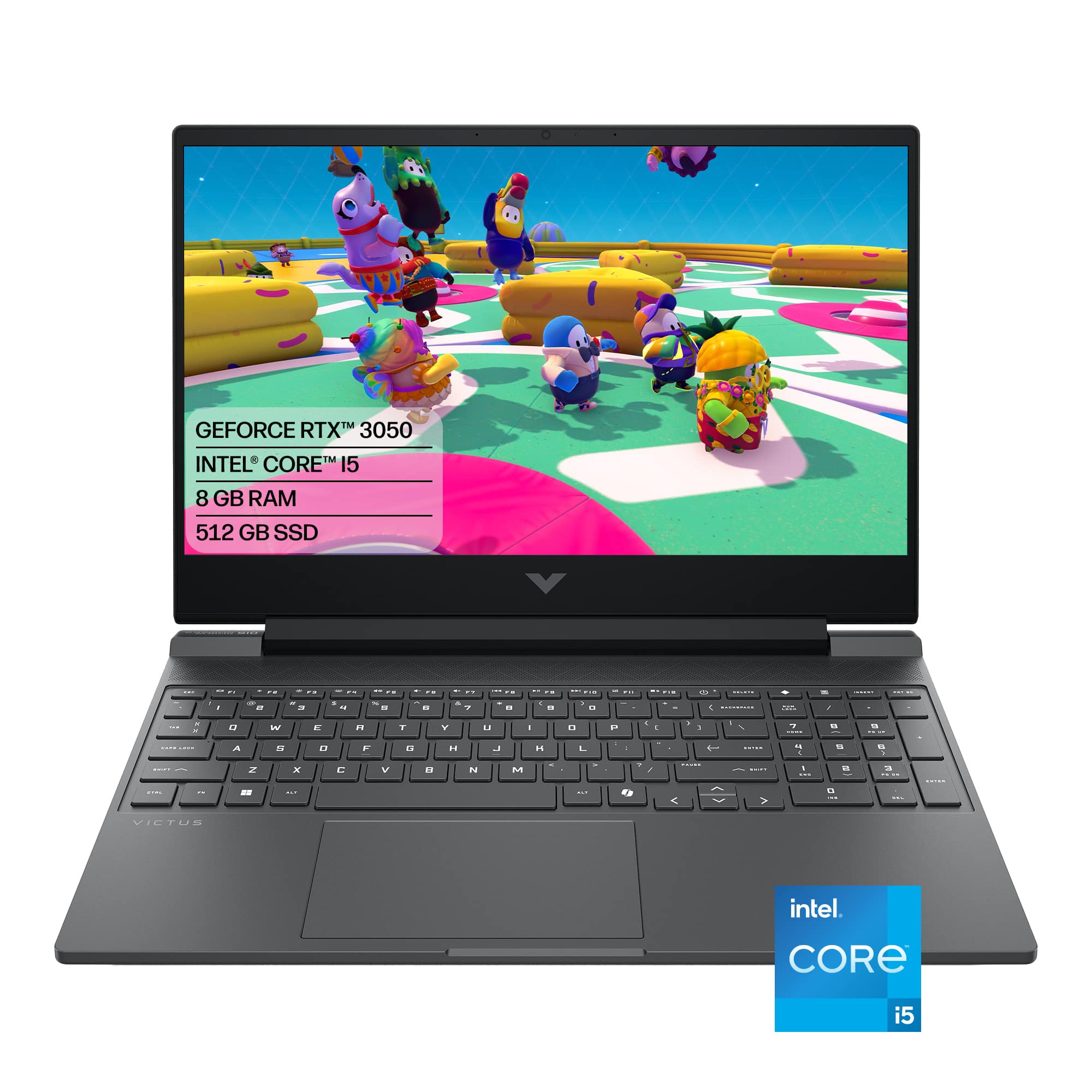
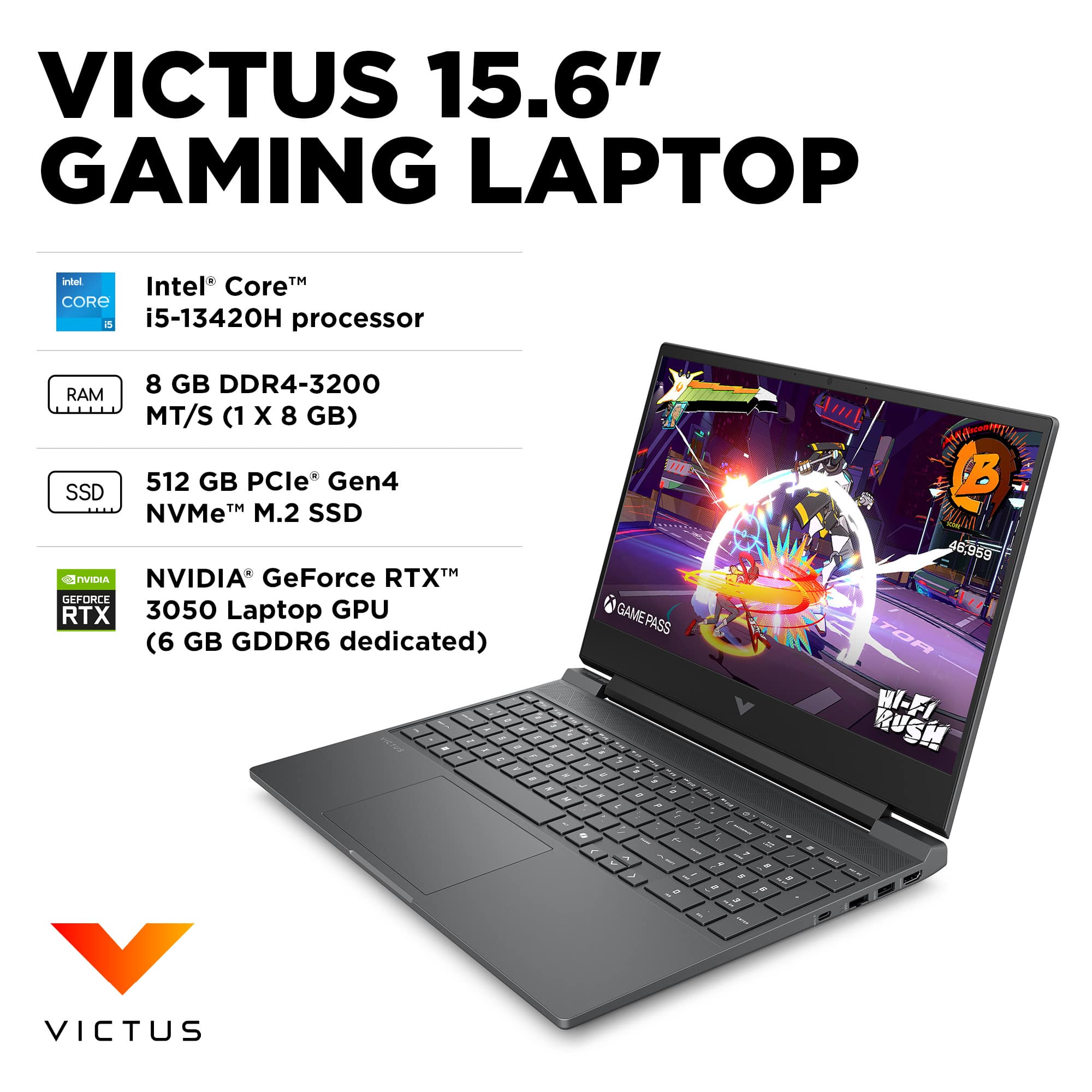
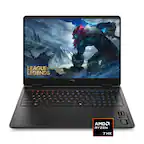
A:AnswerYes. More RAM can be added to this laptop. It has two RAM slots, one occupied by an 8GB module and the other free. It supports up to 64GB (2x32GB) DDR4 SODIMM 3200MHz.
A:AnswerGeek Squad will gladly do it for you, but there is an additional charge. If you know ANYTHING about computers, you can DIY: copy the data to a flash drive, then from the flash drive to the new PC.
A:AnswerThose are very basic programs, and this laptop will handle them with ease, although if you have many instances of them open at once, it would be advisable to add RAM. Otherwise, the rest of the specs are much more than you need.
A:AnswerNo problem at all, but if you have to ask the question, you aren't ready to run those programs. Sooner or later you will have problems (as with any software), and you will never be able to figure out why.
A:AnswerIf you are buying your computers based on the number of cores, buy a computer with an AMD EPYC (Max 128 Cores). Of course, you won't find this on a laptop.