A:AnswerHello and thank you for your question! As system requirements for software constantly change, we are unable to answer questions about software compatibility or performance. What is compatible today may not be in the future. Please check the software manufacturer's website for the most current minimum and recommended requirements.
A:AnswerThank you for your question. As system requirements for software constantly change, we are unable to answer questions about software compatibility or performance. What is compatible today may not be in a few months. Please check the software manufacturer's website for the most current system recommendations.
A:AnswerNope, Nor the CPU. It's got ONE drive slot, which can be swapped out (it'll always be a boot drive) and it's got two ram slots you can add more/different sticks.
But no upgrading of the kind you want. To be fair NO laptops (couple Co's have tried) let you just slip in a new graphics cards.
A:AnswerI assume you mean you're trying to connect your ps4 to your laptop in order to use the laptop as a monitor?
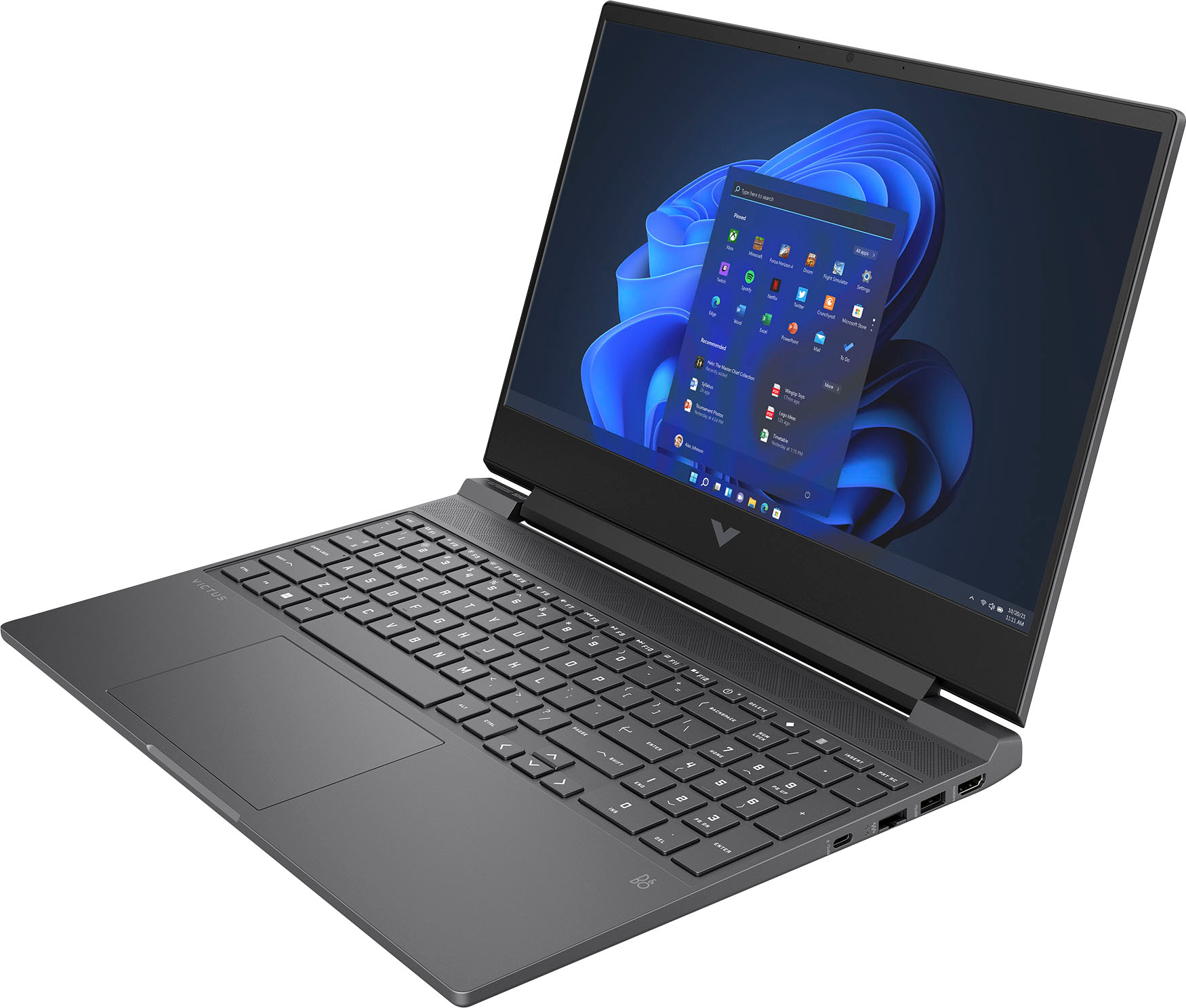
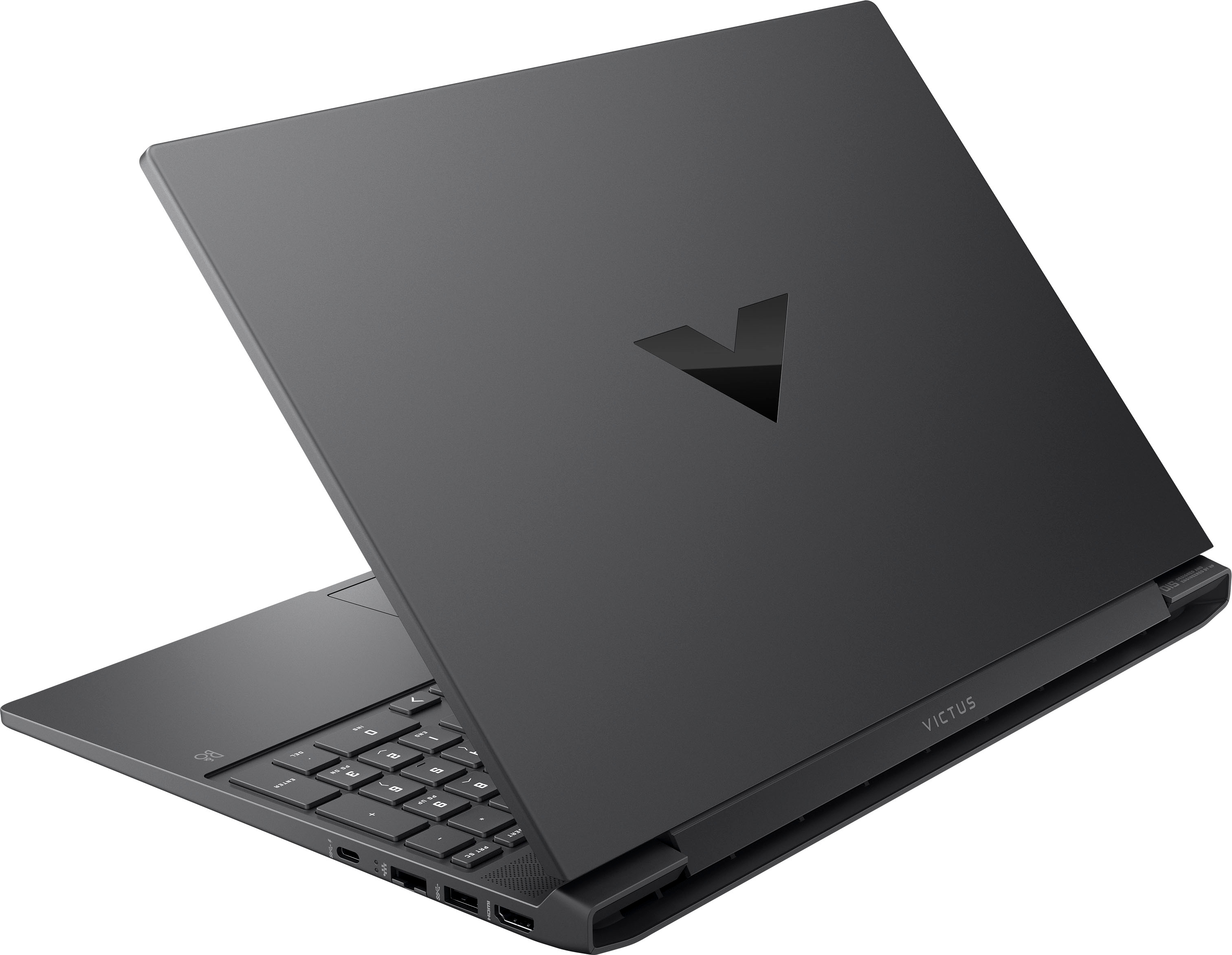
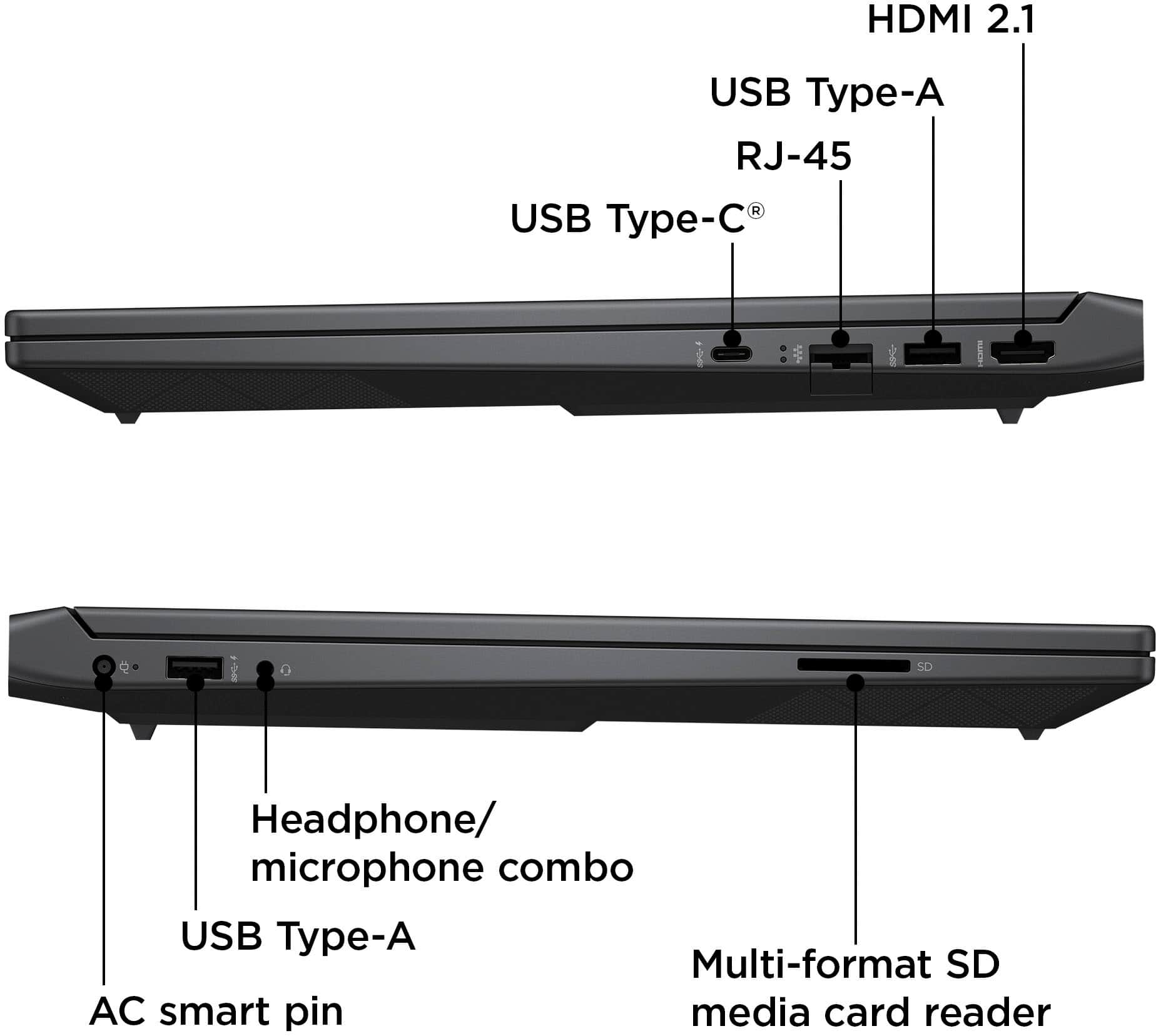
If so, you can only do this on Laptops which include an HDMI Input port, and to my knowledge (most) laptops only use an HDMI output port. This laptop uses HDMI output.
A:AnswerYou aren't gonna find one and if you do DON'T use it. USB outputs maximum 5 volts. Thr laptop wants 19.5 volts.
It just isn't set up for it. You're battery pack can't handle what it want's take...people usually leave charging devices unattended...those are not good things to mix in the kettle.
A:AnswerHello, thank you for your question. You can check the requirements for the software you would like to use by looking up the system requirements for it from the publisher's website. You will want to make sure that the device you want to use it on meets the minimum requirements. Updates and modifications can impact what settings you can run the software on or if you can use the software at all.
A:AnswerHello, and thanks for your question! As system requirements for games are constantly changing, we are unable to answer questions about compatibility or performance for them. I would recommend checking the video game developer's website for the most current minimum and recommended requirements.
A:AnswerThank you for your question. As system requirements for software constantly change, we are unable to answer questions about software compatibility or performance. What is compatible today may not be in a few months. Please check the software manufacturer's website for the most current system recommendations.
A:AnswerHello and thank you for your question. Today's laptop batteries won't be damaged by leaving your laptop plugged in due to modern battery management built in.
A:AnswerThe touchpad on this along with the Windows 11 software supports gestures right out of the box: You will be able to pinch-zoom, slide, tap, or use multi-finger gestures.