A:AnswerYou can go to "Settings" in the Start icon and select "mouse and touch pad" and set all the functions. If you would like you can set the left or right button to whatever function you desire, as well as the scroll wheel. While setting the buttons you can select speed, ect. There is no "third button", and there is no "off" setting for any function.
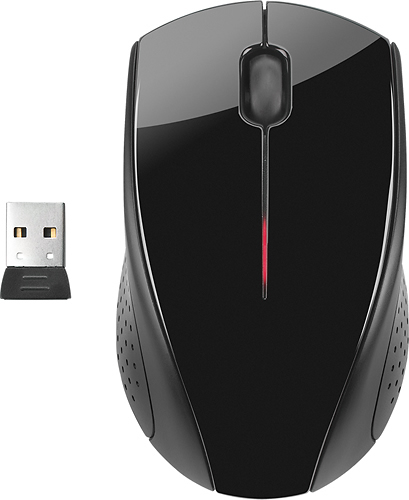
A:AnswerThis model has no wheel, it is optical. You might try a different surface like a piece of paper or real mouse pad. The mouse needs a certain type of surface to dunction correctly on.
A:AnswerWhen the mouse's scroll wheel is pressed the standard mouse arrow is replaced by a circle with four arrows and a dot in the middle. In this mode the scrolling function responds to the movement of the mouse and overrides the scroll wheel. Pressing the scroll wheel again goes back to default mode. Hope this helps.















