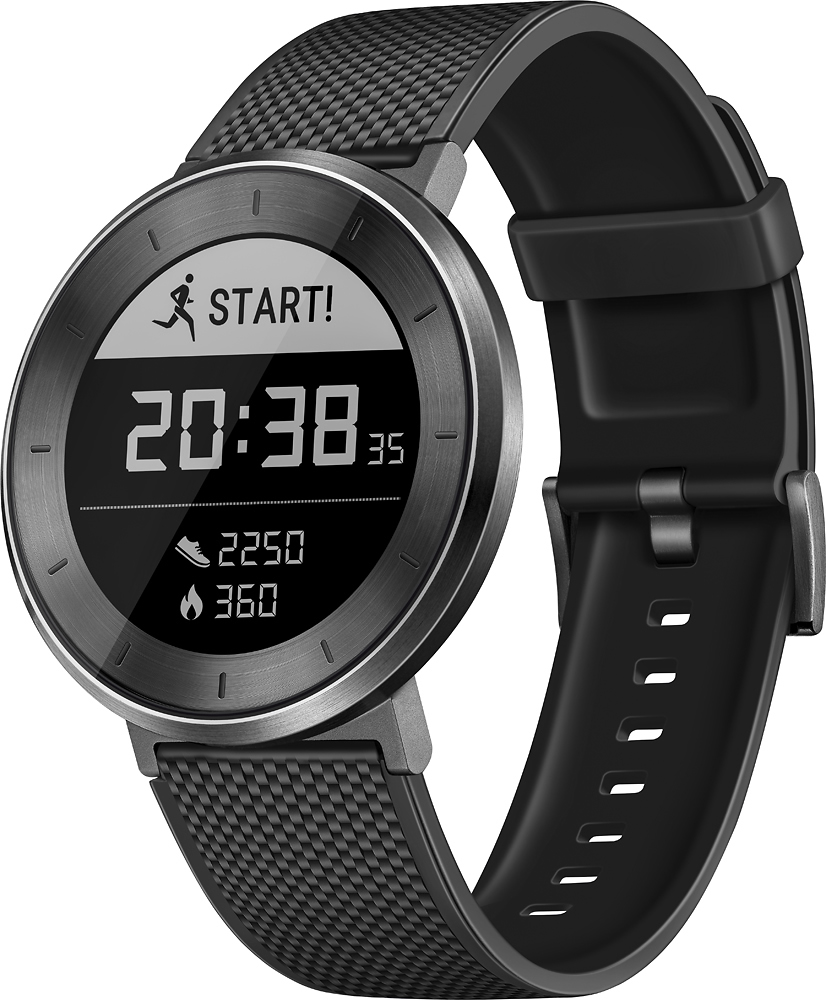
A:AnswerYes it does display messages and you can use it with an Apple phone. Just make sure you're able to download the app and have working bluetooth connection on the phone.
A:AnswerDear customer,
We would like to thank you for your interest in our Huawei Fit.
Huawei Fit is designed as a fitness tracker and is equipped with a heart rate sensor to measure your heart rate at all times, while you perform many activities as running, walking or excercising.
The Huawei Fit cannot measure your blood pressure as the smartwatch does not support this function and cannot be used for medical purpose.
Besides this, we are sure that you will love this device and all its great features such as real-time coaching, VO2MAX Assessment and its 5ATM water resistant to enjoy it even when you are swimming .
Thank you for contacting Huawei. NF
A:AnswerDear Customer,
Thank you for your interest in our Huawei Fit.
These are the functions available in your watch when it is connected to iOS phones.
>Mute calls: When the watch is connected to an iOS phone, you can mute incoming calls through the watch.
>Checking messages: When your watch is connected to an iOS phone, the watch will not notify you about messages which you have already checked on your phone. Once a message is read on an iOS phone, it will notify the watch that the message has already been read.
> After installing the Huawei Wear app on an iOS phone, there is only one Message alerts master switch. There is no app list.
This is a difference caused by the phone operating systems. Android phones give permissions to the apps and allow you to use the Huawei Wear app to select apps you want to allow to push notifications to the watch. iOS phones do not give these types of permissions.
However, we are sure that you will enjoy all the great features on the Huawei Fit, such as multi-sport modes, sleep monitoring, step counting ans activity reminders.
Thank you for contacting Huawei. NF
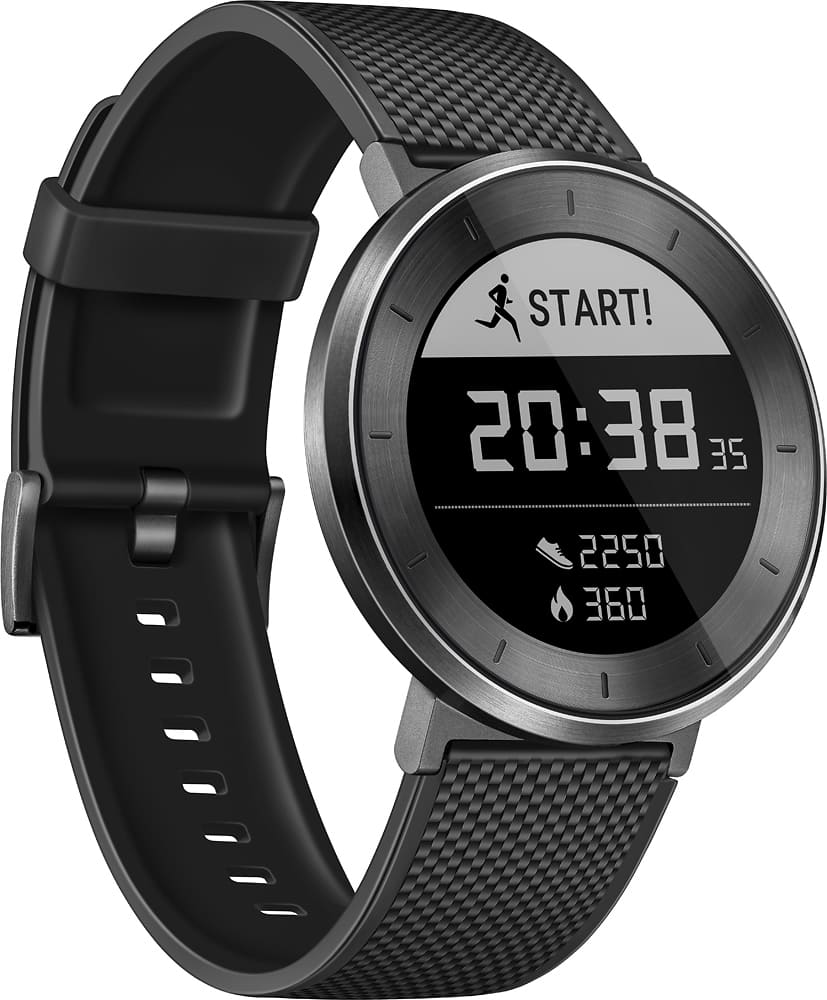
A:AnswerYes. The default sleep tracking is not very subtle, but there's a sort of enhanced sleep tracking you can turn on that gives you lots of really interesting data.
A:AnswerIf you want an accurate account for the run then yes he will need to bring his phone. This device does not have GPS built in. But depending on his size the watch for me logs about 1.68mi for every two miles I actually have ran. So it can be about a quarter mile off but if he knows where he is going and how to pack himself it's good for tracking calories and heart rate while you run without a phone!
A:AnswerThere is no interval training, and once you set up the watch, you don't have to have the GPS connected to run the programs, although your distance will be off a little, but not much.