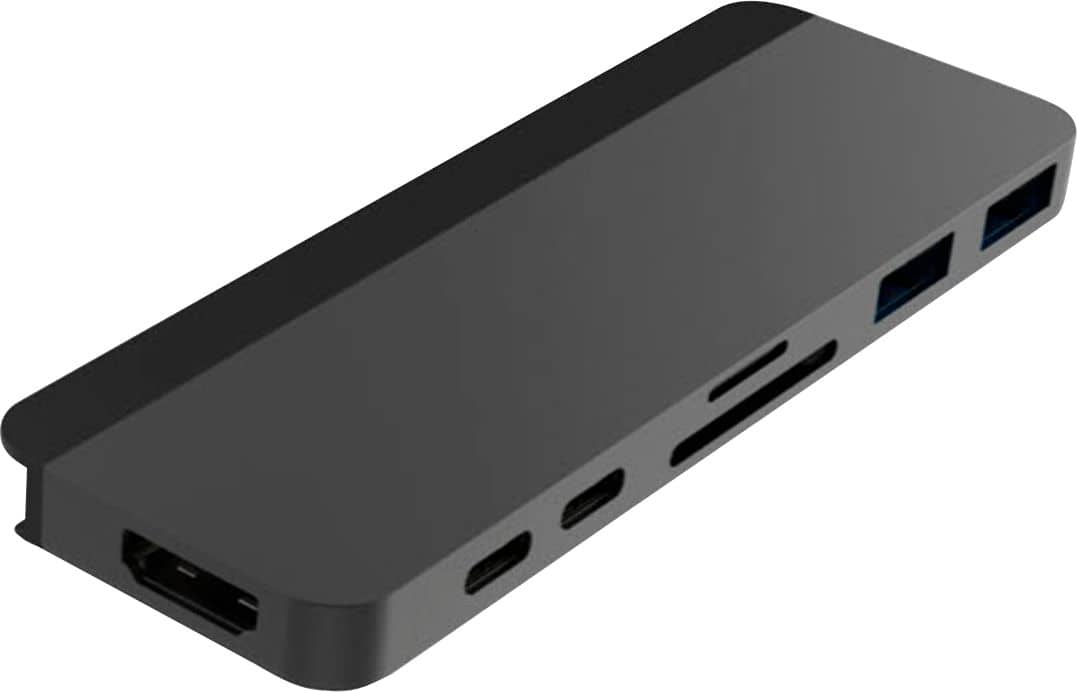
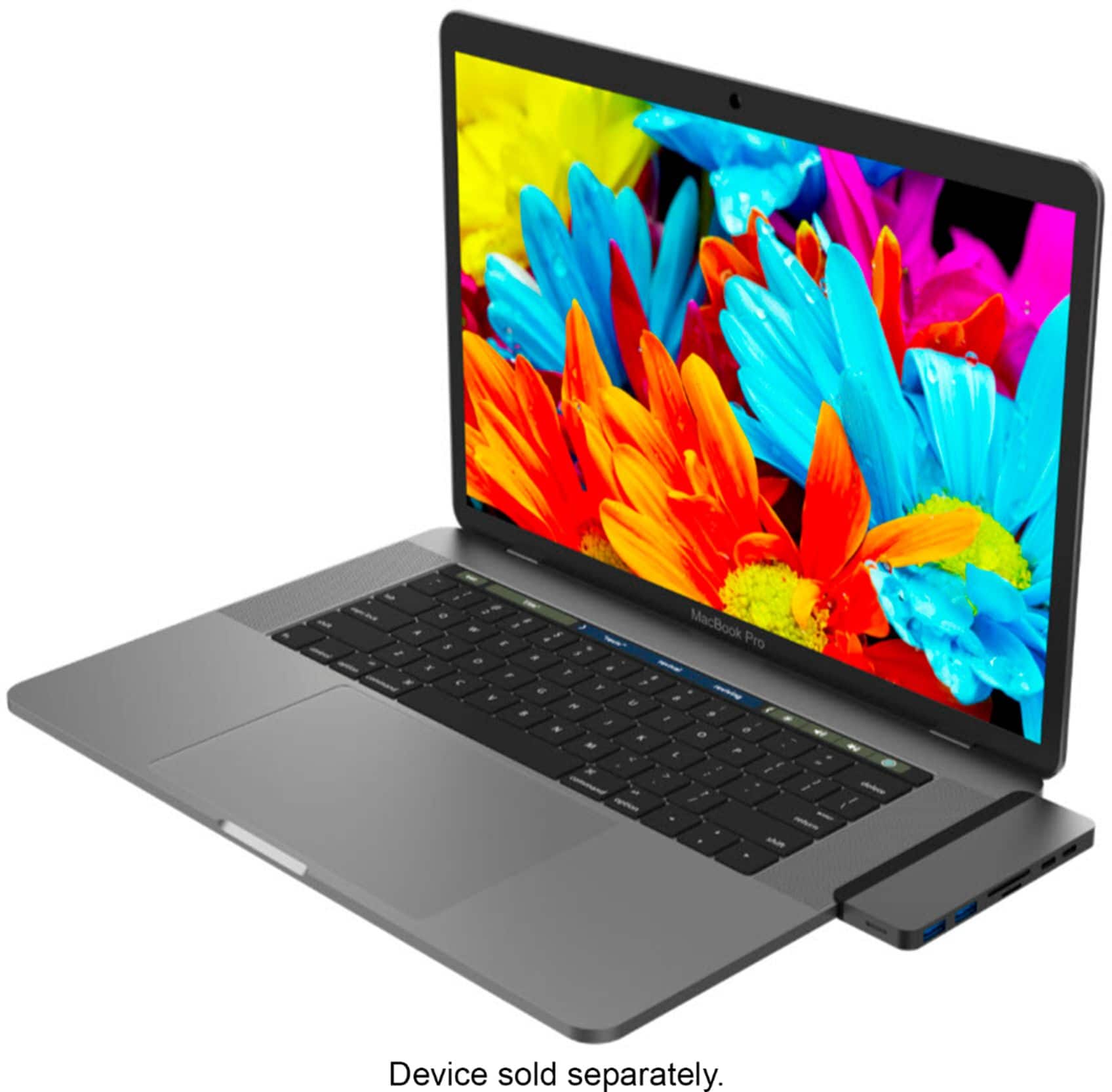
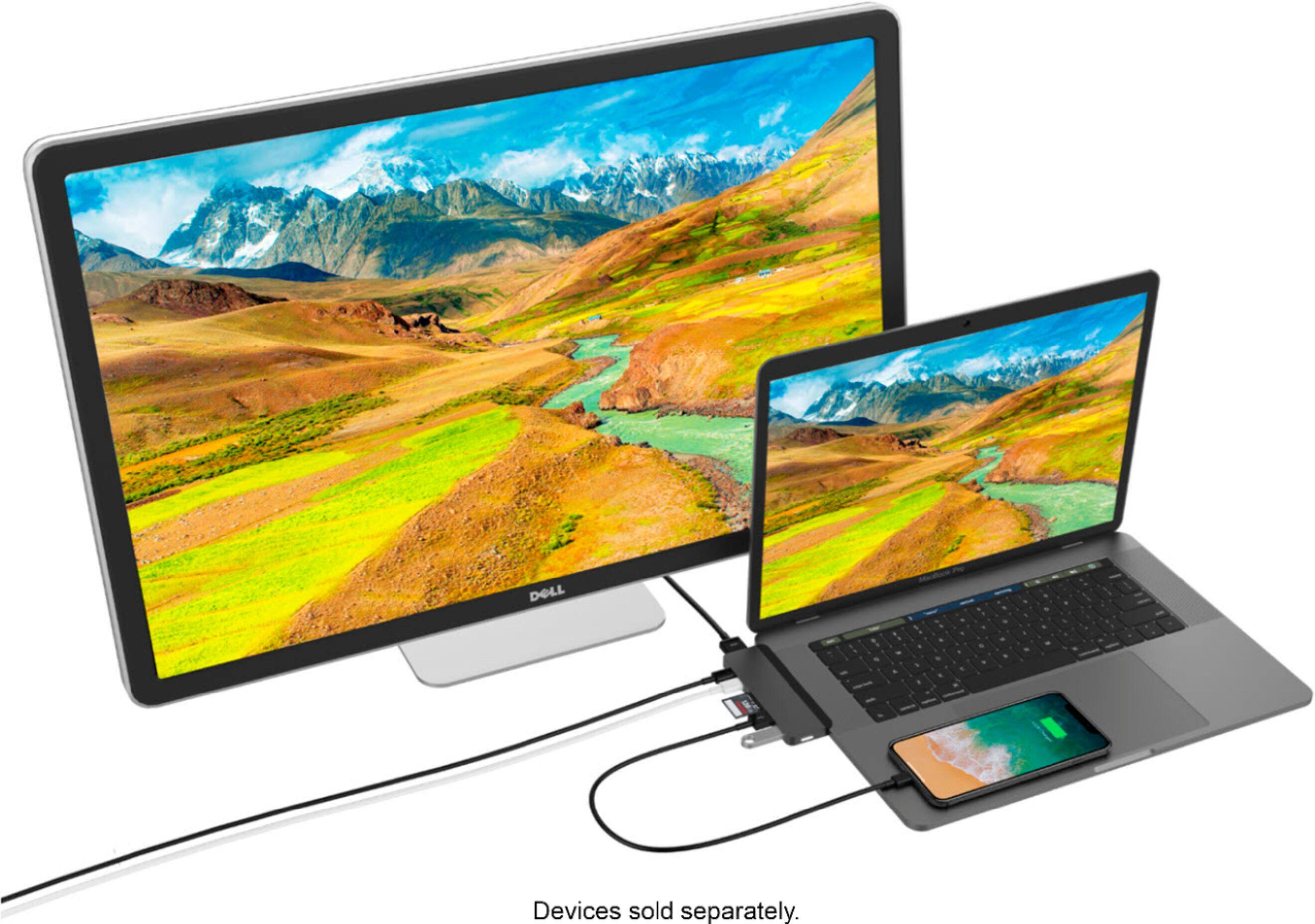
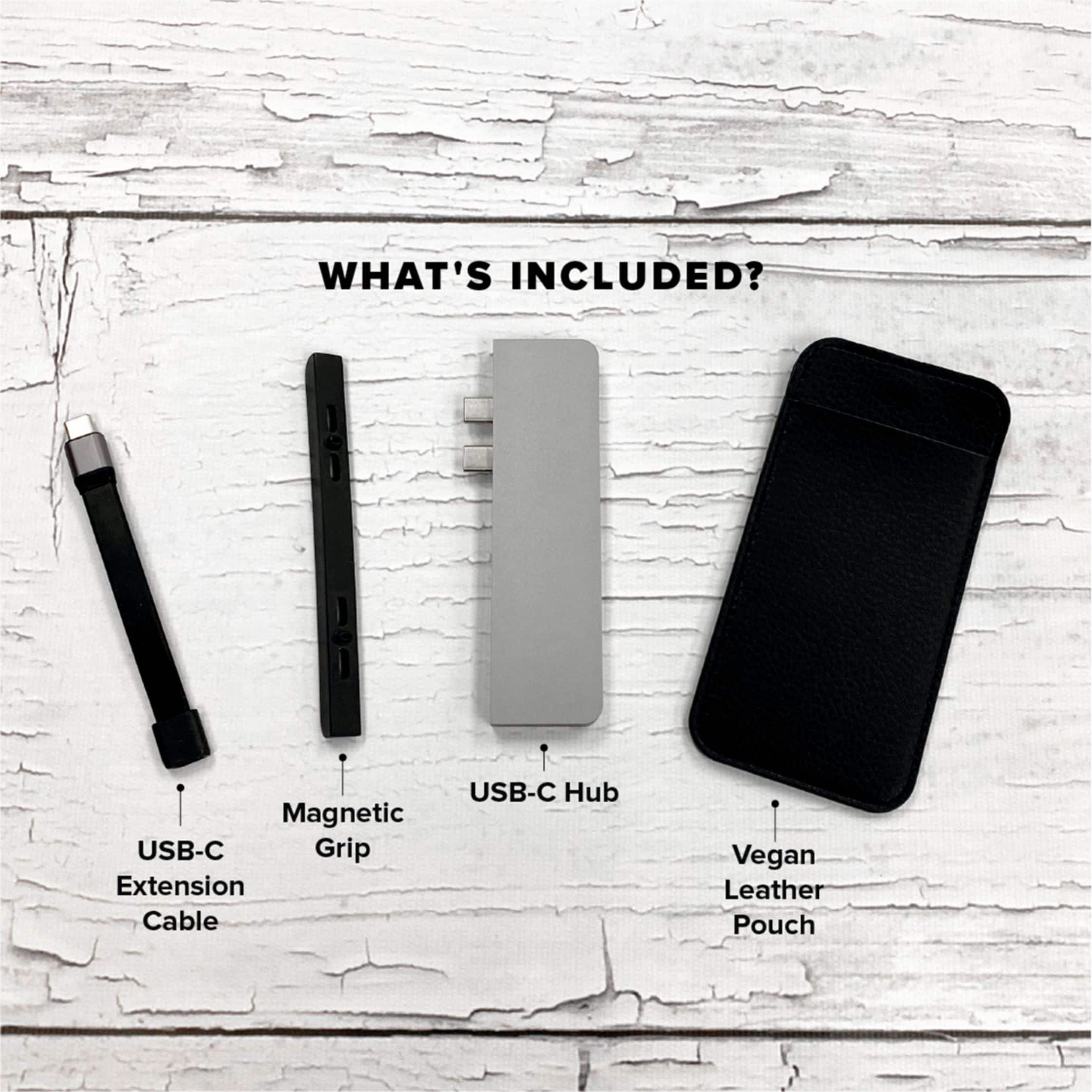
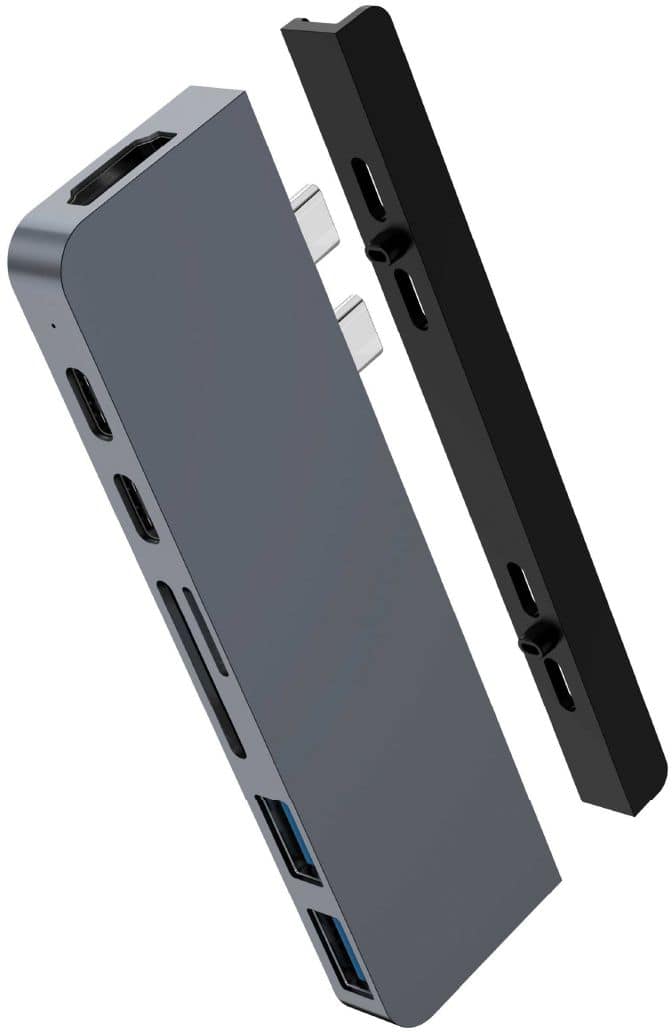
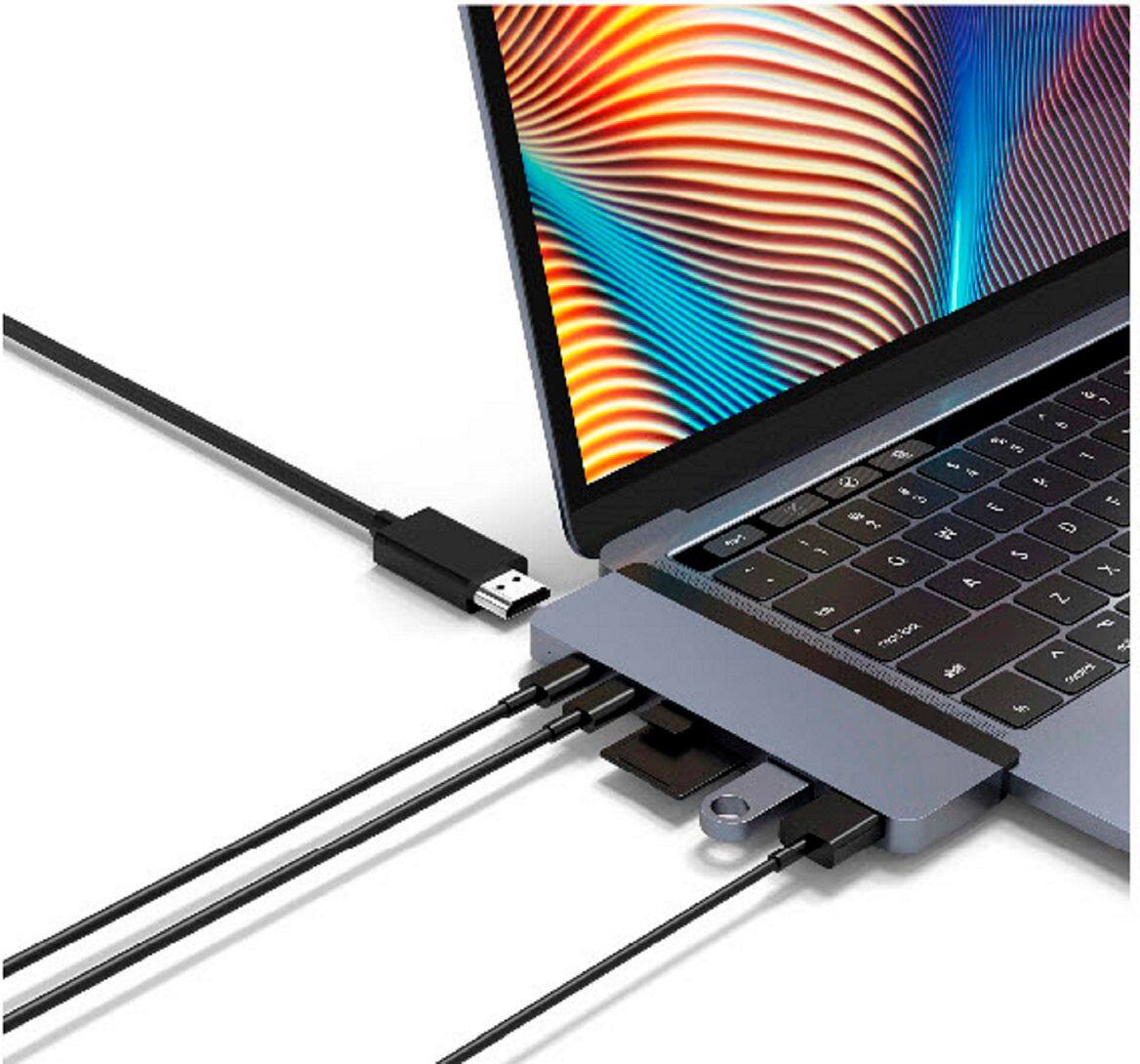
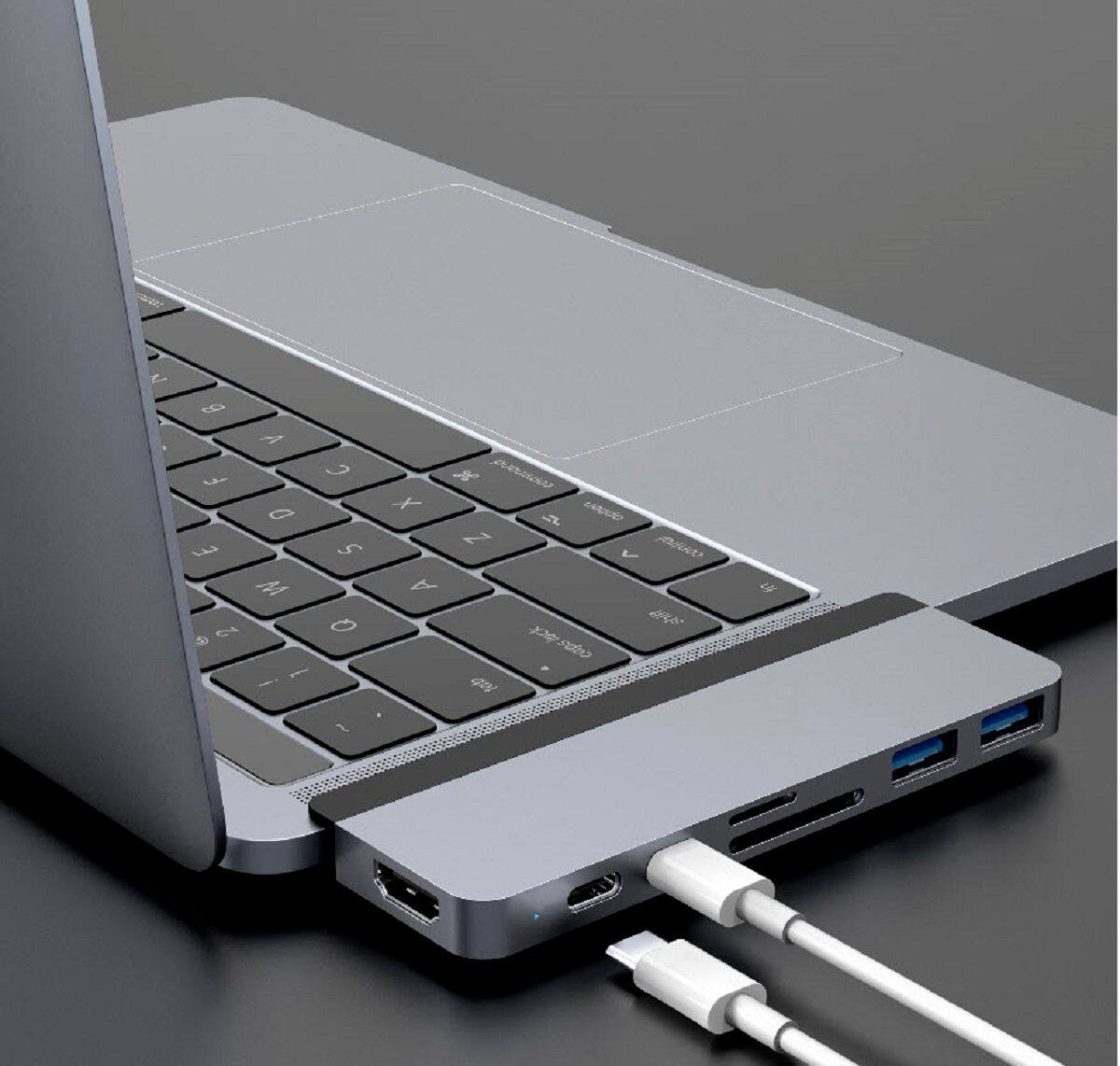
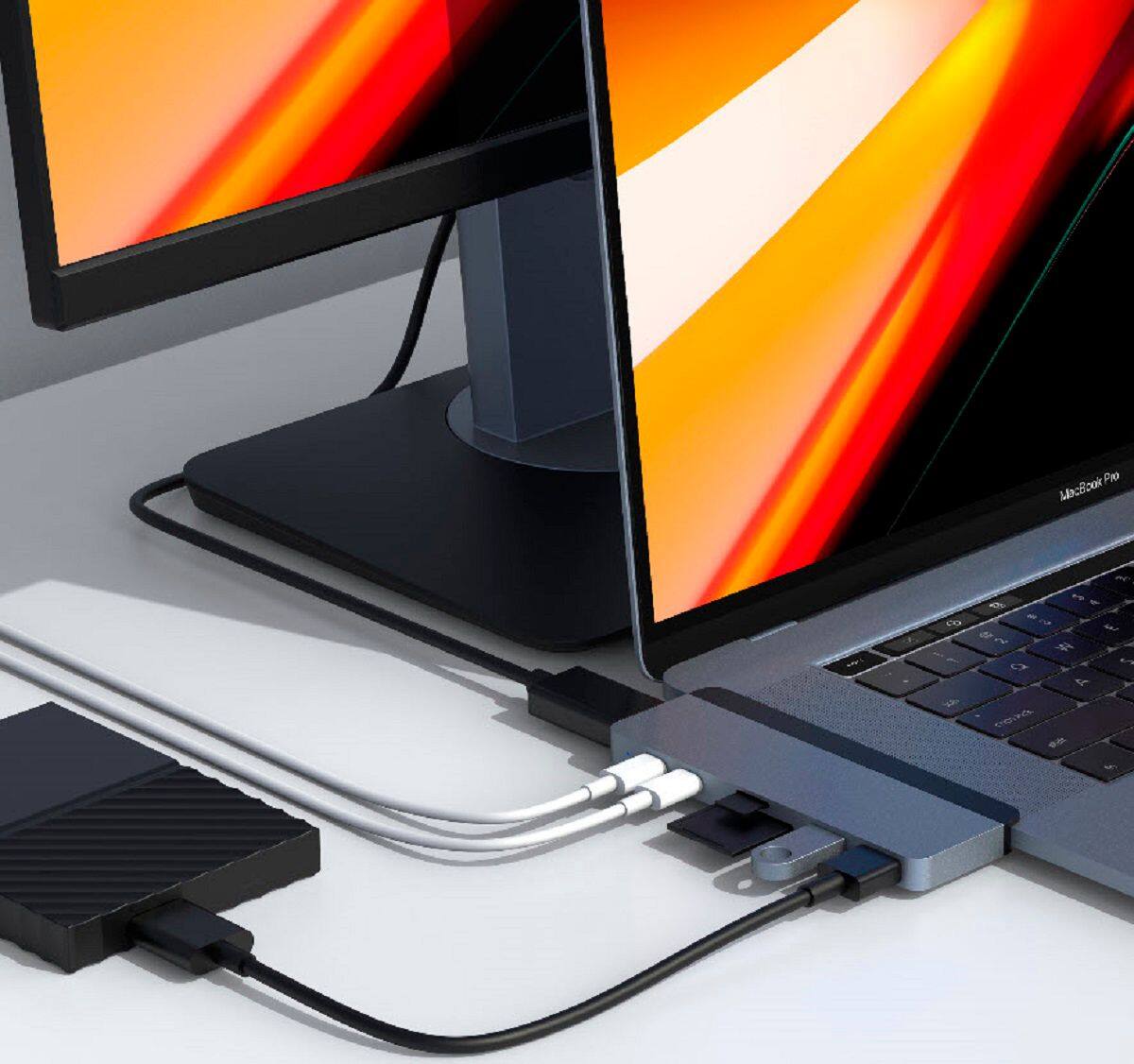
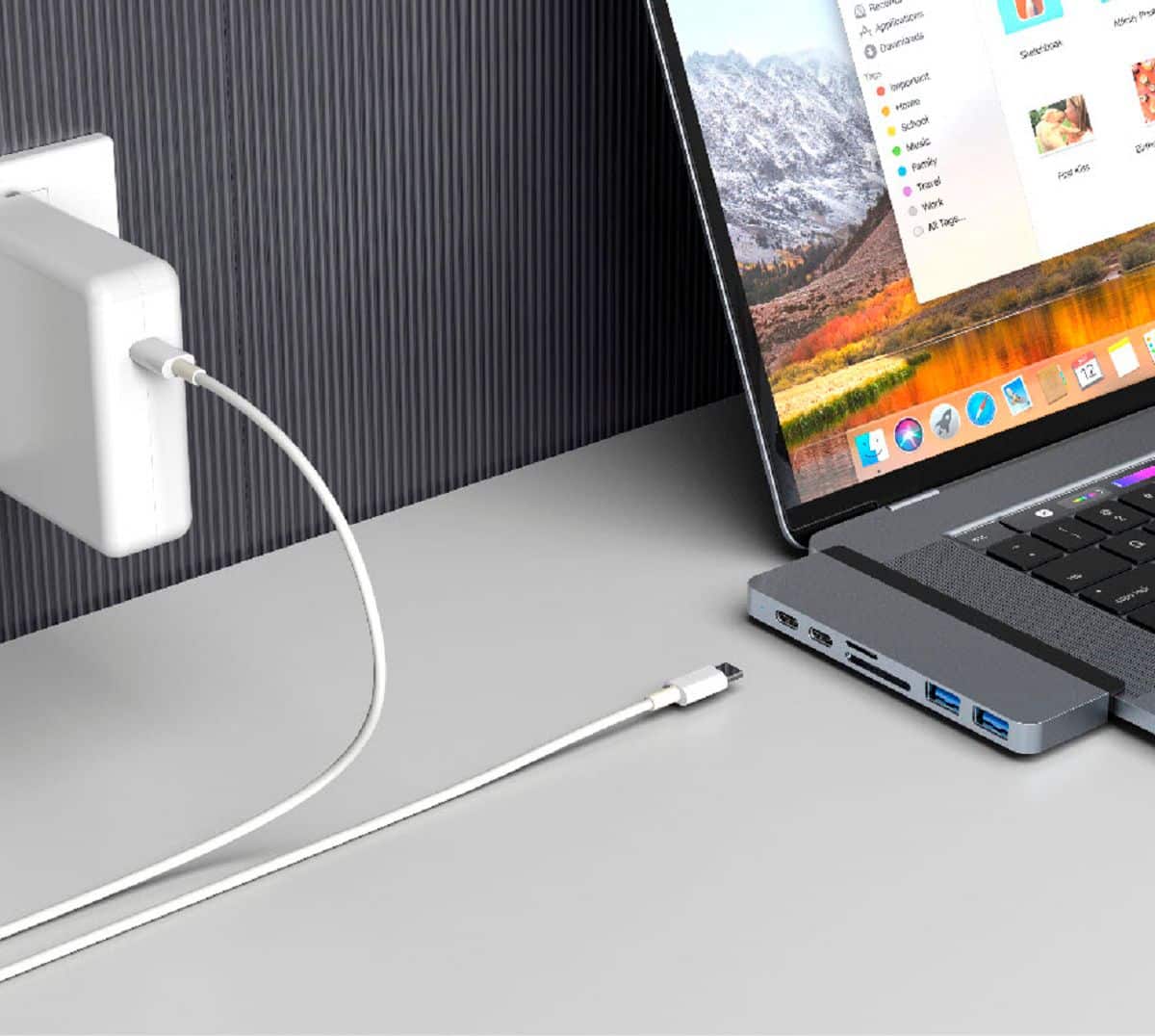
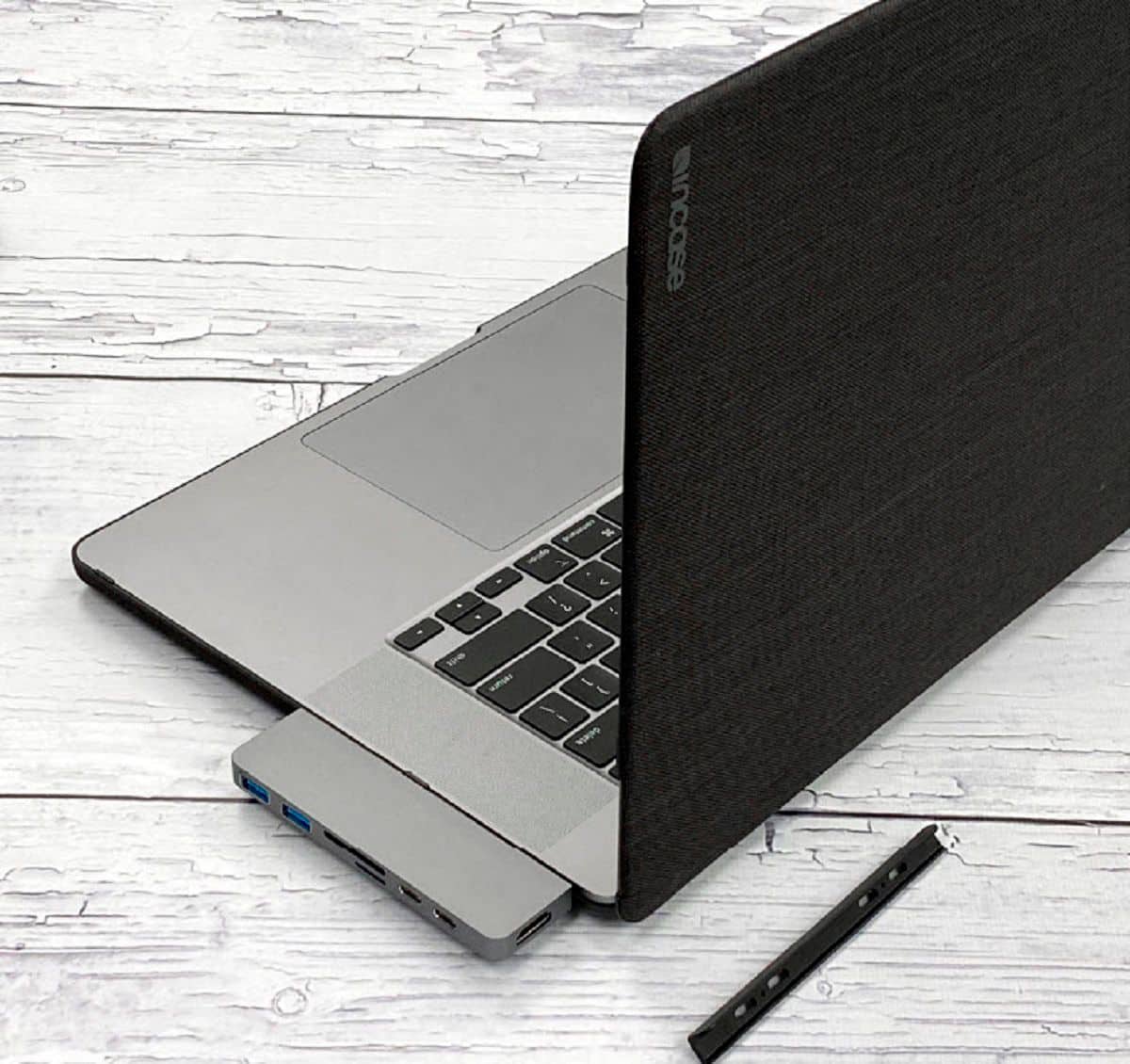
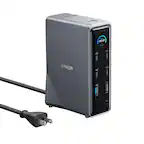
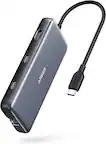
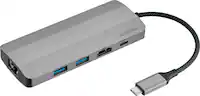
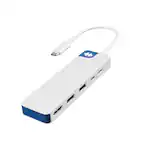
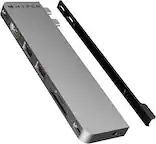
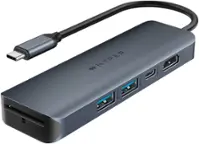
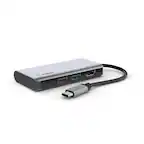
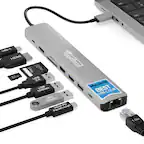
A:Answer That would depend on if your machine can handle multiple external monitors, but there's only one HDMI connector on the adapter. You would just need to use one of the thunderbolt/USB-C connections with an HDMI adapter, USB-C to HDMI cable, or USB-C/Thunderbolt-3/Thunderbolt-4 to DisplayPort cable (most newer monitors have DP) for the second monitor. First generation M1 MacBooks (Air, 13" Pro) only support one external monitor in addition to the internal display (hardware limitation). The new 14"/16" M1 MacBook Pros support multiple external monitors.