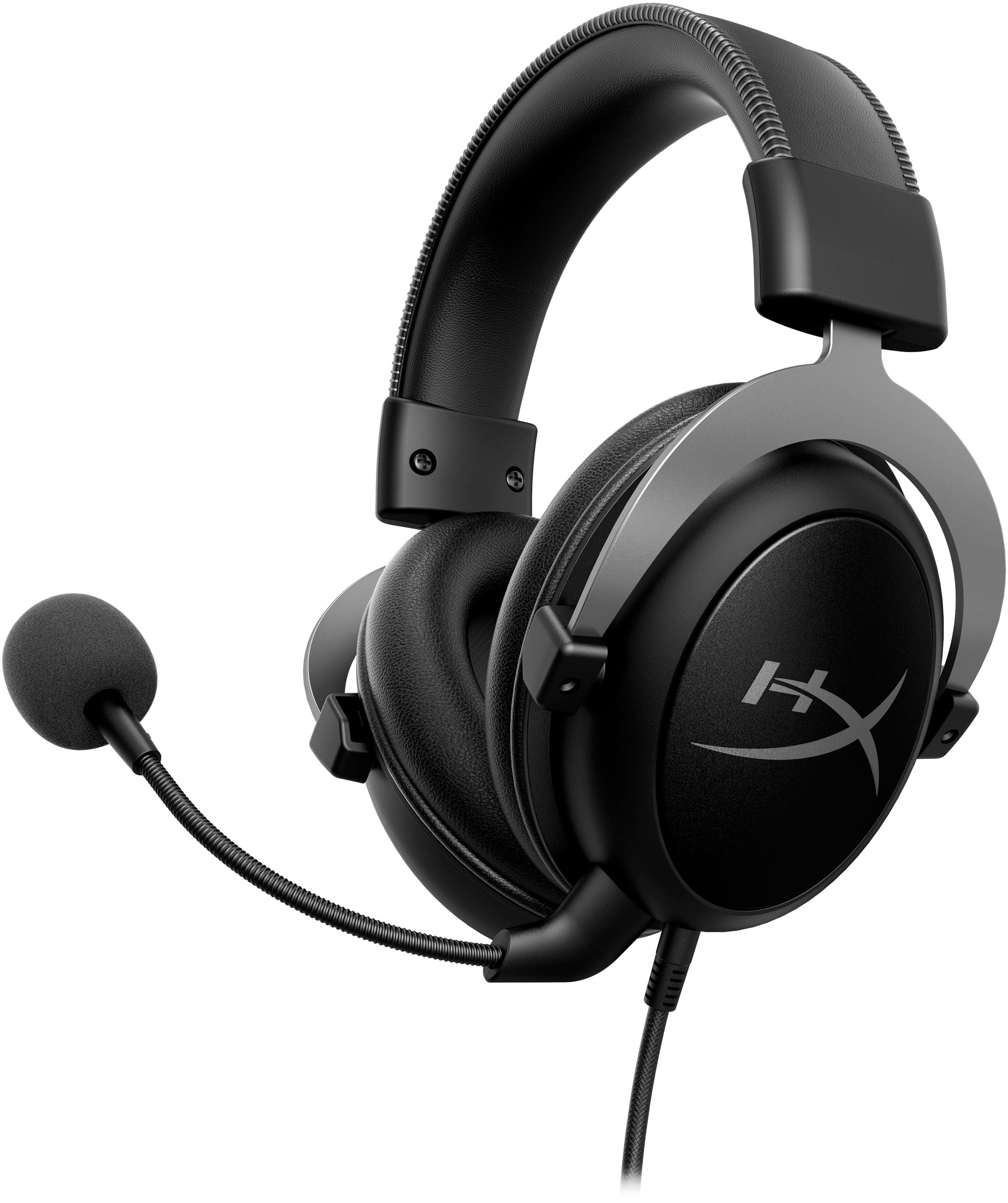
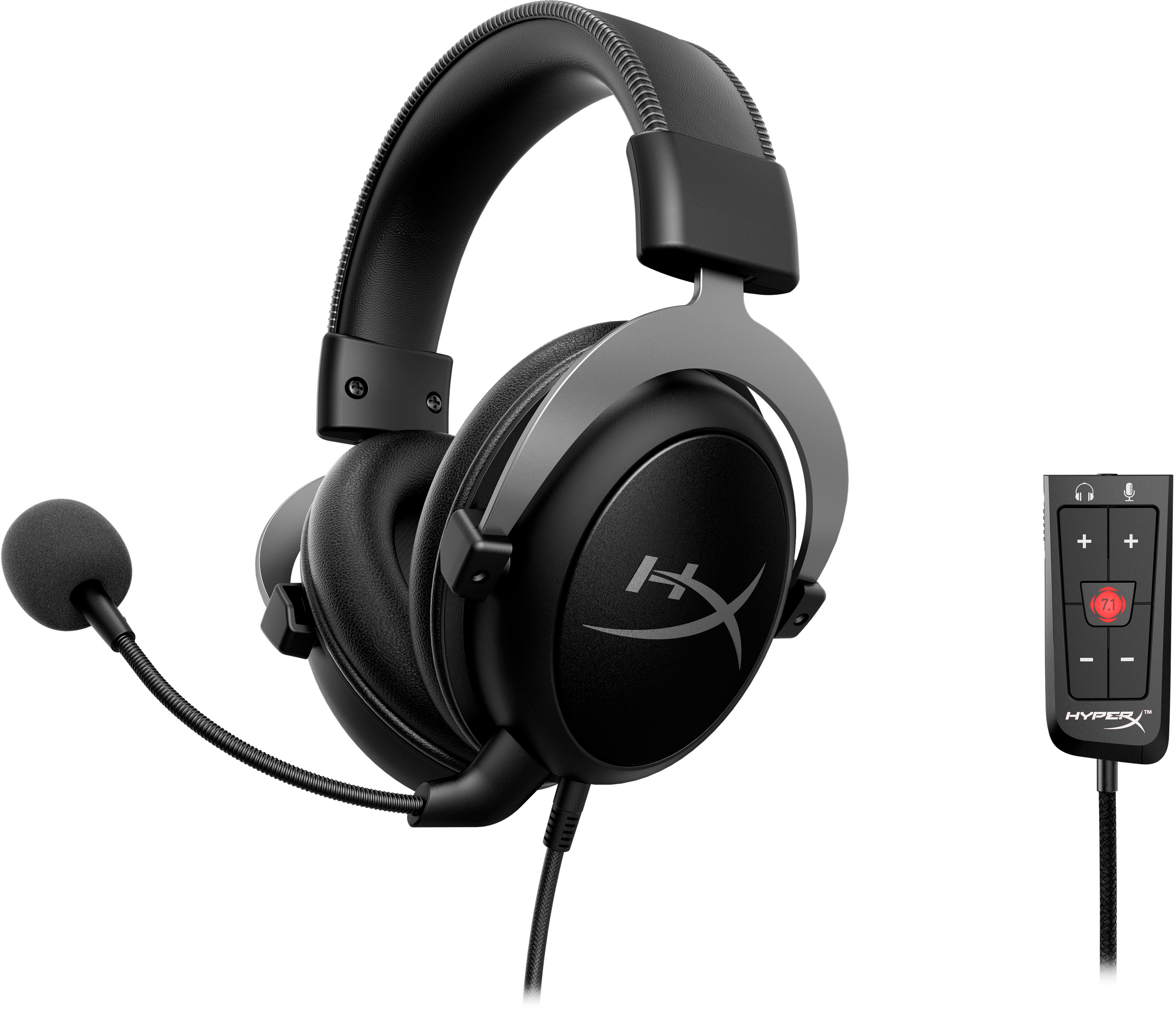
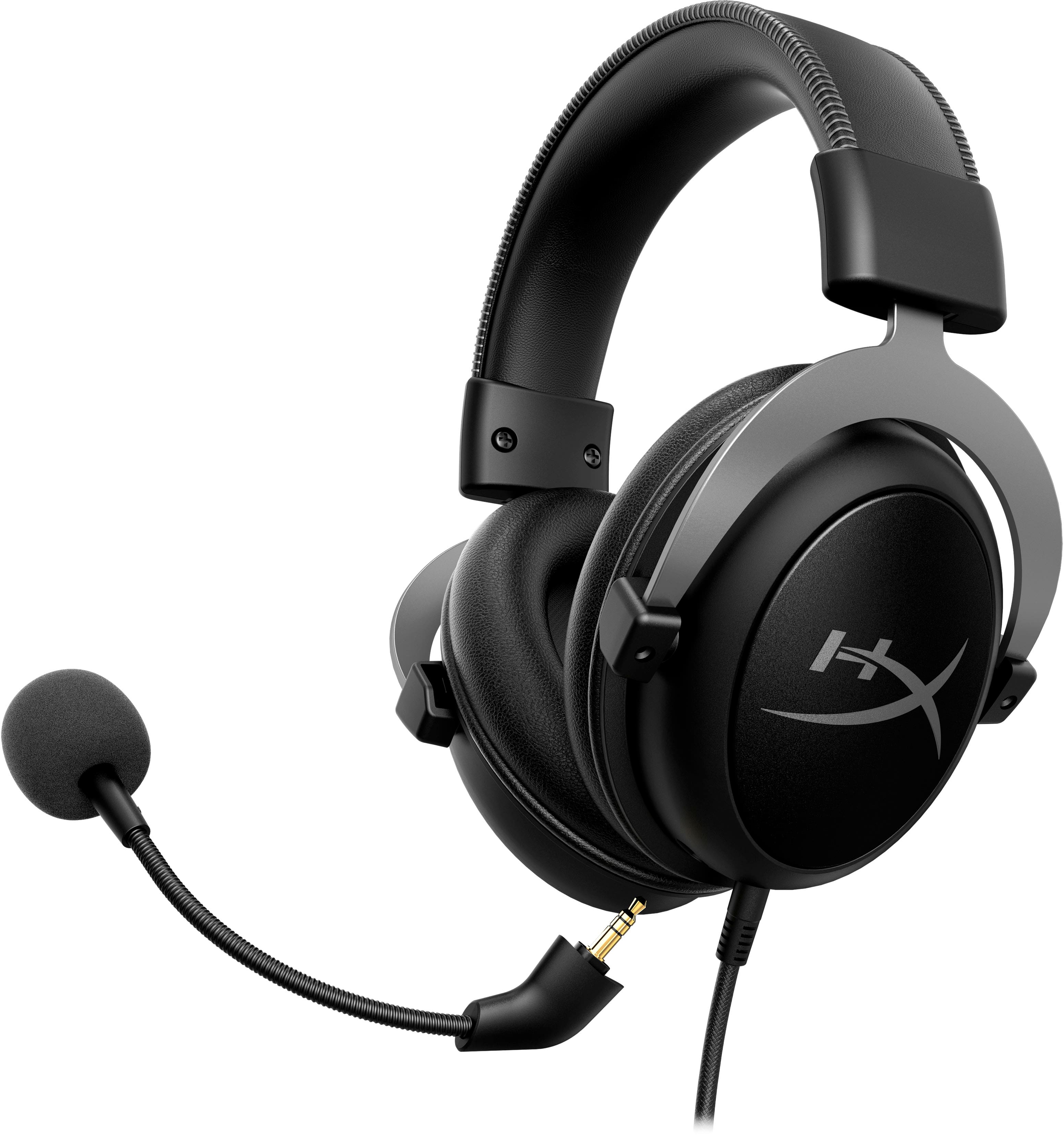
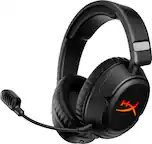
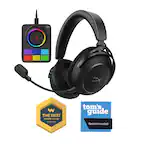
A:AnswerYou will plug it directly into your controller. You can then adjust the volume through the systems settings. Hit the (X)box button and cycle through tabs. At the bottom of one you will see a speaker symbol. Open that and you can set volume.
A:AnswerI use a turtle beach adapter and it works wonders just plug the turtle beach adapter in and then plug the aux right in and you're smooth sailing.
A:AnswerUnfortunately it does not have separate jacks for that, you either use the 3.5mm jack or the usb sound card adapter. Not both, one or the other
A:AnswerHello! The Cloud II is compatible with the Xbox Series X via 3.5mm audio jack, however, the USB sound card will not due to the console's limitation. Thank you.
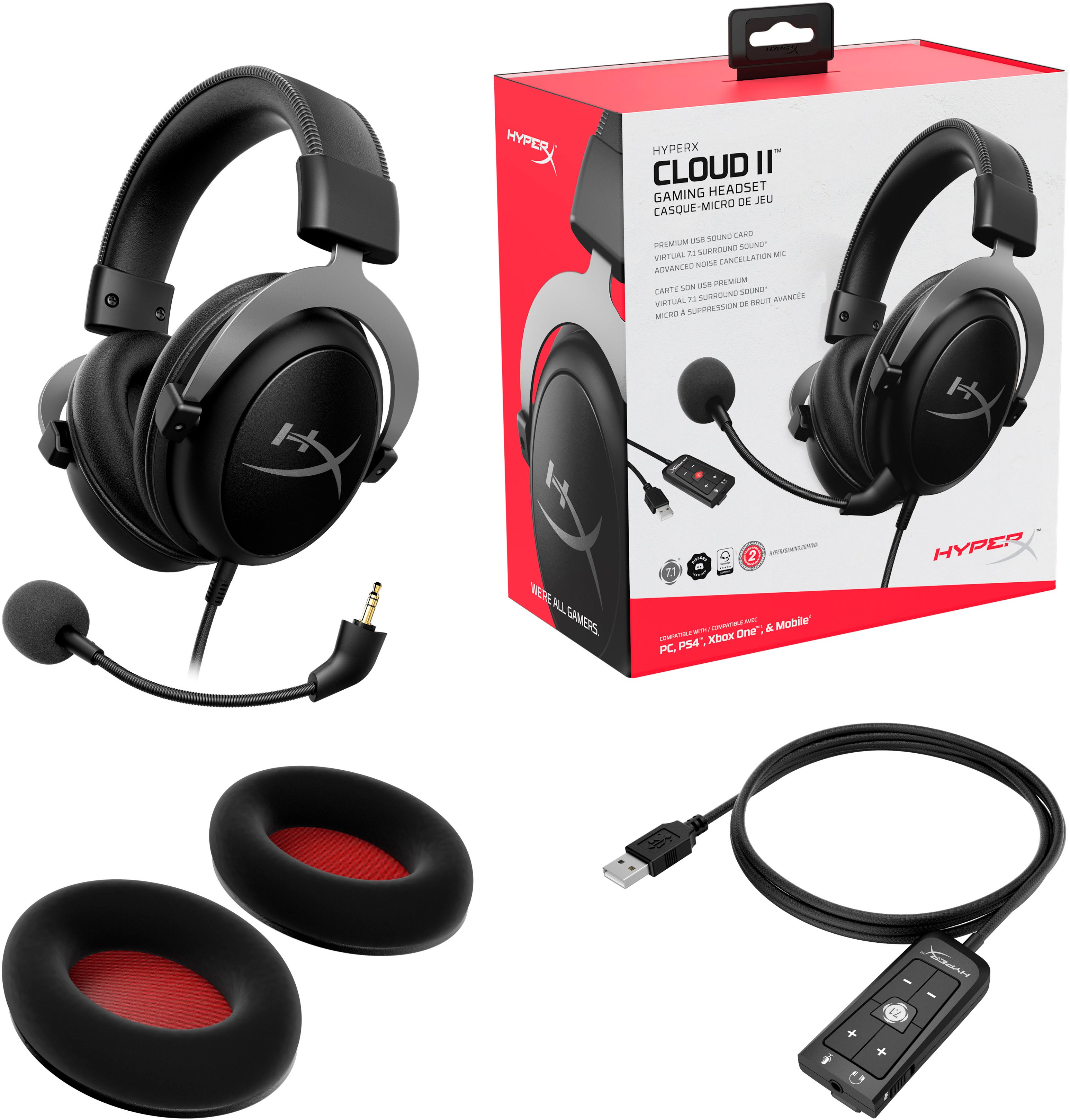
A:AnswerThe audio cable is 42" and the USB controller extends that another 84" for a total of 126". I tried both with the audio jack directly into my sound card and then through the USB adapter, and with the USB adapter was definitely higher quality.
A:AnswerThis has an adapter that many reviewers incorrectly identify them as an airline adapter. That adapter has two 3.5mm jacks and inserts into the back of your PC sound card or onboard mobo sound system. Once that is in place inset the 3.5mm jack into the female end ad you are good to go.
A:AnswerUnfortunately, the headset does not come with a voice changer. Majority of gaming headsets do not come with one. For that being said though, the audio and microphone quality are insanely great and would be perfect for any application.