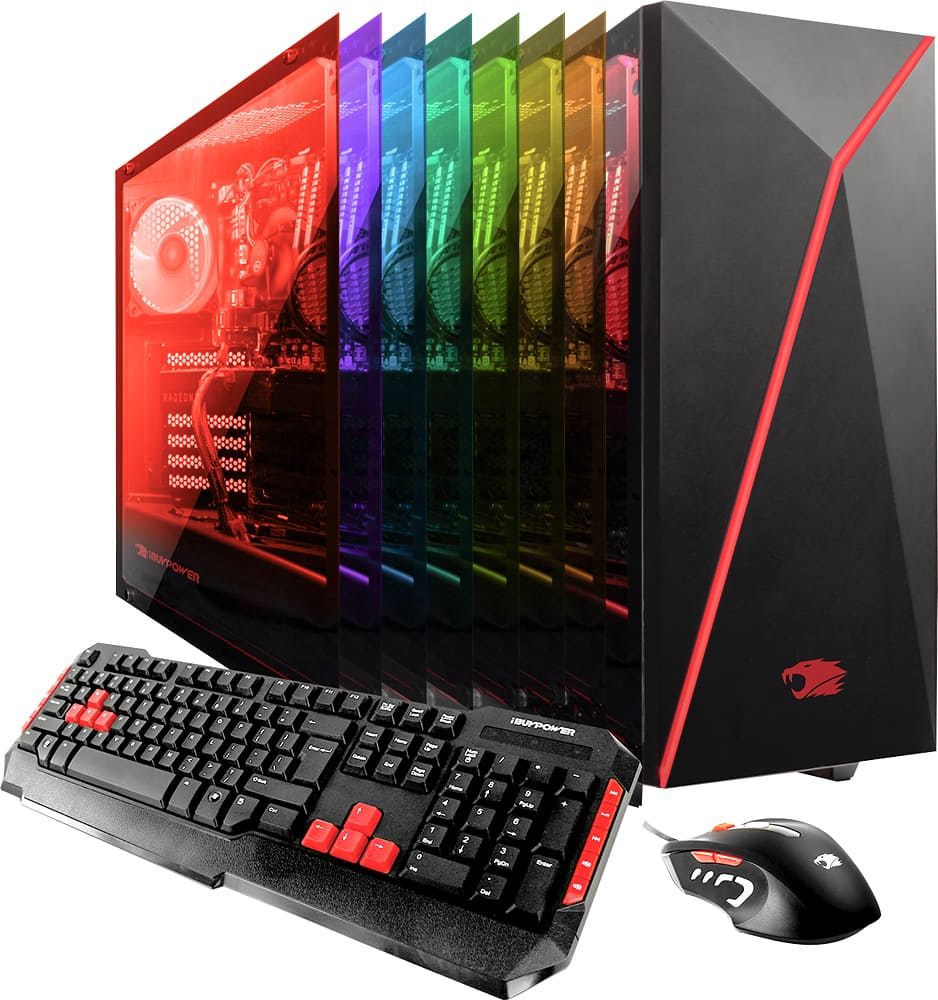
A:Answer Don't know of any reason you couldn't replace the SSD or add another. There are two 2.5" mounts (one used by the existing SSD) and six SATA ports (two used for the SSD and the HDD, the other four are available.)
To add another SSD, you would need an SATA data cable, an appropriate power cable (possibly a splitter) and a set of mounting screws.
Replacing an SSD should be pretty easy, too. Basically just a matter of using an appropriate software tool to copy the contents of one disk to another, and then HOPING that Windows licensing doesn't screw you over because of the hardware change. The data transfer software often comes with the new SSD, or you can download a tool.
The 120GB SSD that comes with the PC is a bit small, so I'd go for something bigger, like the Samsung 850 EVO 500GB, but there are lots of choices out there depending on your budget.