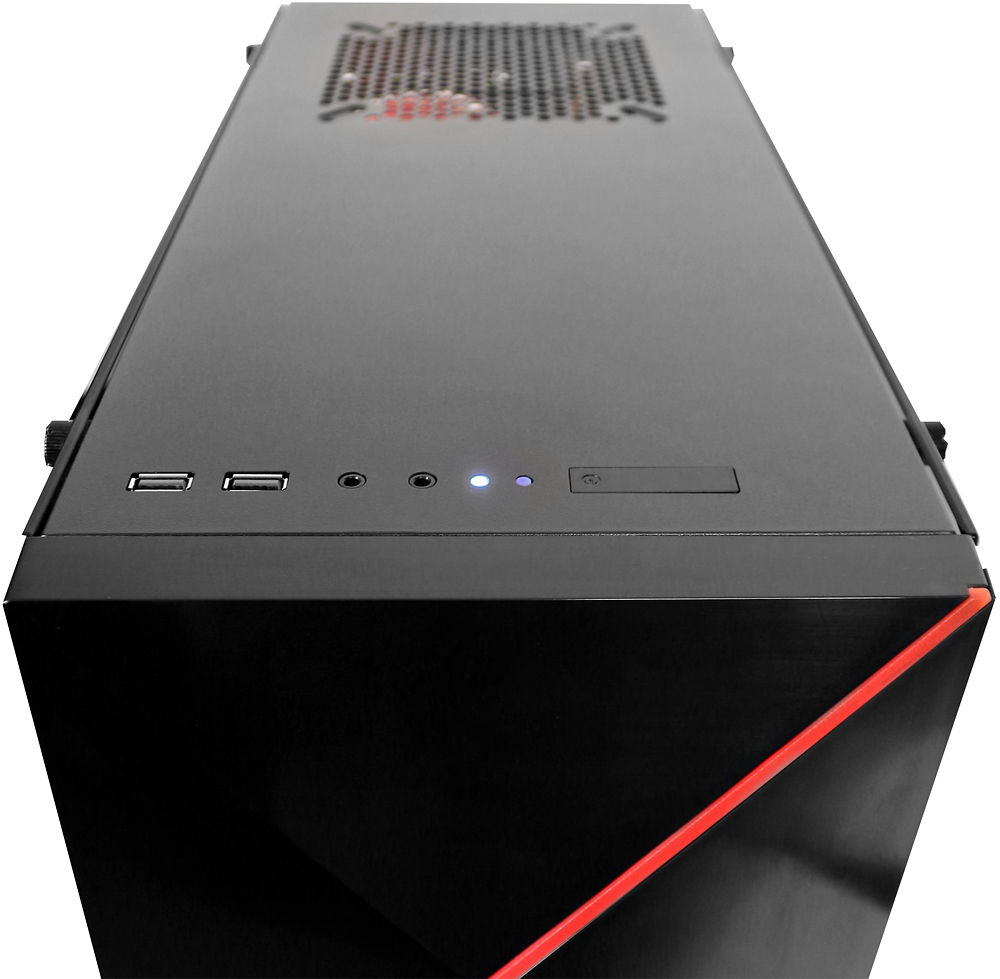
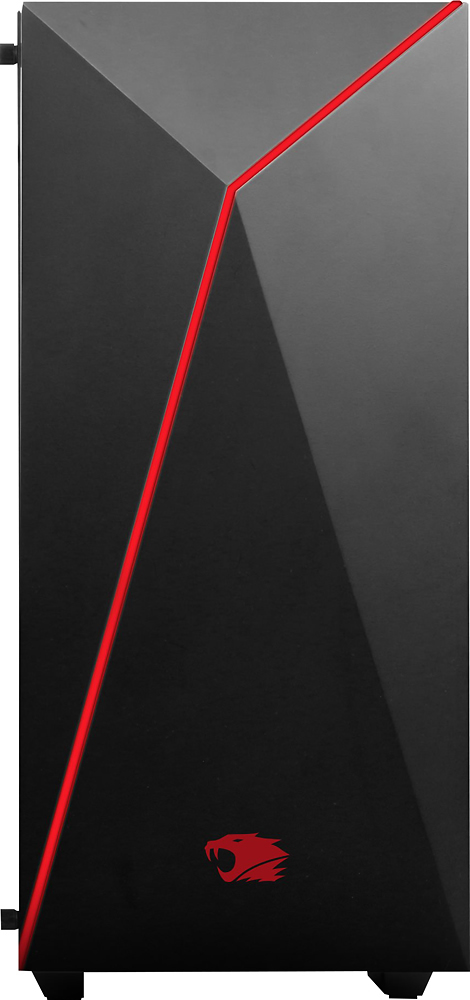
A:AnswerAs far as I know, it doesn't connect via wifi. You have to do it via ethernet or else get a wifi USB adapter (which is what I did). The USB adapter has worked fine.
A:AnswerNo, I talked to iBuyPower about it and they said "Its upgradeable if you wanted to" I have the Corsair h100i v2 in there and works great! Hope this helps, add me on the LinusTechTips forum if you have other questions, username is Prophet_M
A:AnswerI have been turning the power supply off after I shut down to avoid the lights staying on. The switch is on the back near the bottom. Hope this helps!
A:AnswerTo get the drivers and install them off the Internet, then you'll need to connect this computer directly to your modem/router her. Then you can download the drivers needed for the Wi-Fi adapter and should be good to go.
A:AnswerI got an ASUS card in mine, and it runs EXTREMELY hot, even when idling. Currently at 82C, and it stays there even with the (VERY LOUD) fan cranked to 100%.
A:AnswerHonestly I'm sure the 1060 has better performance than a 980ti. Just put a overclock on the 1060. I use EVGA Precision and ill put the fans at about 65%-70%, power limit at 105%, 250 on the Gpu clock and about 200 on the memory clock. Hope this works for you. Add me on LinusTechTips forums, username is Prophet_M
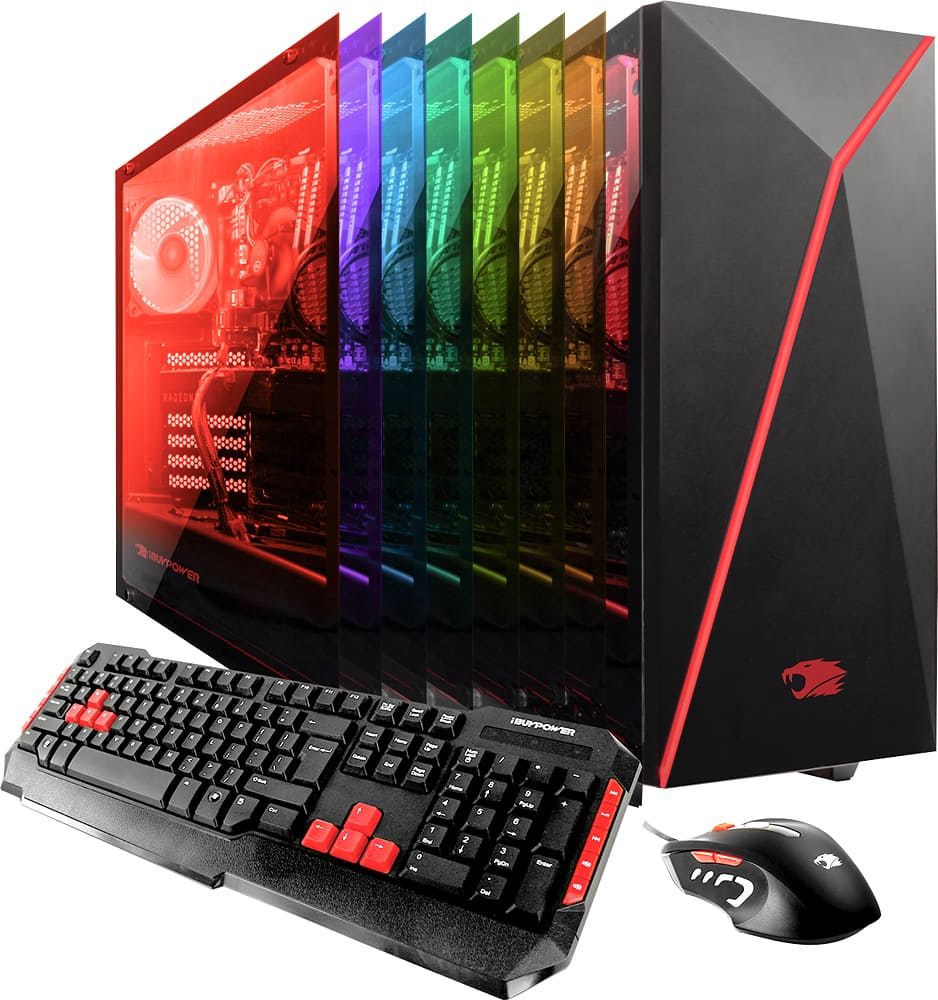
A:AnswerI'm pretty sure it already comes VR ready, since the GPU is a nvidia geforce gtx 1060 3GB drive. It comes with an NVIDIA program that allows you to update the driver for specific games that you may play on your computer.
A:Answeryou have to install the software and point the remote AT THE SENSOR AT THE BOTTOM OF THE LEFT SIDE OF THE CASE - GOOD LUCK INSTALLING THE SOFTWARE. CONTACT GEEKSQUAD