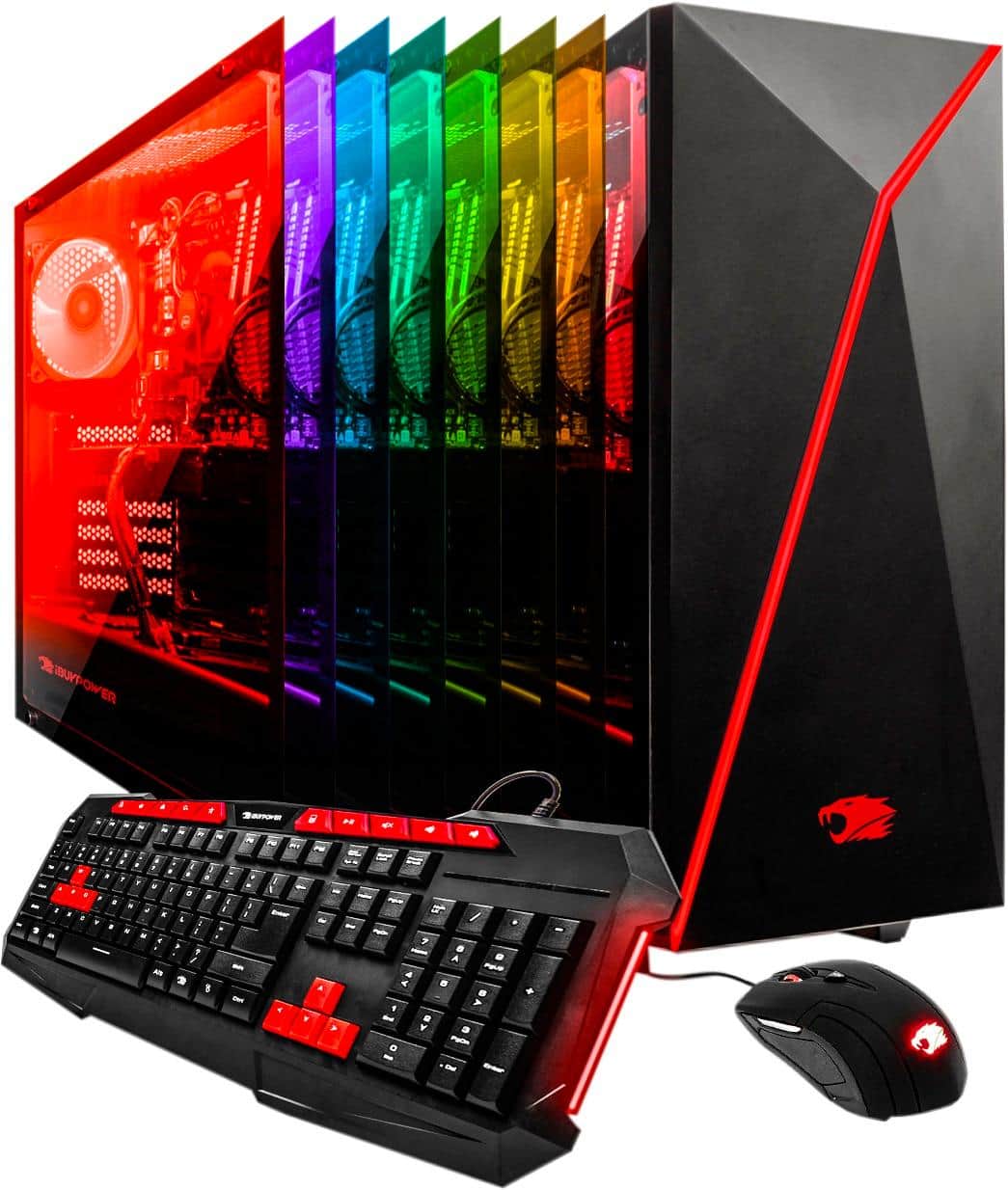
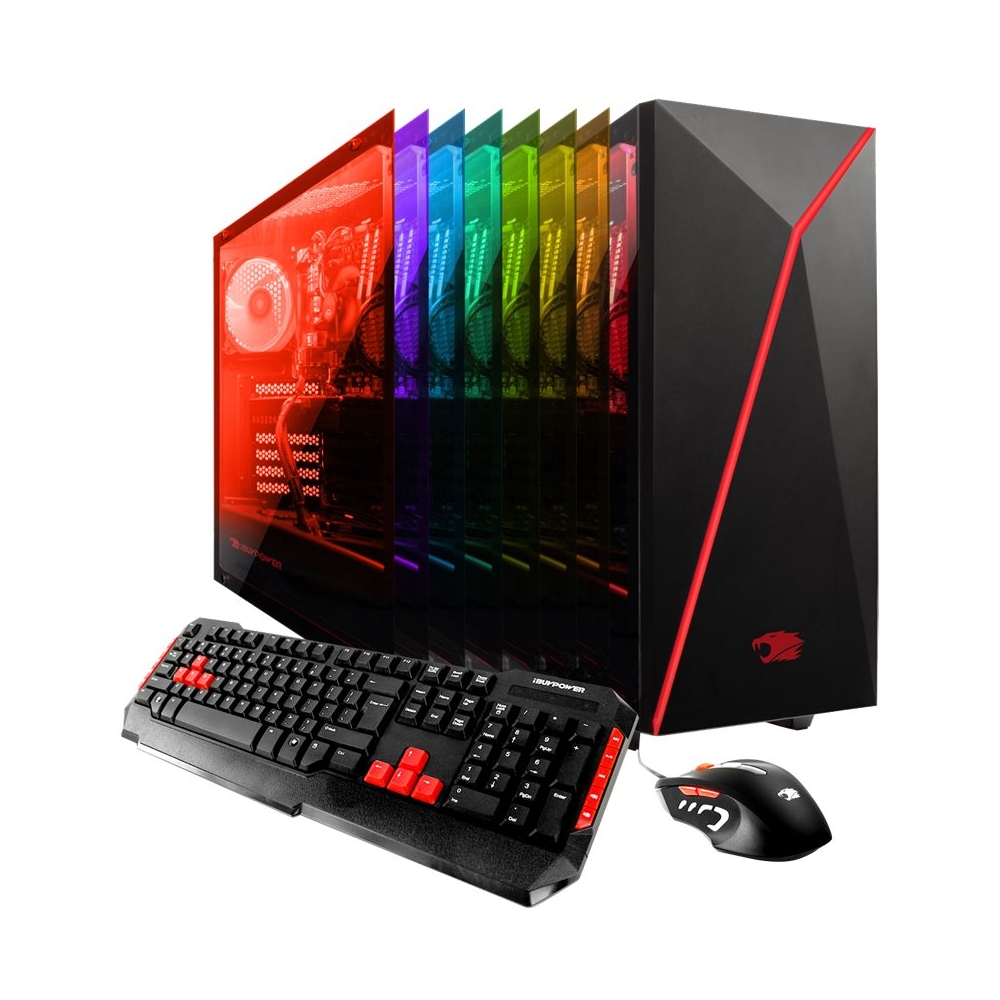
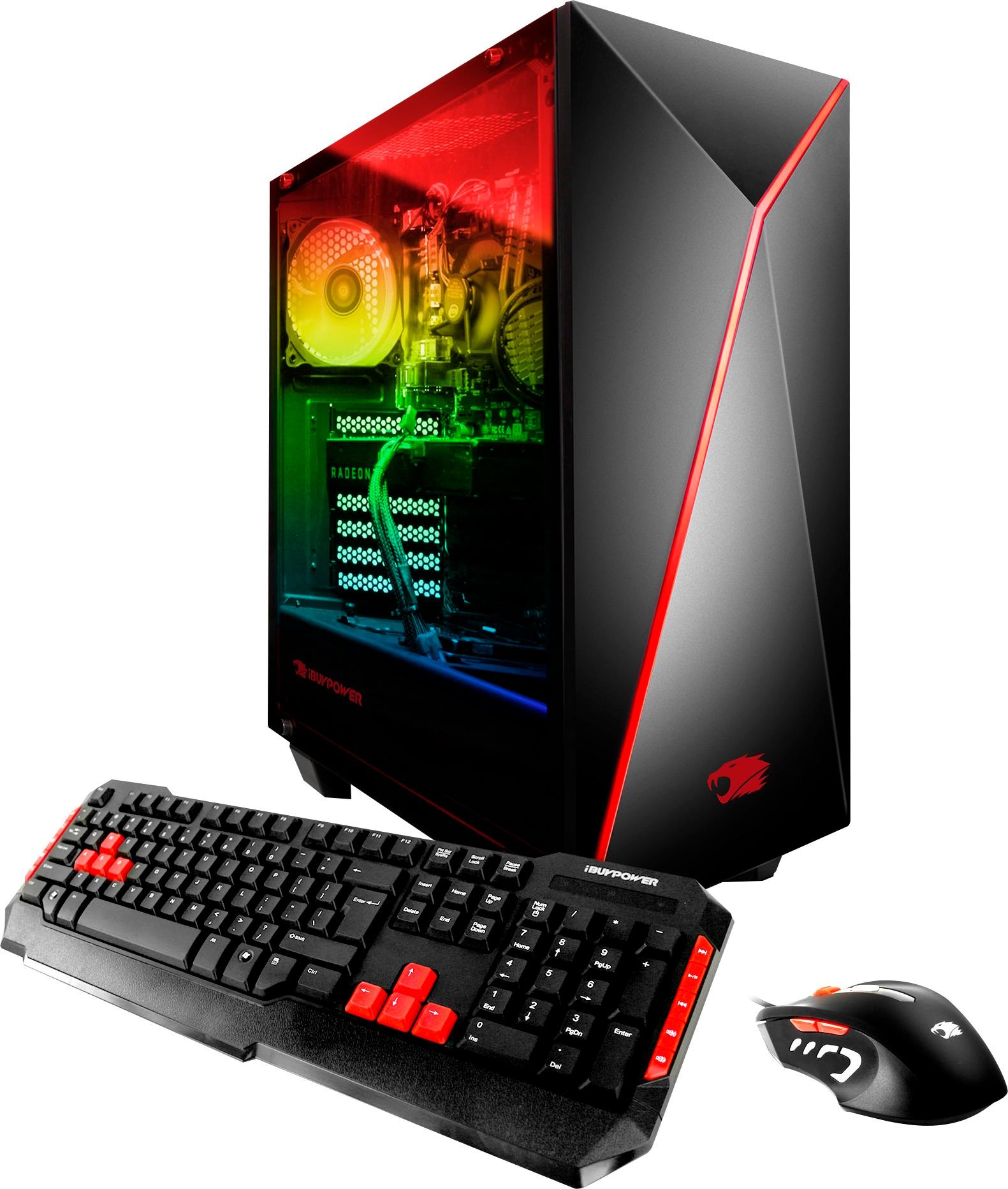
A:AnswerHello Gray, depending on which games you would like to run on this system on your prefer settings, resolutions can vary. However, this system can run many games on high settings. I hope this helps! Thank you.
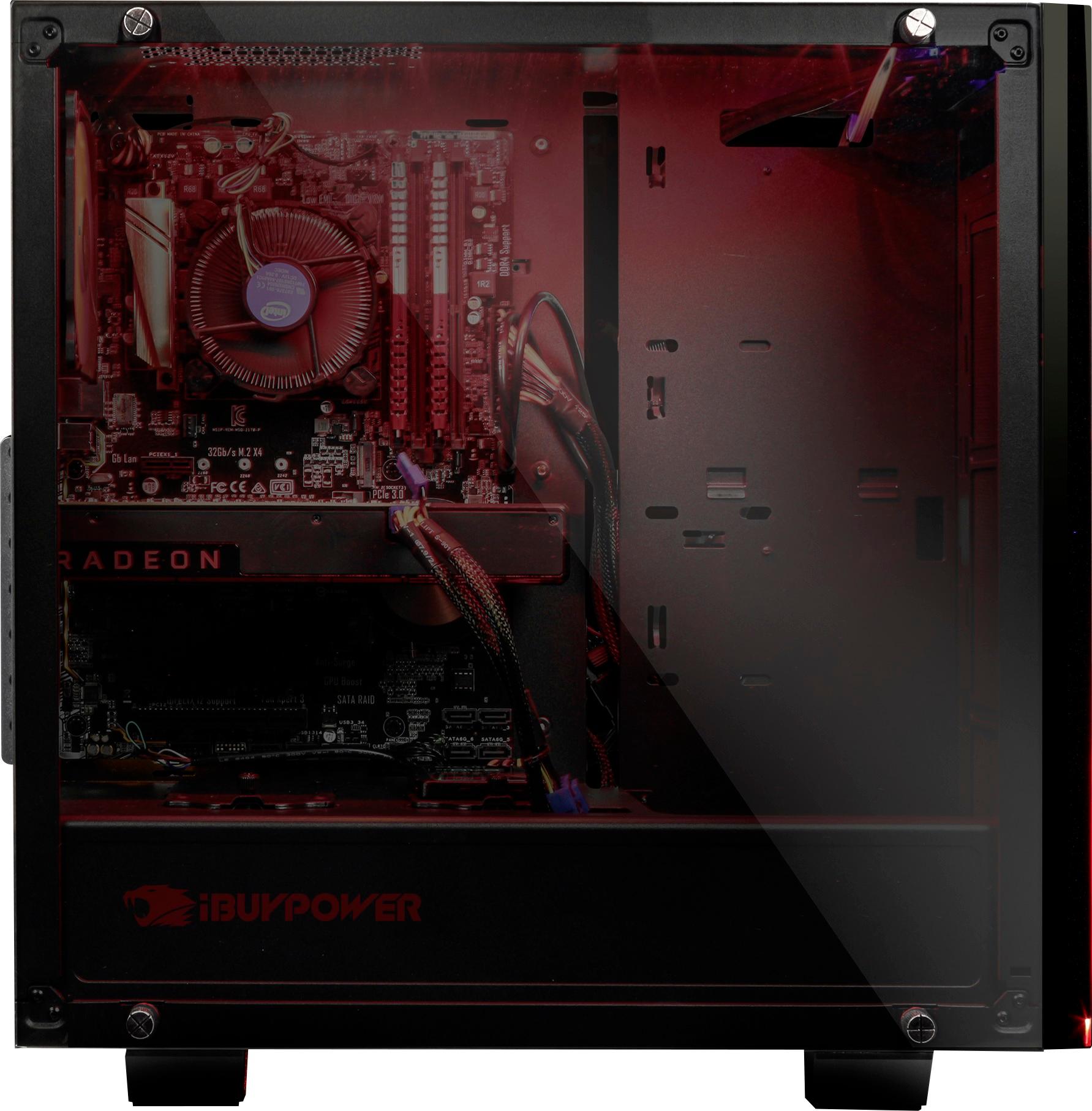
A:AnswerHi, you should have no problem running two monitors as the motherboard comes with a VGA port and an HDMI port; in addition the graphics card also features a DVI port and HDMI port. Thank you for your question.
A:AnswerIf you're thinking of playing over watch or other FPS games, I suggest buying a different keyboard and mouse. The ones that come with this keyboard are not the best... The backspace key is the same size as the letter keys
A:AnswerOut of the box, the iBuyPower BB930 can support dual monitors given it's GTX 1060 card and the integrated card on the motherboard. If you're looking to run three screens, there is ample room to add another graphics card.
A:AnswerIt's on window. Go to the search tab and look for factory reset. Or something like that. But remember it will erase everything so be sure you want to do that.
A:AnswerGreat Computer, Had problems with Windows 10 installation as the correct Product Key was not given on the windows label provided on the back of the tower.
Had to contact Microsoft Support to get them to correct. Was not manufacturers fault. Other than that it is a very fast and with the 4K monitor the visuals are stunning!!!
A:AnswerHello, depending on your current play settings, the frames per second may vary on your resolutions that you have set. The recommended estimated max playable resolution on medium settings is 30 FPS. I hope this helps. Thank you.
A:AnswerI can play most triple A titles on ultra. However gta 5 is really demanding on a graphics card. I would say if you are looking for the best experience in gta 5 you need to purchase an overclocked system with a 1080 or 1080ti.