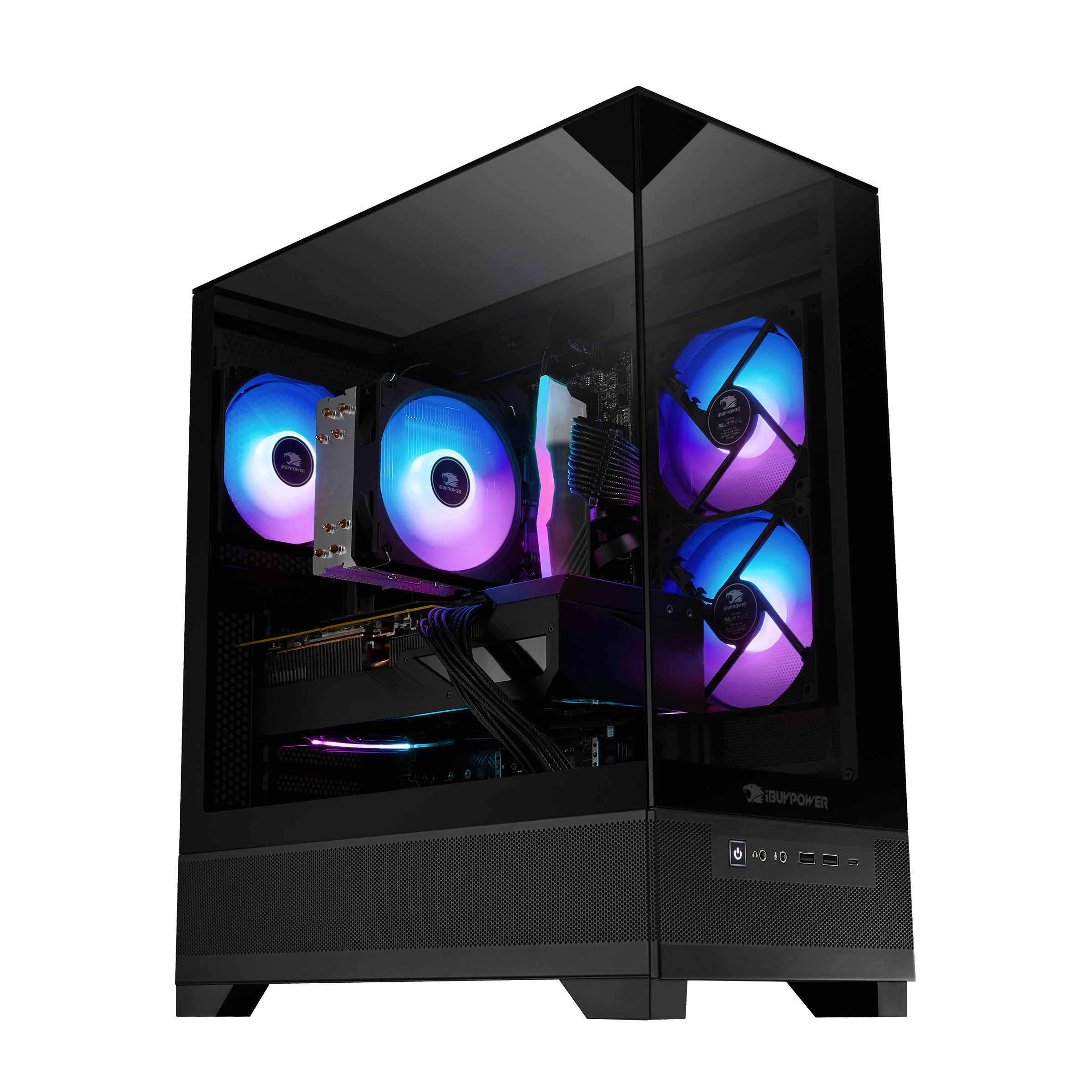
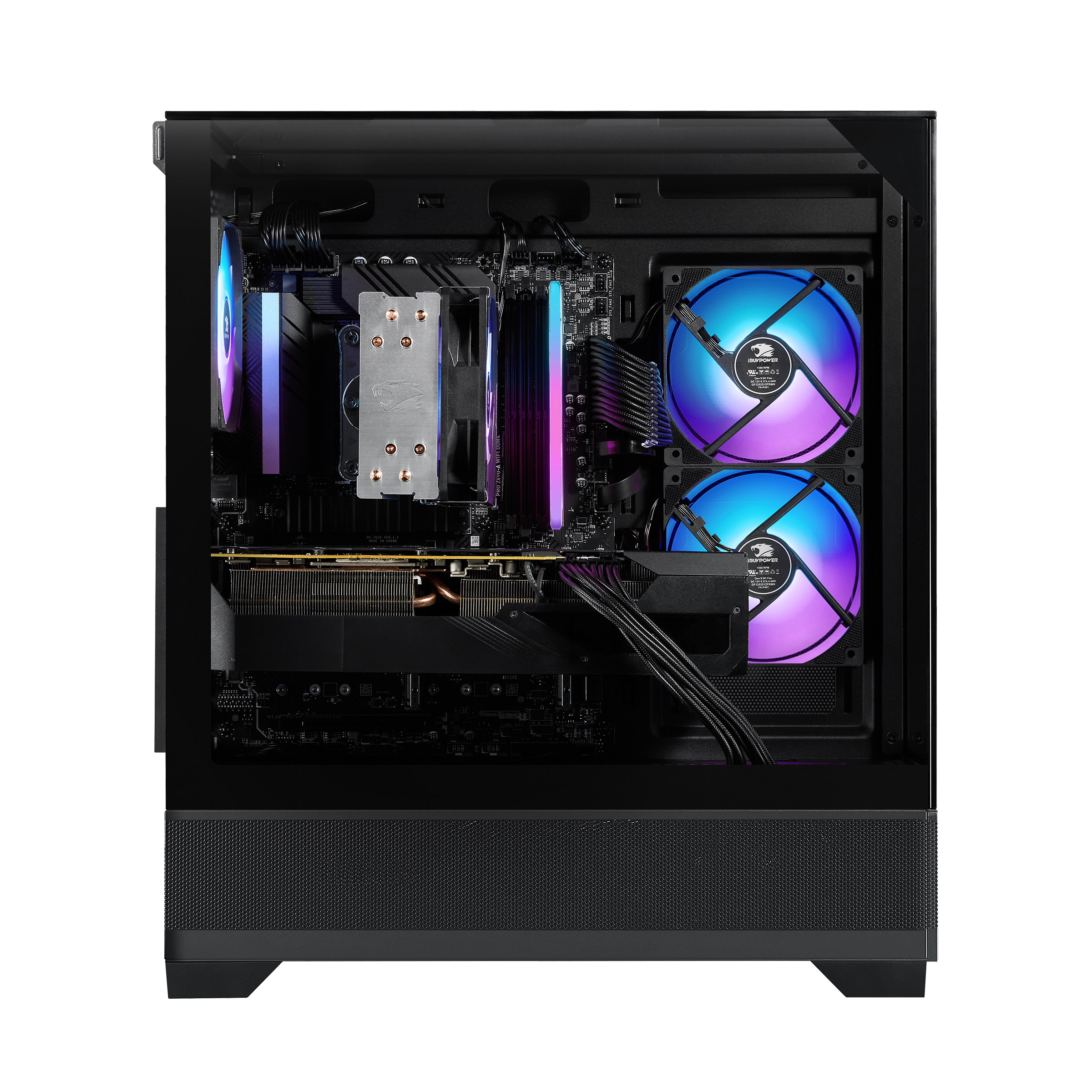
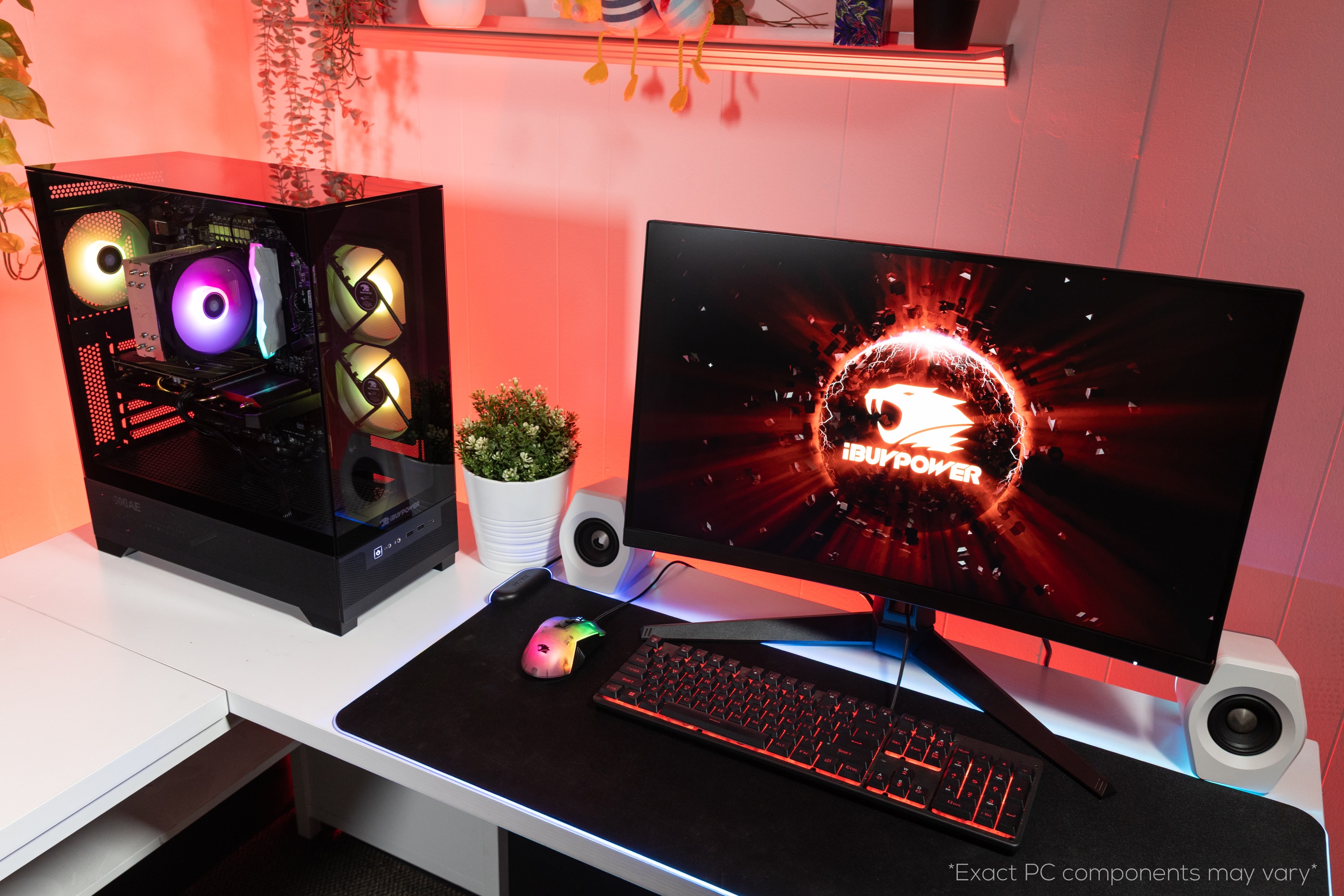
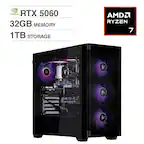
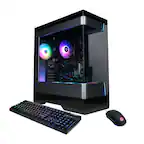
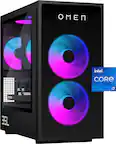
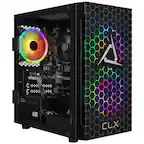
A:AnswerHello! The brand/manufacturer varies based on what production teams have at the time of building, however, we use top brands like MSI, ASUS, Asrock, etc. This PC also uses the B760 motherboard chipset.
A:AnswerHello! Yes, you are. iBUYPOWER builds PCs with the intention for customers to upgrade these systems down the line. This PC case requires a decent airflow configuration to ensure larger and hotter components remain cool, but otherwise works perfectly for upgrades.
A:AnswerTo control and customize RGB lighting on your iBUYPOWER PC, you can use the following applications:
1. iBUYPOWER RGB Hub: This is the official software provided by iBUYPOWER for managing RGB lighting on their PCs.
2. Aura Sync: A third-party option that works with various RGB components.
3. Mystic Light: Another third-party software that allows RGB control for compatible devices.
4. iCUE: Corsair's software for controlling RGB lighting on their peripherals and compatible hardware.
5. OpenRGB: A lightweight, open-source application that supports various RGB devices without excessive resource usage.
A:Answer• If you are a standard customer: You have 15 days from the day you receive the PC to return it.
• If you have a membership with My Best Buy Plus or My Best Buy Total: You get 60 days to return it.
YES i did use CHATGPT SO WHAT
A:AnswerIt’s supposed to be the i5-14400F (10 cores / 16 threads).
The “6 cores / 12 threads” part on the Best Buy page is just a mistake in the listing.
A:AnswerHello! These are extra Sata / PCI-e cables. They don't need to be used but are given as an extra to help with future component upgrades or expansions!