A:AnswerHello,
We use a variety of RAM brands in our systems depending on what we have in stock, so unfortunately we are unable to specify which exact model you would receive.
A:AnswerHello,
You will not need a new power supply for an upgrade from an i5 to an i7. The GPU is the main power draw, so if you upgrade that in the future, you should probably upgrade the power supply then.
A:Answertake panels off both sides and see if any wires are unplugged, if not, Try to re-seat graphics card, Watch a youtube vid, its really easy. Also recommend reseating your RAM stick.
A:AnswerHello,
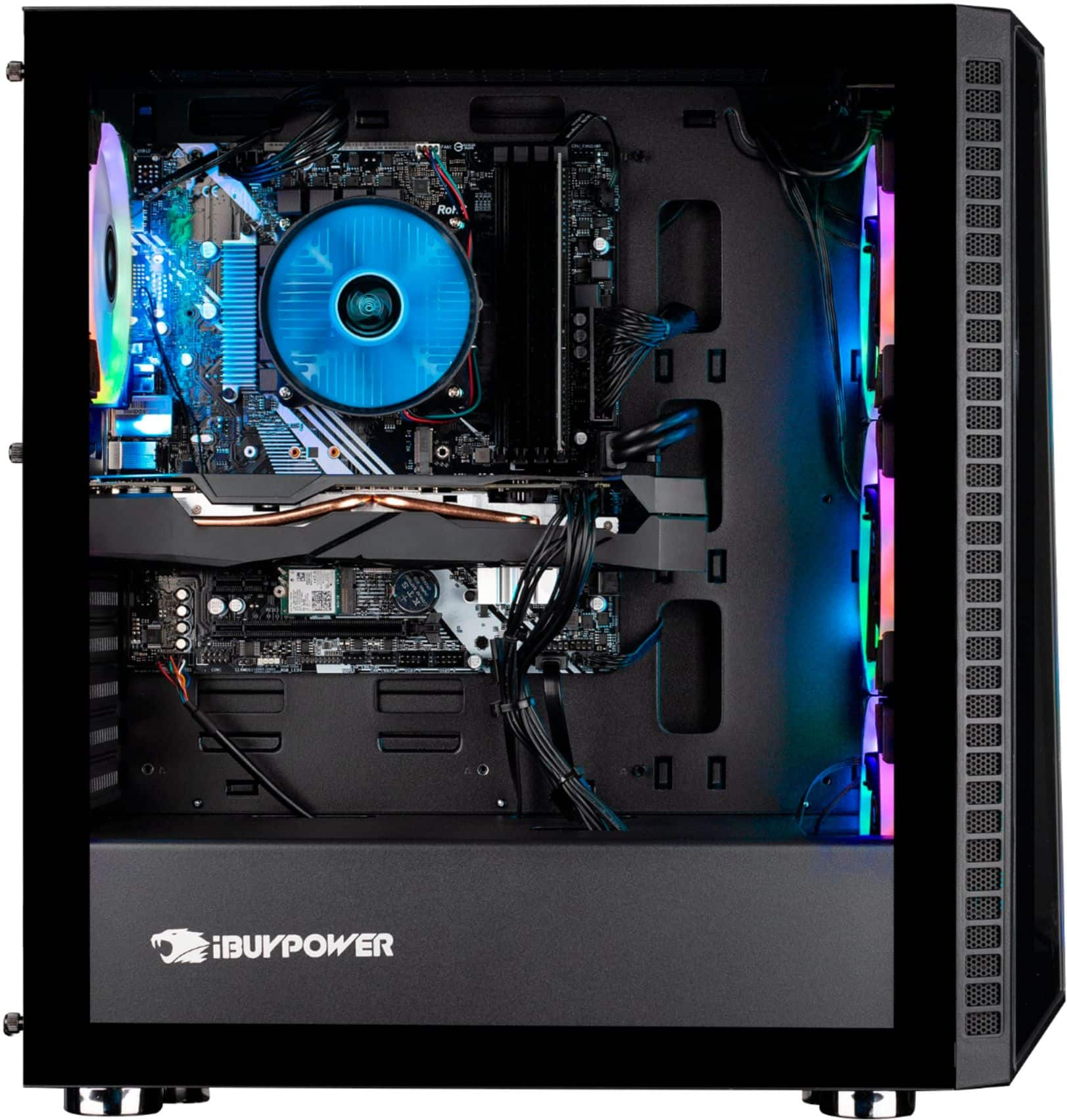
This system has an ASROCK B365M IB-R motherboard. The SSD is a Seagate Maxtor Z1 and the hard drive is a WD Blue. Thank you for your question!
A:AnswerHello,
Try downloading the ASRock RGB Sync software off the ASRock website, and mess around with the lighting software to see if you can find the rainbow preset. Thank you and please let us know if you have any other questions!
A:AnswerI wouldn’t trust the power supply they come with, with that kind of power draw. Mine had a power supply that couldn’t even handle the components it came with.