A:AnswerHello,
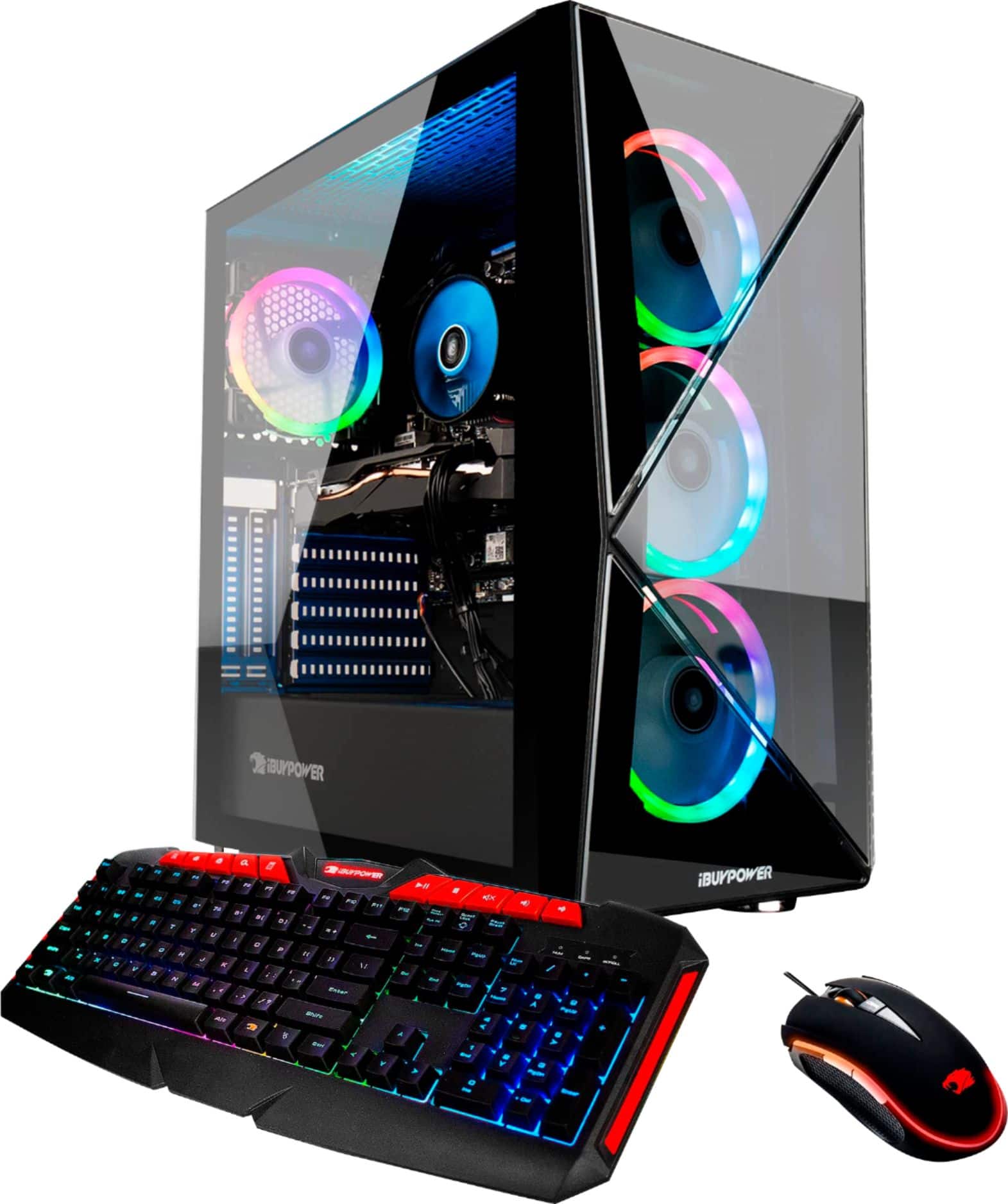
Yes this system has 16GB of RAM. If your friend is having issues with his RAM, please tell him to contact our technical support so they can assist him.
A:AnswerHello,
If you are planning on adding 16GB more RAM into the PC, we recommend using the exact same model that the PC comes with, as mixing RAM kits can cause compatibility issues,
A:AnswerWe are deeply sorry to hear that your purchase of our iBUYPOWER gaming desktop was not completely to your satisfaction. We value each of our customers’ feedback and will do our best to update and solve any issues you may be having. Please reach out to us in order for us to assist and troubleshoot your new gaming desktop. We will see what we can do to quickly help ensure your gaming system is up and running as soon as possible.
Customer Service Hours:
Mon - Fri: 8:30 am - 5:30 pm PST
Toll Free: (888) 462-3899
Phone: (626) 269-5200
Email: support@ibuypower.com
Chat: https://www.ibuypower.com/Support
Technical Support Hours:
Mon - Fri: 8:30 am - 5:00 pm PST
Toll Free: (888) 618-6040
Phone: (626) 269-5170
Email: techsupport@ibuypower.com
A:AnswerHello,
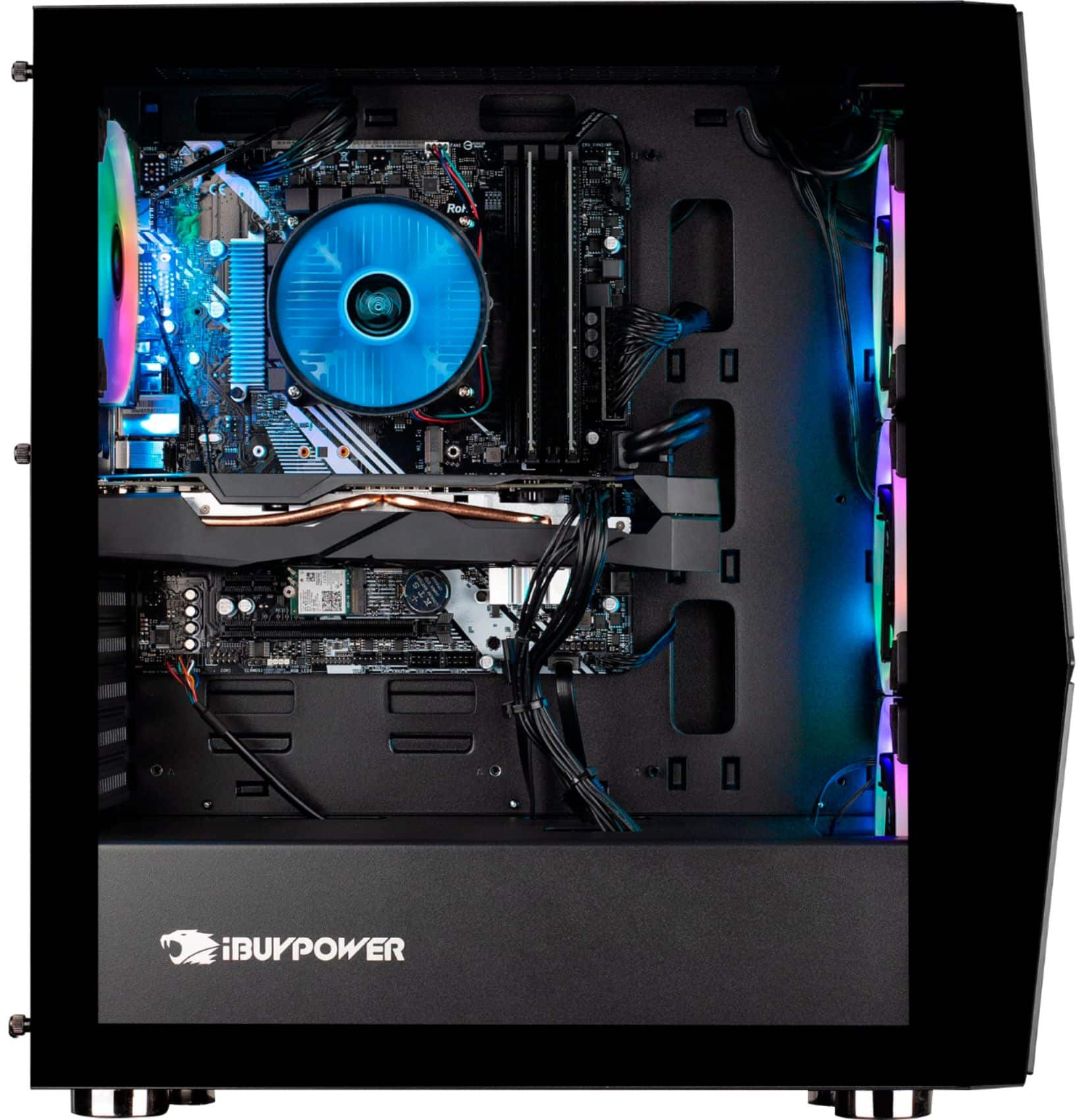
Make sure you are plugging the HDMI cable into the computer's graphics card and not the motherboard. It should work with the PC as long as the cable is correct.
A:AnswerHello,
You do not need those CDs, they were just extras that came with some of the parts in your build. The information in the CDs can be found online.
A:AnswerHello,
You should be able to download the software from your motherboard manufacturer's website. For example, if your system has an ASUS motherboard, you would go to ASUS's website and download their RGB software which is called ASUS Mystic Light