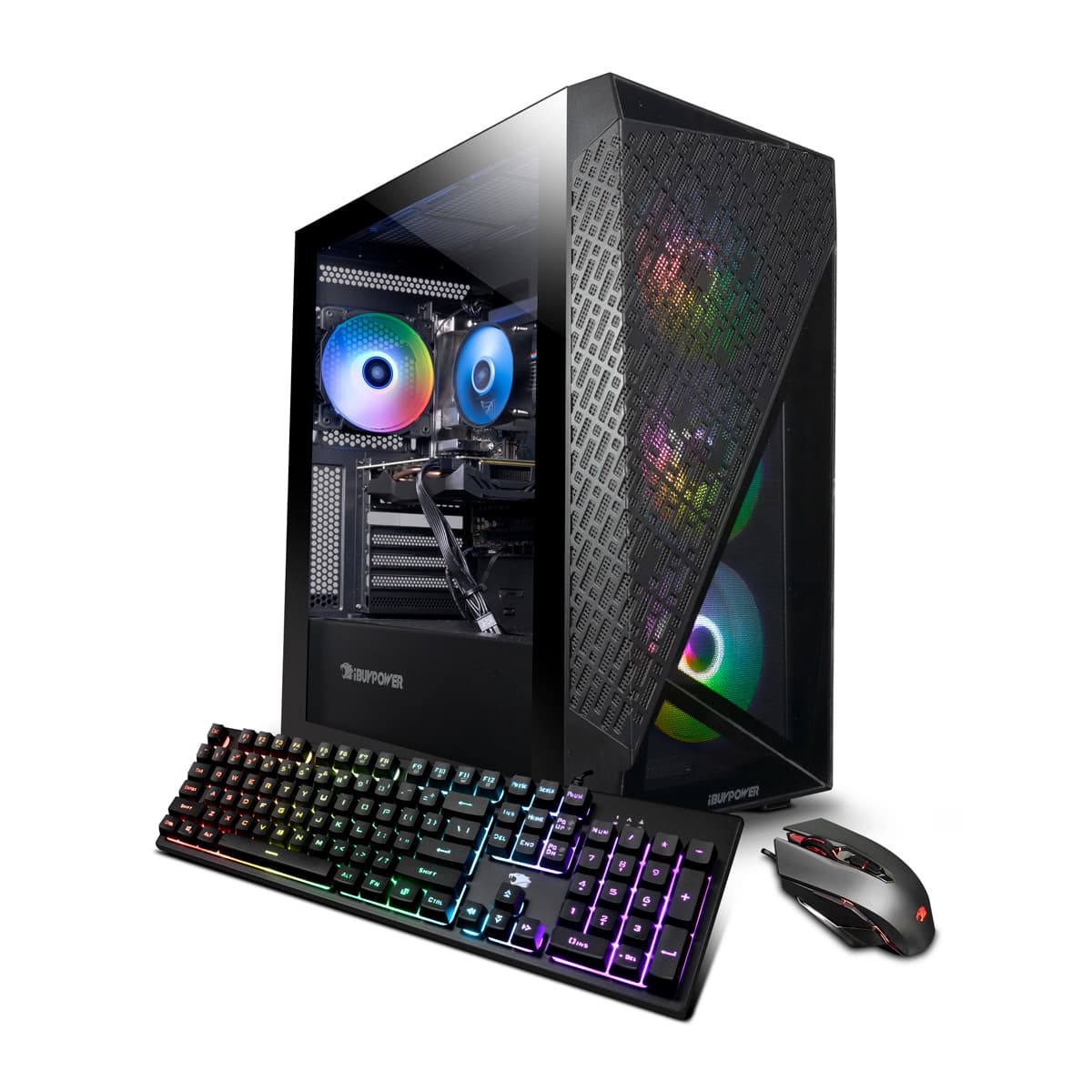
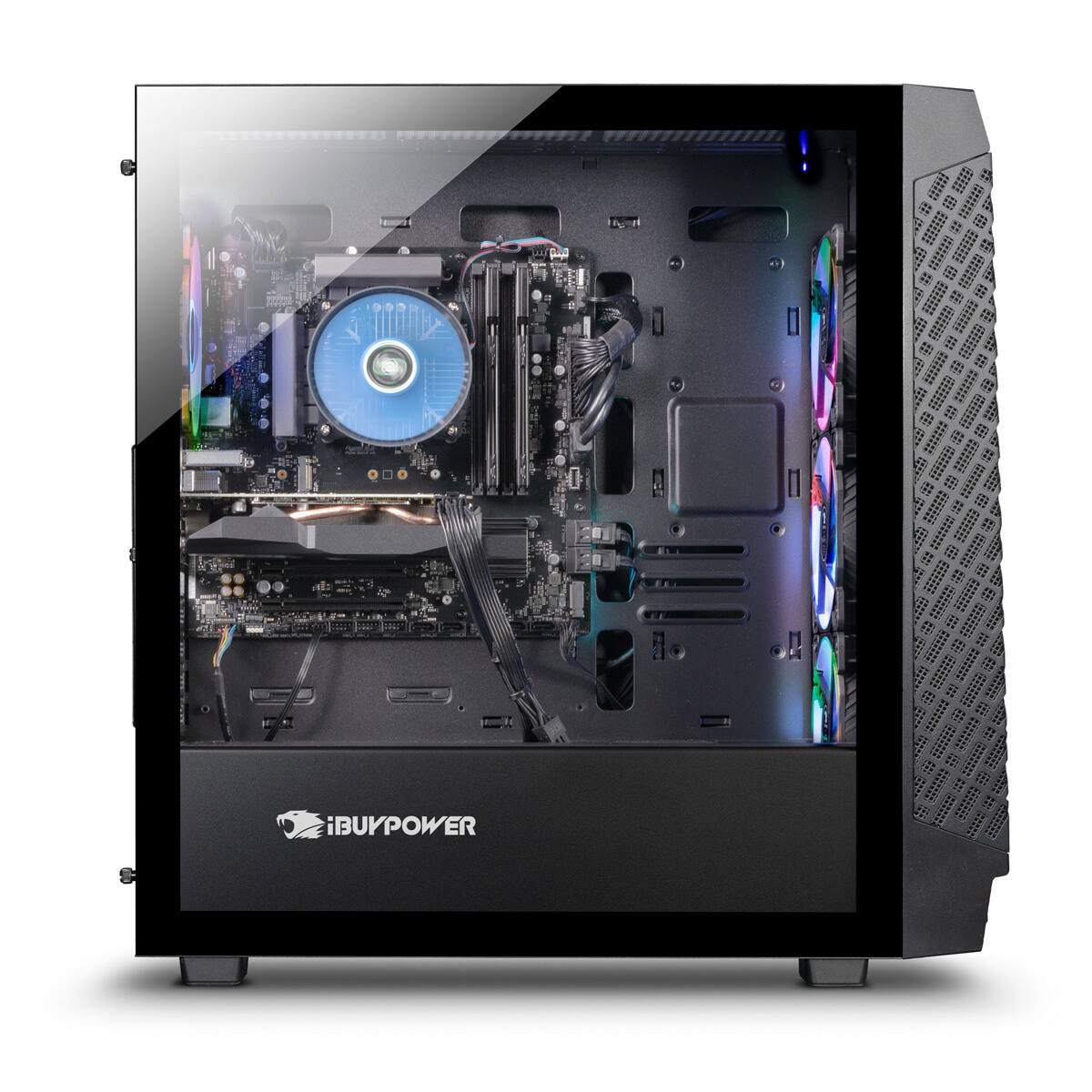
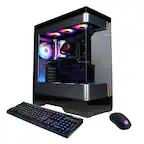
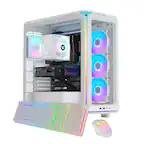
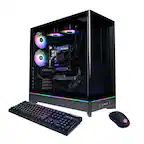
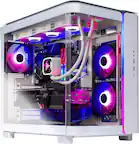
A:AnswerThe CPU fan should not be in the way of the RAM slots, though if you do wish to remove it I would suggest removing both side panels and lay it with the MB facing upwards as the fan has a back plate that can easily fall off. There should be four corner screws that are attached to the fan that you can loosen with a phillips-head screw driver. Just be careful when reattaching the fan as you can easily damage the MB if you miss the screw holes on the back plate.
A:AnswerYou can upgrade the system after purchasing if you wish to do so. Unfortunately you can not upgrade components prior to purchase as all systems are pre-built.
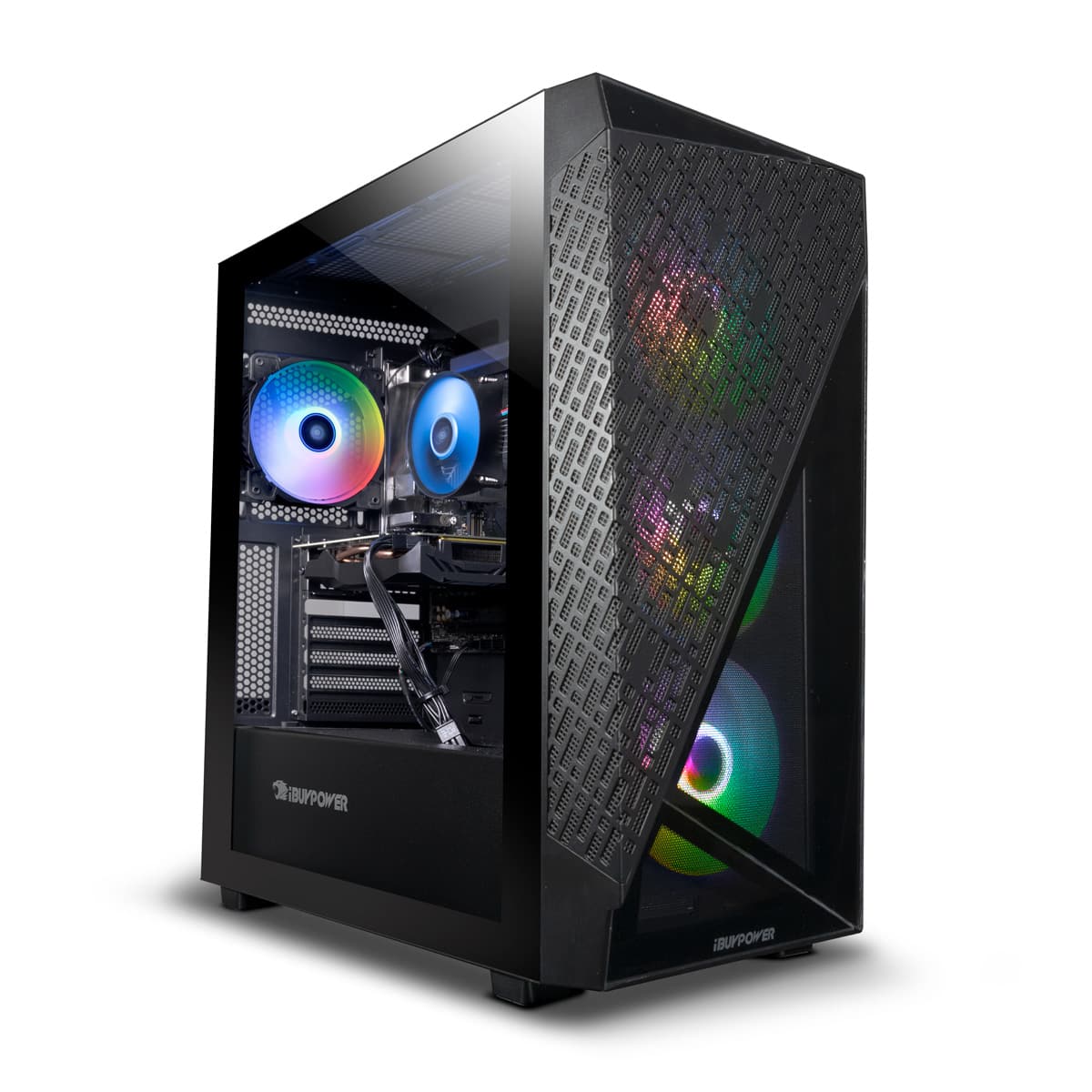
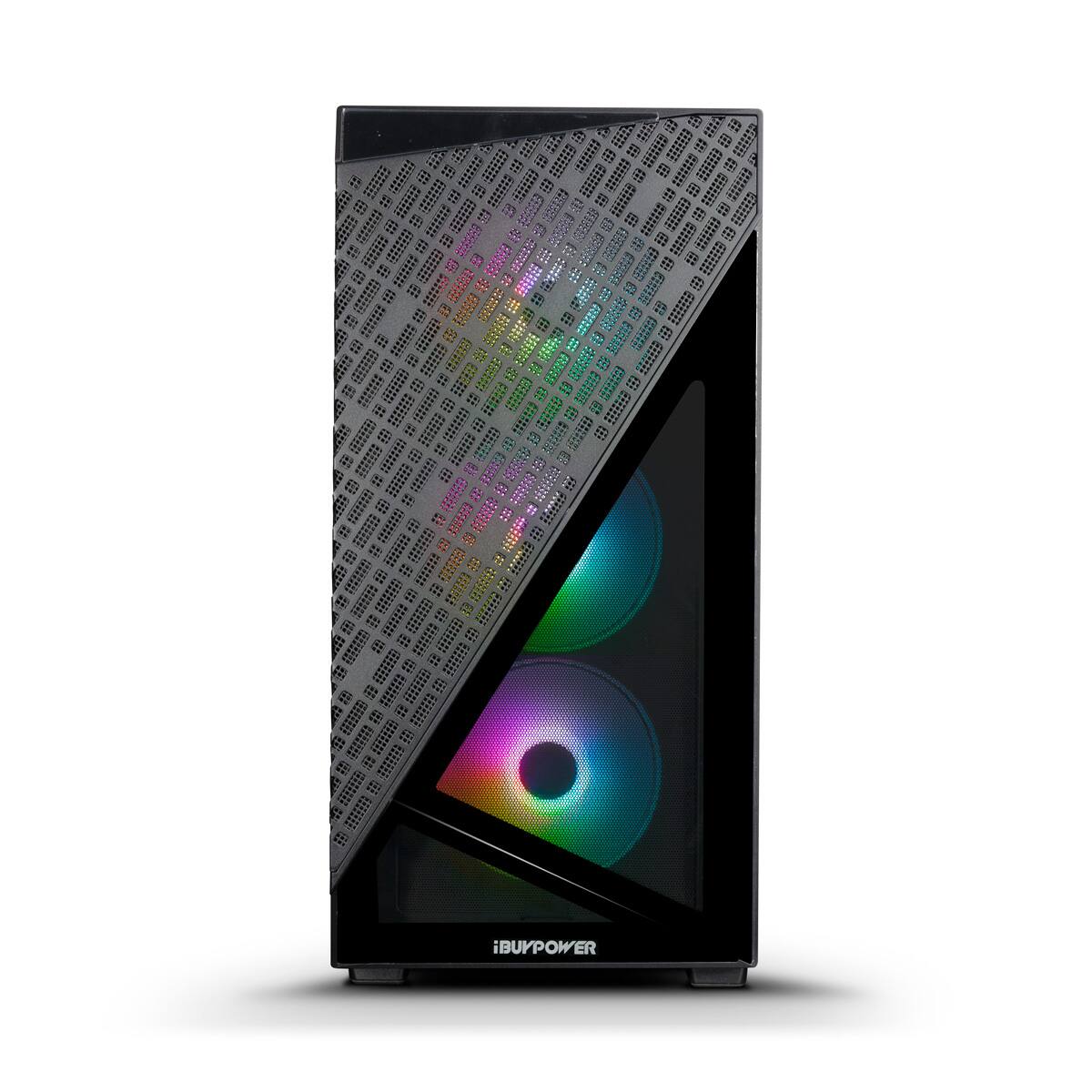
A:AnswerYes you can pop of the front panel easily as there are no screws or latches holding the front panel in place. You may need to use a bit of strength in order to remove it, but there should be no issues.
A:AnswerYes. The gfx card has 1xHDMI and 3x display ports for monitor hookup. The card is in the lower end of the 3060 line, so I’d just be careful what you want to push on each monitor.