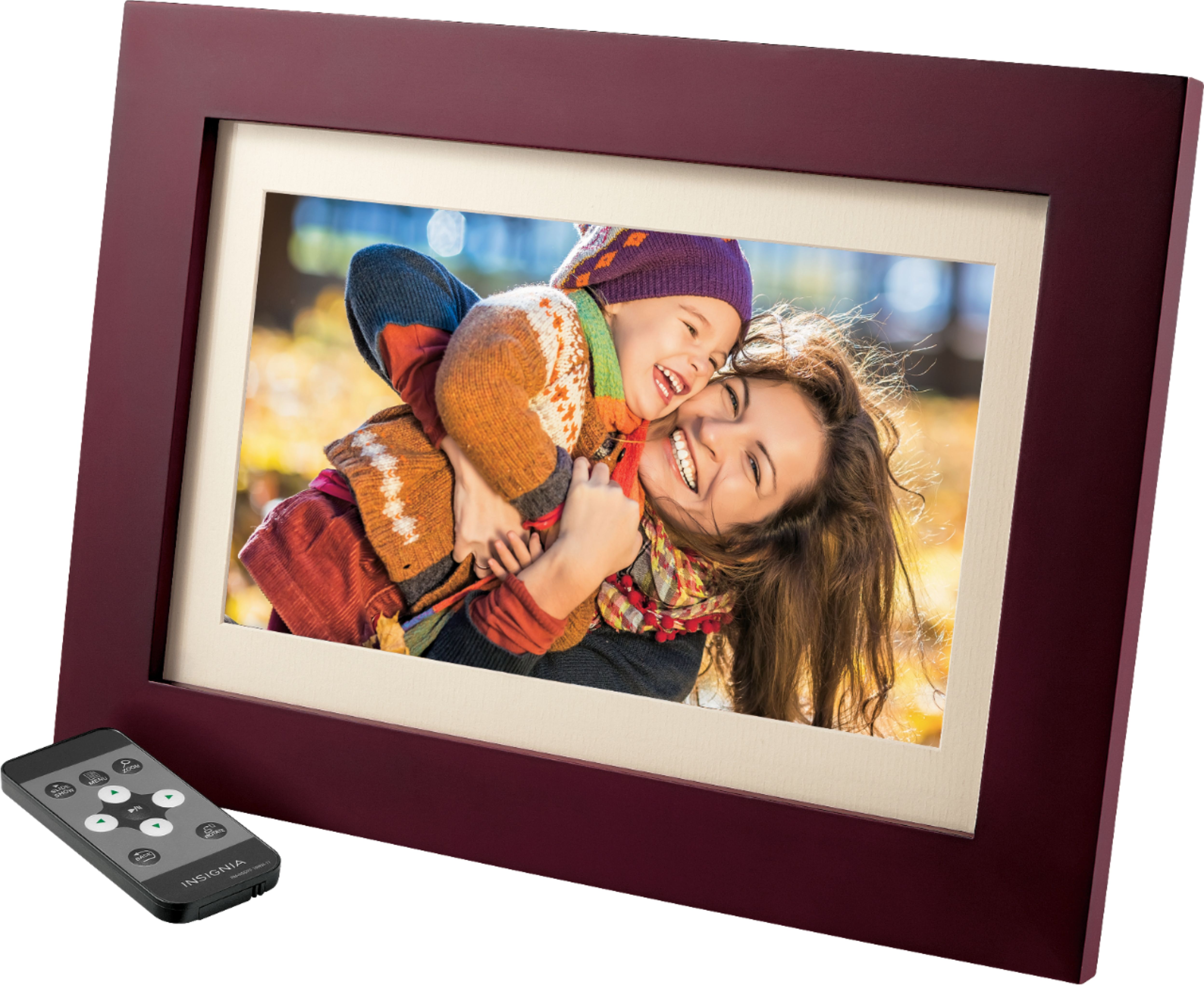
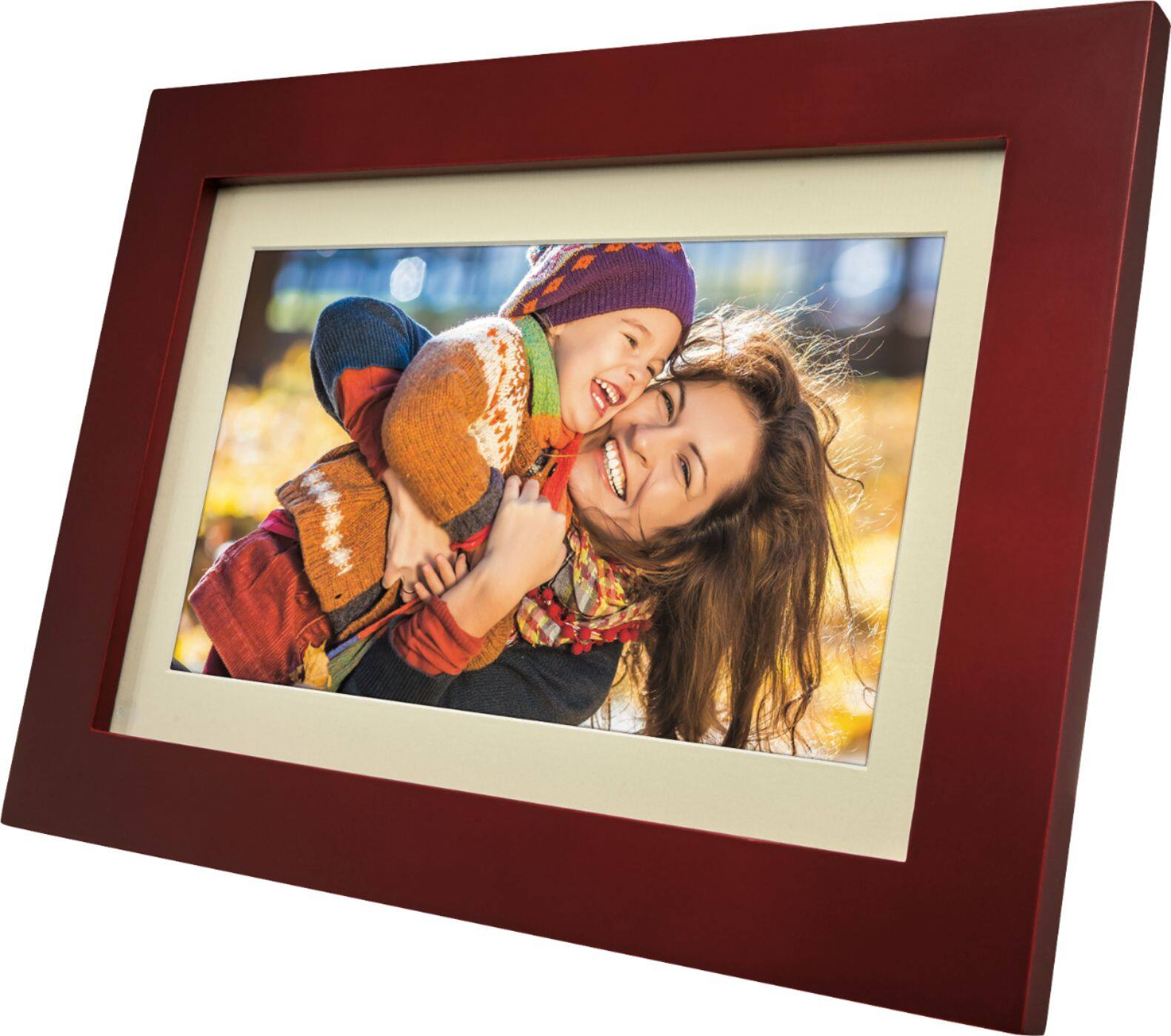
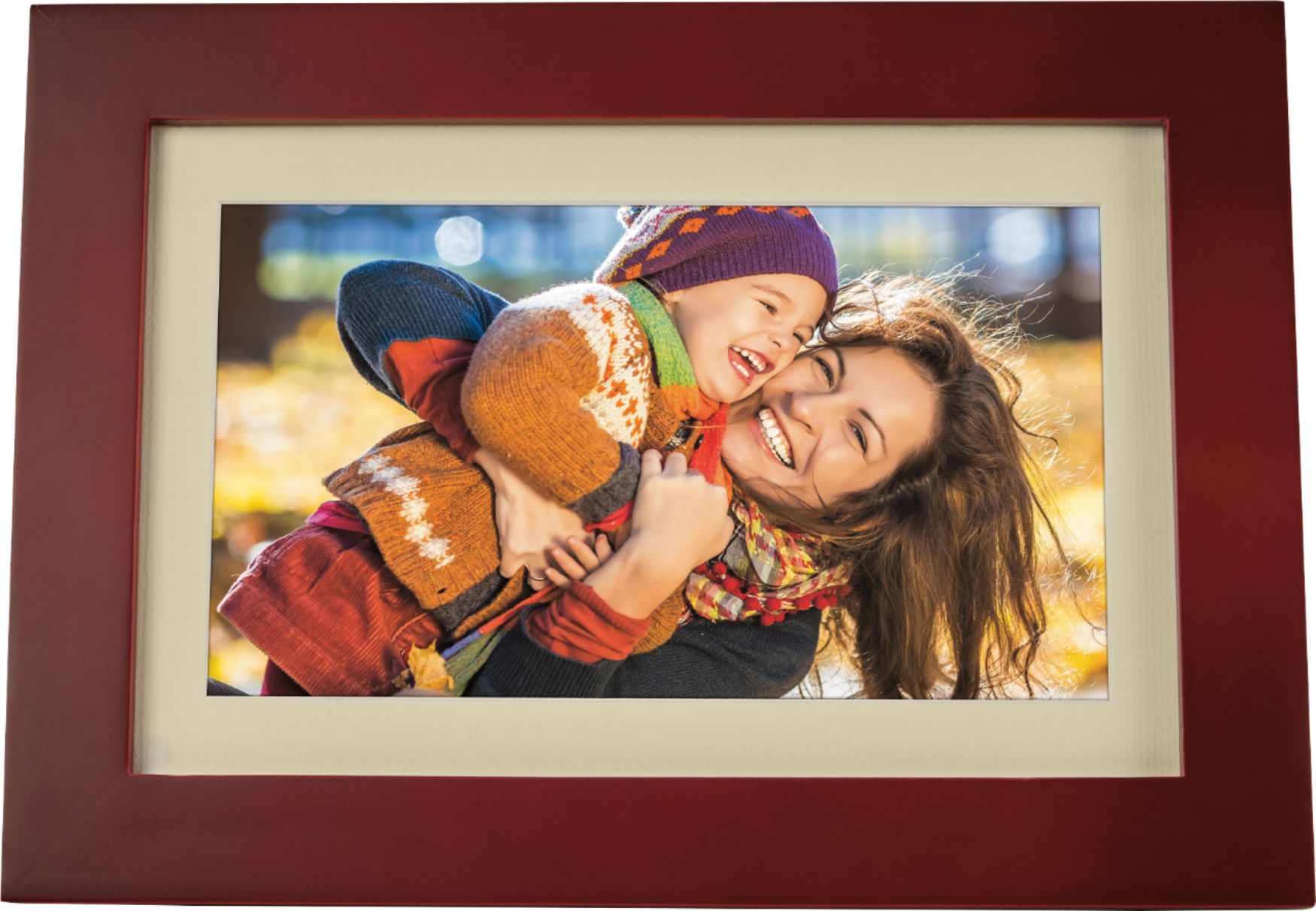
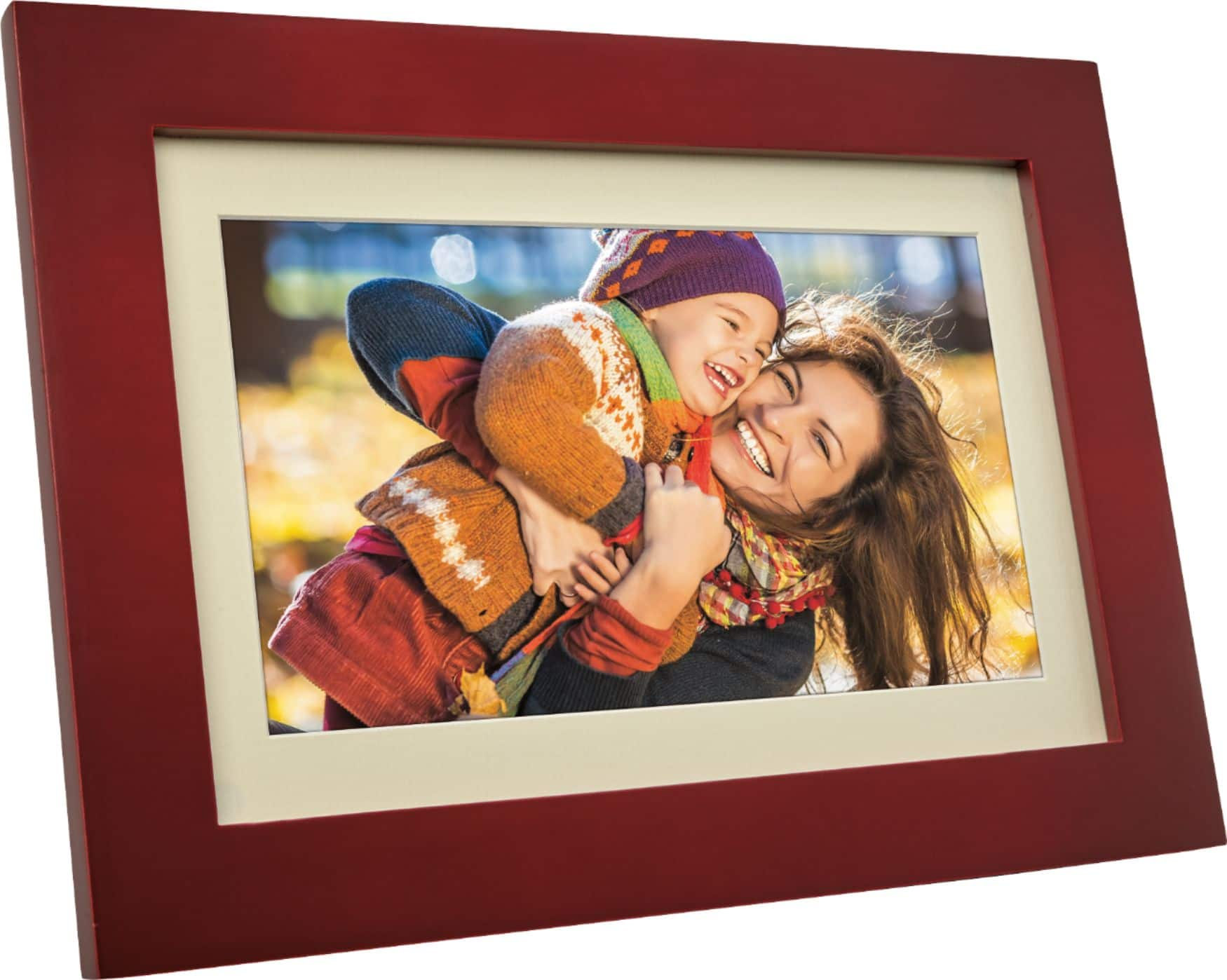
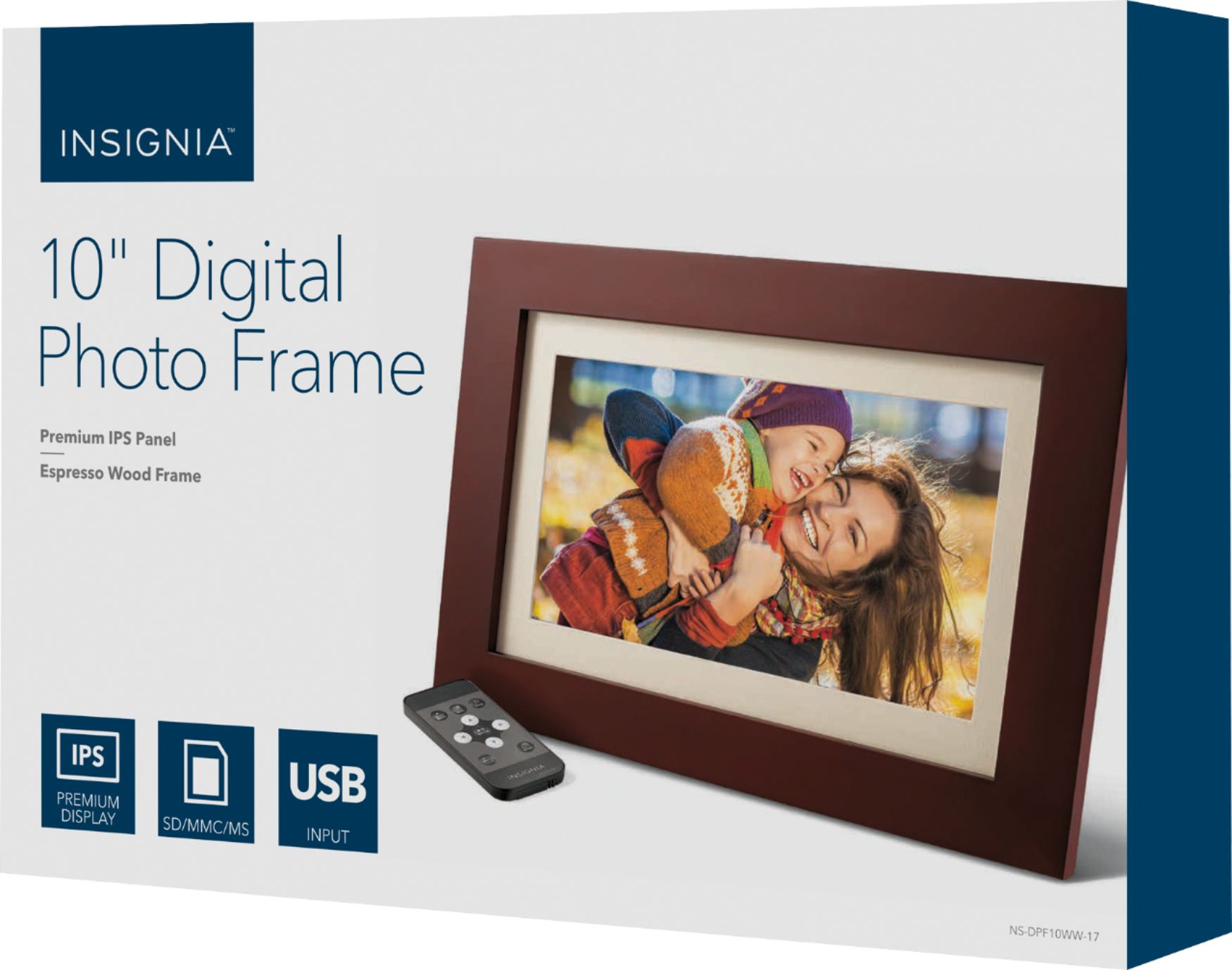
A:AnswerThe manufacturer states that they support memory sticks up to a capacity of 32GB. They do not recommend a larger capacity USB even if it contains less than 32GB of photos.
Perhaps that is the issue?
A:Answerwhen you purchase an sd card - its going to be either 2gb/4/gb/8 gb/ 16gb/32gb/64gb - on the back of the package it will tell you how many pictures (estimated) it will hold. It also depends on the format the picture was saved in
A:AnswerThe timing between slideshow changes can be selected from some limited choices. As I recall, it is 5 seconds, 15 seconds, 30 seconds, 1 minute, and some longer durations as well.
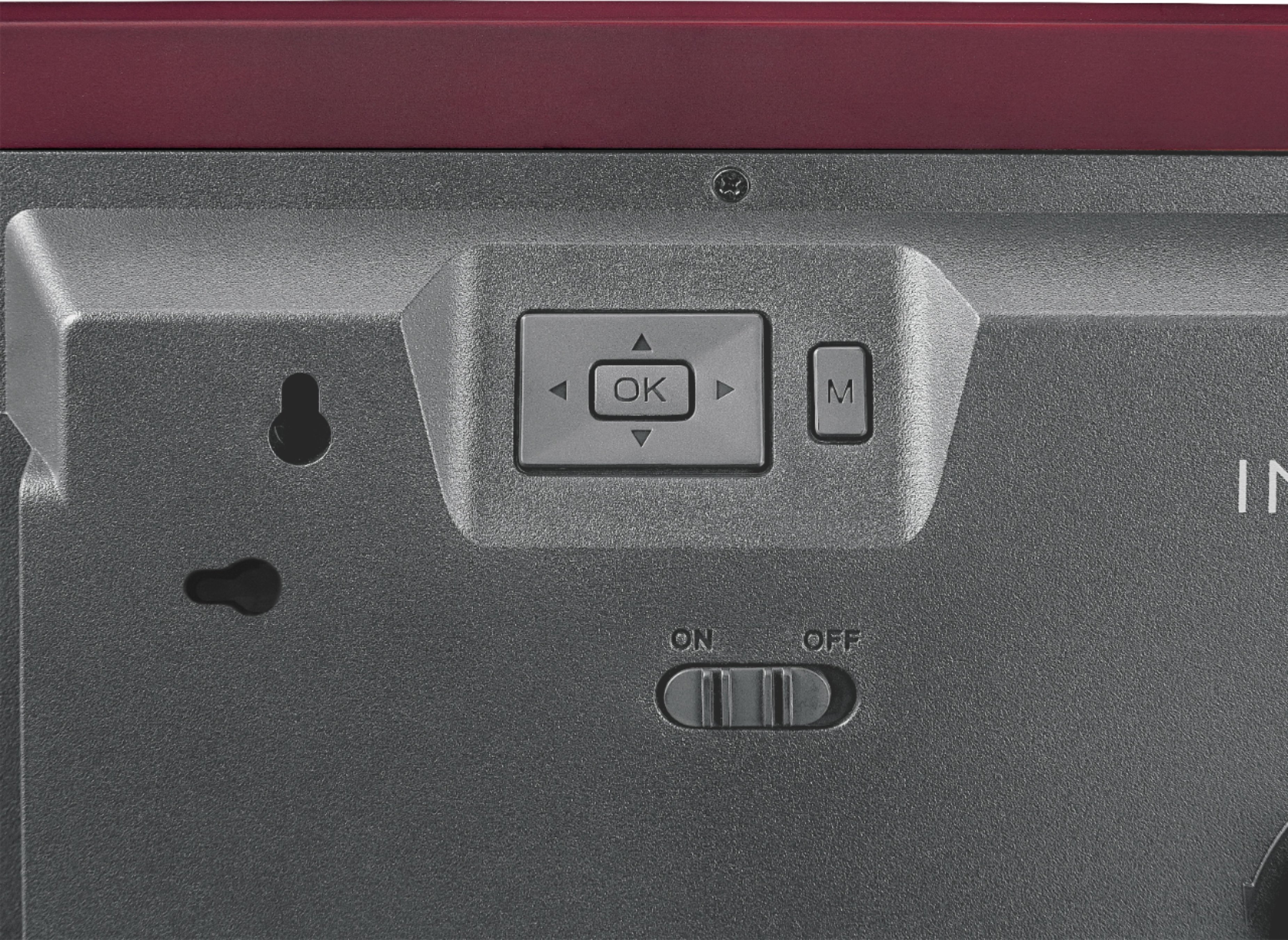
A:AnswerYou can load the photos onto the flash drive without having to put them into "folders", then insert the flash drive into the frame and from the Photo set up menu select "USB". Your photos should start displaying...however, you'll need to set up each photo to display either in "landscape" or "portrait" mode before you do so.
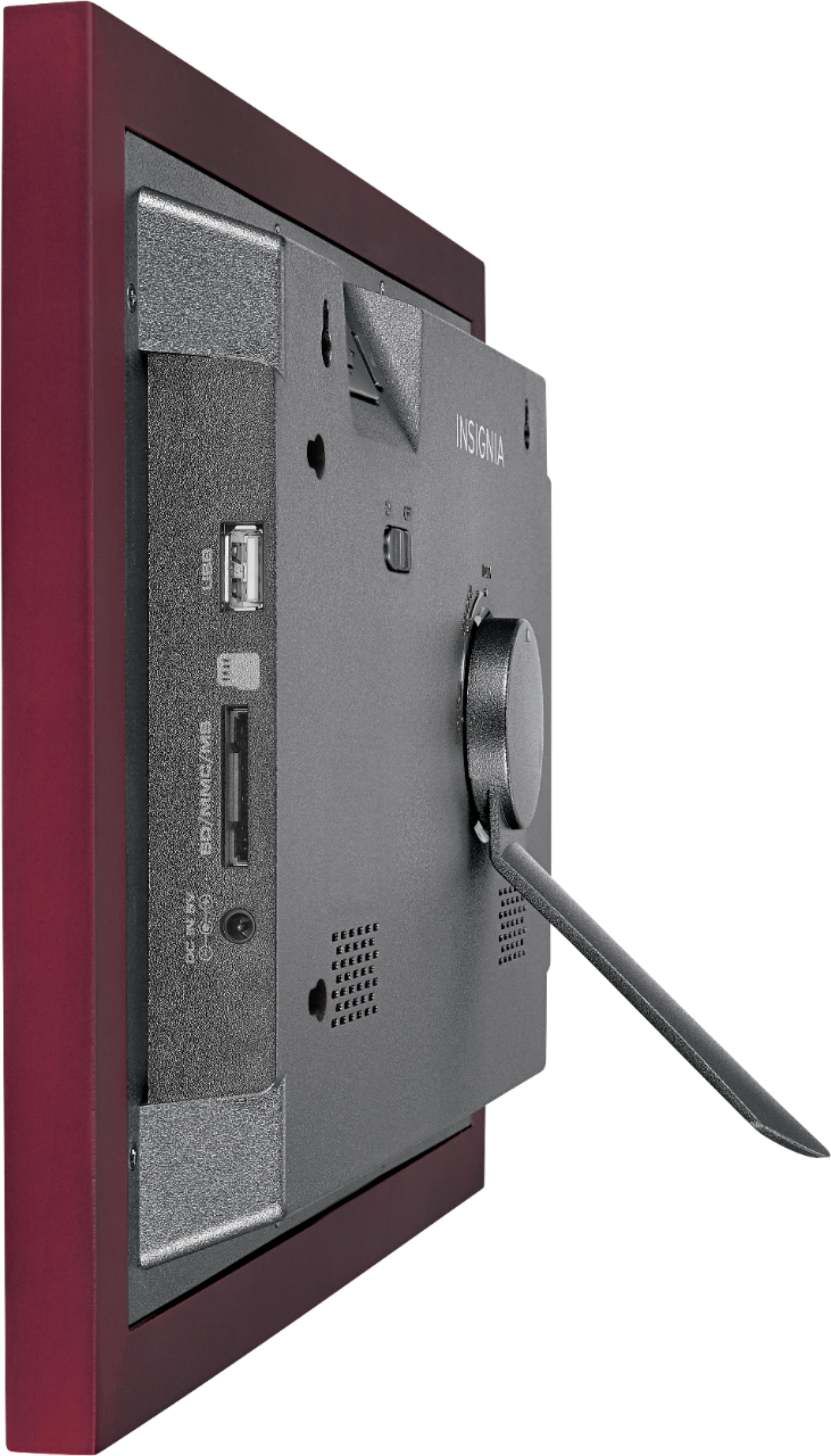
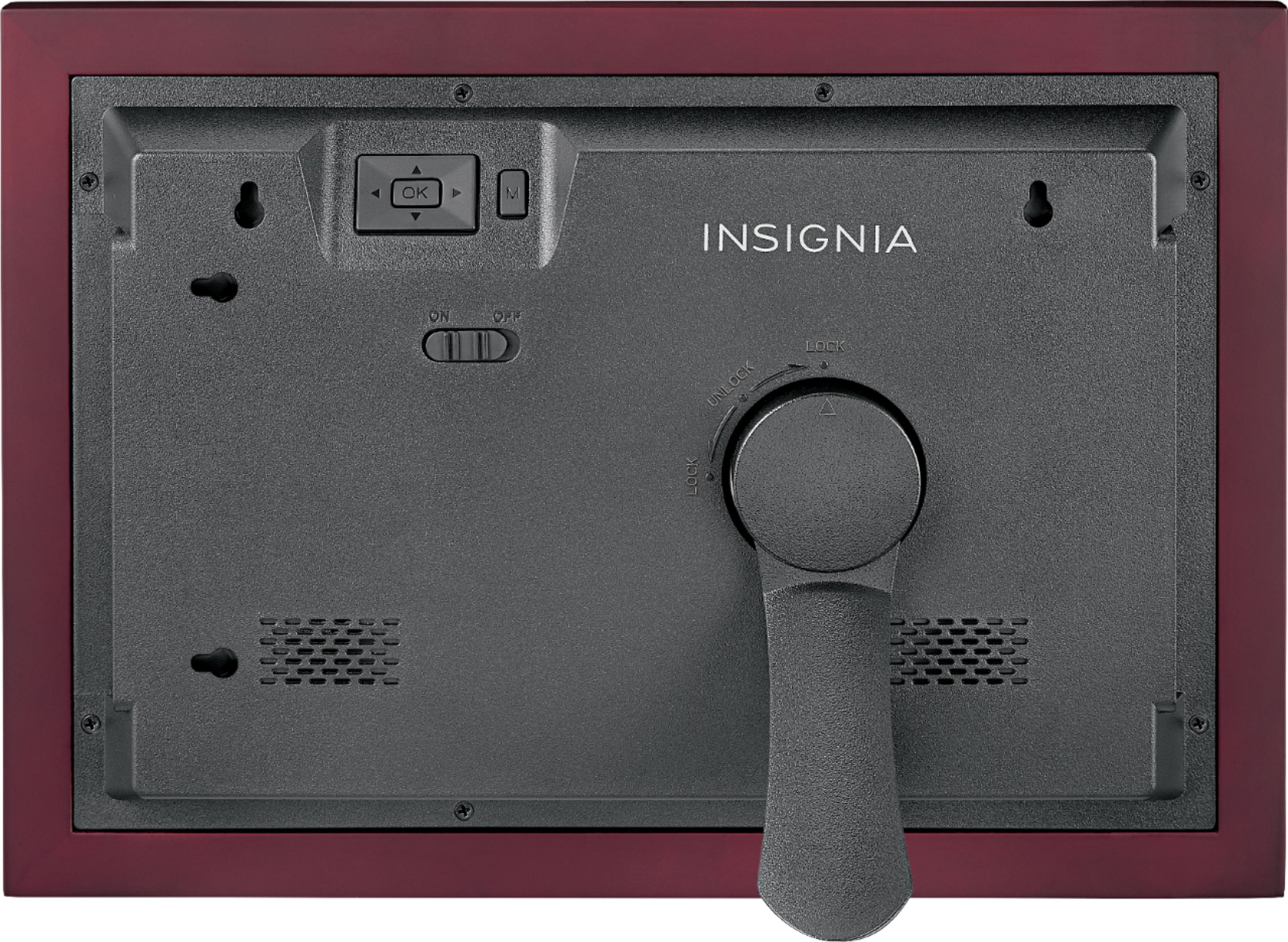
A:AnswerDepends on what is "flat". Behind the frame is a raised plastic cover. There are to "key holes" for hanging the frame on a wall but because of the raised plastic cover the frame itself will be about an inch off the wall.