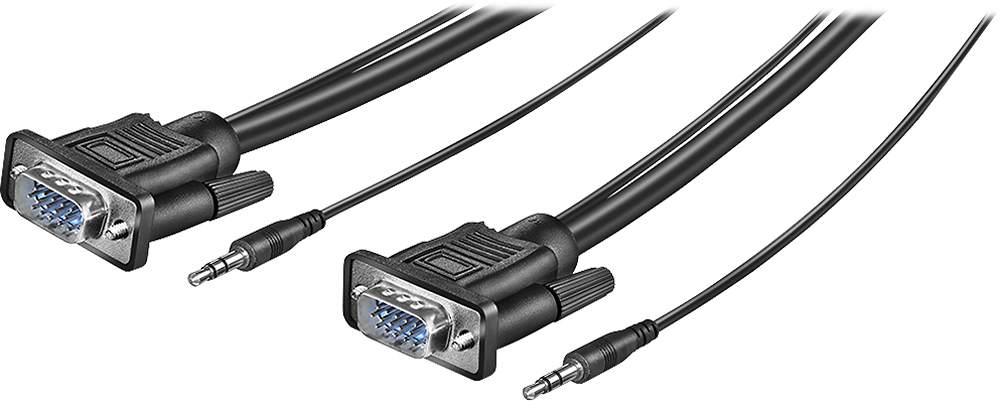
A:AnswerMake sure t.v and computer turned off. connect both end of plugs to each component. Turn on both screens. Check youtube on how to set tv screen and computer screen together. Easy peezy.... Once you do it the first time, it will always set when disconnected and reconnected
A:AnswerThis works to connect on monitor to one laptop. If you have a second monitor you will need a second cord or HDMI cord for the second monitor depending on what display ports your computer has
A:AnswerIf your monitor has sound, plug into the sound input port on the monitor and the output port on the CPU. Otherwise, they audio cables are obsolete. I have this cable and I don't use them. I just taped them to the VGA cable to keep them out of the way.