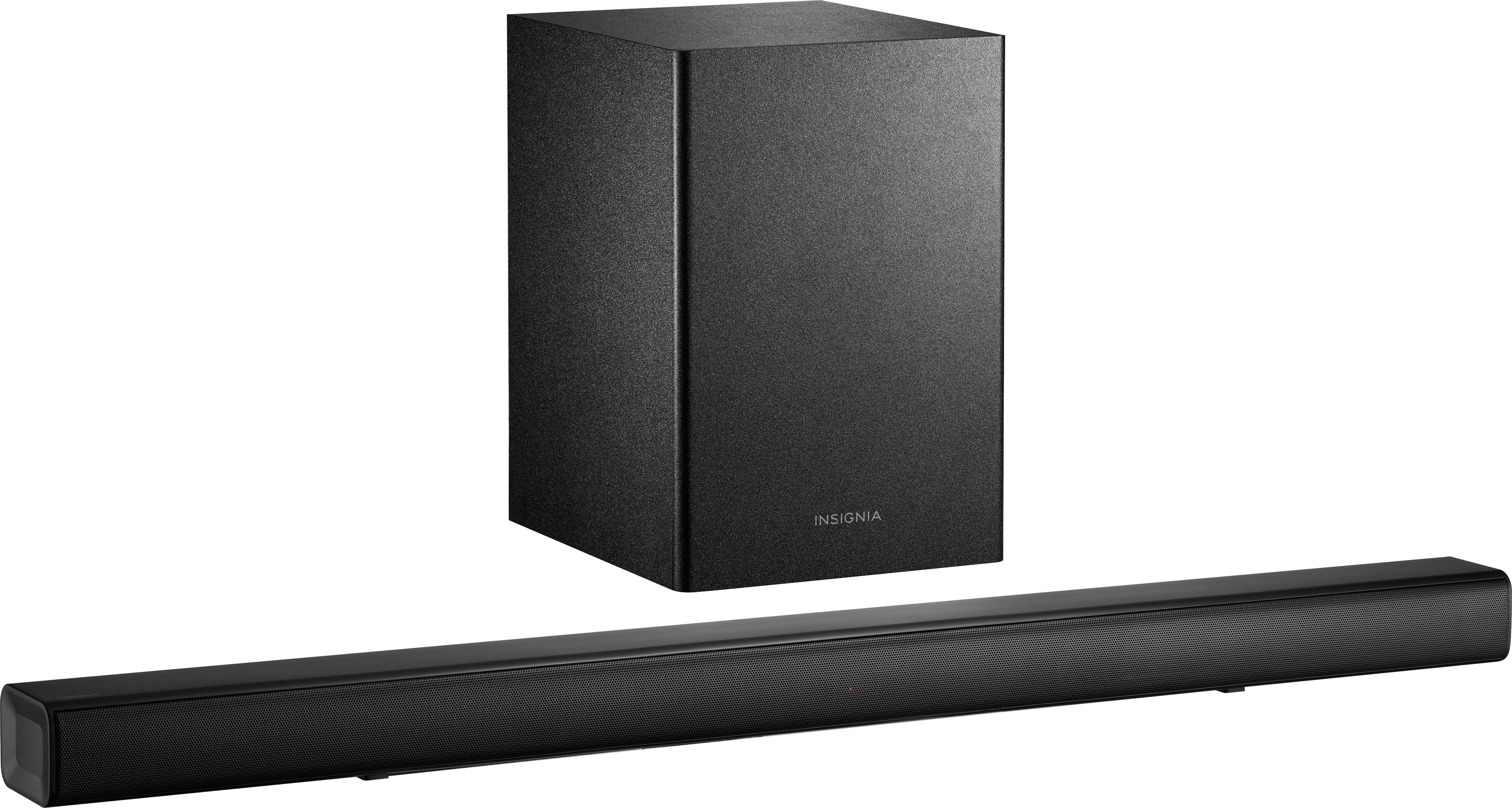
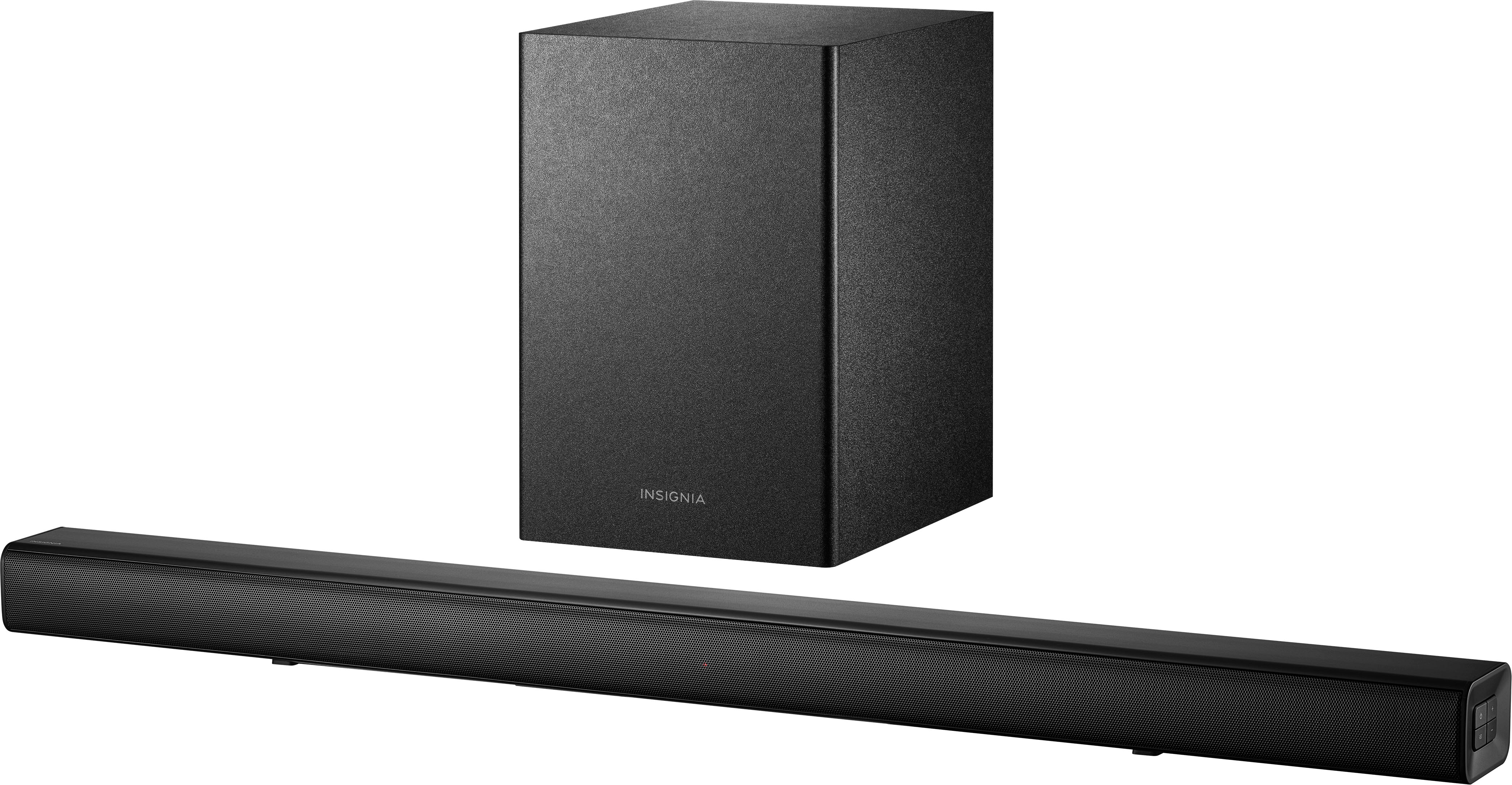
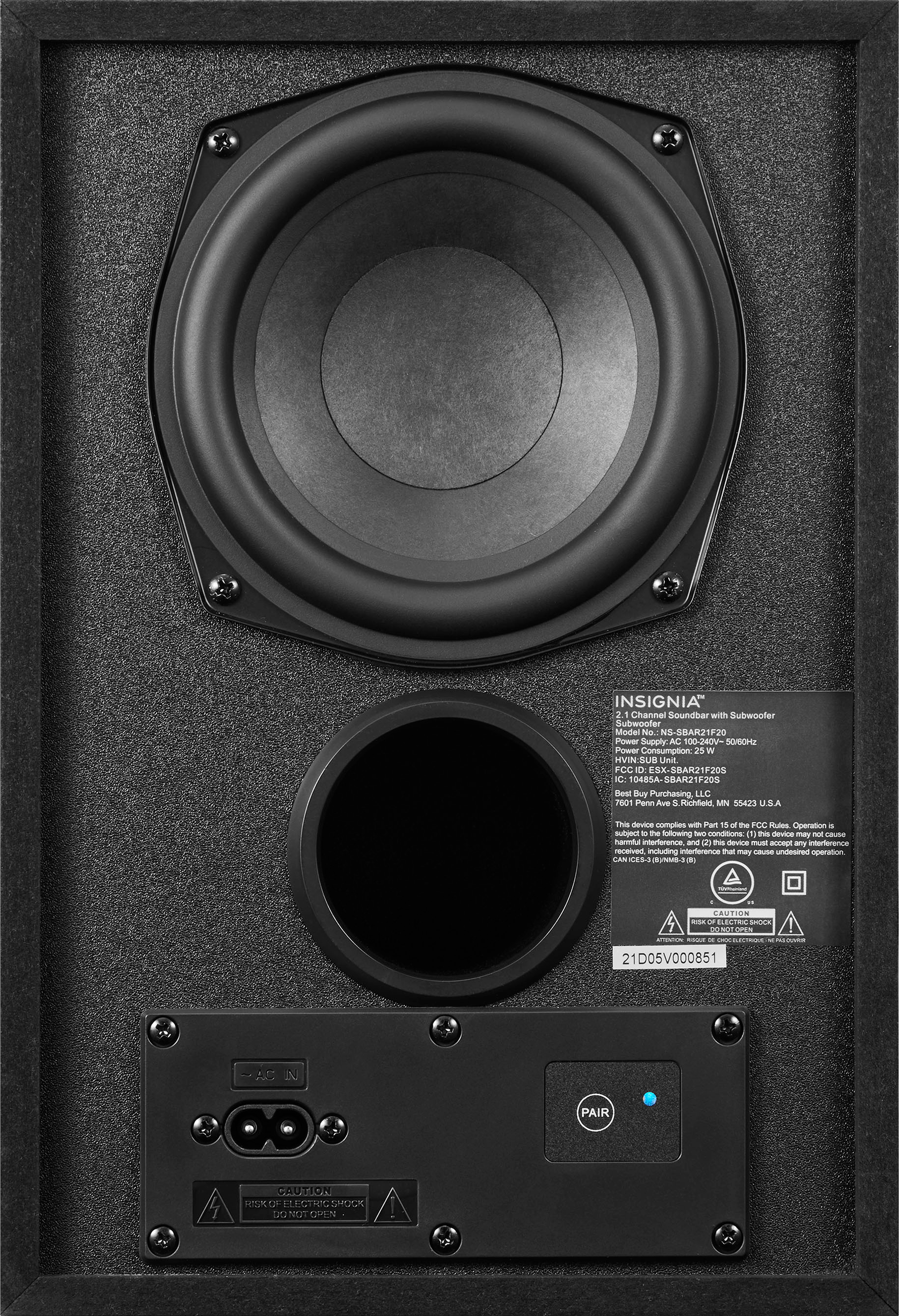
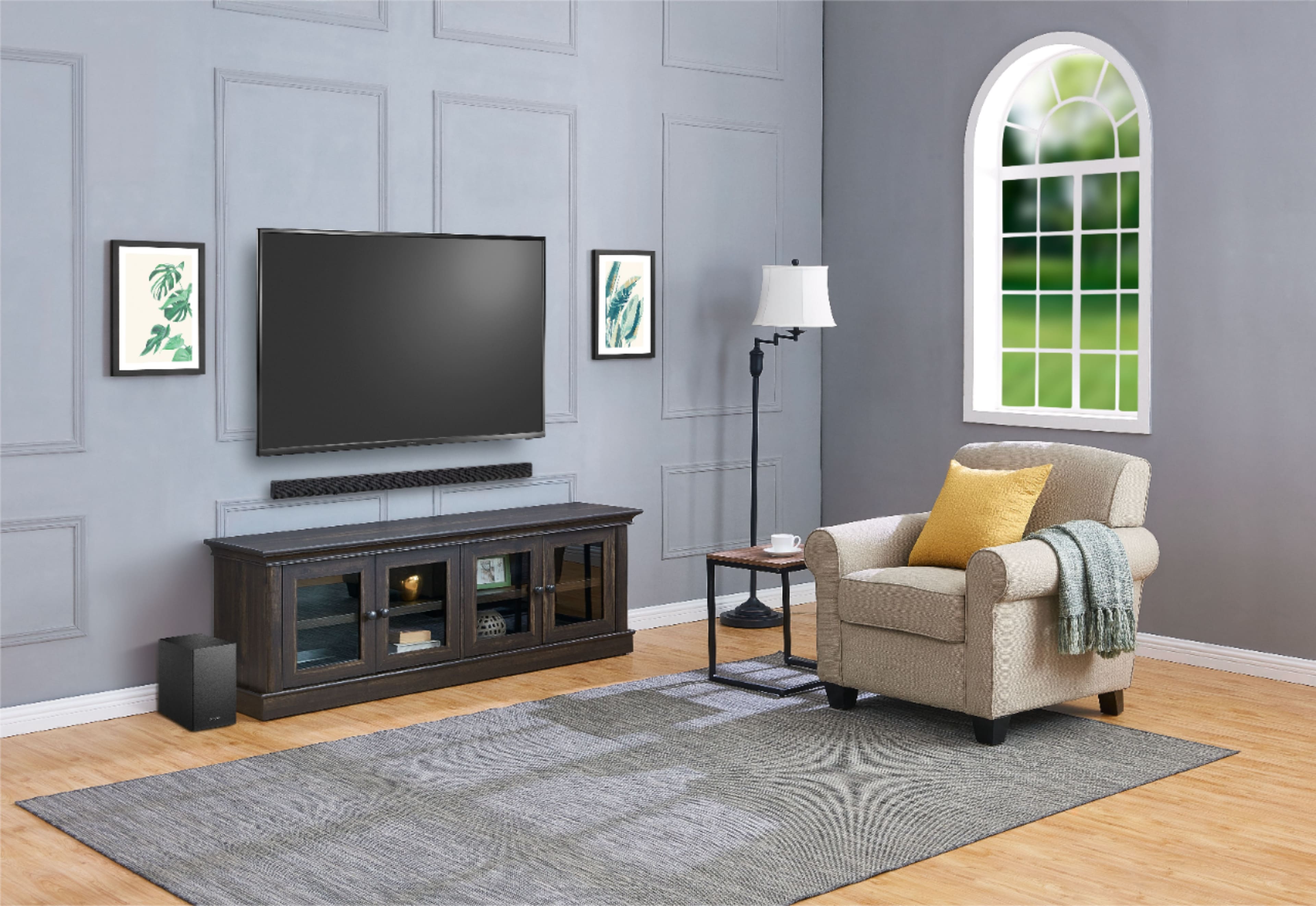
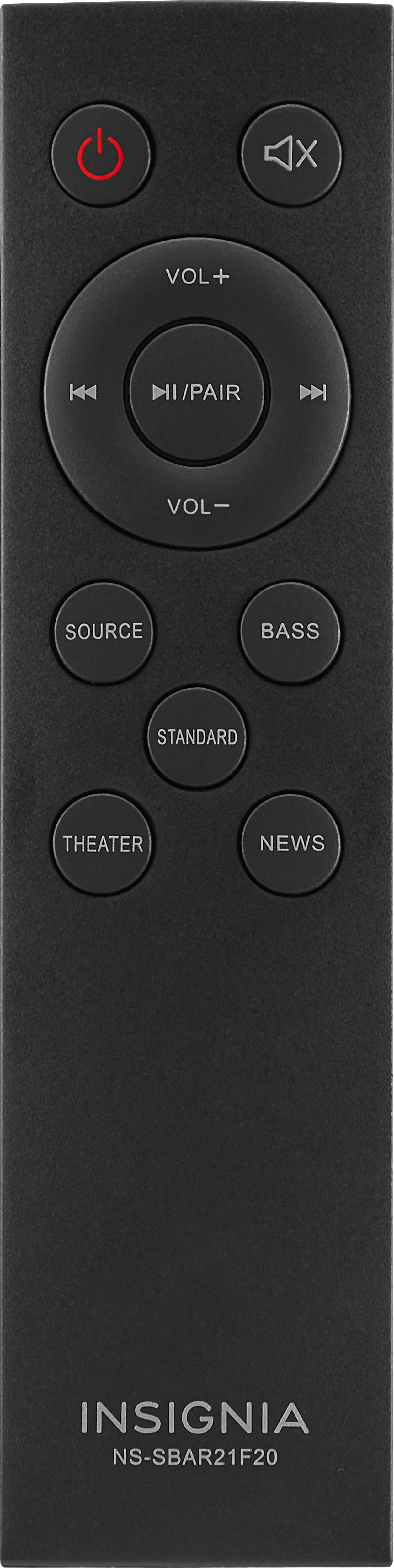
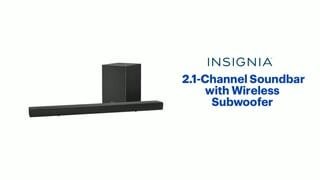
A:AnswerTry to move the subwoofer closer to the soundbar. Press the Bass button on the remote, then press the volume buttons on the remote to adjust the subwoofer volume and press the Bass button again when finished.
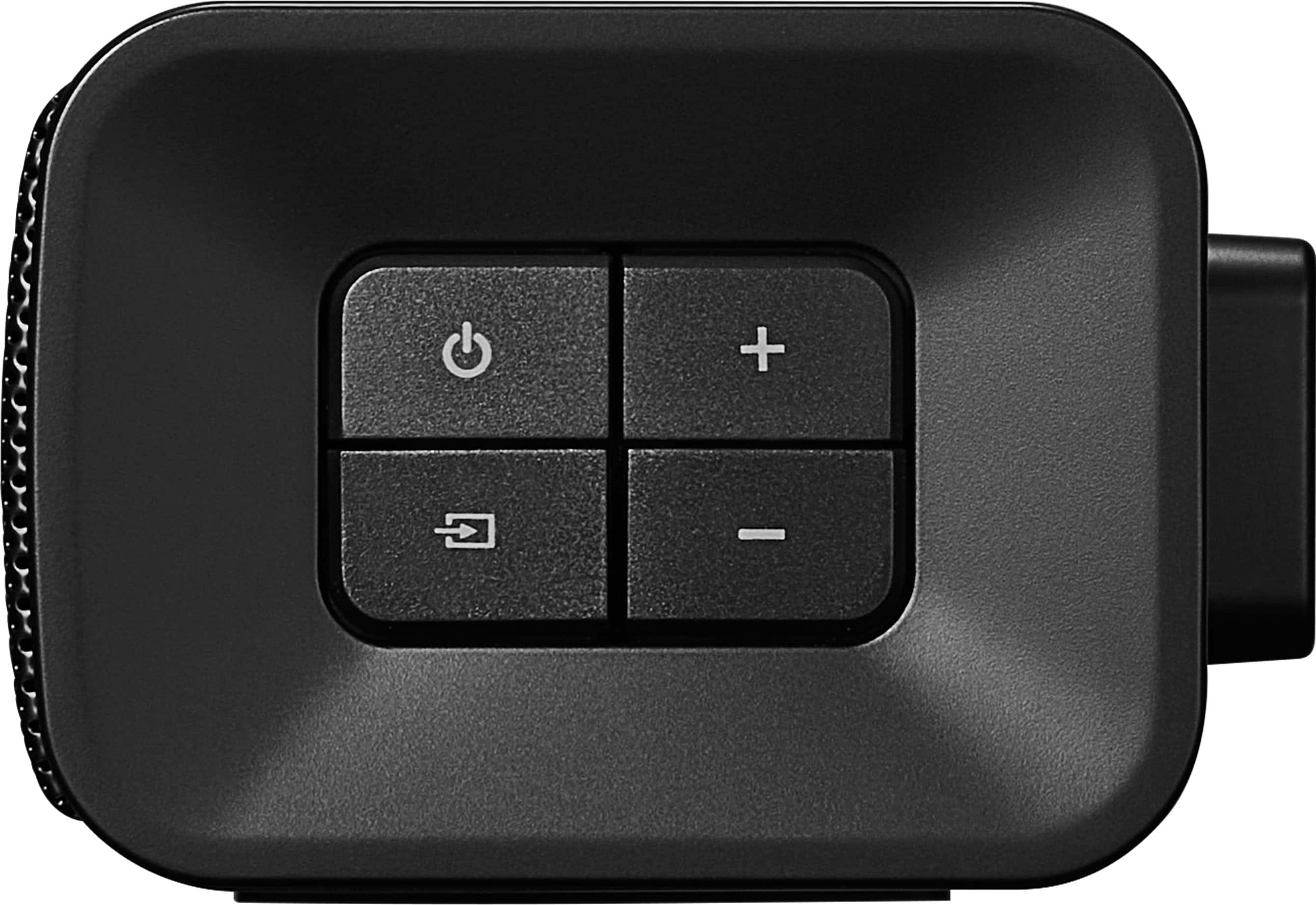
A:AnswerYou will have to cycle through all inputs by hitting the source button until it cycles back to the source you want. The led lights on the front change as each different input is selected.
A:AnswerI saw one on Amazon. In the Search bar on Amazon, type in the whole model number followed by the word Remote. I found a remote identical to the one that came with the soundbar.
A:AnswerSeriously, who thought this was a good idea? I’ll turn it off when I want it off. Pause a show to go to the can, and have to turn it back on, but can’t use the universal remote, because it only works for volume? Poor execution of a simple product.
A:AnswerIt’s digital press it once then wait
I set up my cable remote and Alexa remote they both turn tv and Alexa on together
If persist exchange the product
A:AnswerMost universal remotes do not have the codes for this sound bar. However if the other remote has a learning function you can program it from the original remote
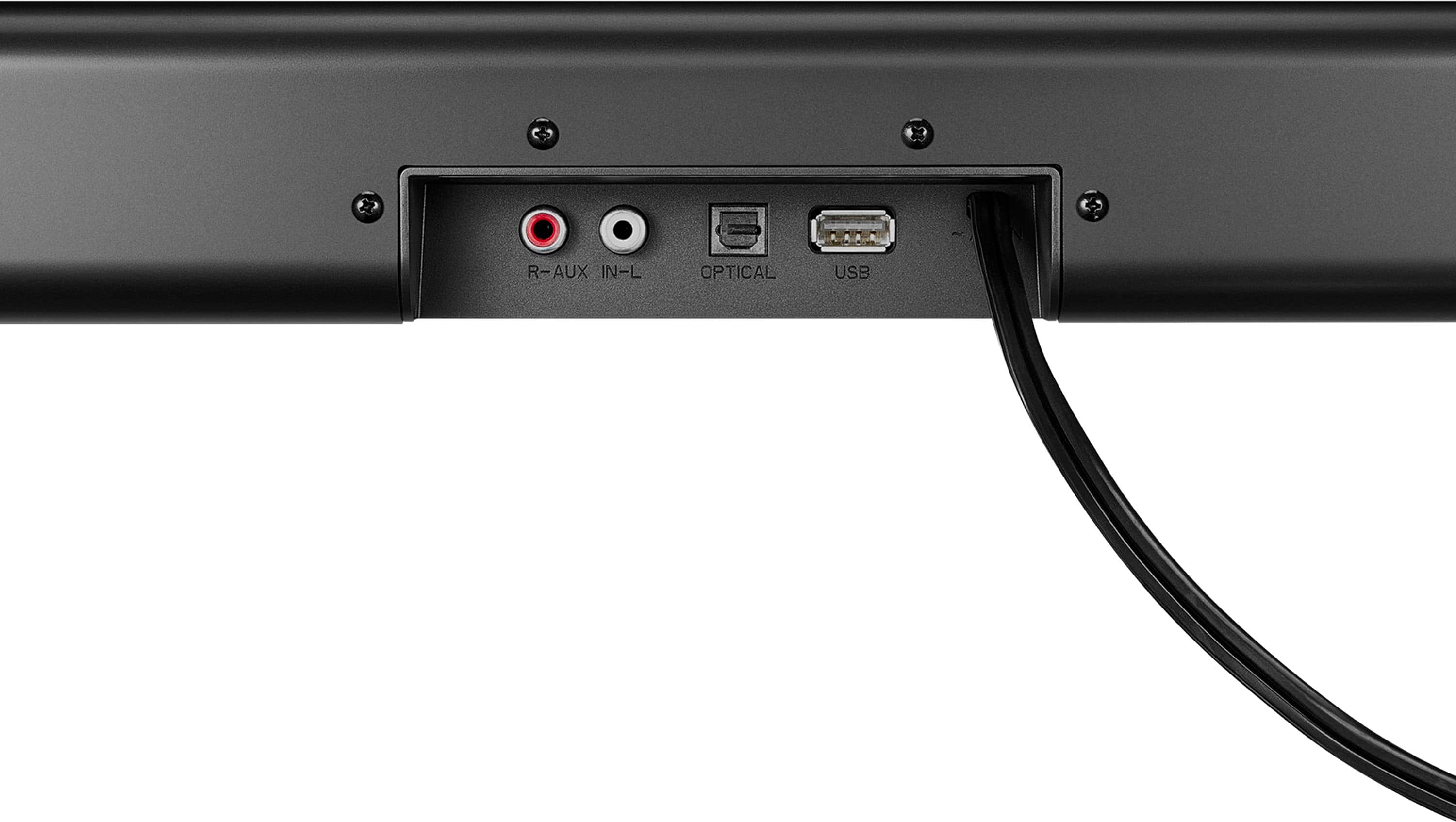
A:AnswerThe only way that the sound bar will turn on and off automatically is with the optical Port if you use the optical once you turn the TV on until you turn the TV off the sound bar will stay on the sound bar will go off when you turn the TV off because the optical and reads no signal but from what I understand and what I've learned it does not cut off until you cut the TV off so and you get much better sound quality as well with the optical in.
A:AnswerThere should have been a remote included in the package for you. Try using an optical cable and check the sound settings on your tv to make it’s set to opitical