A:AnswerHello Mimi,
No. This universal remote does not have a sleep timer function. For more questions and product support you may contact our customer service at 1-(877)-467-4289 Monday to Saturday 8am - 9pm CST.
Chelsea
Insignia Support
Please give us a visit at: https://www.bestbuy.com/site/brands/best-buy-brands/pcmcat1596746025285.c?id=pcmcat1596746025285
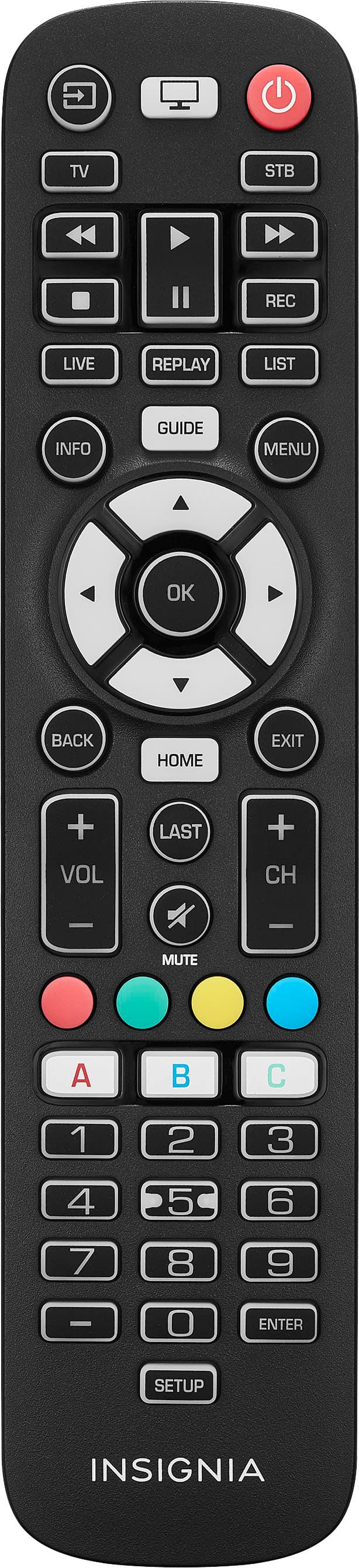
A:AnswerHi there, Yes, it will work with Panasonic TV.
Rudson S.| Insignia Support. https://www.bestbuy.com/site/brands/best-buy-brands/pcmcat1596746025285.c?id=pcmcat1596746025285
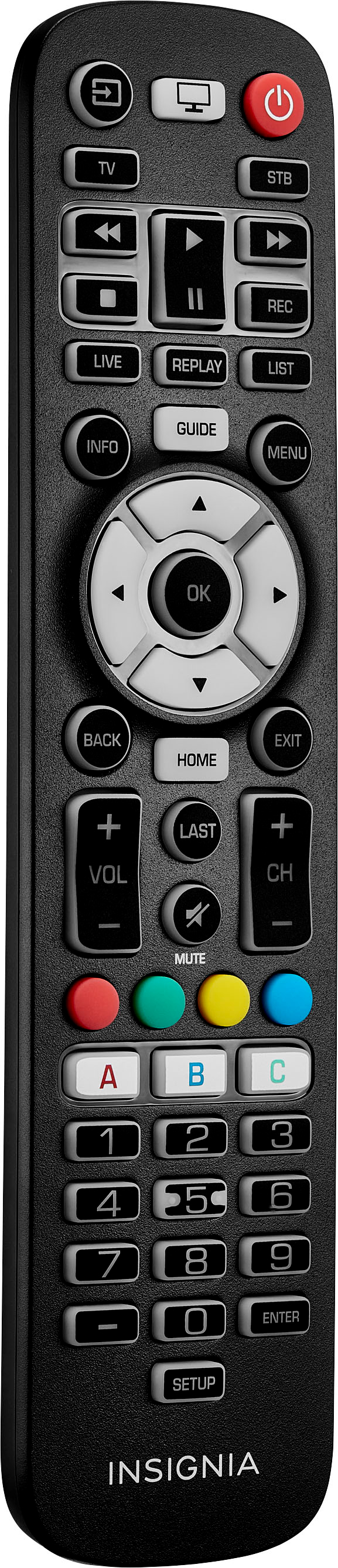
A:AnswerHi Universal,
Yes, Use with your TV, soundbar, cable box/satellite receiver and media players.
Insignia Support
Irene
https://www.bestbuy.com/site/brands/best-buy-brands/pcmcat1596746025285.c?id=pcmcat1596746025285
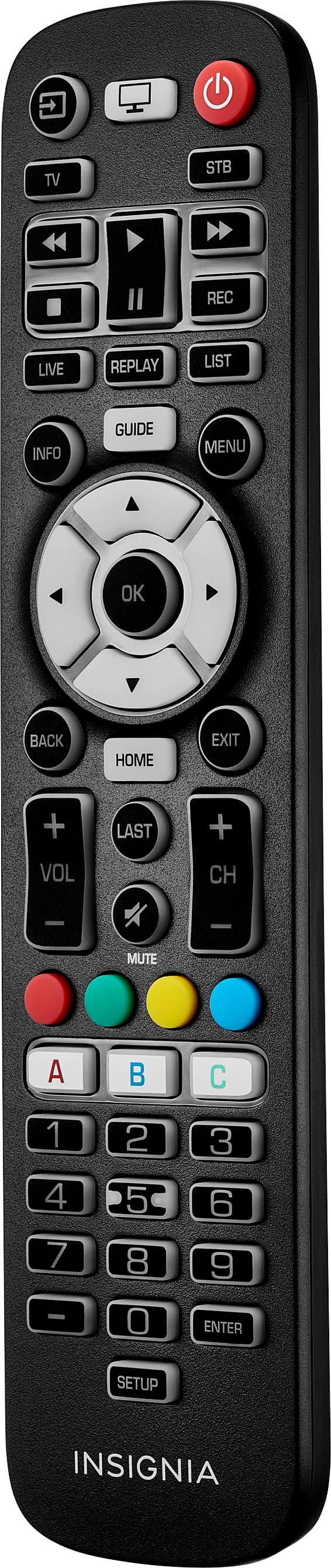
A:AnswerHi Deb,
Yes, it will work. If you have any questions or concerns, please use the link below to reach us and also you can contact this phone number 877-467-4289 for further assistance.
Insignia Products
Nikki
Please visit https://www.bestbuy.com/site/insignia-3-device-universal-remote-black/6495829.p?skuId=6495829
A:AnswerHi Pumpkin,
Any Smart Fire TV will not work with this remote. You can only use a universal remote control for Fire TV.
Shai | Insignia Support
https://www.bestbuy.com/insignia
A:AnswerHi Marj,
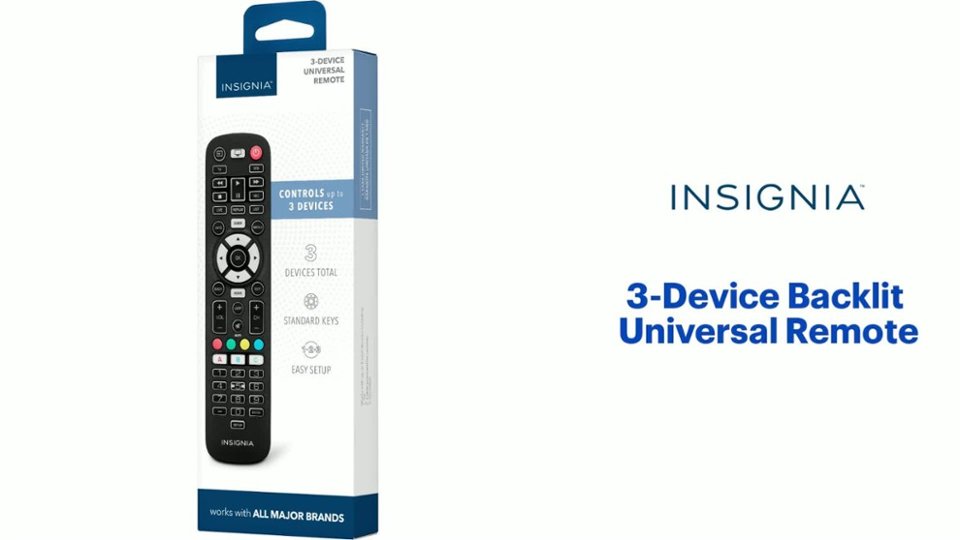
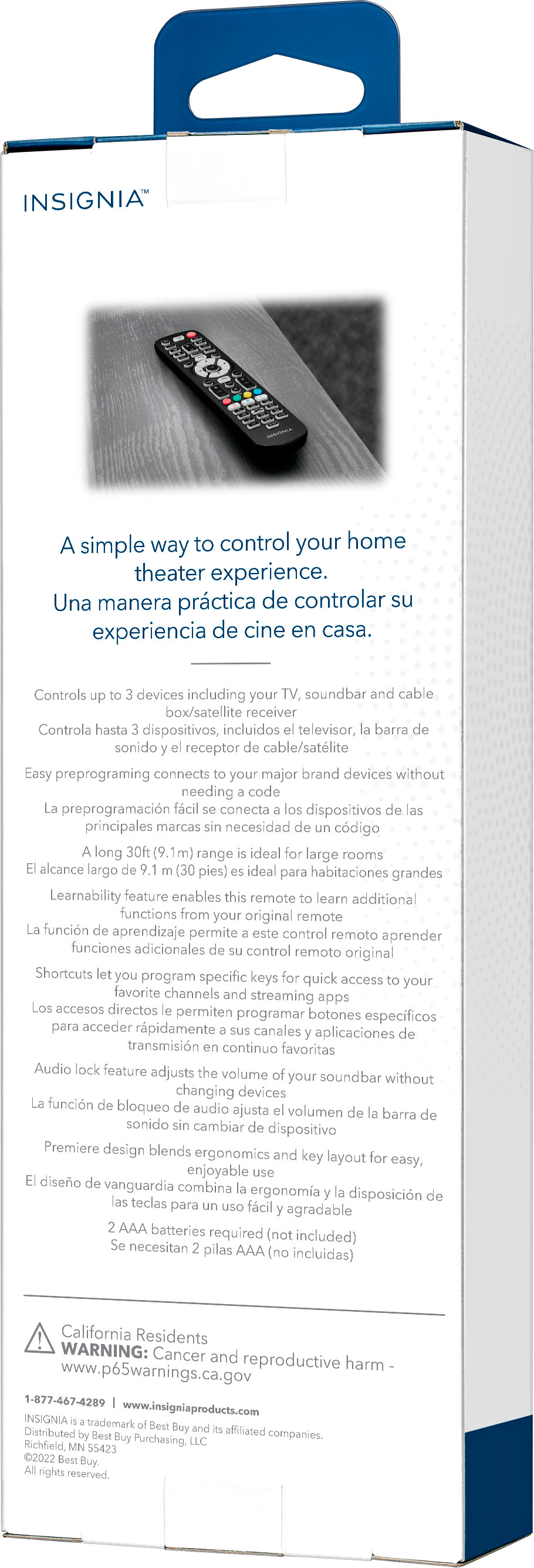
This remote is compatible with nearly all major brands like Most TVs, soundbars, cable boxes/satellite receivers and media players. It also offers easy preprogramming for an effortless pairing that won’t require any codes. And you can even set up your remote to adjust your soundbar volume without changing devices, giving you full control of your audio. Program the remote with your favorite apps, using it to open your most-used streaming services. For more product details, please visit https://www.bestbuy.com/site/brands/best-buy-brands/pcmcat1596746025285.c?id=pcmcat1596746025285

Insignia Support
https://www.bestbuy.com/site/brands/best-buy-brands/pcmcat1596746025285.c?id=pcmcat1596746025285
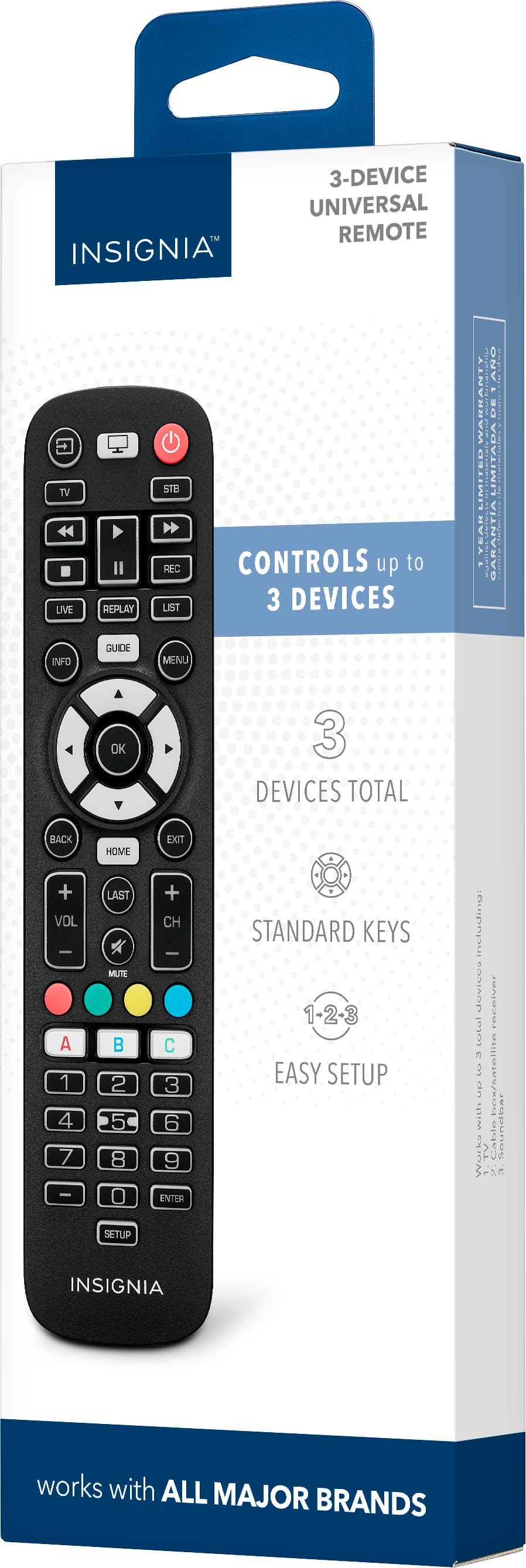
A:AnswerHello Manny,
The product will not work on Fire Stick device.
Insignia Support
Molina
https://www.bestbuy.com/site/brands/best-buy-brands/pcmcat1596746025285.c?id=pcmcat1596746025285
A:AnswerHi Jpatt,
Yes, this remote will work and compatible with any Insignia TV.
Insignia Support
Shella
https://www.bestbuy.com/site/brands/best-buy-brands/pcmcat1596746025285.c?id=pcmcat1596746025285
A:AnswerHi there!
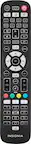
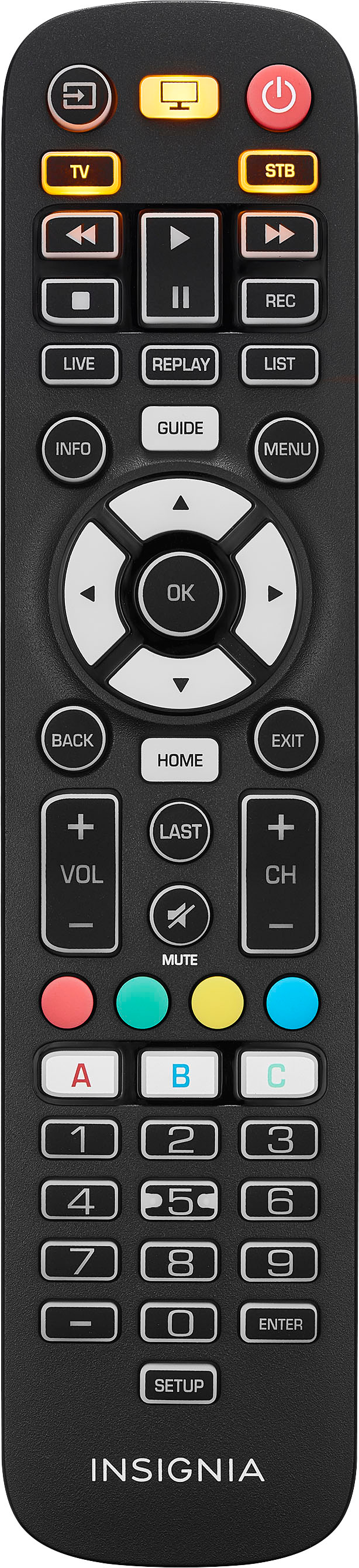
This remote is compatible with nearly all major brands and offers easy preprogramming for an effortless pairing that won’t require any codes. It controls up to 3 devices like TV, soundbar, cable box/satellite receiver and media players. It has a 30 ft. (9.1 m) range.
Insignia Support
Angela
www.insigniaproducts.com/support
A:AnswerI have same problem. I think the remote sensor on the front of the tv and the sensor on the remote get dirty. Usually helps if I wipe off the sensors.
A:AnswerHi there!
This remote controls up to 3 devices like TVs, soundbar, cable box/satellite receiver and media players.
Insignia Support
Angela
www.insigniaproducts.com/support
A:AnswerHi there,
Please make sure that you've checked the batteries on the remote to see if they're properly installed.
Shai | Insignia Support
https://www.bestbuy.com/insignia
A:AnswerHello Sully,
I'm afraid you need the original remote control to proceed with reordering the apps. For more questions and product support you may contact our customer service at 1-(877)-467-4289 Monday to Saturday 8am - 9pm CST.
Chelsea
Insignia Support
Please give us a visit at: https://www.bestbuy.com/site/brands/best-buy-brands/pcmcat1596746025285.c?id=pcmcat1596746025285

A:AnswerHi Sal77,
For further assistance with troubleshooting with your Insignia devices, please contact us via email or call our customer service at 1-(877)-467-4289 Monday to Saturday, 8 a.m.–9 p.m. CST.
Shai | Insignia Support
https://www.bestbuy.com/insignia