A:AnswerHi Con,
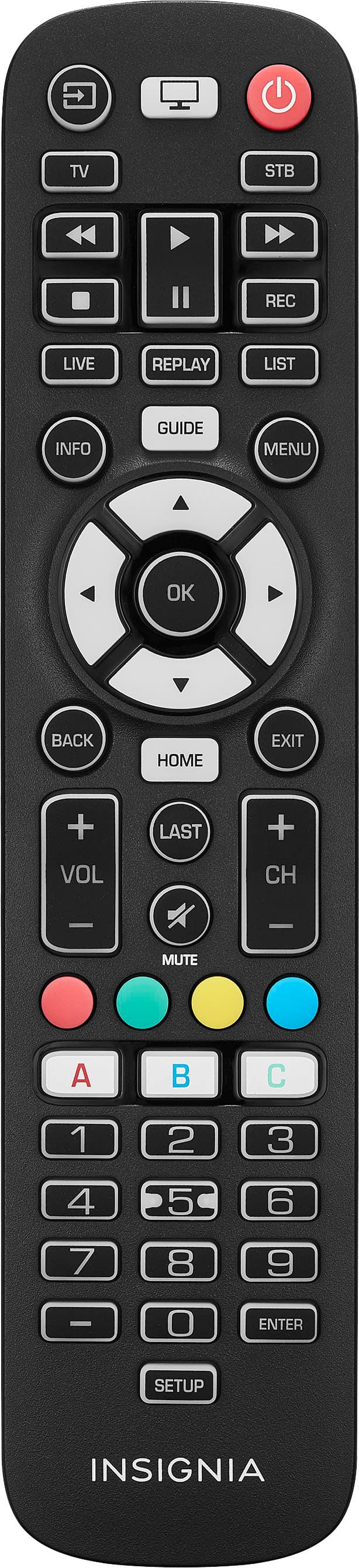
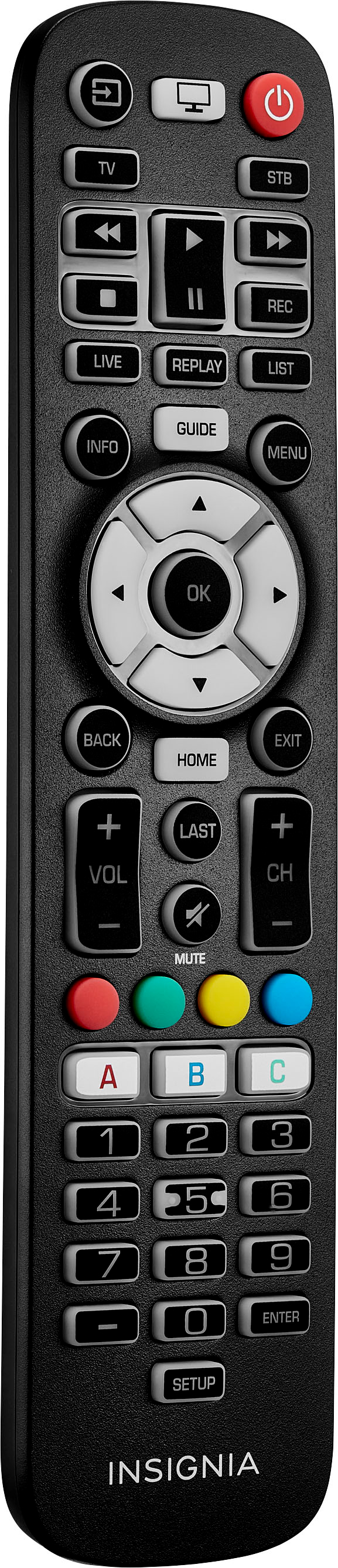
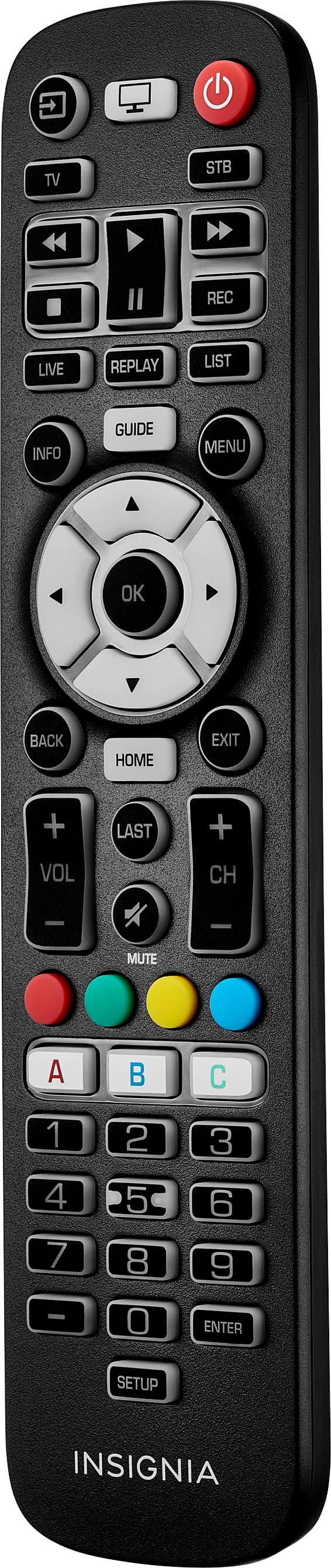
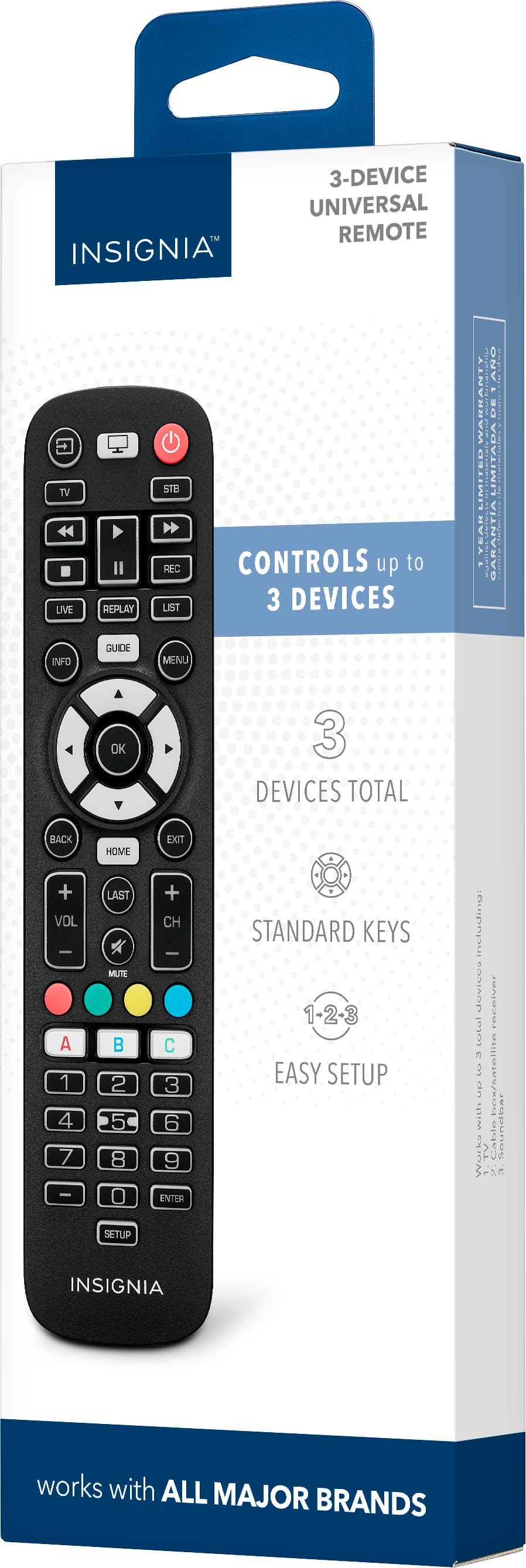
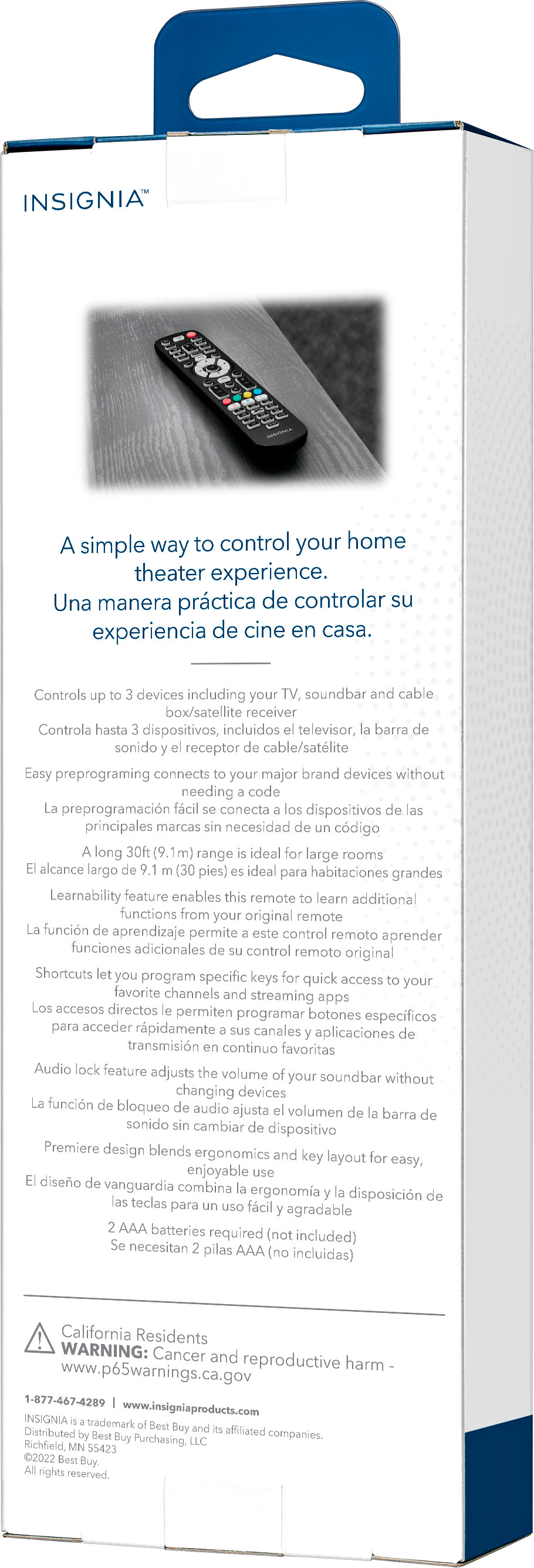
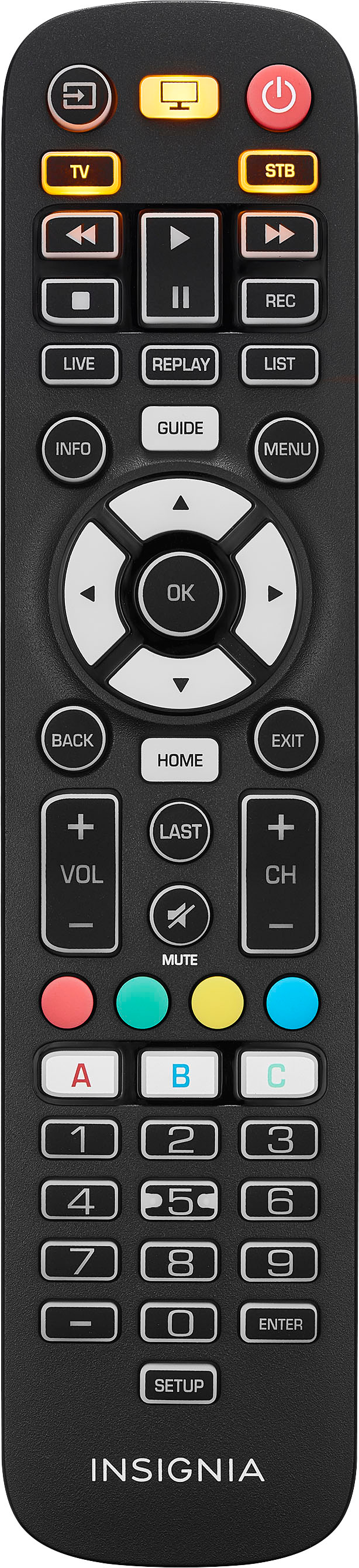
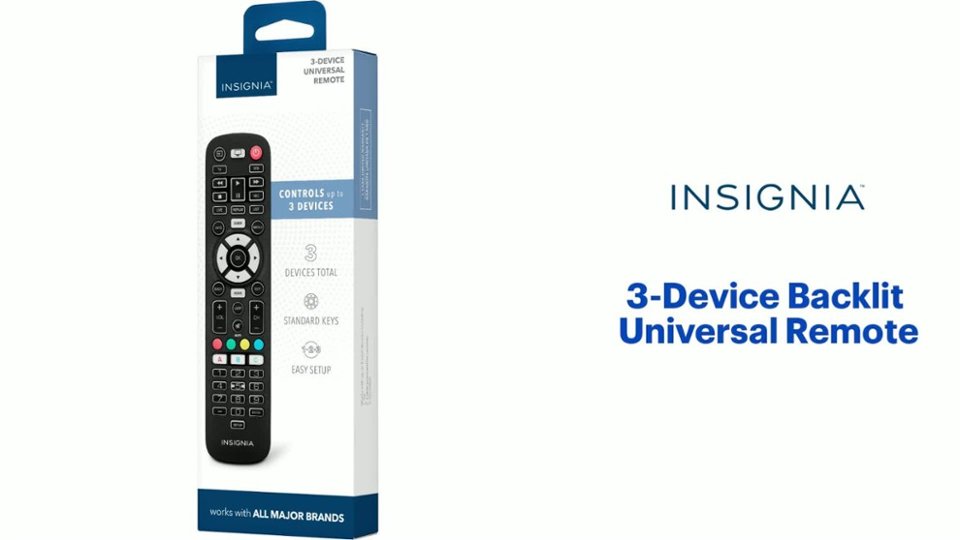
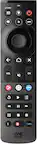
Our remote is compatible with nearly all major brands and offers easy preprogramming for an effortless pairing that won't require any codes. If you have any questions or concerns, please use the link below to reach us and also you can contact this phone number 877-467-4289 for further assistance.
Insignia Products
Nikki
https://insigniaproducts.com
A:Answerits not working with my tv, I will take it back too the store on two notch road ,my tv is a Sylvania .I was trying to scramble the channels in on my tv. not working .help!
A:AnswerThat is depending on the TV Model, some having an Input key what alters between the inputs and when you stop e.g., on HDMI 2 it will change to that Input. Others provide a Input Menu and you will be able to select by going right or left and press OK or ENTER. Below you find Info in case there is no physical Input Button on the TV:
Changing the Input
One of the most common questions is if it’s possible to change the input on an LG TV without using a remote control. Unfortunately, for now, it’s not possible to do this. That’s why we’ll show you the quickest way to change the input on your TV with your remote control.
Turn on your LG TV and open Home Screen.
Open the Inputs menu on the top right corner, using your remote control.
You’ll now see a list of all connected devices.
Select the input you want to use.
Confirm