A:AnswerNo. According to the User Manual I found on the Olympus website, you need an HDMI D cable. Unless the computer you are connecting to has an HDMI port, you will need to purchase a replacement from Olympus.
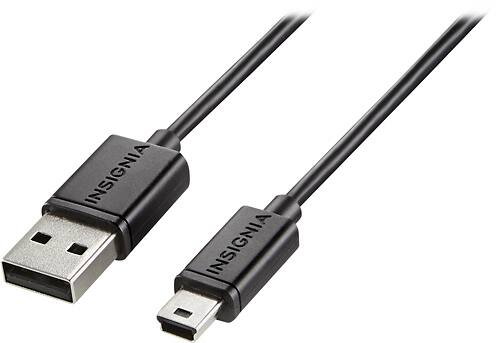
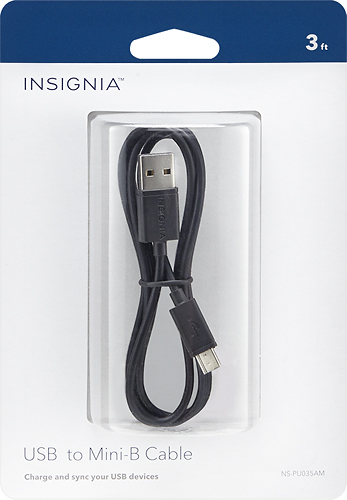
A:AnswerIf the printer uses a mini- B type USB cable you would be able to connect the two devices using this cable but that may not allow them to operate together. I would recommend speaking with Pixma for assistance on how to connect the printer to your network.
A:AnswerAll USB 3.0 Ports are backwards compatible with USB 2.0. Your old cable should work unless it is damaged. This cable will work to connect a USB mini type a to either a USB 2.0 or USB 3.0. (it is a 2.0)