A:AnswerYes it does, Nontech. I have one of those too (at 88) who wouldn't be able to work it 5 minutes after I showed her the 100th time. Good luck with yours. Mine loves the larger picture and how bright it is, if that is any help?
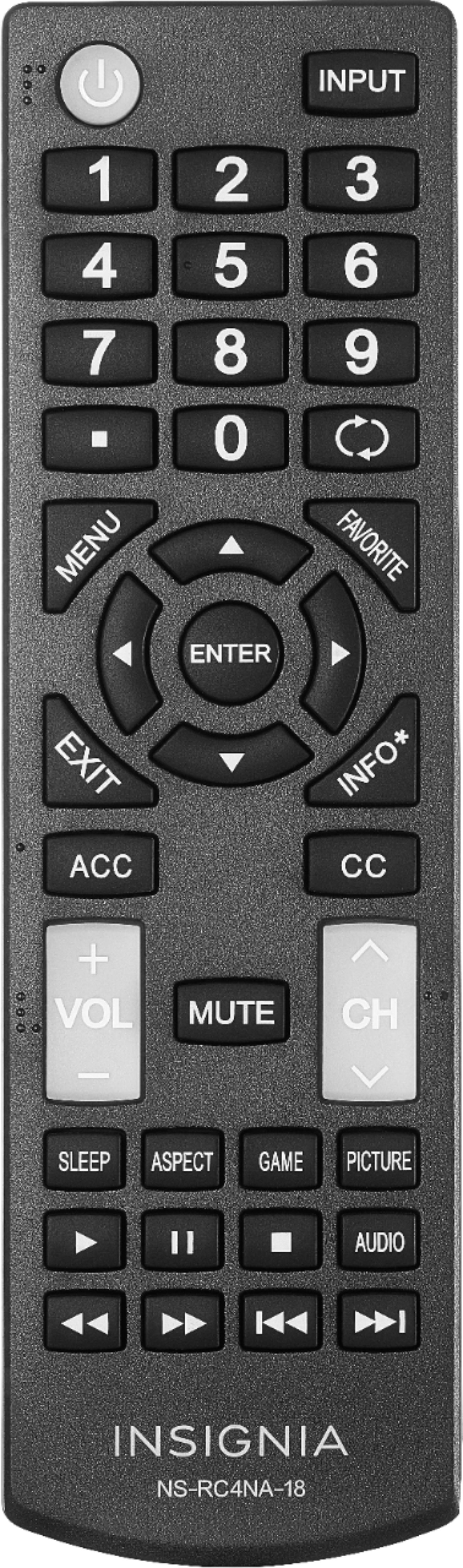
Most of the buttons are clearly displayed with a nice white number on a black button, and the numbers input is larger than the other buttons. Volume and Channel Up/Down are transluscent with the white lettering and are large (3 times the height of the number buttons) and right in the middle to each side, easy to work with a thumb from either hand.
I only have a DVD hooked up to this TV, so I can't say about switching through channels. No signal in the valley of ski mountains here, nearest recption is 45 miles line of sight through the mountains. ;^)
A:AnswerHello, Maureen.
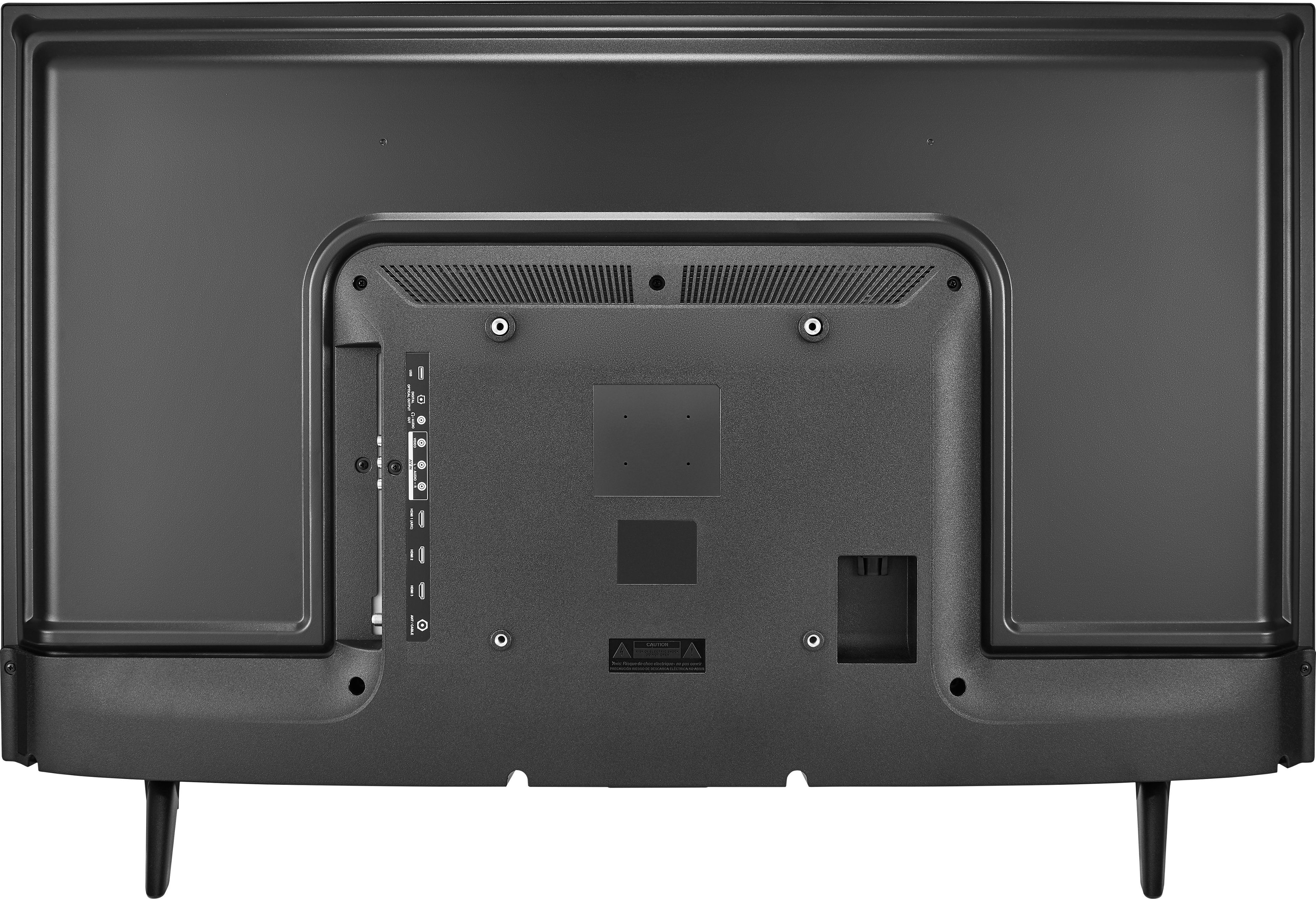
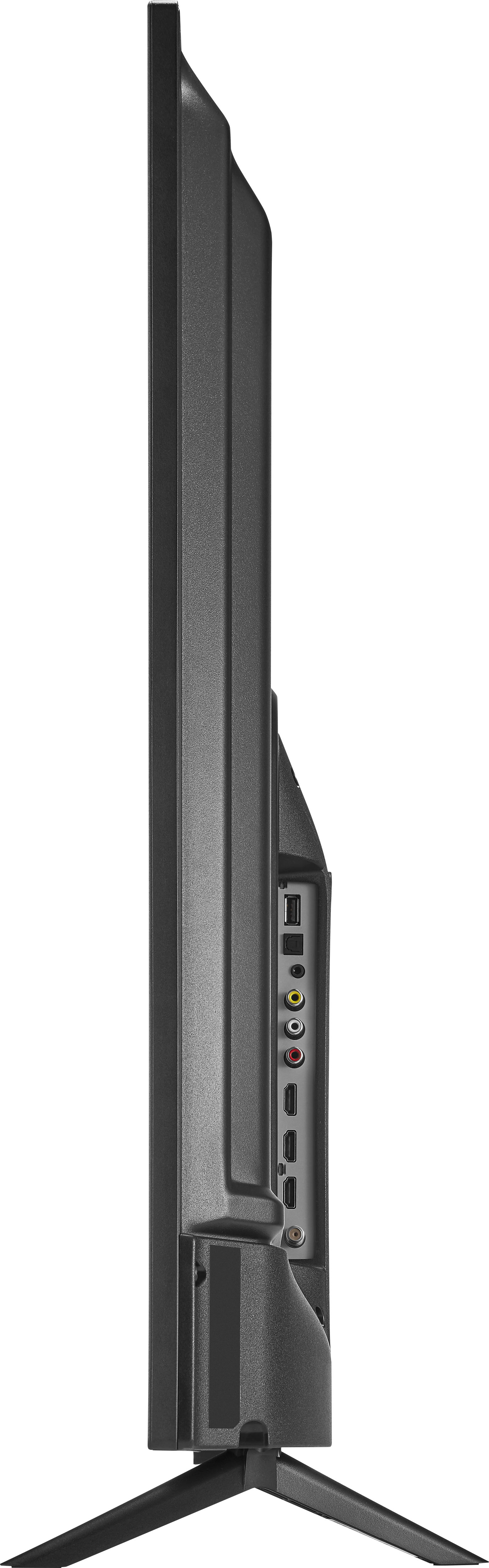
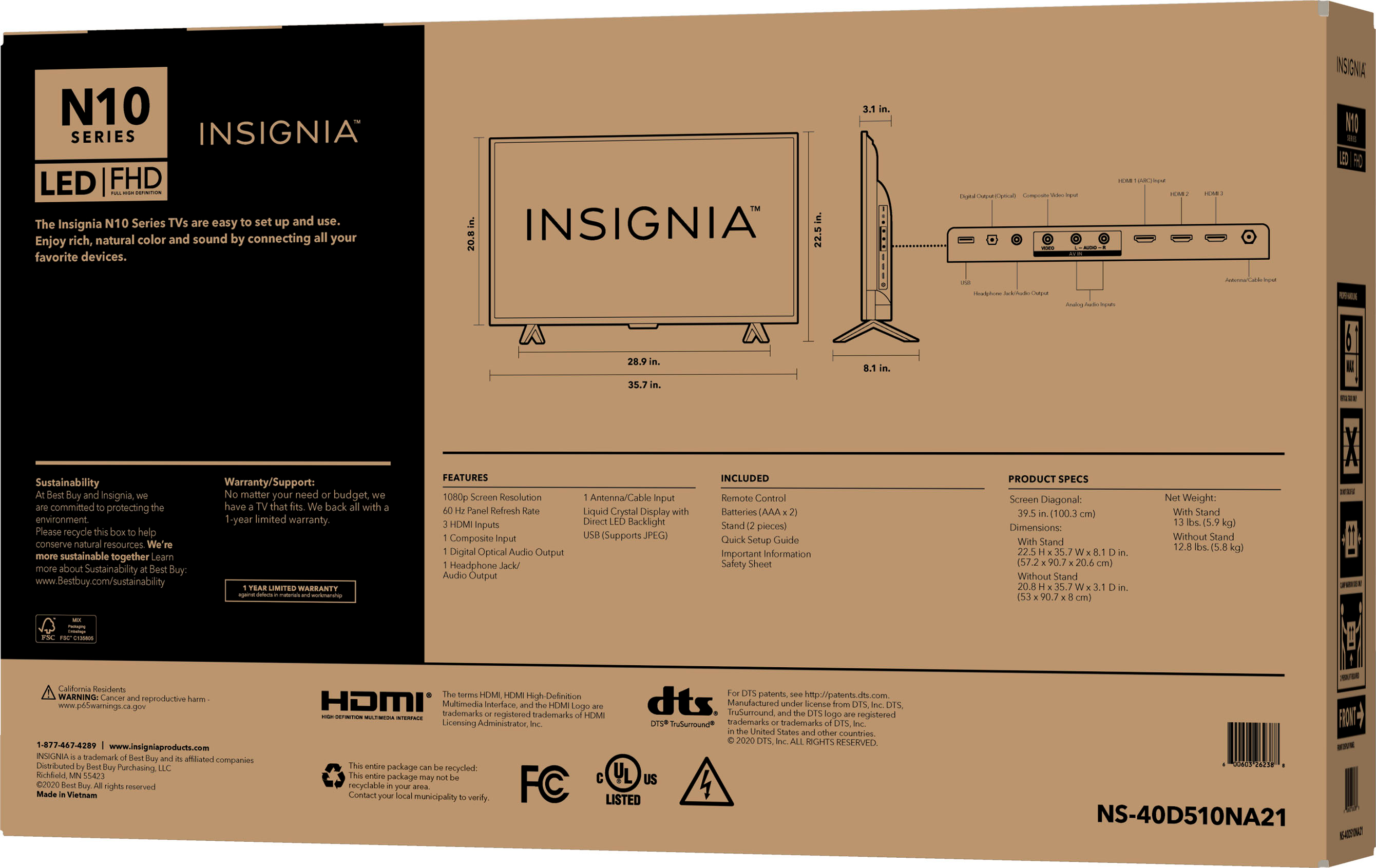
Yes, it does come with a nicely layed-out remote control, but no other cables (HDMI, Digital Audio, Composite-Red-White-Yellow, 3.5mm stereo analog audio output, or USB 2.0 cable.) Power cable is attached to the TV.
A:Answersounds like the signal input isn't correctly set , is it possible that you have tv set up to receive from antenna but are connected to cable ?????
A:AnswerSorry, I answered the question for the wrong item when I said That it was Matt White on one side and Matt black on the other.
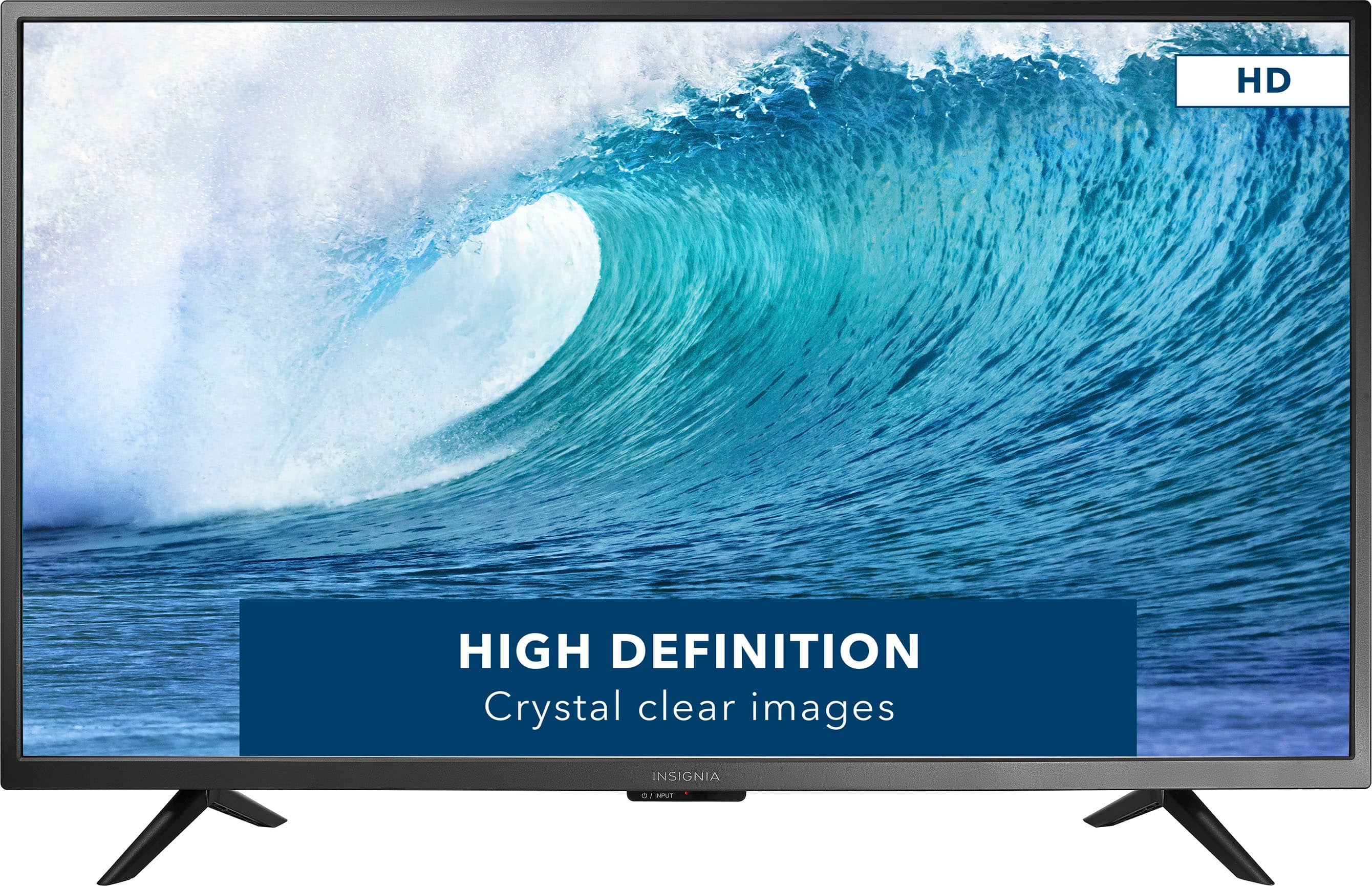
The TV screen is someone mat.
A:Answerit means that odds are that a store didn't have one on display , so they were nice enough to open one so customer could see exactly what it was.
A:AnswerYou will need a VGA to HDMI convertor and you will be able to use this as a computer monitor. You will need to make some adjustments to the display settings but it will work.