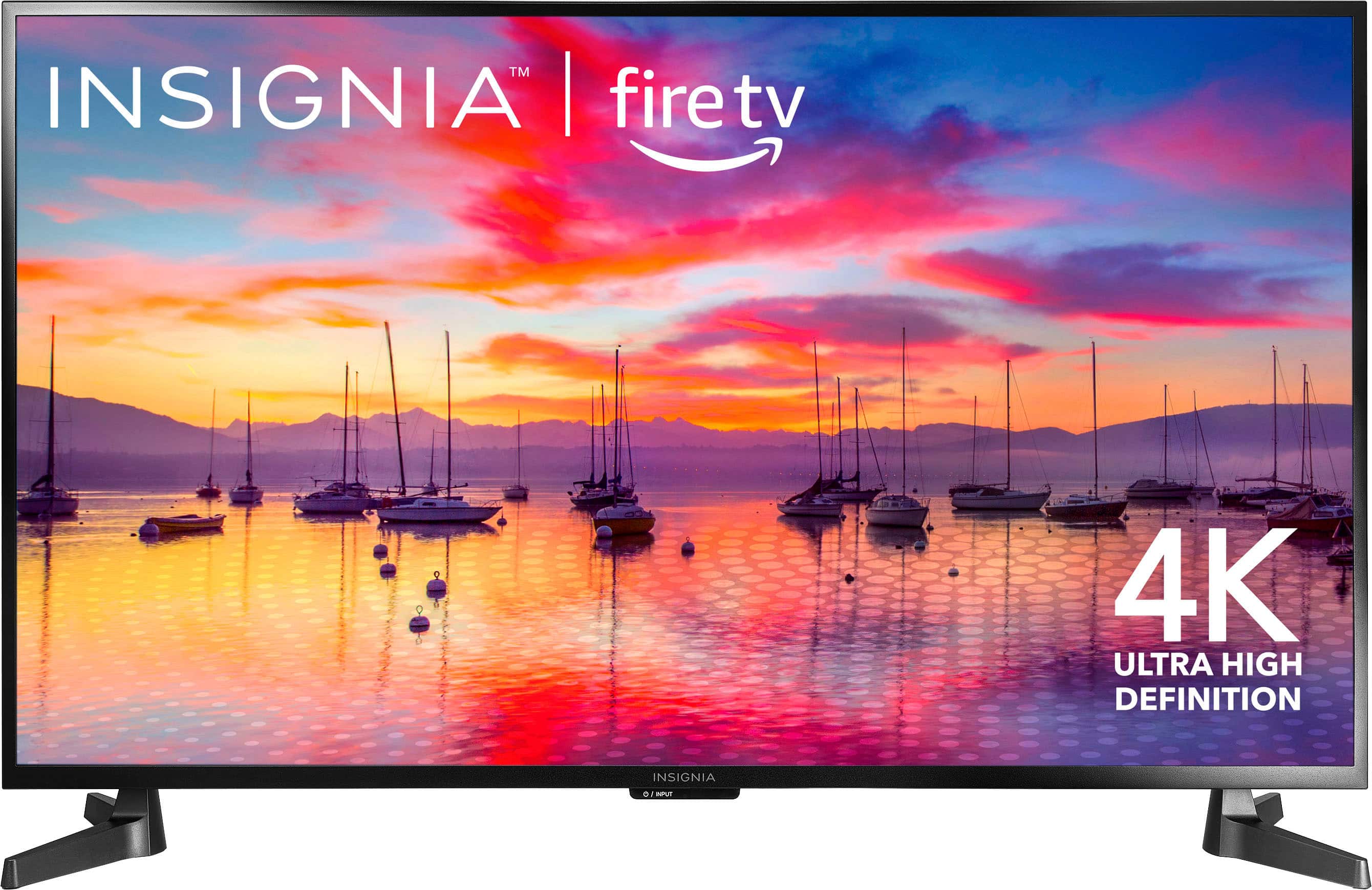
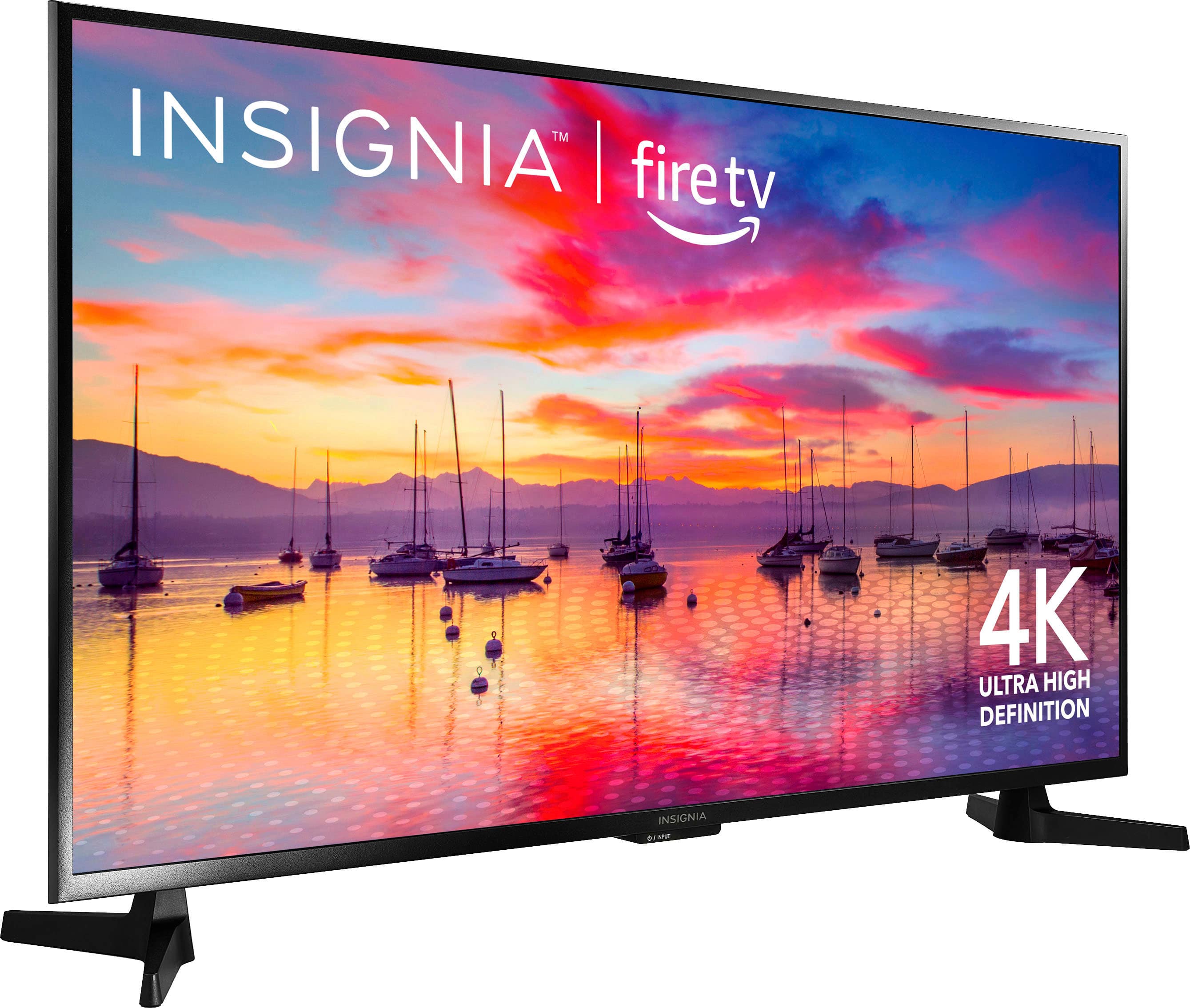
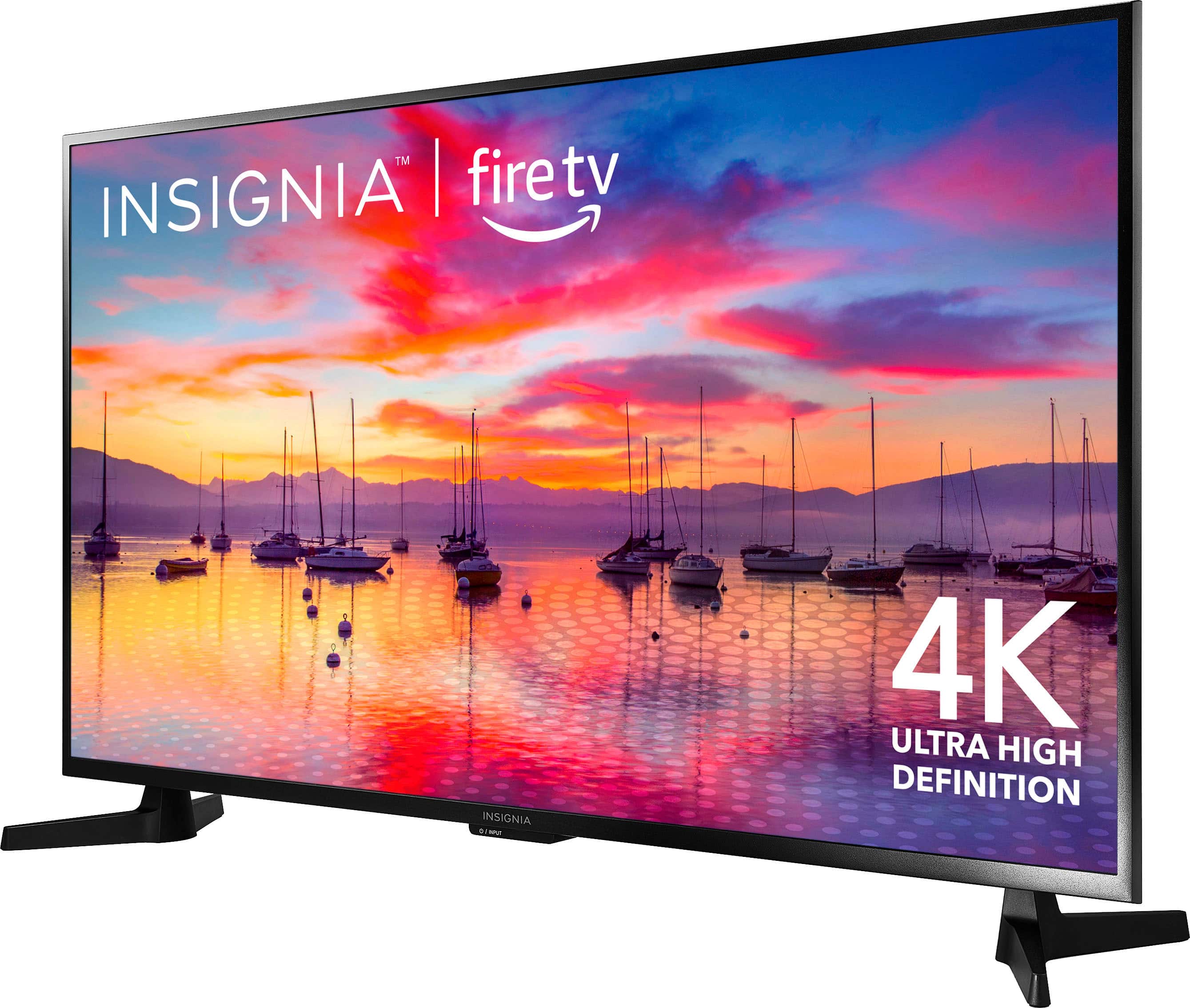
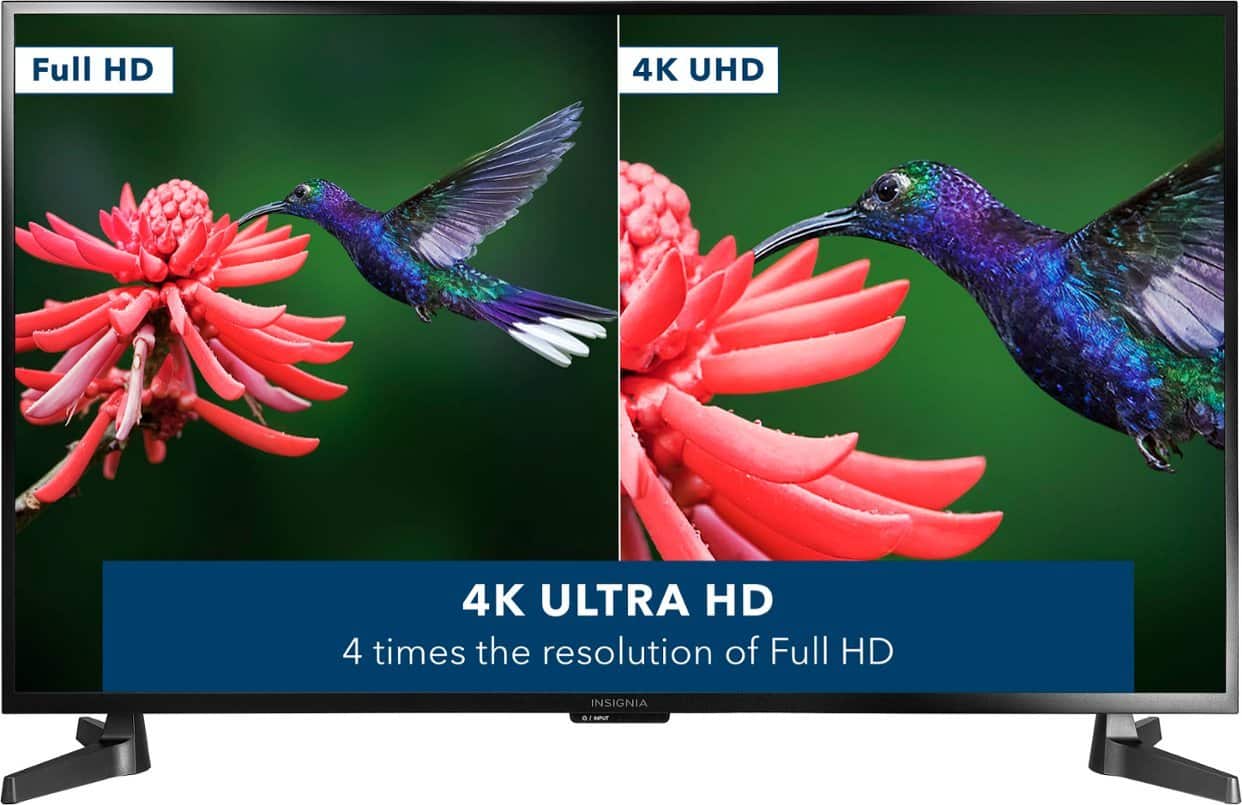
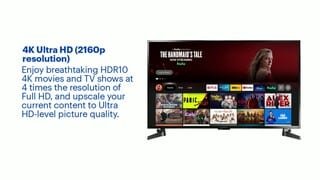
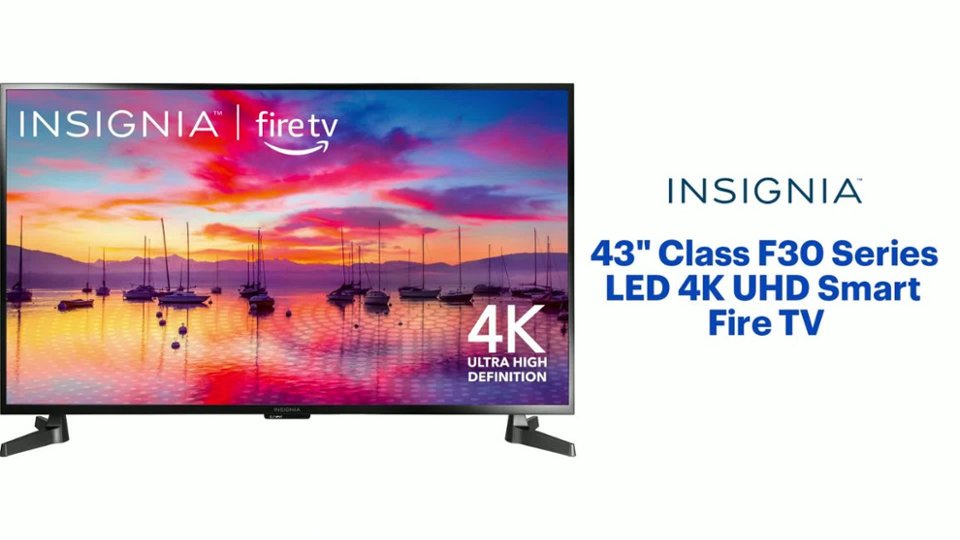
A:AnswerThe Insignia™ - 43" Class F30 Series LED 4K UHD Smart Fire TV is a decent option for gaming on Xbox Series X, but it does have some limitations. The TV has a 4K resolution and supports HDR, which can provide a great visual experience for gaming. However, it has a 60Hz refresh rate and a relatively high input lag, which may not be ideal for fast-paced or competitive gaming.
The Xbox Series X is capable of outputting 4K resolution at up to 120Hz and supports features like Variable Refresh Rate (VRR) and Auto Low Latency Mode (ALLM). While the Insignia F30 Series TV can take advantage of the 4K resolution, it does not support VRR or ALLM, and its 60Hz refresh rate may limit the smoothness of gameplay.
In summary, if you're a casual gamer or prefer single-player games with less emphasis on fast-paced action, the Insignia F30 Series TV should provide a satisfactory gaming experience on the Xbox Series X. However, if you're a competitive gamer or enjoy fast-paced games, you may want to consider a TV with a higher refresh rate and lower input lag for a more responsive gaming experience
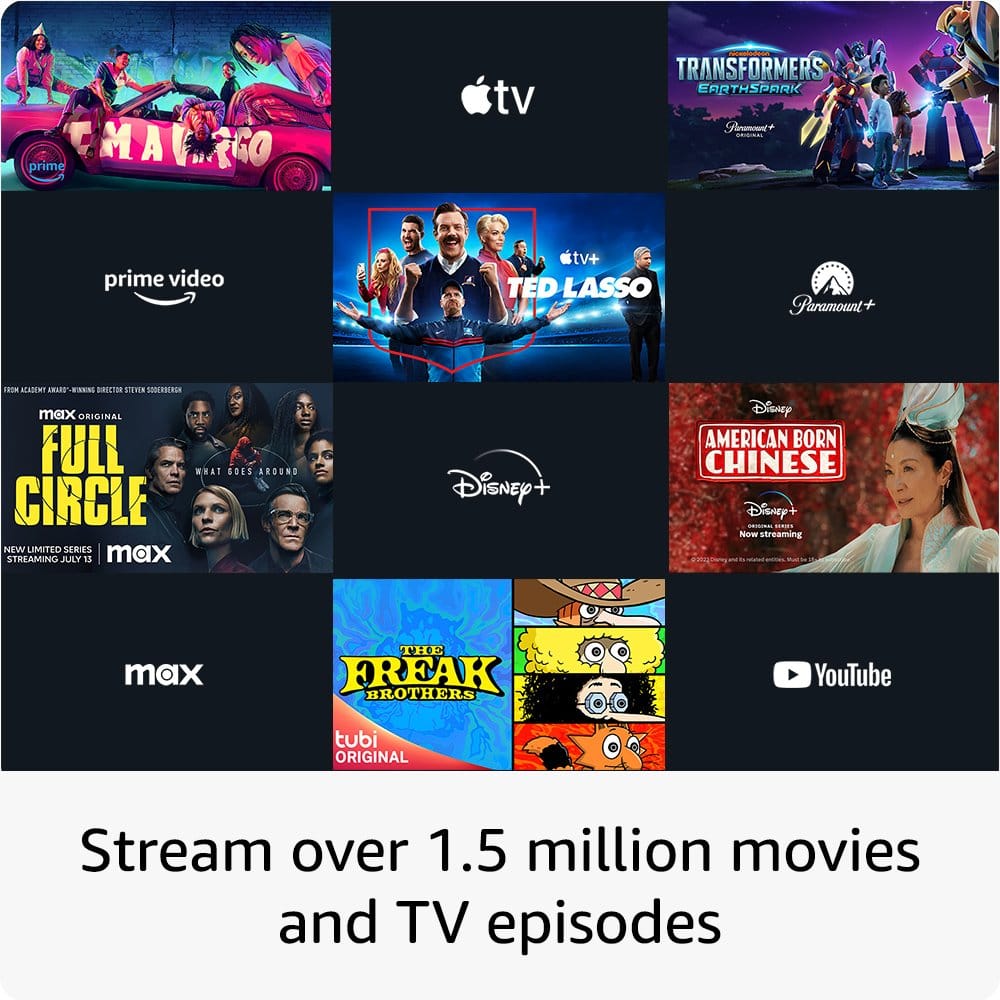
A:AnswerYes, the Insignia™ - 43" Class F30 Series LED 4K UHD Smart Fire TV can access apps via the internet without the need for a cable TV subscription or an Apple TV box. The TV comes with the Fire TV platform built-in, which allows you to download and use various streaming apps such as Netflix, Hulu, and Disney+, among others. You can connect the TV to your home Wi-Fi network to access these apps and stream content directly to your TV.
A:AnswerAccording to the yellow sticker that was stuck r to the outer frame of my TV. With 5 hours use daily it shouldn't cost (on average) anymore than $28 a year. If the cost per
kilowatt doesn't fluctuate too much. Watt usage and voltage are on a label on the back of TV.
A:AnswerThank you for your inquiry! The Insignia™ 43" Class F30 Series LED 4K UHD Smart Fire TV typically includes a stand in the package. The stand allows you to place the TV on a flat surface, such as a TV stand or table. The package usually contains the stand components, screws, and instructions for assembly. However, it's always a good idea to check the product details or the manual that comes with the TV for confirmation. If you prefer wall mounting, you will need to purchase a compatible wall mount separately. Keith | Insignia Support https://www.bestbuy.com/site/insignia-43-class-f30-series-led-4k-uhd-smart-fire-tv/6562495.p?skuId=6562495
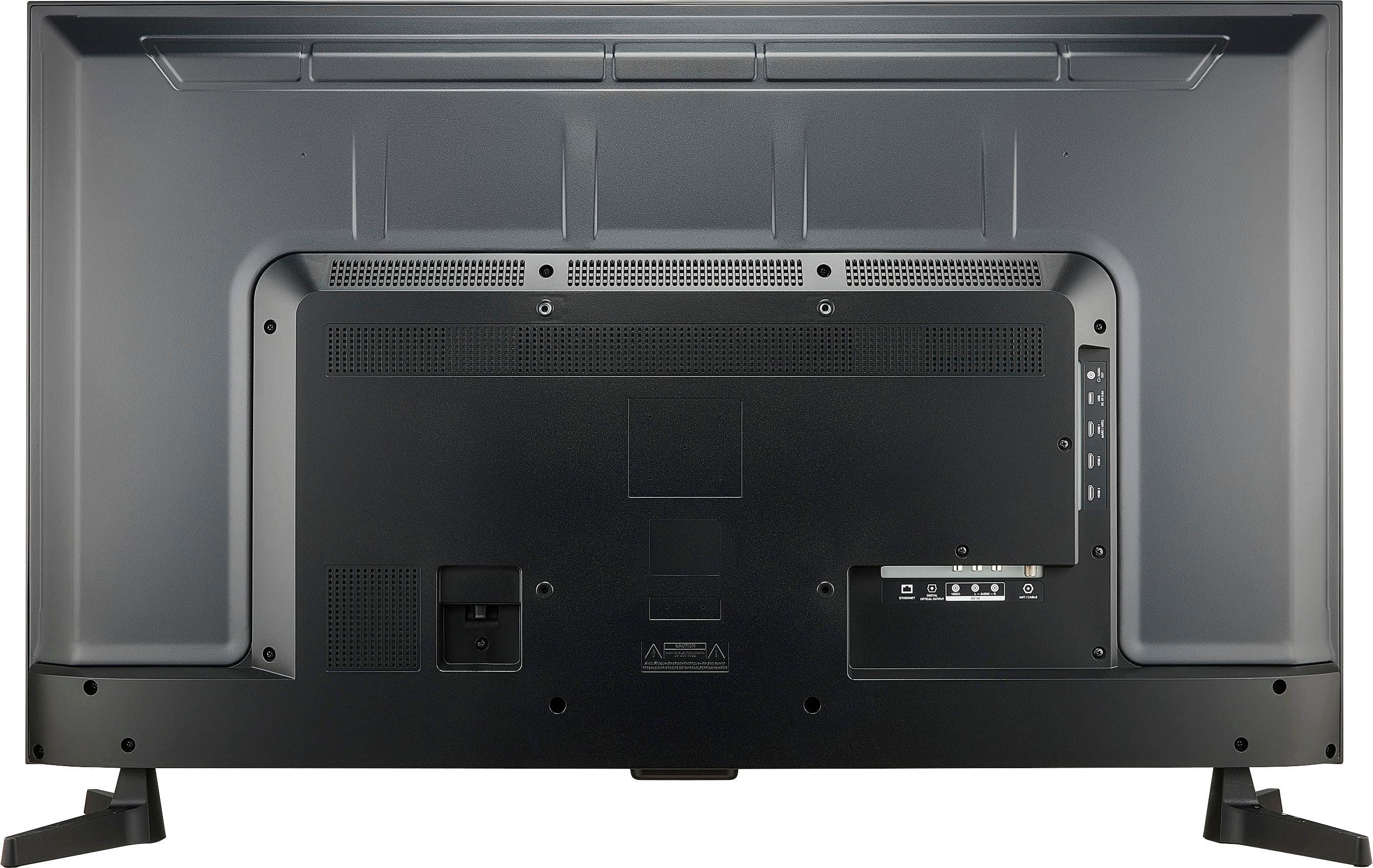
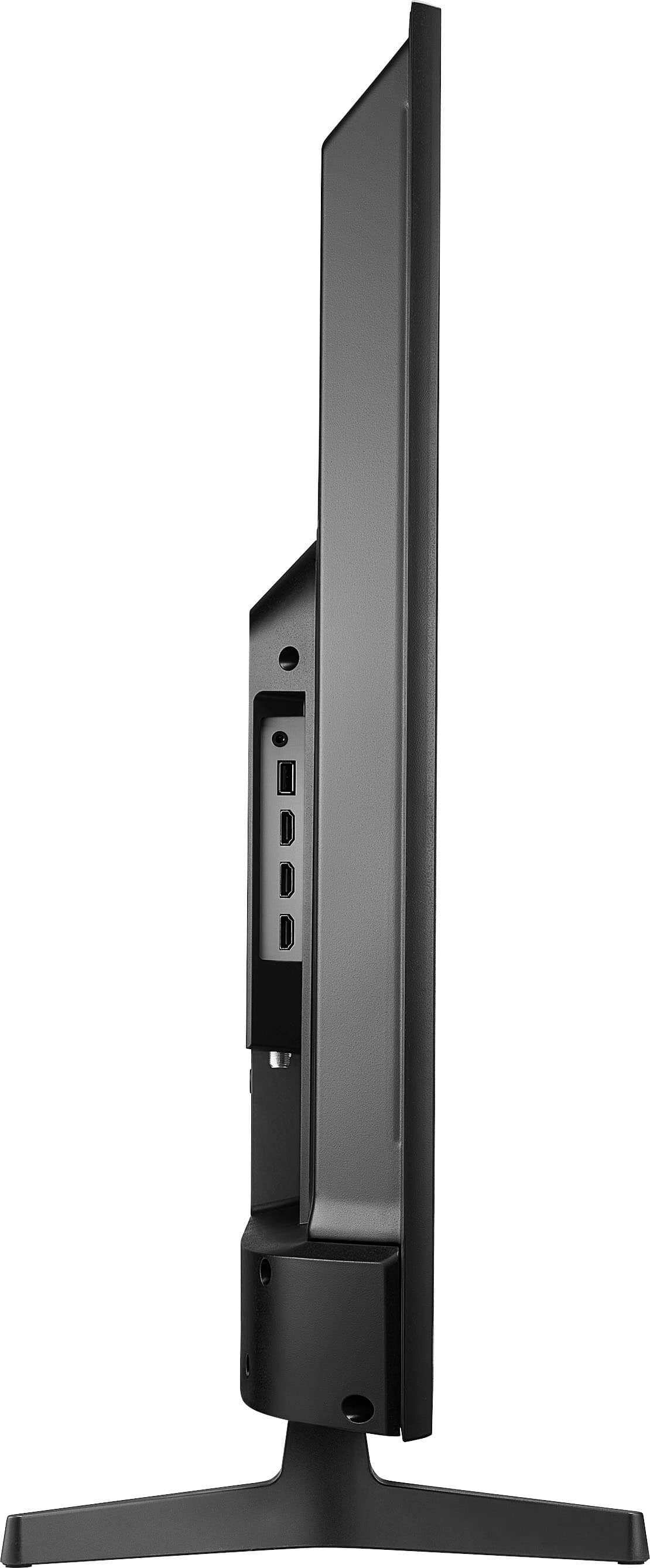
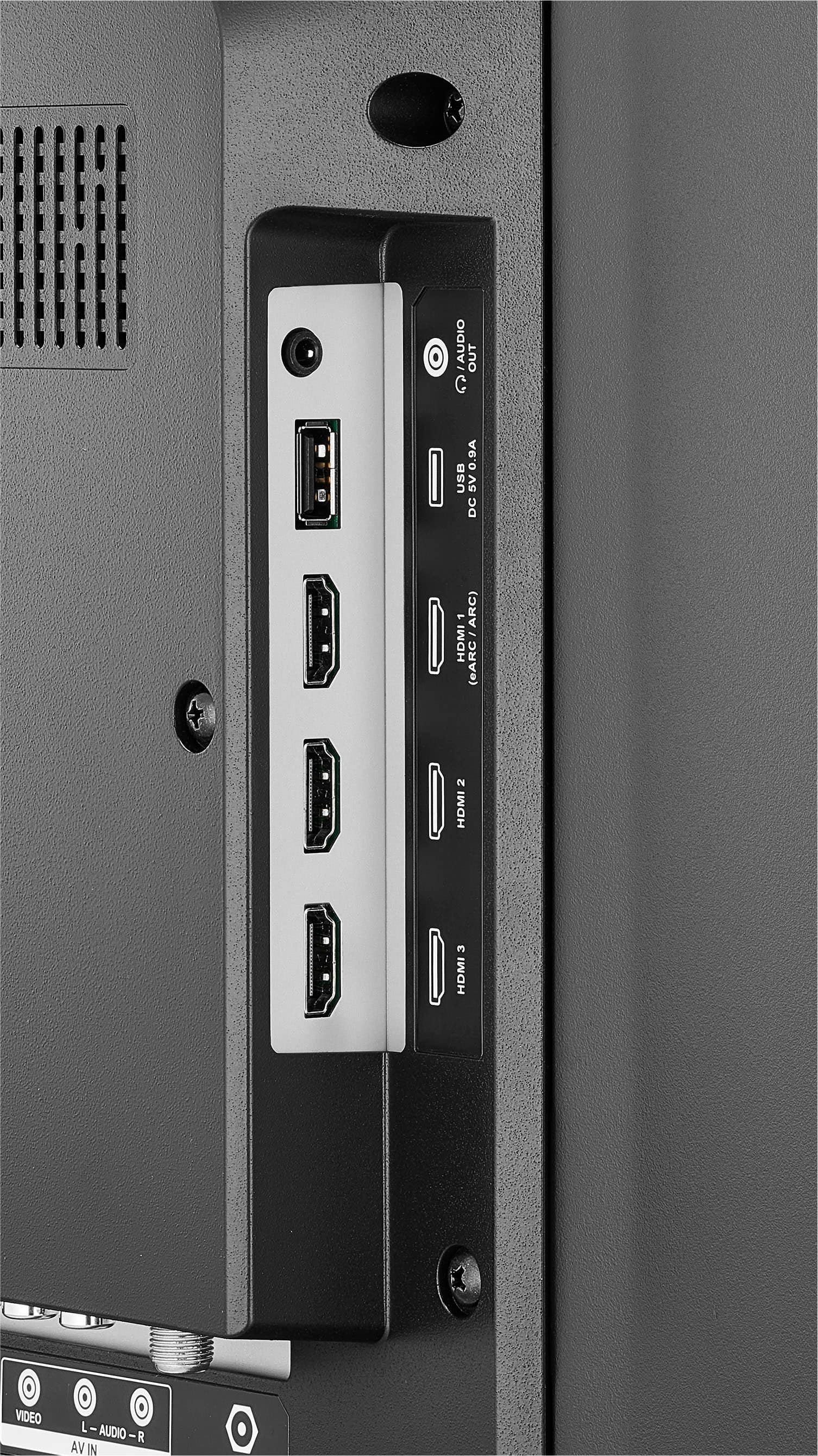
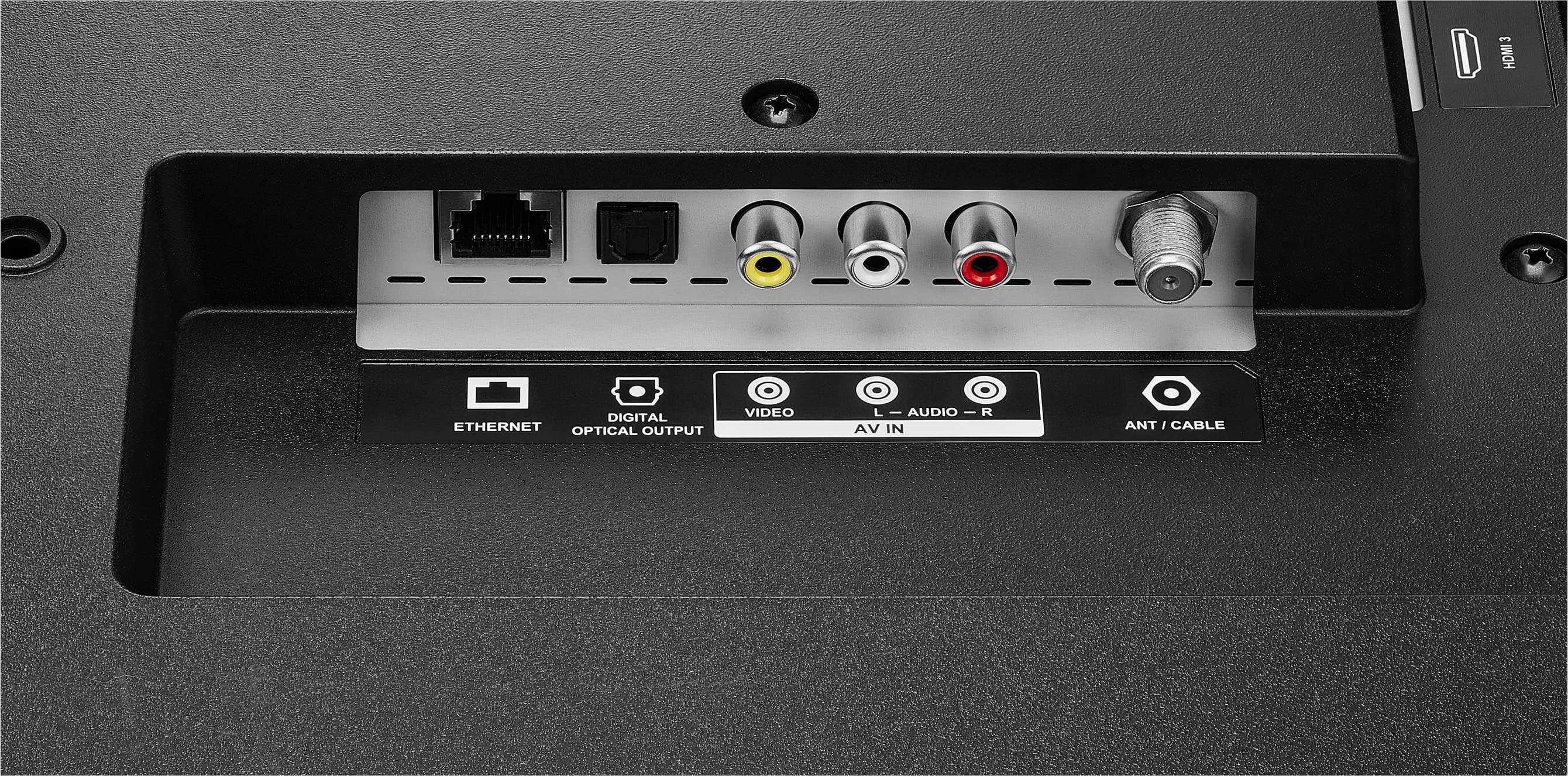
A:AnswerYes it does, but the coaxial cable/antenna input jack on the back of this TV is facing straight down so you'll probably also need to get either a right-angle coaxial adapter or an extension cable if the coaxial plug on your indoor antenna is in a fixed position.
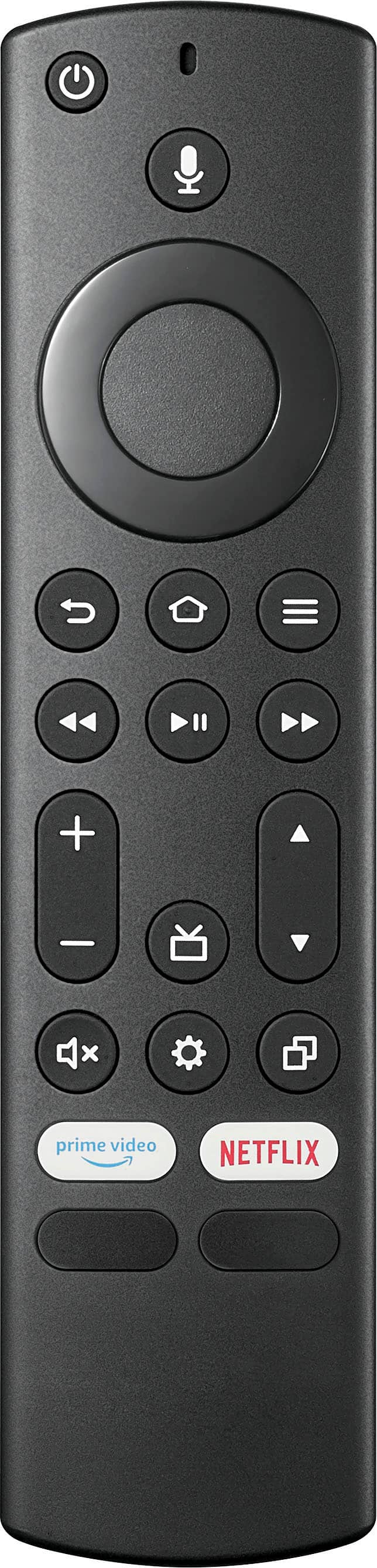
A:AnswerYes, Bout2Buy, the fire TV has a sleep timer especially this Insignia™ - 43" Class F30 Series LED 4K UHD Smart Fire TV. To access the sleep timer on the TV, you can press and hold the Home button until the quick settings menu opens. Select the sleep timer, then change it too on/off. Patricia | Insignia Support https://www.bestbuy.com/site/brands/best-buy-brands/pcmcat1596746025285.c?id=pcmcat1596746025285
A:AnswerHi, thank you for bringing this to our attention. When enabled, your TV turns on displaying the last used input. Go to "Settings" > "Display and Sound" > "Power Controls" > "Power On" > and select "Last Input". Press "Home" > "Settings" > "Inputs" > and select either "HDMI 1", "HDMI 2", or "HDMI 3". Power the TV off and power it back on to validate the resolution. Patricia | Insignia Support https://www.bestbuy.com/site/insignia-43-class-f30-series-led-4k-uhd-smart-fire-tv/6562495.p?skuId=6562495
A:Answermy 2021 has a larger back panel area that goes all the way to the top edge, (this one stops halfway up the back) I think the back light would be better on the older 2021 model as (the working area with the mainboard in it, covers about the whole backside)
where this one only covers half the backside and is smaller area for the working parts to be in, but smaller working area does not always mean less quality, but they are shrinking the inner workings behind the back panel. Mine works great, no issues, plenty fast processor, and (last channel button=list of last 6 channels watched saves time)
+ turn on enhanced bass sound mode + turn on dialog clarity mode to HIGH= great sound, then turn OFF all the amz snooping, go to preferences, then extra adds OFF, collecting data OFF, videos on home screen ads OFF, ect if you do all this and only load BASIC amz system at the very first startup, then if runs fast with min data collection and min ads. I have several Insignia Fire tv's and they all work great. Set backlight to 90%, contrast to 90% and BRIGHTNESS TO (-) MINUS 20 = sharper picture with better contrast, this will max up the less expensive set to look much better, at least with free web tv like Pluto, which runs a signal that can be as low as 480, or HD720 or FHD 1080i = interpolated, (not real 1080p) but computer generated FHD, only real 1080p is with computer monitors, not stock tv's. so there is a lot they dont tell you but, this is a SOLID TV with GREAT SOUND, and GREAT PICTURE for all the diff signals that are usually with web tv, If you Game and have real 4K, I'm not sure, have not tried that yet, (but looks great with vintage older games) + I have used a smaller 24" Insignia Fire tv without any internet at all and -0-amz setup, ONLY WITH free OVER AIR ANTENNA with CHANNEL SCAN, + for PC monitor, works great.
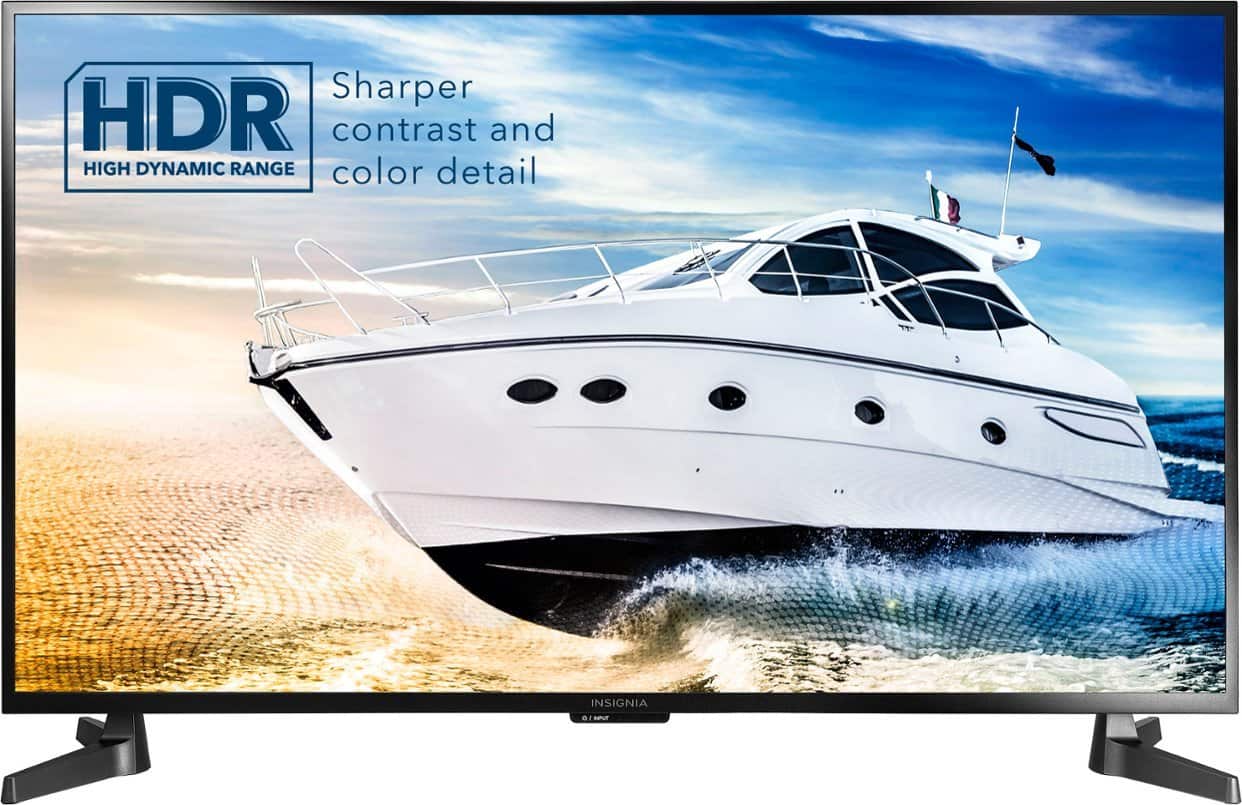
A:AnswerThe Insignia™ - 43" Class F30 Series LED 4K UHD Smart Fire TV does not support Dolby Vision. It supports HDR10, but not Dolby Vision or HDR10+.
If you have any questions or need further assistance, please don't hesitate to reach out. Thank you for choosing Insignia! - Emman | Insignia Support | https://www.bestbuy.com/site/brands/best-buy-brands/pcmcat1596746025285.c?id=pcmcat1596746025285
A:AnswerYes, you can use a Roku device with the Insignia™ - 43" Class F30 Series LED 4K UHD Smart Fire TV. Simply connect the Roku device to one of the HDMI ports on the TV and select the appropriate HDMI input using the TV remote. Patricia | Insignia Support https://www.bestbuy.com/site/insignia-43-class-f30-series-led-4k-uhd-smart-fire-tv/6562495.p?skuId=6562495