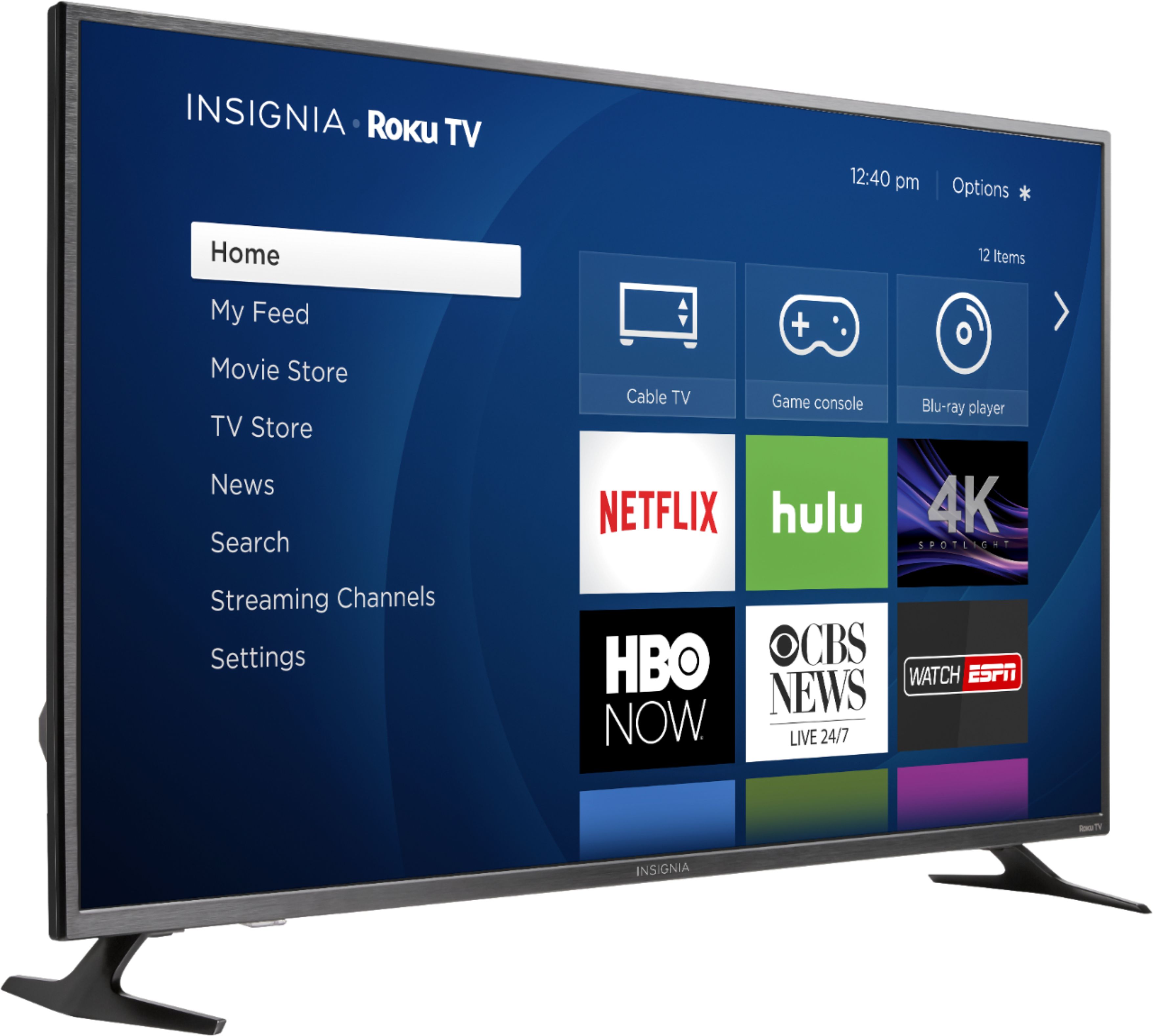
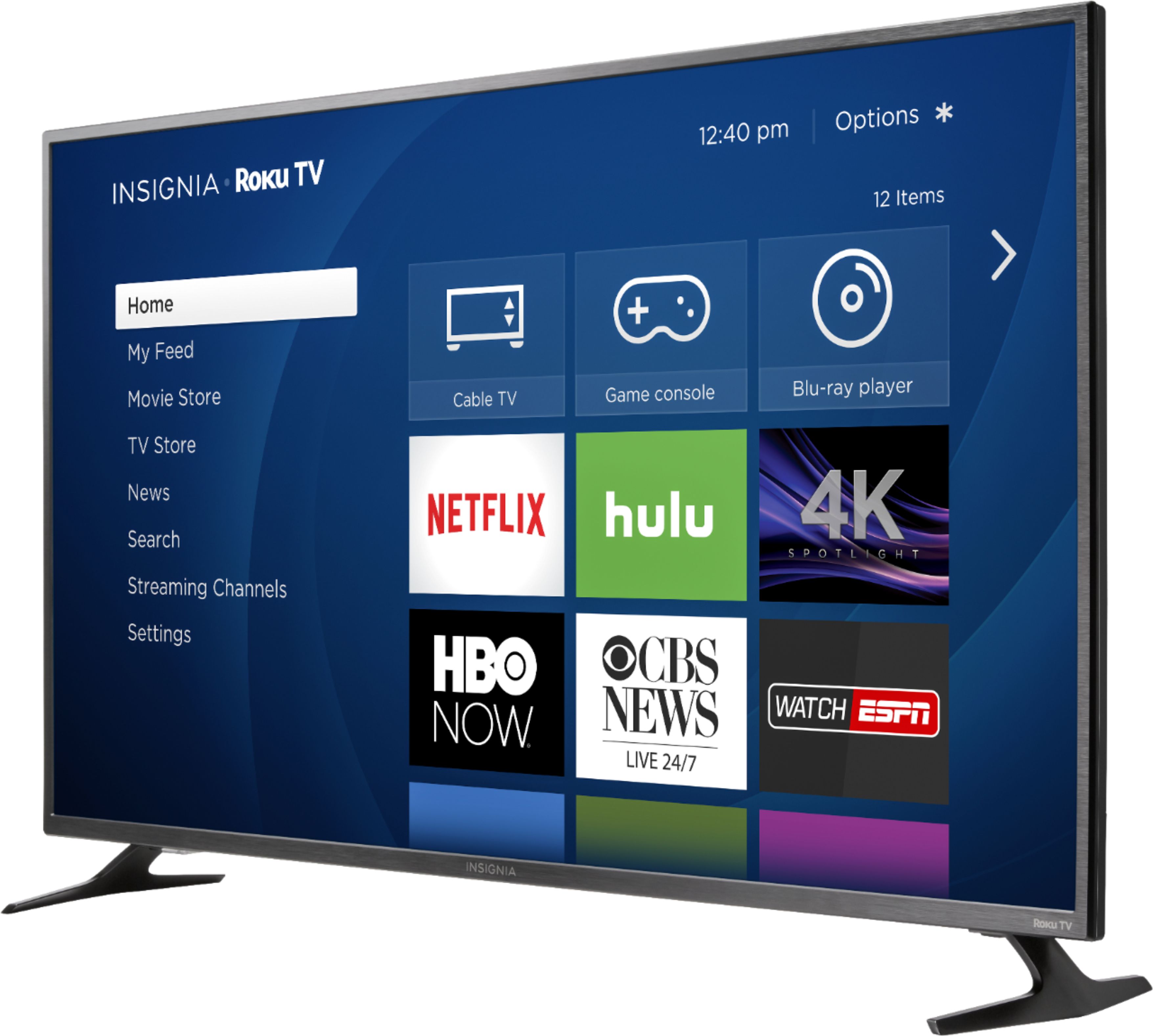
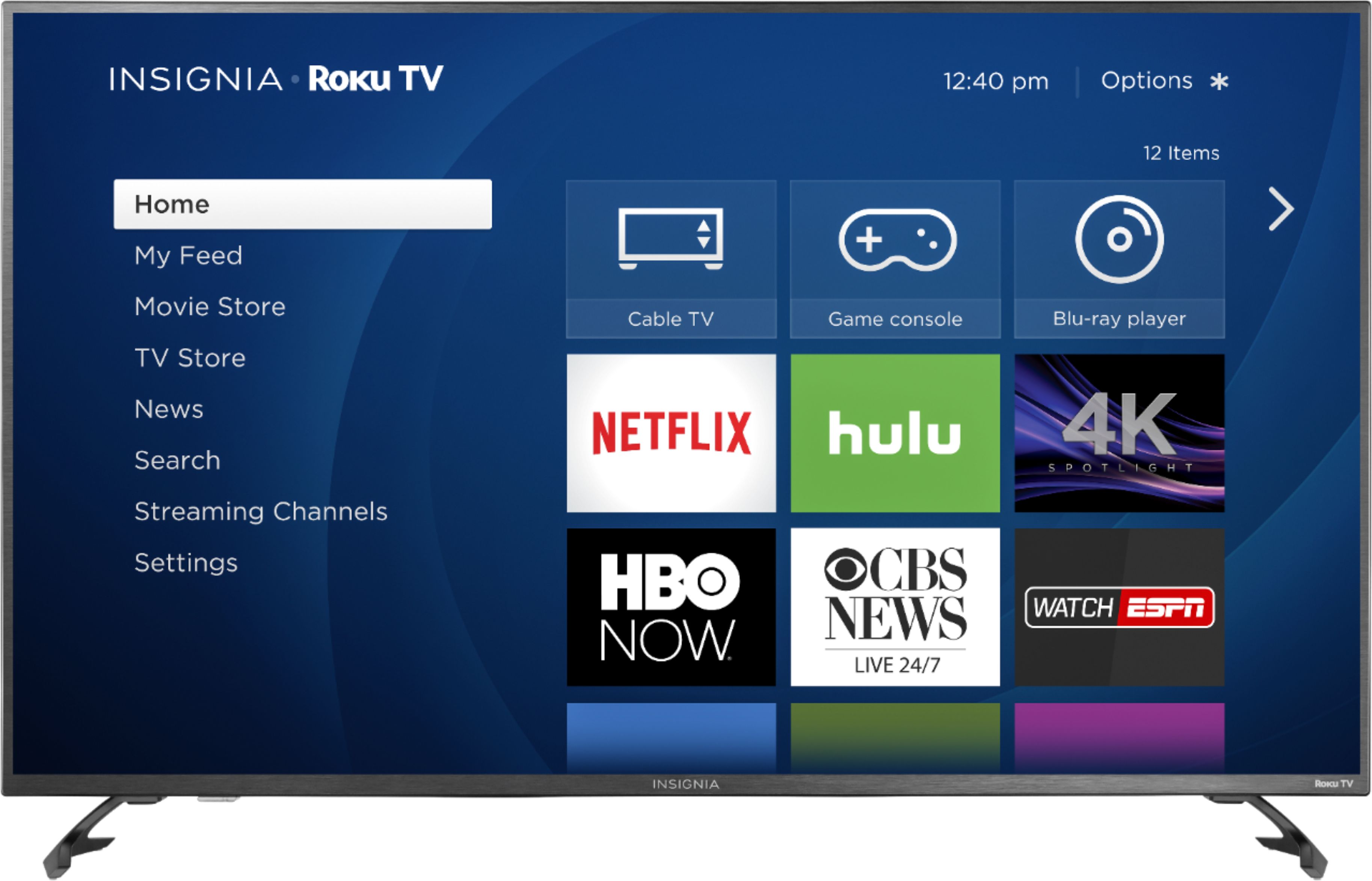
A:Answer Amended answer: Go to the Home screen with all the content offerings, etc. From the top listed menu selections, scroll to the right and select Settings, then select Display & Sounds. From the menu options listed in a window on the right,scroll down to "Set power on to last input."
See screen caps attached.
Do not press and hold the Home Icon at the top of the Remote. This selection will take you to small, right side menu which does not have this option. (Should be included in next update!)