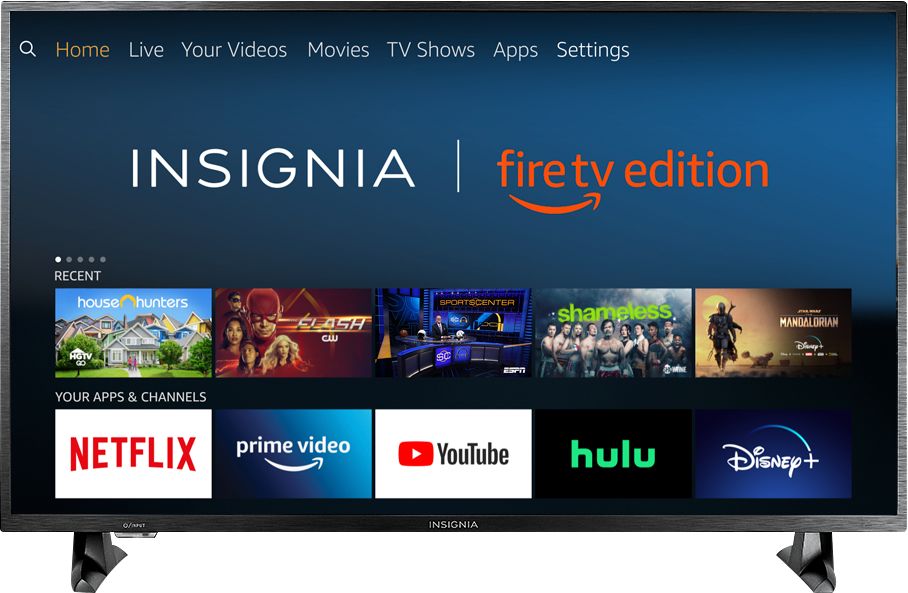
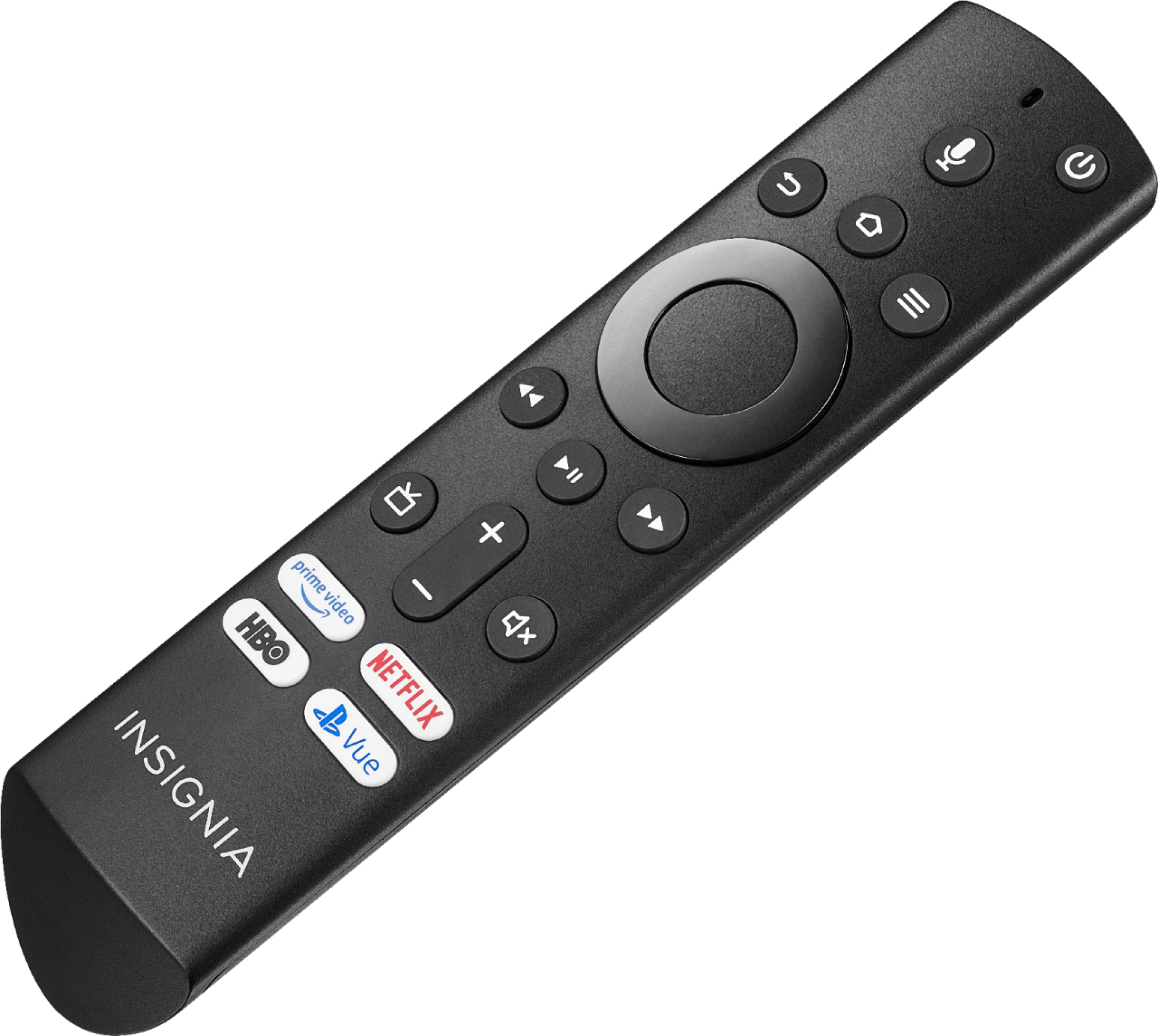
A:AnswerTypically, you'll just need to make sure the Bluetooth device is in pairing mode first, then once you've done that go into the TV settings and navigate to Controllers & Bluetooth Devices > Other Bluetooth Devices > Add Bluetooth Devices. The TV should detect the device. If it does not, then the device might not be compatible for some reason.
Note that there is no option to use the built in television speakers AND additional supplementary speakers on this device via Bluetooth. Believe me, I've tried.
A:AnswerI had the overscan on my previous TV and was unable to read the scrolling, etc going across the bottom of the screen. With this Insignia Smart TV I do not have the problem. Perfect picture Totally pleased with this.
A:AnswerNo, it just brings up the menu when you do turn it on. You can however hit the TV button to go to live TV if you have cable or an antenna connected.
A:AnswerPlug your device into the tv and then turn on the tv. It will show you, but basically, that's it. I'm a an old clunker from the fifties,and If I can, You surely can, unless maybe you're from the 20's or 30's..... Just Joking.
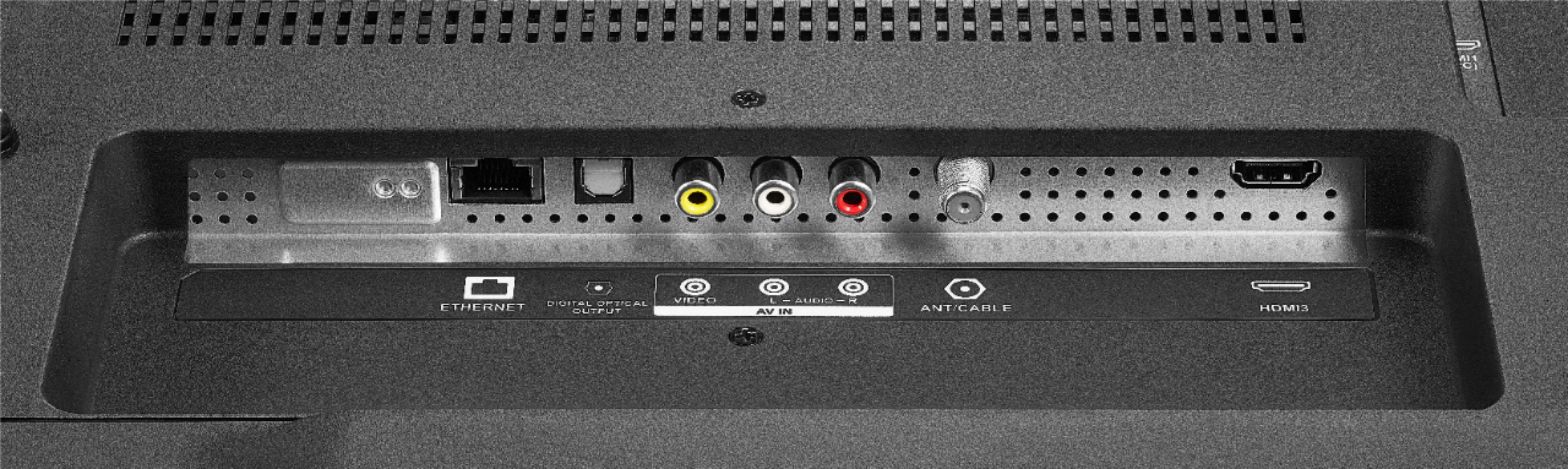
A:AnswerNo, the digital tuner is capable of over the air broadcasts but not for cable use without a box. It can receive a limited range of cable channels without a box. All TV's are like this.
A:AnswerHi, Sy.
Thank you for sharing your inquiry with us. This TV has definitely a HDR function. I would like to provide you with the correct options for this situation, this is why I kindly ask you to reach us at https://www.insigniaproducts.com/contact-us so we can properly assist you.
Alexander G. - Insignia Support
A:AnswerThe Fire TV Edition television requires a strong stable high-speed internet connection to stream content. For example Netflix recommends an internet speed of 25 Mbps.
Download the Amazon Fire TV app on your Smartphone to control your Fire TV Edition television.
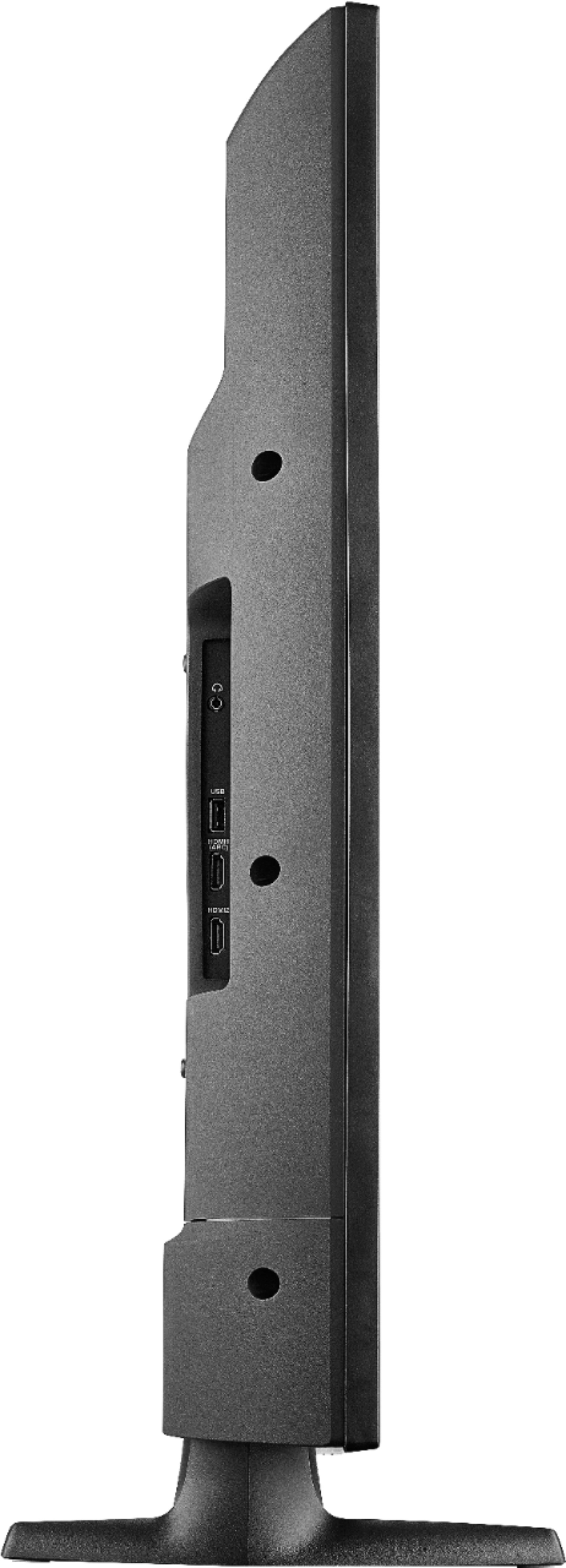
You can connect your Smartphone to the Fire TV Edition television using HDMI.
David M. - Insignia Suppport
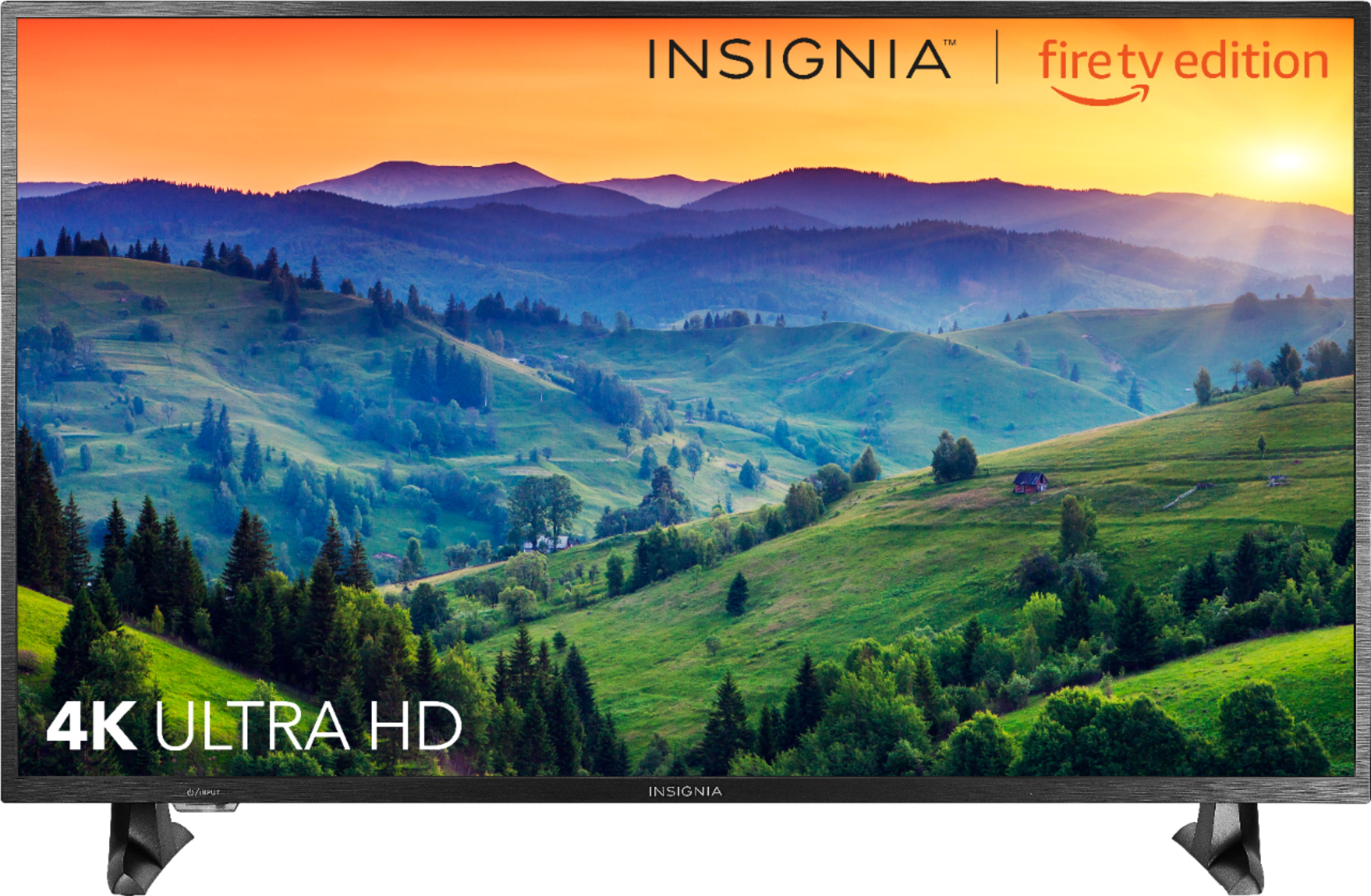
A:AnswerAs far as i know that this TV is already 4k and 2160p. And if ur asking about the HDMi cable if the port supported it even if the cable is not 4k, well i guess if ur buying a HDMI cable better check if its 4k/1080p or so. There are some HDMI cable that is already 4k capable
A:AnswerI don’t have cable - just internet tv. I bought the antenna stuff but since I signed up for Hulu live I didn’t bother to set it up. I’m two months in - no cable bill.