A:AnswerHi, Lavikes.
This can be caused by several reasons and I would like to provide the correct troubleshooting steps. Please reach us at https://www.insigniaproducts.com/contact-us.
Cesar G. - Insignia Support
A:AnswerThis TV does not have a built-in camera for live video streaming.
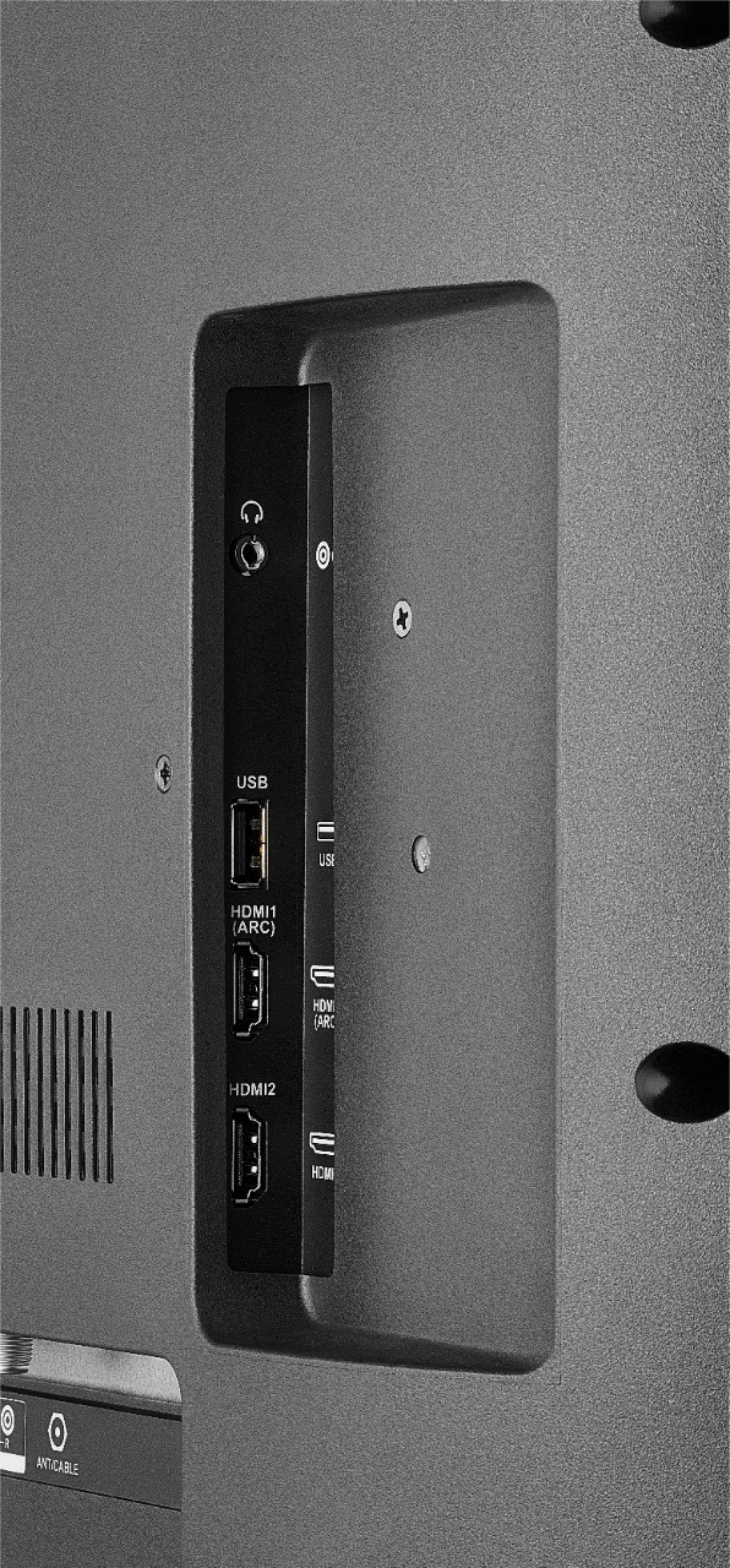
You can connect your mobile device to the TV using an HDMI cable.
David M. - Insignia Support
A:AnswerThis TV features built-in Wi-Fi 802.11 a/b/g/n/ac; 2x2 MIMO, supports 2.4 GHz and 5.0 GHz dual band. You just have to select your network.
This TV does not have a feature to activate/deactivate supported bands.
David M. - Insignia Support
A:AnswerHi Travis,
Yes you are able to change the resolution of the TV. For detailed step by step instructions, please contact our team. We will be more than happy to guide you through this.
- Janína G. | Insignia Support | https://www.insigniaproducts.com/contact-us
A:AnswerHi Anurag,
This TV as you mentioned is a smart TV. You do not need to cast to it. You can install apps directly onto it without the need from your phone. Some apps from your smart phone will however, have the cast icon at the top corner. This allows you to cast to the TV, however it is dependent on having the app on both devices. For further assistance, you are welcome to contact us. We are here for you.
- Janína G. | Insignia Support | https://www.insigniaproducts.com/contact-us
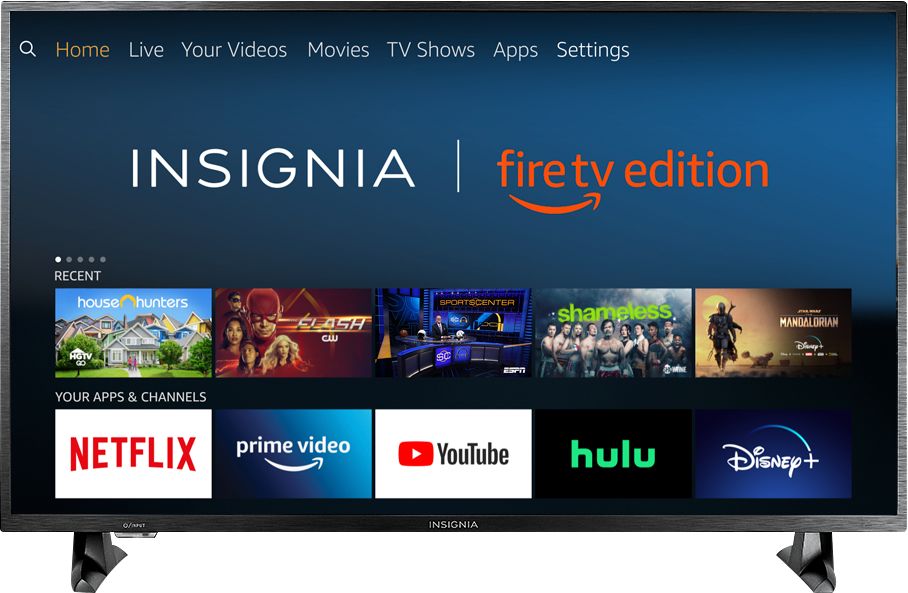
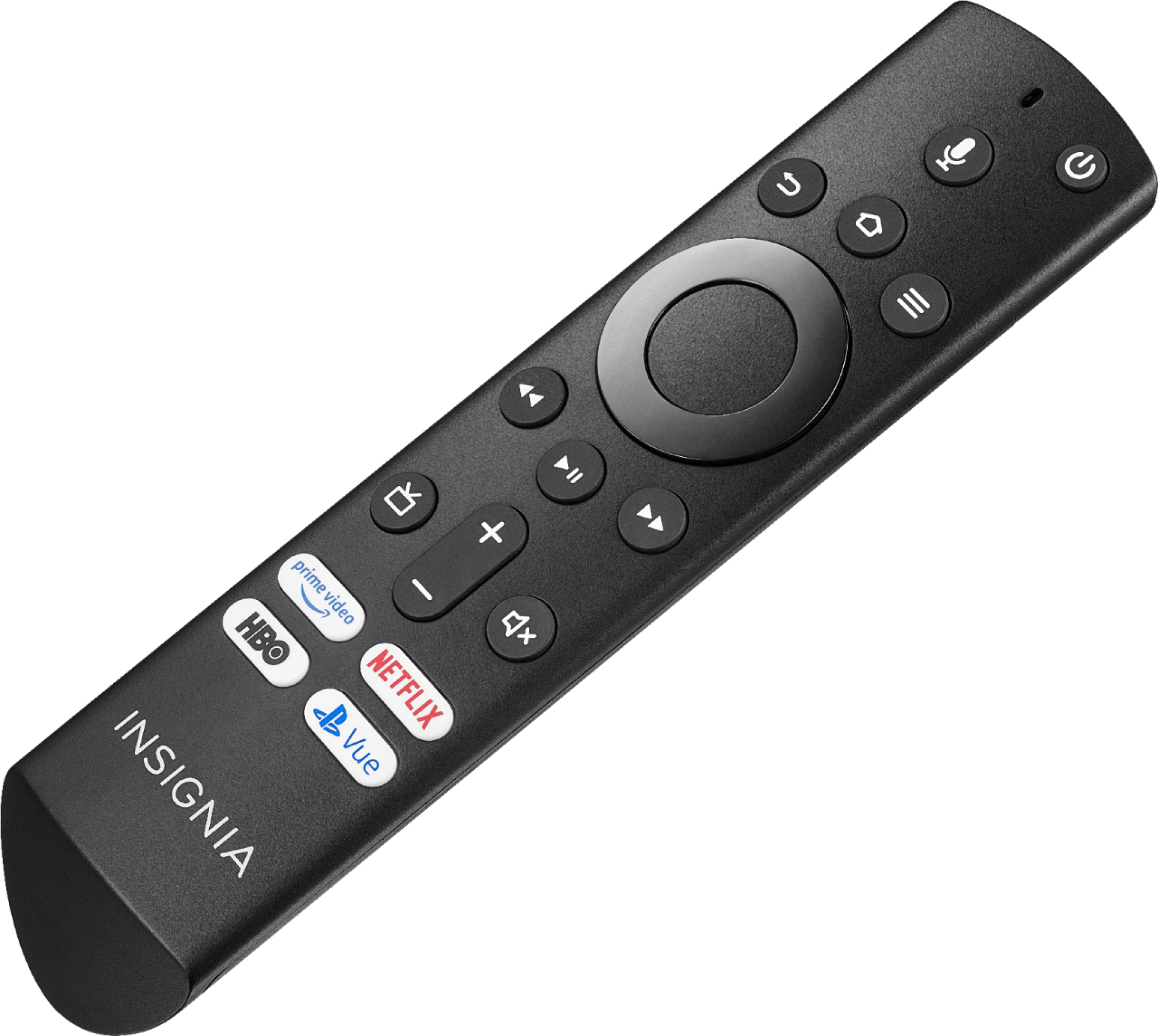
A:AnswerThe included Voice Remote works using Bluetooth technology.
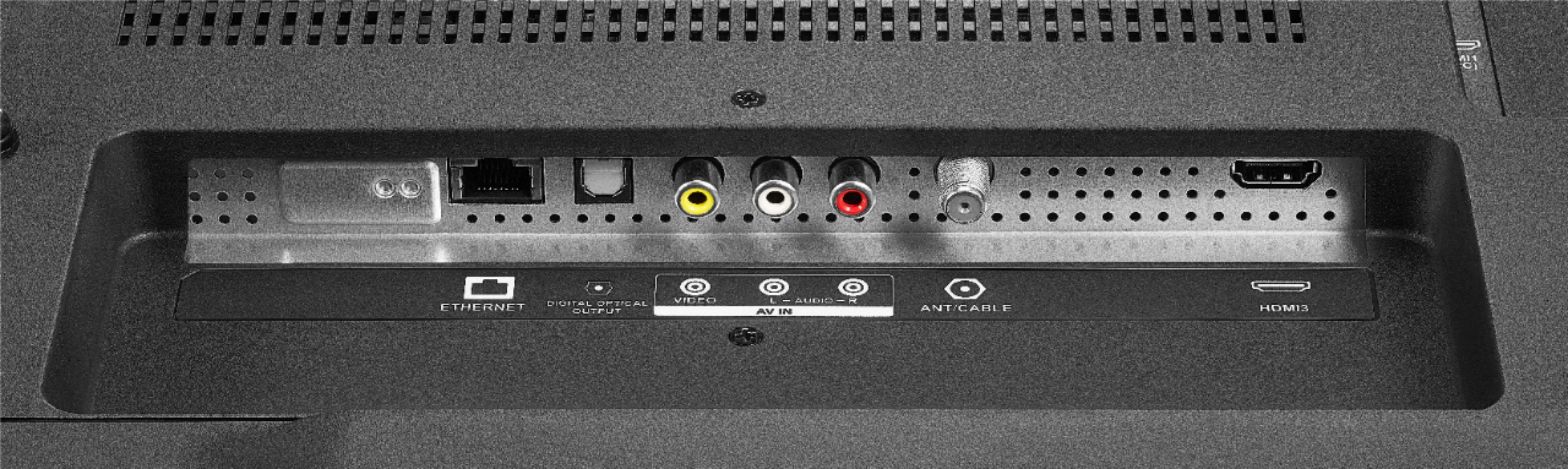
Connect your external audio devices to one of the following Audio Outputs: 3.5 mm (Headphone Jack) or Digital Optical Output.
David M. - Insignia Support
A:AnswerIt might be either or but in the setting there is an option to search for the local channels and but since you have your cable box plugged into your antenna port, that could be the reason it’s not able to search for the local channels. I would recommend connecting via HDMI to get the most out of the picture and the TV if possible.
A:AnswerHello,
I am sorry to read about this situation with your Fire TV, I know this is important to you. In this situation assistance will be required, please follow the link at the end so one of our agents can gladly assist you, rest assured we are going to do our best.
Eduardo L - Insignia Support
https://www.insigniaproducts.com/contact-us