A:AnswerIt should support any wireless router. The tv has wireless AC capabilities (in my estimation) so if you have an AC compatible router it should be as fast as plugged in
A:AnswerI’m not sure about the hearts but if you click the star on the remote too many times it turns on a type of guide narrator that reads everything you see.
A:AnswerWe had no problem with setting up the tv. I would take the remote back to Best Buy. As for the RCA remote you should be able to pair it with the tv just follow the directions.
A:AnswerDoes your Blu Ray player support up-play? Not all will bring a DVD up to hi def quality. Add to that, you are playing them on a 4k TV, it is like watching a VHS on a 1080p TV. You need to be sure that what you are playing it on will boost that up to hi def...
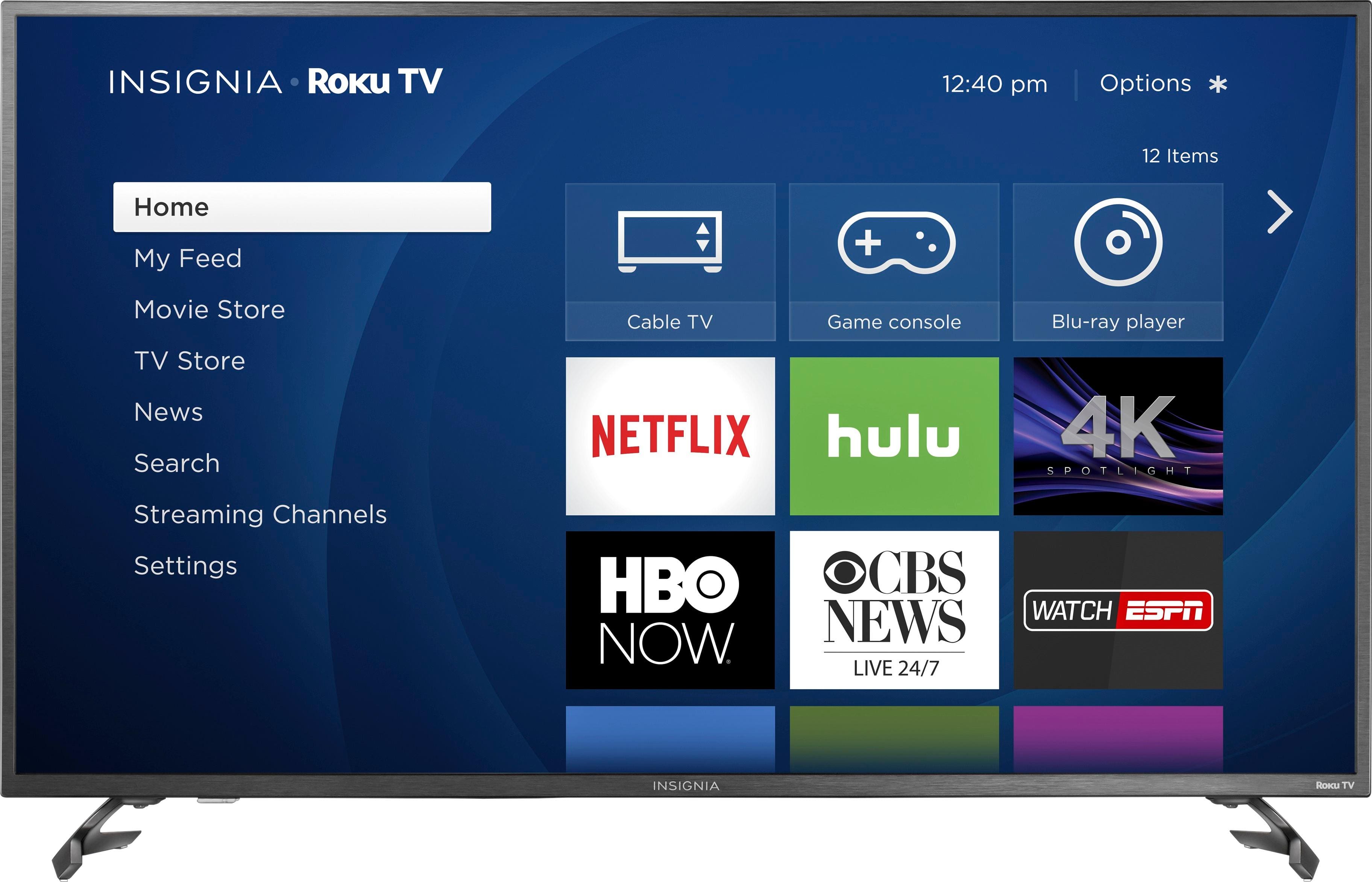
A:AnswerHad the same issue where I had to use the TV's remote to choose the cable box (in addition to the remote for my cable service), and just figured out how to fix that.
HERE'S HOW:
- With TV on, press the home button on upper right of rhe TV's remote.
- Scroll down to "Settings" and choose by pressing OK.
- Scroll down to "Power" and choose by pressing OK.
- Select "Power on" option and then select "Last used TV input".
(Use left arrow to exit by pressing multiple times or turn TV off and then on again... YOU SHOULD BE SET!)
A:AnswerIf you are having troubles in which you cannot resolve - you should either contact the technical support lines provided or return the item if you feel it is defective. Not sure how this will help consumer be better educated on the TV.