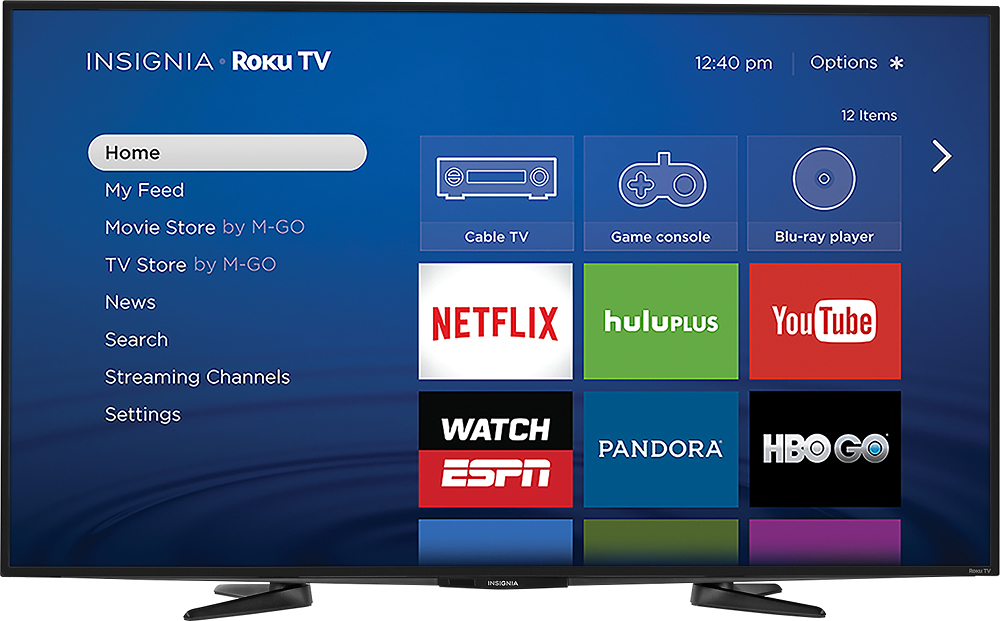
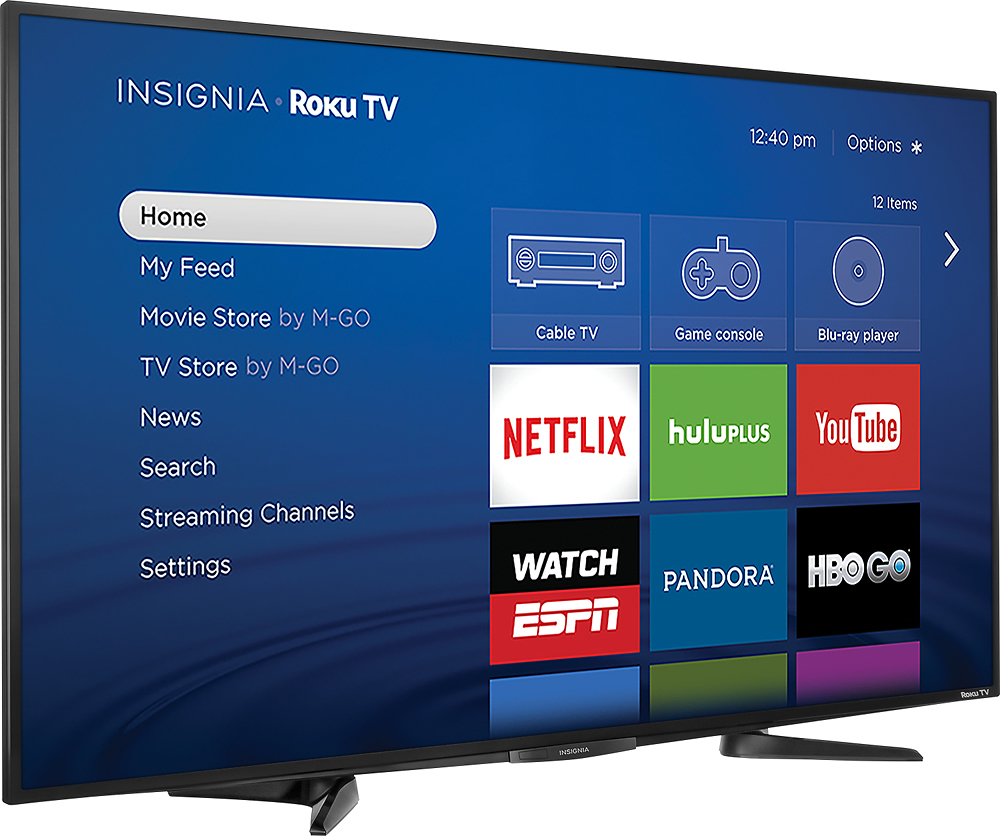
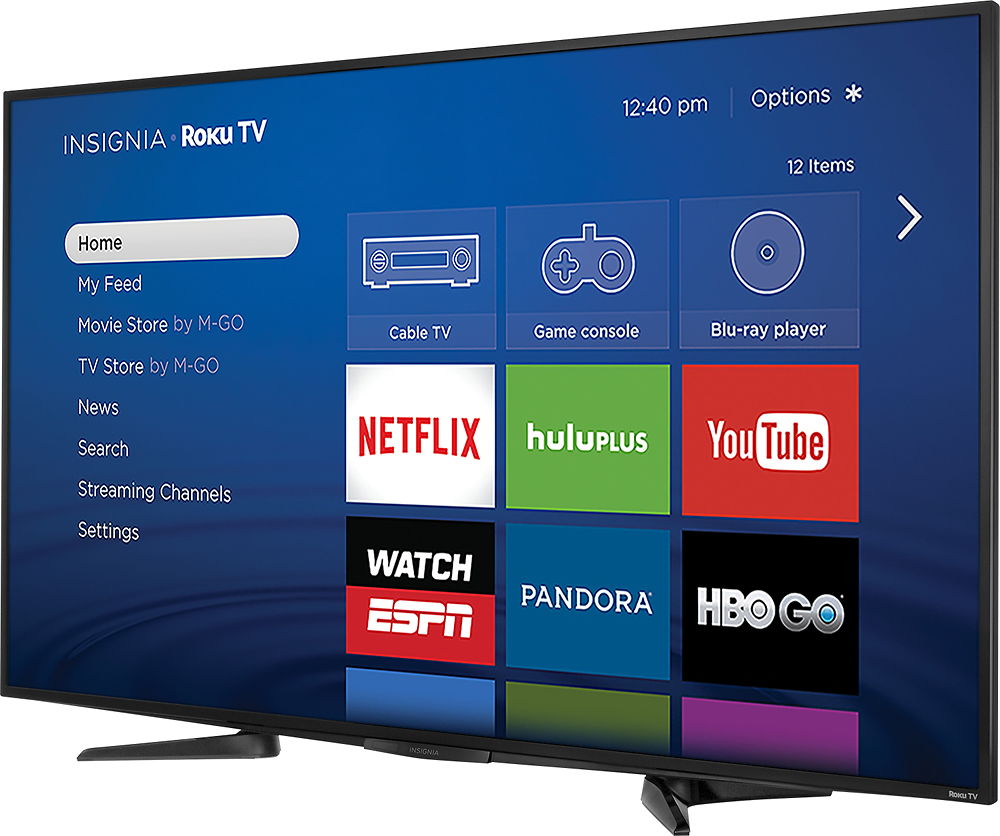
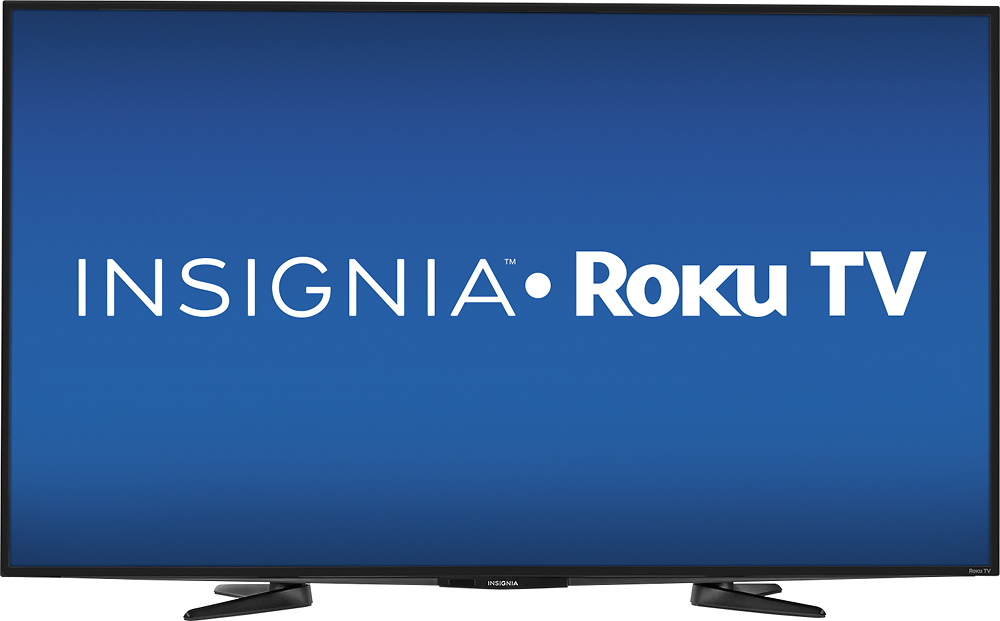
A:Answer With TV on, hit the * on the remote. 'Options' will appear on the left side of the screen. Scroll down to the Advanced Picture Settings. Click on Advanced Picture Settings and scroll down to 'Picture Size'. Toggle left or right to select between Auto, Direct, Normal, Stretch and Zoom to get the picture size you want.