A:AnswerFor online -Included Free- offers, please visit bestbuy.com and add the item to your cart to see what is included with your purchase.
David M. - Insignia Support
A:AnswerHi.
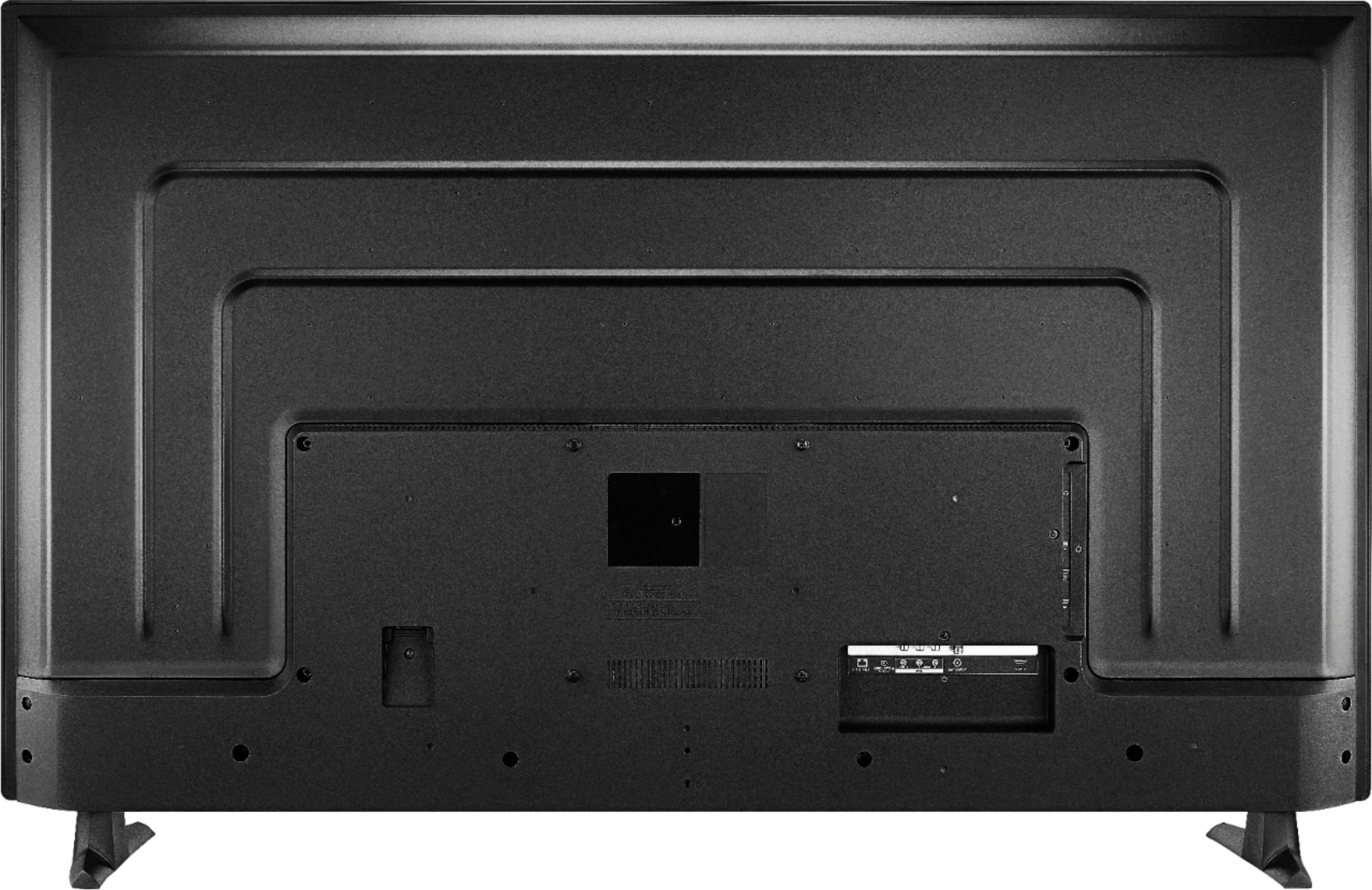
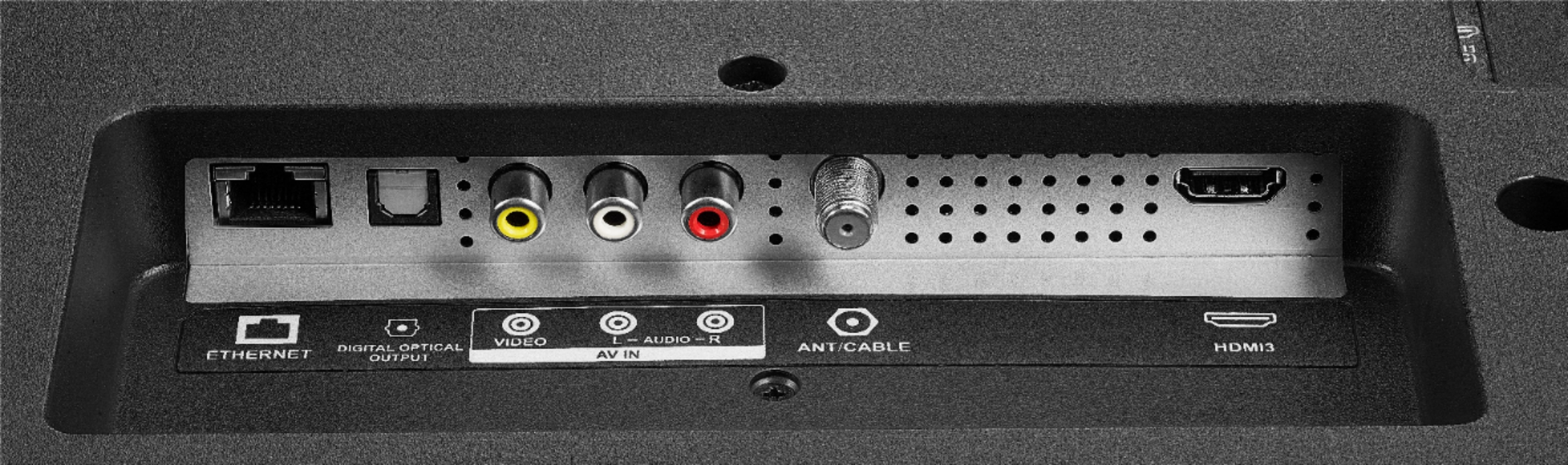
I tried connecting my laptop and Nintendo Switch to the TV through the HDMI and it works fine just fine. You might want to try wiggling the cord on your Xbox because when I tried connecting the laptop, the sound didn't work at first and worked after I wiggle the cord.
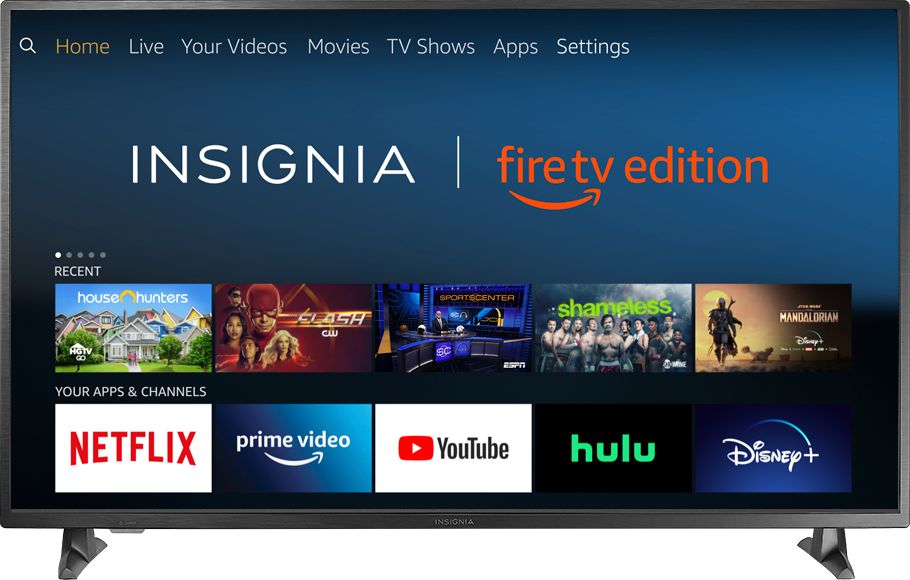
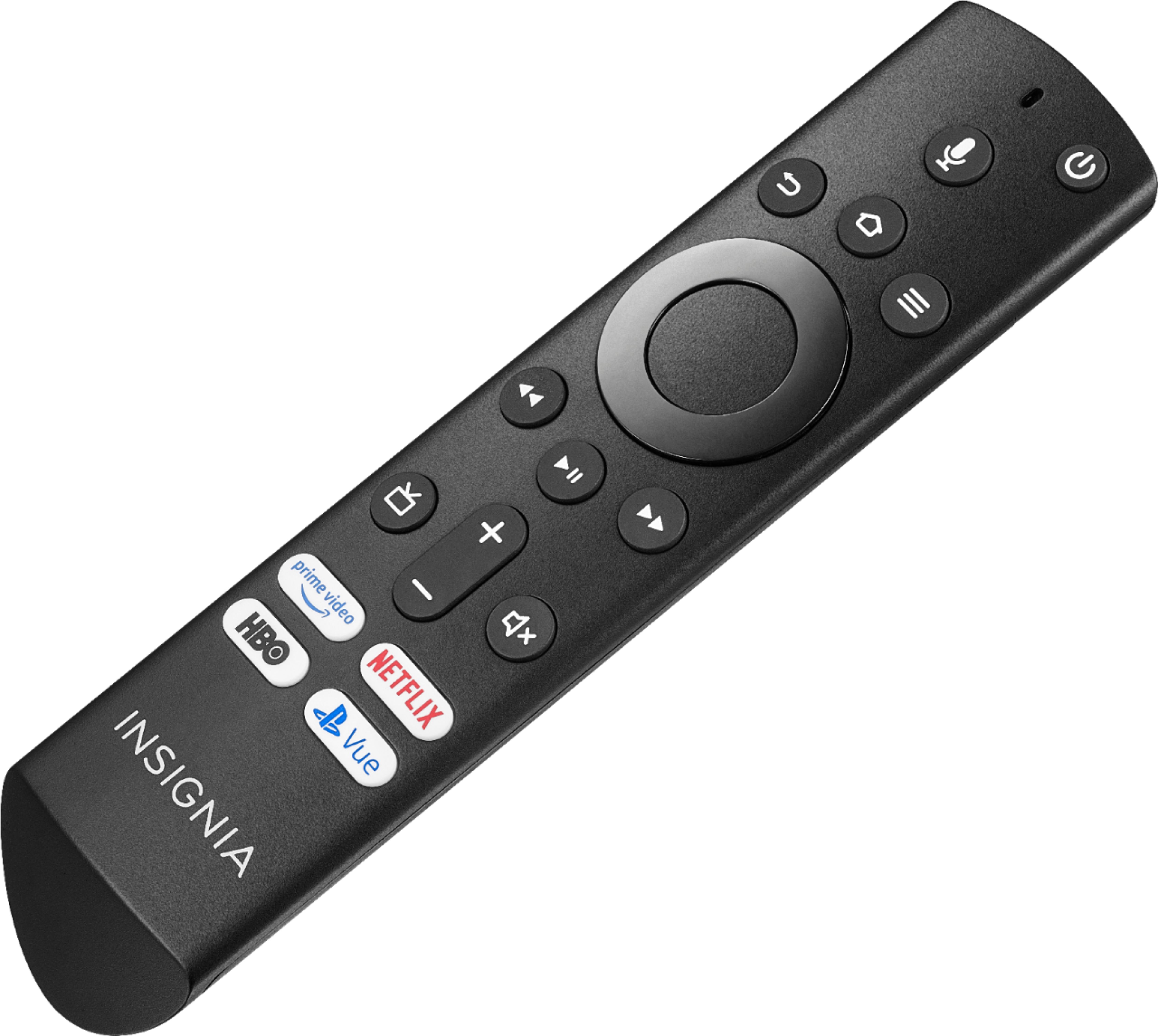
A:AnswerTo edit the channel lineup go Home button > Settings > Live TV > Channel Management > All,
scroll to the channel you want to hide and Press the Play /Pause button to Hide the Channel.
David M. - Insignia Support
A:AnswerYou can lay flat the TV on a soft surface and to keep the screen clean avoid touching it. This is not a touch screen.
David M. - Insignia Support
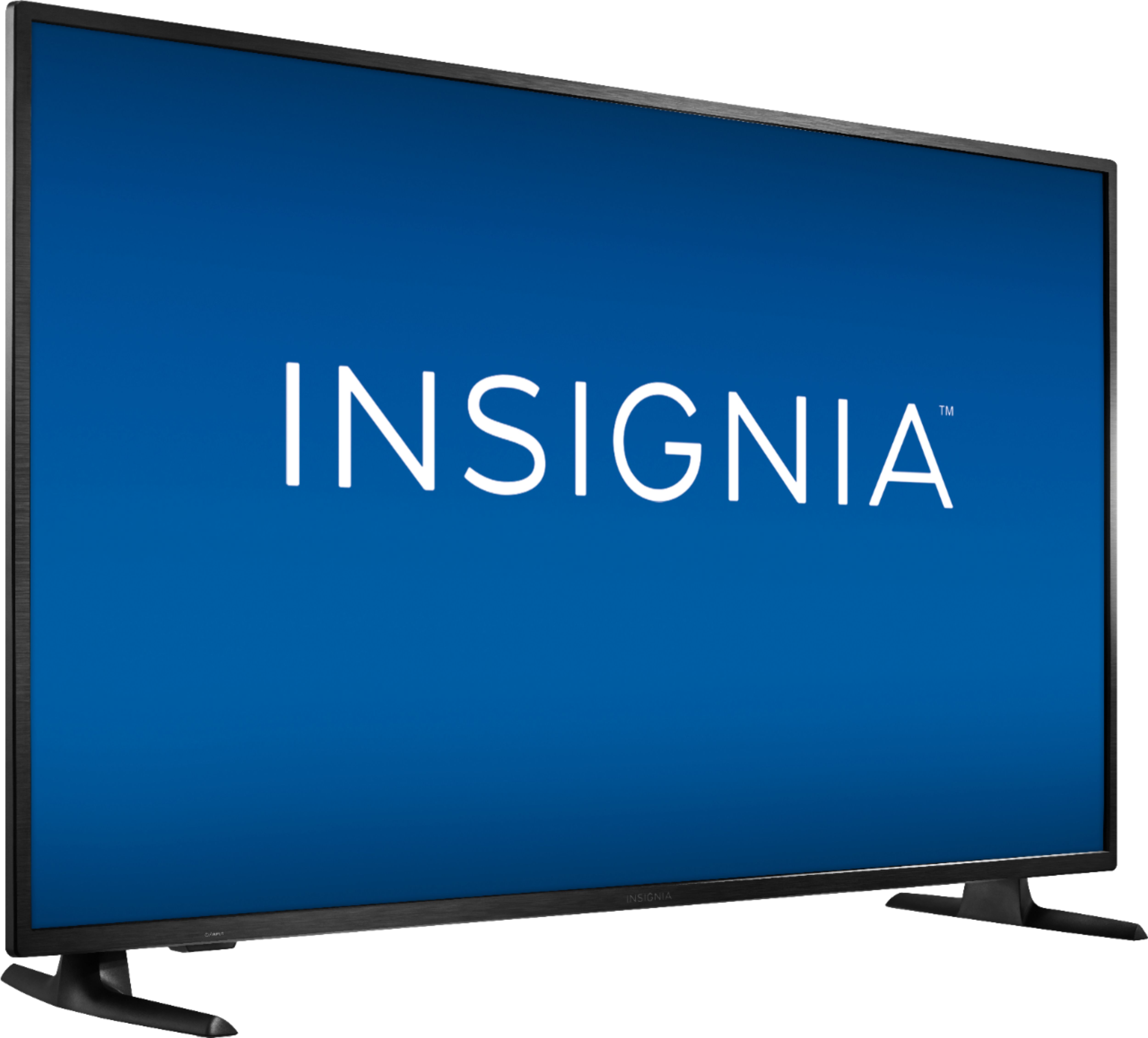
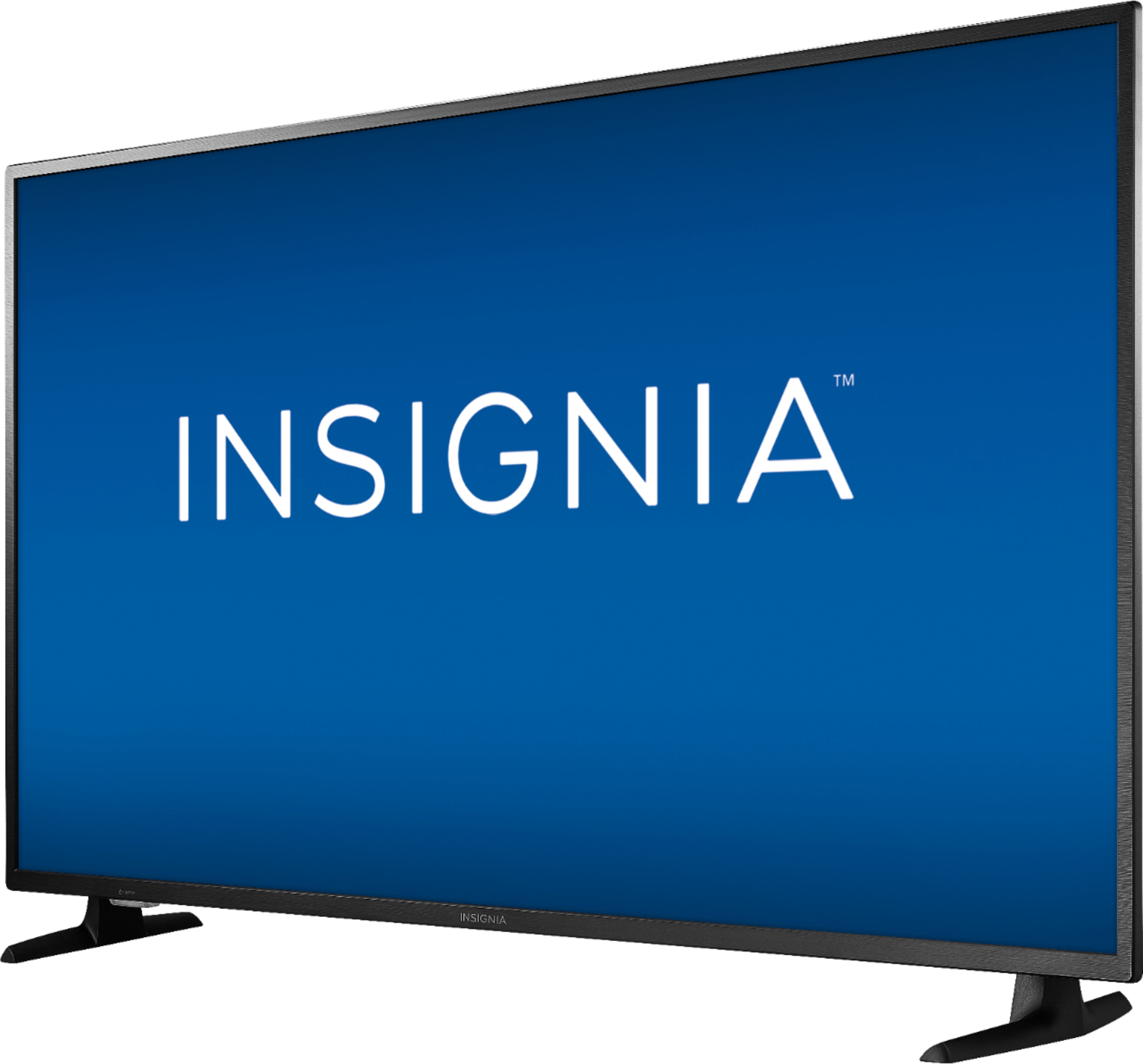
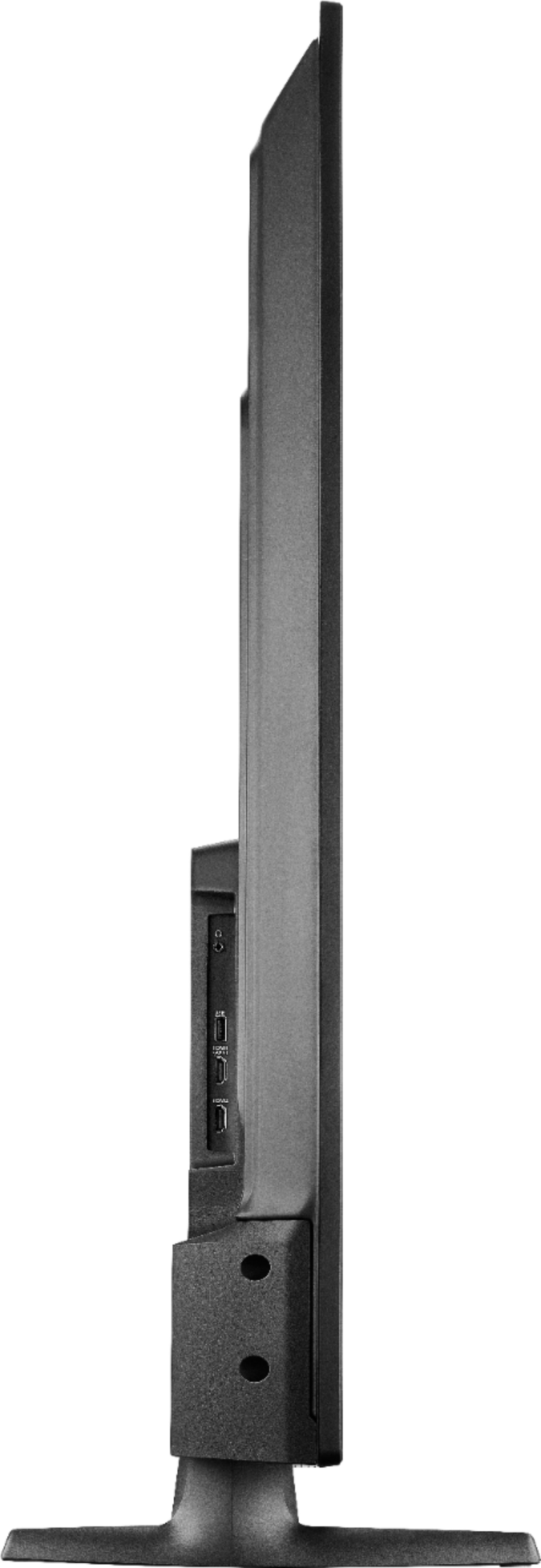
A:AnswerHi! The dimensions of this product are:
- Product Height With Stand 30.3 inches
- Product Width 48.9 inches
- Product Depth With Stand 10.4 inches
- Product Height Without Stand 28.6 inches
-Product Depth Without Stand 3.3 inches
- Product Weight With Stand 29.7 pounds
- Product Weight Without Stand 29.3 pounds
For more information please check the "Specifications" section on our website.
Viridiana E.
Insignia Support.
https://www.insigniaproducts.com/contact-us
A:AnswerThis TV is not compatible with Amazon Home Theater.
For a list of supported devices, please visit:
https://www.amazon.com/gp/help/customer/display.html?nodeId=GYYMWGZJUK28FEN6
David M. - Insignia Support
A:AnswerTry to set your Apple TV to never sleep.
For personalized assistance, please call 1-877-467-4289 available from 8am to 9pm CT daily.
David M. - Insignia Support
A:AnswerYes, this TV has a tuner. You can connect your antenna to watch free over-the-air broadcasts from your local channels.
David M. - Insignia Support